

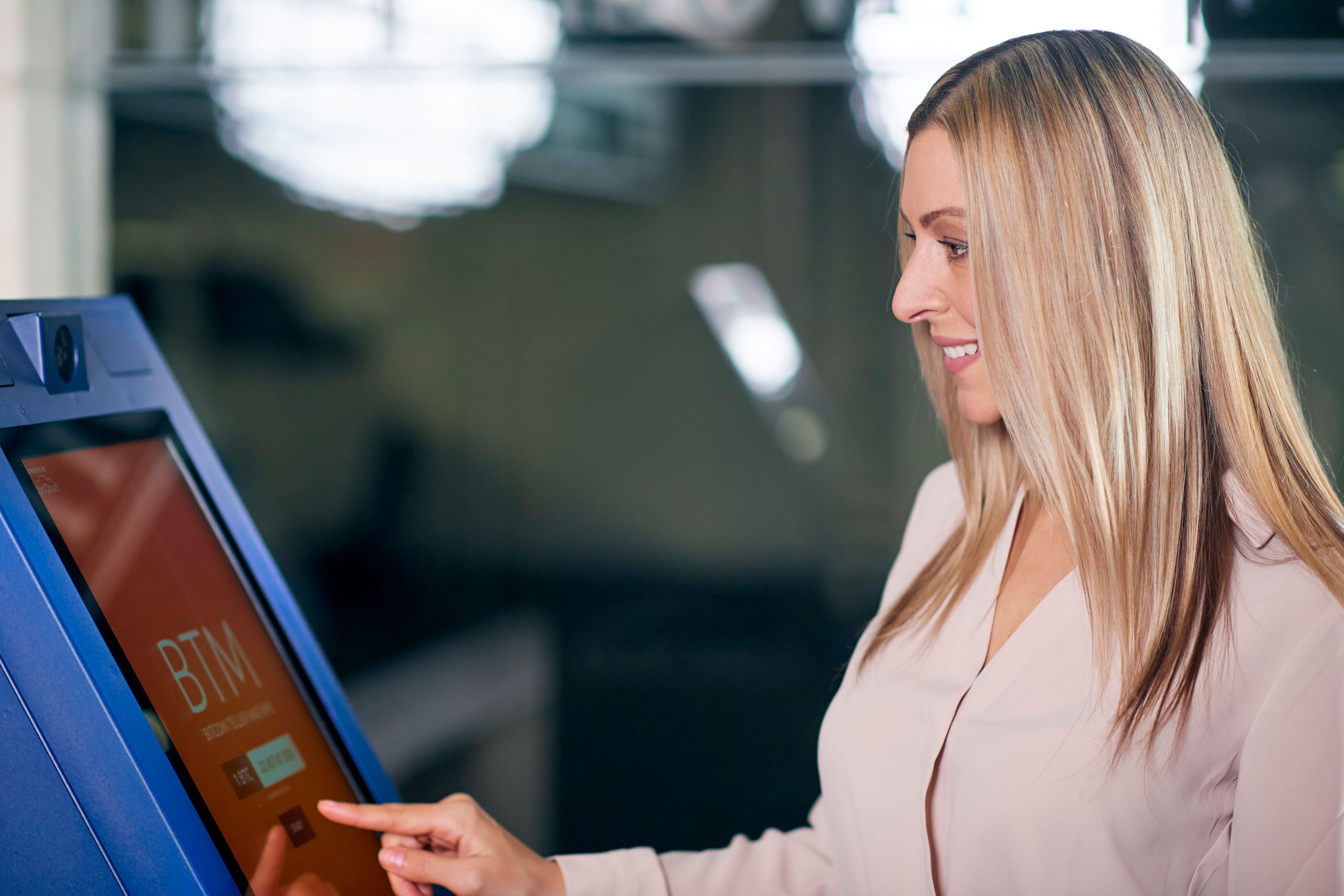
Having explored the operational cashiering workflow and keyboard function keys, this article examines POS cash registers from an architectural perspective: what physical components comprise a point-of-sale system, what role each peripheral fulfills, and what operational precautions must be observed. Understanding these hardware components ensures confident equipment selection and rapid daily troubleshooting.
A standard commercial POS station comprises two primary subsystems: the barcode reader responsible for ‘input and data acquisition,’ and the electronic cash register host responsible for ‘transaction calculation, payment processing, and record keeping.’
Barcode Reader: Scanning Merchandise Data
The barcode reader fulfills an essential role: scanning printed 1D/2D barcodes on product packaging and transmitting encoded SKU data to the host system. Several hardware formats exist:
Wand / Pen Scanners: Compact and budget-friendly, but requiring physical contact across barcodes with steady manual swiping. CCD Scanners: Portable with flexible close-range depth of field. Handheld Laser / Imager Guns: Offering generous scan distances, wide trigger angles, and high flexibility, standard across convenience stores. Hands-Free Countertop Omni-Directional Scanners: Embedded into checkout counters, delivering rapid scan rates, omni-directional reading, and high durability for high-volume supermarkets where cashiers glide products over the optical window effortlessly.
Selecting the appropriate scanner depends on transaction velocity: small shops with varied goods benefit from handheld scanner guns, whereas busy supermarkets with continuous queues require hands-free omni-directional scanners.
Operational Care: Protect the scanner’s glass optical window from impacts, scratches, or adhesive films that degrade optical refraction. Avoid sharp bending or cable strain along communication leads. Regularly wipe the optical window with a soft lint-free cloth, as dust and grease accumulation are the most common causes of scanning unresponsiveness.
Electronic Cash Register Host: Calculation and Payment Engine
The POS host receives barcode data from the scanner, queries the local or cloud product database, displays product titles and unit prices, and calculates running subtotal amounts.
It automates tender calculations, change due, cash drawer triggering, receipt printing, and transaction modifiers (discounts, price overrides, voids, returns). Sales data synchronizes over local networks to central inventory servers, while shift reports can be generated on demand.
The host system coordinates five core peripherals: matrix keyboard, customer display, receipt printer, host compute display, and cash drawer.
1. POS Matrix Keyboard
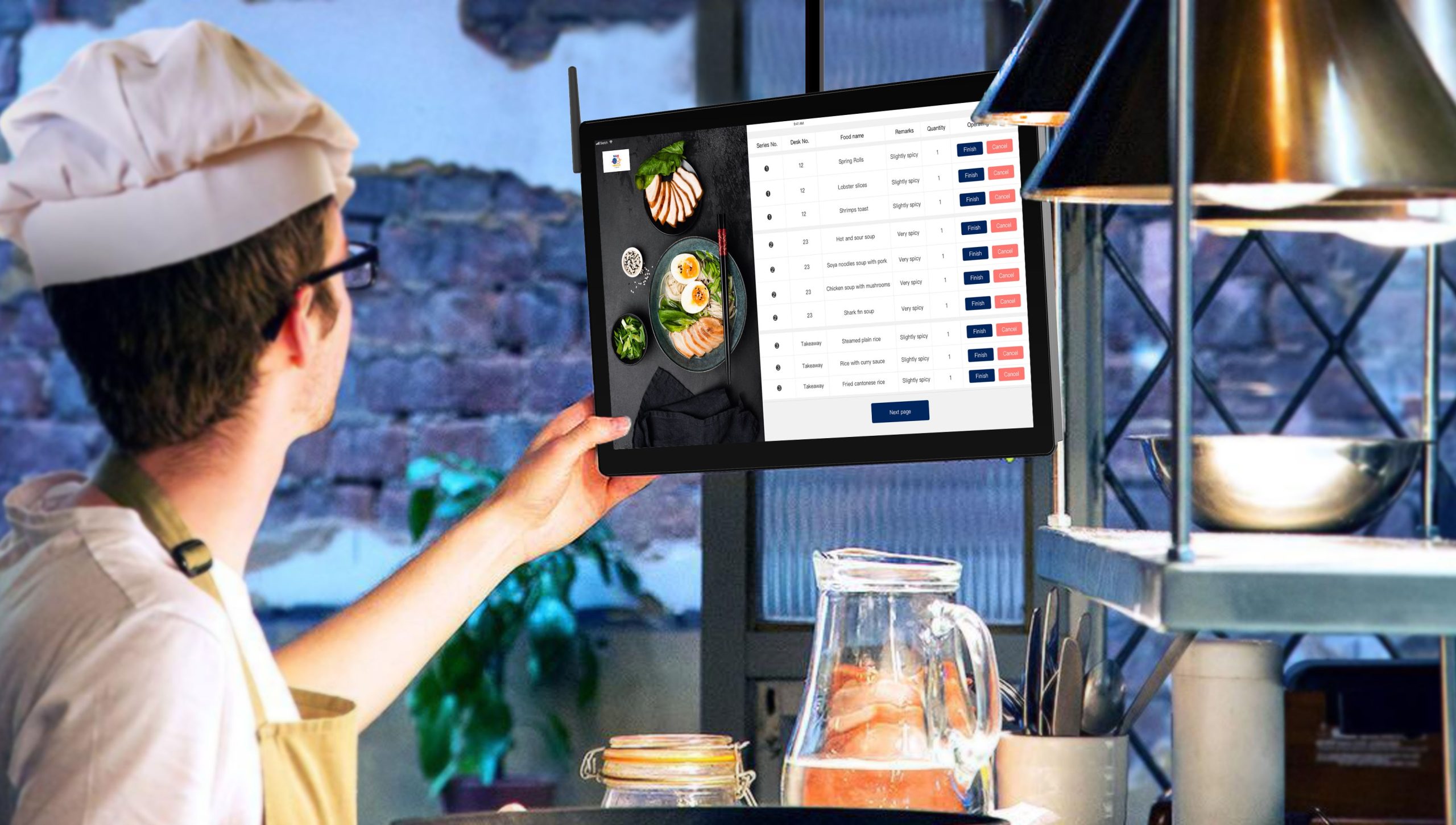
Dedicated POS matrix keyboards feature two functional categories: Basic Keys (numeric pads, arithmetic keys, discount/promotion keys, payment tenders like cash, check, credit card, and vouchers, along with subtotal and total keys) and Function Keys (department PLU hotkeys, password locks, tax calculations, currency conversions, report printing, and programmable macro keys).
Dedicated commercial keyboards typically feature 30 to 100+ keys with mechanical key switches. A multi-position key lock switch is located at the top-right corner: turning the physical key selects operational permission modes (OFF powers down the terminal, REG enables standard cashiering, MGR allows manager-level overrides and voids, and SET/PGM provides system programming access). This physical key lock restricts operations by employee role, preventing unauthorized access.
2. Customer-Facing Display (Pole Display / Secondary Screen)
Facing the customer, this display mirrors transaction data, allowing shoppers to verify items and prices while ensuring transparent cashiering.
Display transitions follow standard sequences: idling shows welcome greetings; scanning merchandise displays item count and unit price; pressing Total displays the order grand total; entering tendered cash displays change due; and terminal sign-off displays closing notices.
Modern customer displays feature adjustable swivel poles and tilt angles, utilizing high-contrast VFD fluorescents, LED characters, or full-color graphic LCD screens that support advertising graphics and dynamic payment QR codes.
3. Thermal Receipt Printer
Thermal printers generate transaction receipts. High-volume stations deploy dual-roll printers or two-ply thermal paper, retaining one copy for internal audit while giving the original to the customer.
Printed receipts document: store name, timestamp, receipt number, POS register ID, item descriptions, quantities, unit prices, subtotal, tax, tender amount, change due, and return policy disclosures, serving as official proof of purchase.
Handling Care: Thermal paper is heat-sensitive; store spare paper rolls in dry, cool cabinets away from heat and direct sunlight to prevent premature darkening. Regularly clear paper lint from the print roller, wiping thermal print heads with alcohol swabs to prevent faded printing.
4. Host Computer and Cashier Monitor
The host computer processes database logic, inventory synchronization, and peripheral communication, while the cashier monitor displays system menus, itemized lists, and inventory lookups.
Modern POS systems integrate the host compute engine and touch monitor into a unified sleek all-in-one chassis, eliminating tangled external power supplies and desktop clutter.
5. Electronic Cash Drawer
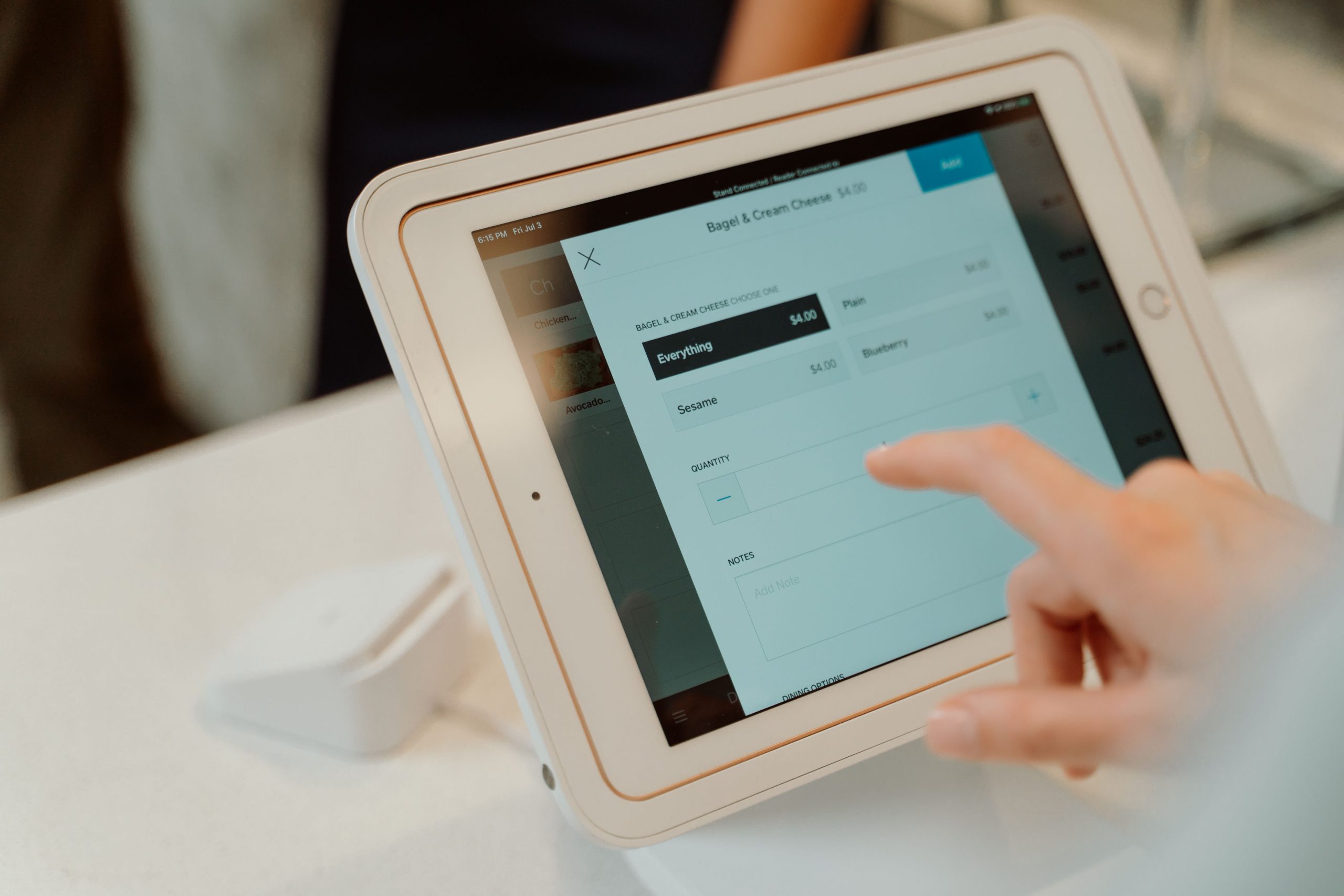
The cash drawer safely stores physical currency bills, coins, receipts, and checks. Connected via an RJ11/RJ12 drawer kick port to the receipt printer, the drawer triggers open automatically when cash payments are tendered.
Internal compartments feature adjustable bill trays with spring-loaded metal clips and coin cups. Drawers feature three-position key locks: electronic automatic pop-up via printer trigger, manual key open, and locked-out security shut. Keep the manual key stored securely away from the drawer to prevent unauthorized access.
Connecting the Hardware Components
A standard POS setup links all peripherals smoothly: the barcode scanner connects via USB; the matrix keyboard links via USB or PS/2; the receipt printer connects via USB or LAN; the cash drawer links via an RJ11 kick cable to the printer; and the customer display connects via USB or RS232 COM port.
Organize cables within neat raceways and verify that power and communication cords remain free of pinches beneath counter edges.
Frequently Asked Questions (FAQ)
Why does the cash drawer fail to kick open automatically upon checkout? Check whether the RJ11 cable linking the drawer to the receipt printer is loose, confirm whether the physical lock is turned to locked-out mode, and verify that the printer driver has drawer-kick triggers enabled.
What causes the barcode scanner to beep without transmitting data to the screen? The scanner may be in an unconfigured USB COM emulation mode, or the USB cable terminal may be loose. Scanning the vendor ‘USB HID Keyboard’ configuration barcode typically restores standard input.
Can stores operate without a customer-facing display? While legal requirements vary, customer displays foster transparency, reduce customer disputes regarding totals, and display mobile QR payment codes.
How do retailers clean thermal receipt print heads? Power off the printer, open the cover, and gently wipe the dark thermal line across the print head using a cotton swab moistened with 99% isopropyl alcohol, allowing it to dry fully before loading paper.
Conclusion
A complete POS cash register station harmonizes five core hardware peripherals: barcode scanners, matrix keyboards, customer displays, thermal printers, and cash drawers. Understanding their distinct functional roles, connection interfaces, and routine maintenance ensures smooth retail transactions and reliable store operations.
Explore Related Self-Service Kiosks & POS Checkout Terminals
If you are upgrading your retail checkout counter, restaurant ordering flow, or commercial payment terminals, consider our proven hardware solutions:
- All-in-One Telecom Self-Service Payment Terminal for Bill Payment & Top-Up
- Multi-Function Self-Service Payment & Banking Kiosk with Biometric Authentication
- Hospital Patient Self-Service Registration & Ticket Dispensing Kiosk
- 15-Inch Windows Compact Desktop Touch Display for POS & Self-Service Terminals
Need a Custom POS Terminal or Self-Service Kiosk Project Quote?
ZXTLCD provides comprehensive OEM/ODM manufacturing for self-service ordering kiosks, cash registers, touch displays, payment peripherals, barcode scanners, and thermal printer integration.
Looking for Reliable Industrial Displays?
If you need an industrial-grade touch monitor for harsh environments, control cabinets, or technical test benches, explore our 15.6-Inch Industrial Touch Screen Display or the compact 10.1-Inch PCAP Touch Monitor designed for precision equipment. You can also browse our full line of Custom Embedded Displays with complete OEM/ODM manufacturing support.


