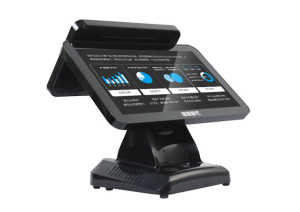
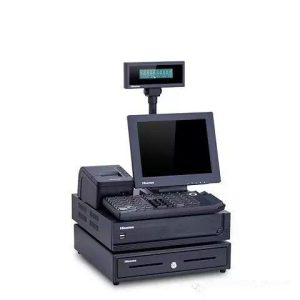
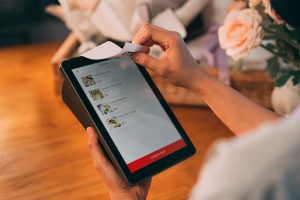
The right terminal depends on the transaction flow, product type, payment requirements and service environment rather than appearance alone.
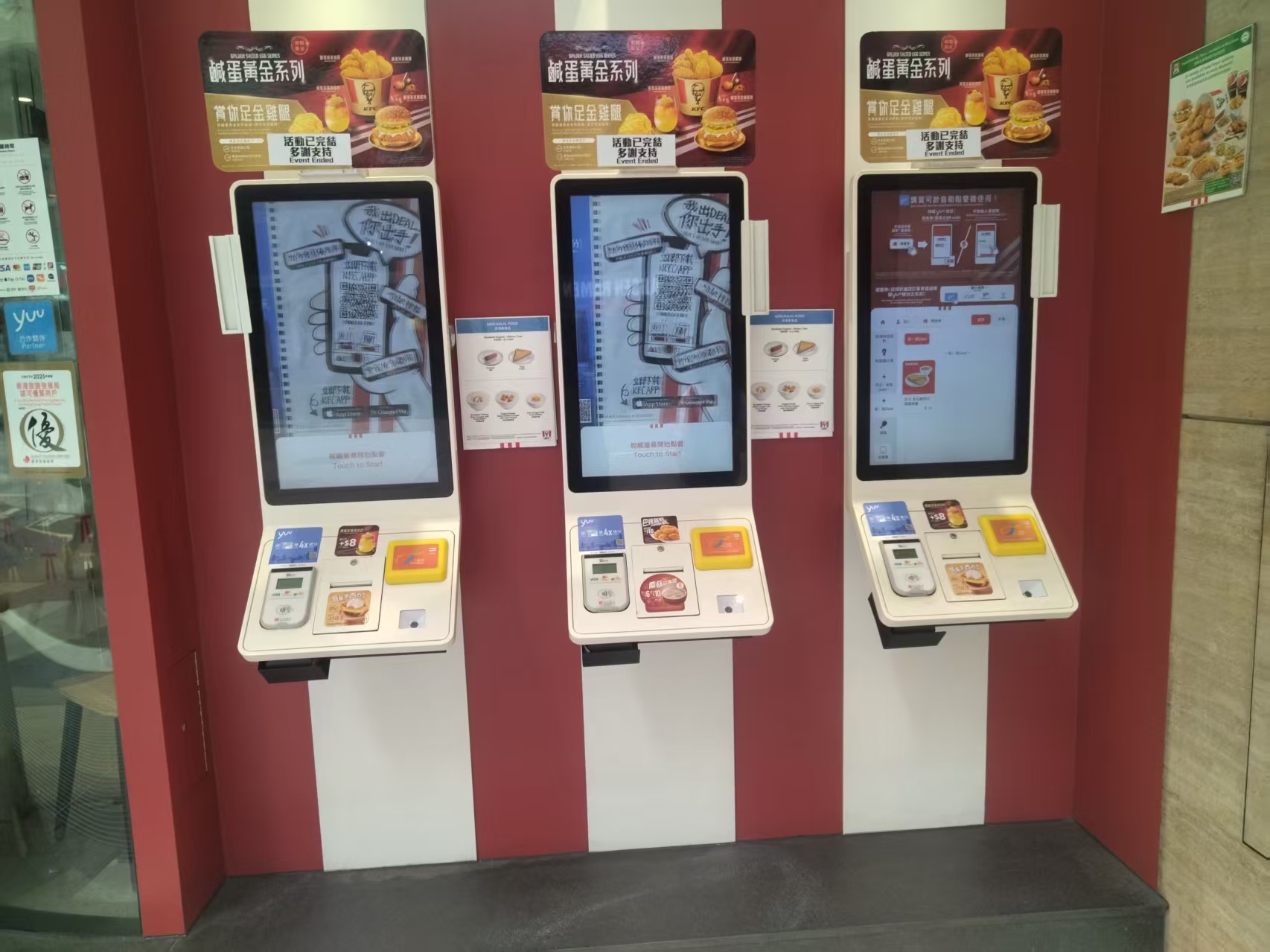
As a brand that has been deeply engaged in the smart retail industry for many years, we are often asked one question: why is the price gap between seemingly identical self-ordering kiosks so large? And what should you actually pay attention to when selecting equipment?
Today, I want to answer this question systematically from a professional perspective.
Scenario Requirements Are the Starting Point of Selection
Many people get the first step wrong – instead of looking at specs first, ask yourself: where will this equipment be used?
Q1: Do restaurant-scenario devices need special consideration?
Yes, absolutely.
The restaurant environment poses two unique challenges to equipment:
First, corrosive media. Picture a back-kitchen preparation area – cooking fumes drifting and cleaning agents spraying create continuous corrosion on the front panel. Panels without an anti-oil-fume coating treatment will show obvious aging and yellowing within six months, and touch sensitivity will decline.
Second, high temperature and humidity. For equipment near steamers or hot-pot areas, when indoor temperatures exceed 35°C in summer, the internal temperature of the device can exceed 60°C. If the equipment does not support a wide operating temperature range, frequent crashes are almost inevitable.
Recommendation: For restaurant scenarios, be sure to choose industrial-grade wide-temperature equipment (operating range -10°C to 60°C or wider) with an anti-oil-fume treated front panel.
Q2: What matters most in supermarket scenarios?
Waterproofing and impact resistance.
The real usage environment in supermarkets is harsher than imagined:
Shopping carts striking the equipment is a frequent event
Liquid spills from shopping bags are hard to avoid
High humidity in fresh-food areas plus operation with wet hands
Many buyers are fooled by the words “splash-proof,” but true waterproofing requires IP65 certification – meaning no water ingress during a continuous 3-minute test under low-pressure water jets (15 L/min, 3-meter distance, 15° angle).
Recommendation: Ask the supplier for the IP65 certification and confirm the internal circuitry has conformal (three-proof) coating.
Q3: What are the special requirements for outdoor scenarios?
Brightness is the core metric.
consumer-grade screens reach only 250 – 300 nit and are nearly invisible in direct sunlight. Outdoor scenarios require industrial-grade high-brightness screens – 1,000 nit or above – to guarantee readability.
How to Choose Between Capacitive Touch and Infrared Touch?
This is one of the most common questions in selection. Let me answer it in detail.
Q4: What are the pros and cons of capacitive and infrared screens?
Advantages of capacitive touch:
High light transmittance, up to 90%+, for better display quality
Fast response with multi-touch gesture support
Full lamination process reduces reflections
Good stability in standard indoor environments
Advantages of infrared touch:
Unaffected by ambient light; stable performance under strong light
Supports operation with gloves on
Stronger water and moisture resistance
Suited to sterile or fully sealed body designs
Conclusion:
Supermarkets, restaurants, and other standard indoor scenarios → capacitive screens
Outdoor, semi-outdoor, and factory workshop scenarios → infrared screens
Q5: Why do some devices lose touch function near printers?
This is most likely a touch IC issue.
Mature touch ICs have built-in digital filtering algorithms that distinguish genuine finger signals from ambient electromagnetic interference. But if a poor touch IC solution is used, touch failures occur whenever nearby high-power equipment (such as printers or motors) starts up.
Recommendation: Conduct on-site interference tests before purchase, or ask the supplier for an anti-interference test report.
Which Hidden Parameters Affect Equipment Lifespan?
Visible parameters (price, screen size, brand) are things everyone checks, but hidden parameters determine whether the equipment can run stably long-term.
Q6: How important is the power module?
Very important – and often overlooked.
Low-priced power modules have insufficient protection against grid fluctuations, which can cause:
Burned mainboards
Data loss
Frequent reboots
A quality power module should have:
Wide-voltage input (AC 100 – 240V adaptive)
Overvoltage, overcurrent, and overtemperature protection
Surge protection
It seems to increase procurement costs but actually greatly reduces later maintenance expenses and data risks.
Q7: What are the consequences of poor thermal design?
If a device relies solely on passive cooling in an enclosed installation environment, its internal temperature may exceed the normal operating limit of electronic components (typically 85°C).
This leads to:
Accelerated component aging
Rising failure rates
Substantially shortened equipment life
Industrial-grade equipment usually adopts active cooling with optimized airflow design, or passive cooling via a large-area metal housing, ensuring thermal stability in all installation environments.
Q8: Why do some devices work fine “for the first few months,” then see failure rates soar after half a year?
This is almost certainly because burn-in testing was skipped.
A complete factory burn-in test should include:
High-low temperature cycling tests (-20°C to 70°C)
Burn-in testing with over 72 hours of continuous power
Humidity testing (95% RH @ 40°C)
Connector insertion-cycle life testing
Some low-priced products skip these tests before leaving the factory to save costs, so they work normally at first, but failure rates climb sharply as time goes on.
What Are the Tricks in Port Configuration?
Q9: What’s the most common pitfall with ports during procurement?
The most common pitfall is the RS232 serial port being cut. The RS232 serial port (DB9 or Phoenix terminal) is the mainstream interface for connecting receipt printers, cash drawers, and other industrial equipment, but some commercial mainboards eliminate it outright to cut costs.
Before purchasing, be sure to confirm:
At least two USB Type-A ports
Whether there is an RS232 serial port
Whether a cash drawer can be connected
Whether GPIO expansion interfaces are reserved
Q10: How do you confirm device compatibility with existing systems?
Confirm with the supplier in advance the device’s compatibility with:
Mainstream POS systems (the restaurant’s approved platforms)
Store management systems
Payment systems
It is advisable to request on-site integration testing to avoid discovering compatibility problems only after installation.
How Should You Read Certification Standards?
Q11: Which certifications matter for overseas export markets?
CE certification is the basic requirement, but note the classification:
Class A: for commercial/industrial environments, with relatively lenient EMI limits
Class B: for residential environments, with stricter requirements
Choose the appropriate certification level according to the actual needs of your target market.
Practical Conclusion
Use a structured self checkout kiosk selection process to compare workflows, peripherals, installation formats, software integration and long-term support. The final configuration should be verified against the real menu, transaction flow, installation space and support plan before deployment.
Deployment and Operating Checks
Planning for self checkout kiosk selection should begin with the actual service flow rather than a generic demonstration setup. Before launch, test the workflow associated with self checkout kiosk selection during realistic peak demand and confirm how staff will assist users. Documentation for self checkout kiosk selection should cover cleaning, updates, network recovery and peripheral checks. A deployment involving self checkout kiosk selection should pass consistent information to payment and back-office systems.
Explore related hardware configurations in the self-service kiosk product range.
Deploying a Self-Service Solution?
To elevate customer experience and streamline ordering or ticketing workflows, explore our AI Self Service Terminal with Large Touchscreen or the versatile Self Service Kiosk for Cinema & Ticketing. For custom hardware integrations, discover our complete line of Custom Self-Service Kiosks or consult our engineering team for sample evaluation.