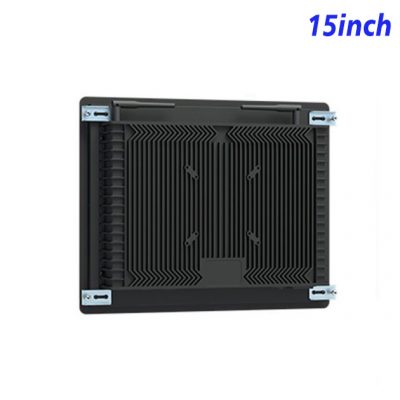
Fit Digital Service into a Small Installation Area
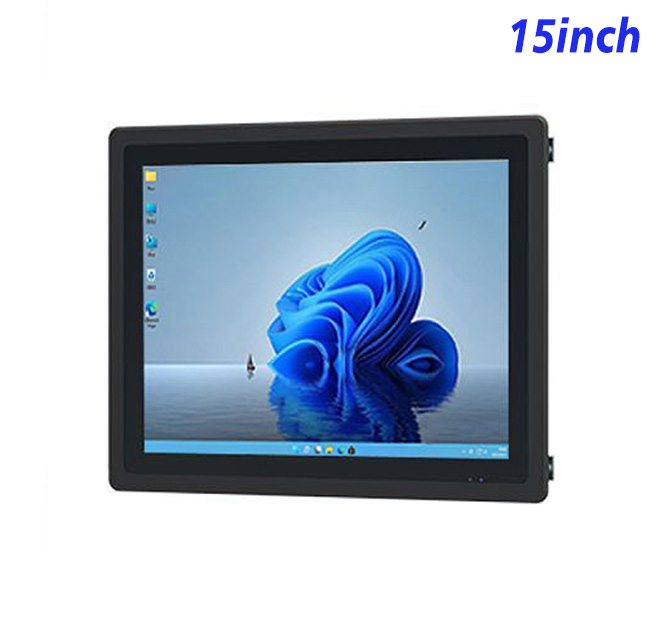
A 15-inch Windows display can provide the interface for a compact self service terminal where counter depth or wall space is limited. The panel uses 1024 × 768 resolution and a 4:3 layout, which can suit forms, ticket selection, internal service applications and established software that does not need a wide video canvas.
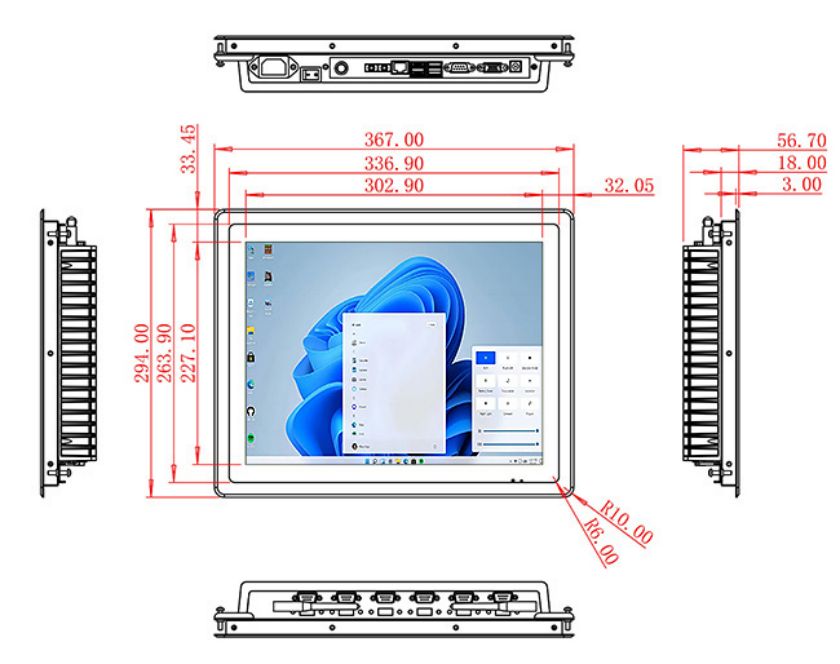
The published specification includes a 302.9 × 227.1 mm active area, 300 cd/m² brightness, a 1500:1 contrast ratio and wide viewing angles. These figures support indoor planning, while the enclosure and software determine how the finished terminal performs in daily use.
Keep the User Journey Short
On a smaller screen, every element competes for attention. The home page should prioritize common services and avoid long paragraphs. Forms can be divided into stages, with progress and correction controls visible at each step. The application should return to its opening screen after completion or inactivity.
A self service terminal placed in a shared location must also protect the next user from previous session data. The software provider should implement session clearing, application lockdown and an approved support route.
| 15-Inch Embedded Industrial All-in-One Machine Specification with External Windows | ||||
| LCD Panel Parameters | Screen Size | 15 Inch | ||
| Display Area | 302.9 mm.(Height) X 227.1(Width)mm. | |||
| Aspect Ratio | 16 : 9 | |||
| LCD Type | a-Si TFT-LCD Monitor | |||
| Maximum Resolution | 1024 X 768 | |||
| Display Color | 262K/16.2M , 72% NTSC | |||
| Brightness | 300cd/m² | |||
| Contrast Ratio | 1500 : 1 | |||
| Viewing Angle (Up/Down/Left/Right) | 89°/89°/89°/89° (Type)(CR≥10) | |||
| Response Time | 15ms | |||
| LCD Panel Lifespan (Hours) | 60,000(Hour.) | |||
| Field Frequency | 60Hertz | |||
| Audio parameters | Audio system | Stereo | ||
| Speaker size | ≈ 99 x 45 x 20 mm | |||
| Impedance | 8 Ohm | |||
| Power | 2 x 5 Watt | |||
| Loudness | > 80 Decibel | |||
| Interface | 4-pin connector | |||
| Internal computer configuration (Choose one of two) |
CPU | Intel i5-4310M Generation 4, Dual-Core Four Threads, Main frequency can reach up to 2.7GHz | Intel I5-6100T Generation 6, Dual-Core Four Threads, Main frequency can reach up to 3.2GHz | |
| Graphics Card | Integrated Graphics Card Intel® HD 4600 | Integrated Graphics Card Intel® HD 530 | ||
| RAM | 4GB | 8GB | ||
| Storage Memory Capacity | 128GB | 256GB | ||
| OS | Win10 or win11 Optional | Win10 or win11 Optional | ||
| Wi-Fi Built-in | Speed 150Mbps 802.11n wifi Integrated | Speed 150Mbps 802.11n wifi Integrated | ||
| Media Format | Video Format | wmv, avi, flv, rm, rmvb, mpeg, ts, mp4 etc. | ||
| Audio Format | MP3, WMA | |||
| Photo Format | BMP, JPEG, PNG, GIF etc. | |||
| Onboard Interface | Network port | RJ45 X 1, 10M/100M Adjustable Ethernet | ||
| HDMI | 1 | |||
| USB | 4 | |||
| Power | Power Supply | Alternating Current 100V~240V, 50/60Hz | ||
| Maximum Power Loss | ≤ 25 Watt | |||
| Standby Mode Power Loss | < 1 Watt | |||
| Features | Operating Temperature | 0℃ ~ 50℃ | ||
| Storage Temperature | Below 10℃ ~ +60℃ | |||
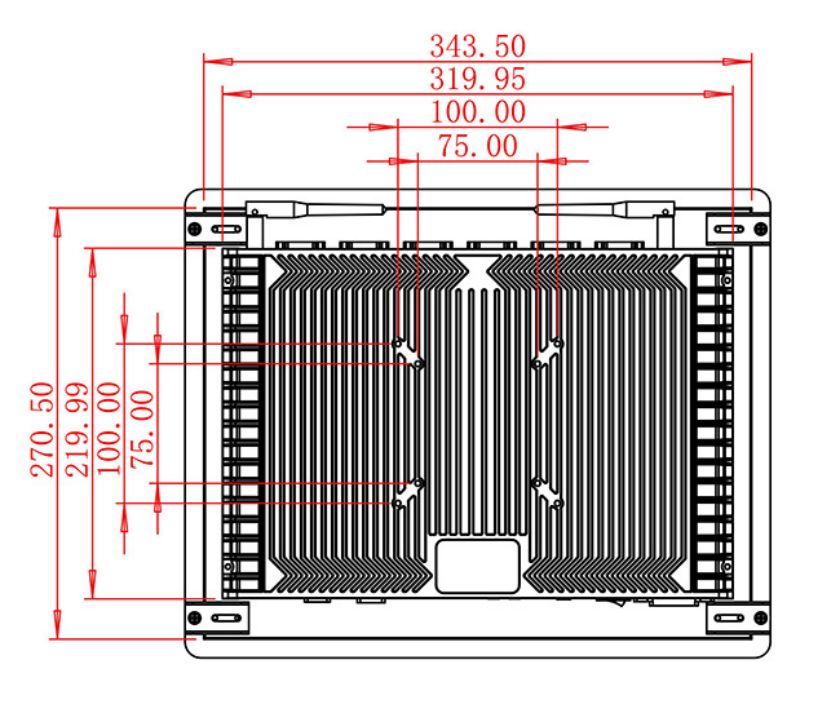
| Package Size | Device Dimensions | 367 X 294 X 56.7mm. | ||
| Net Weight | 5 Kilogram | |||
| Package Size | 43 X 36 X 17Centimeter | |||
| Gross Package Weight per Unit | 5.5 Kilogram | |||
Configure Computing Around the Application
The original specification lists alternative Intel processors, memory and storage. Procurement teams should supply the required Windows version, software image and connected-device schedule. A locally installed application with cached content may require different storage and management from a browser-based service.
Optional POE is mentioned in the existing product information. Buyers should confirm the exact supported configuration, network switch capacity and cable distance. Additional devices may still require separate power.
Prepare the Cabinet and Site
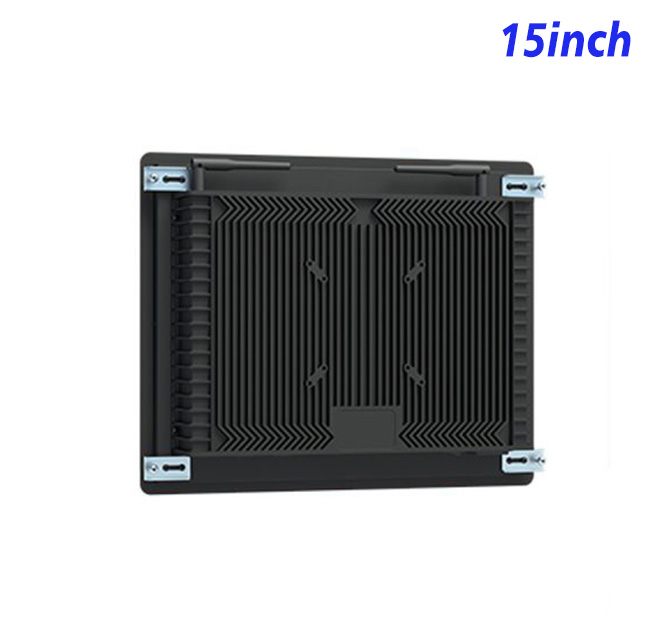
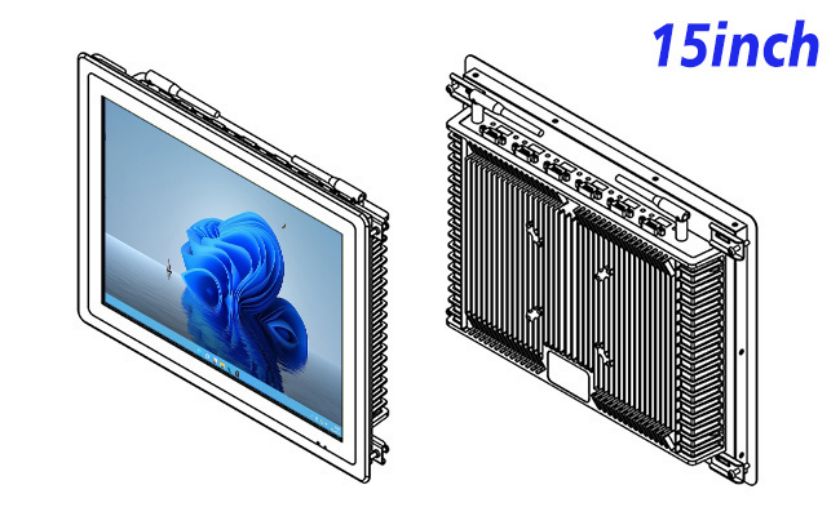
The panel can be embedded or wall mounted within a buyer-designed structure. Drawings should cover the visible opening, fixing points, rear clearance, airflow and cable route. Technicians need a method to replace the display without damaging the finished front panel.
Indoor location does not remove environmental questions. The buyer should state operating hours, dust, cleaning, ambient light and temperature. If the site requires a protected front, that construction and its effect on touch behavior should be tested on a sample.
Make Acceptance Measurable
A pilot can check application layout, touch accuracy where selected, Windows startup, network recovery and fit inside the cabinet. Staff can observe whether users complete tasks or repeatedly request help. The results provide a stronger basis for rollout than a visual approval alone.
Multi-site buyers should standardize installation drawings, asset labels and commissioning steps. Software updates, spare-unit ownership and fault escalation also need assigned responsibilities.
The pilot should stay in normal operation long enough to reveal issues that a showroom test misses. Staff can record session completion, touch errors, network interruptions and requests for help. These observations help the project team distinguish a hardware problem from unclear content or a slow back-end service.
Quotations are easier to compare when every supplier receives the same requirement sheet. It should separate mandatory items, optional accessories and third-party components. Packaging, power cables, documentation language and delivery grouping can also be agreed before production, particularly when units ship directly to several locations.
The project owner should decide how long the terminal is expected to operate each day and what availability target applies. This informs spare quantity, remote monitoring and replacement response. It also gives suppliers a realistic operating profile for technical review instead of relying on a generic description such as continuous commercial use.
Send ZXT LCD the workflow, application requirements, enclosure design, POE expectations and quantity. The team can evaluate the 15-inch Windows platform for a self service terminal and quote only the confirmed display, computer and touch options.