

Organize Patient Arrival Before the Service Counter
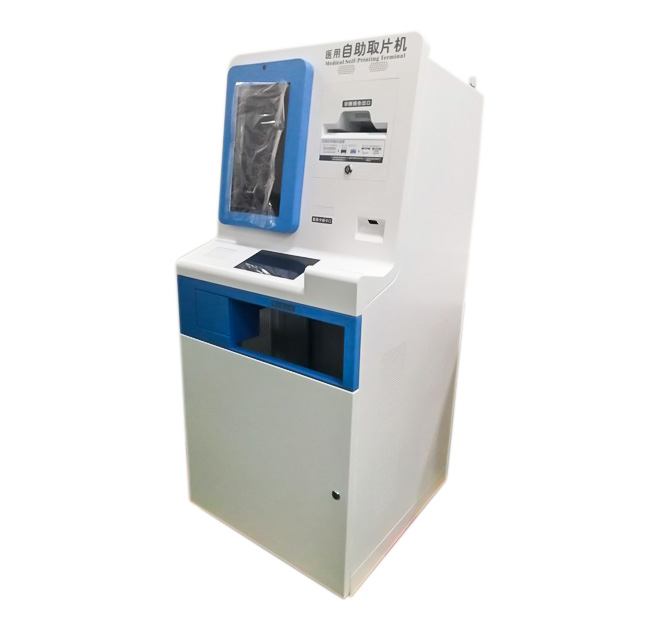
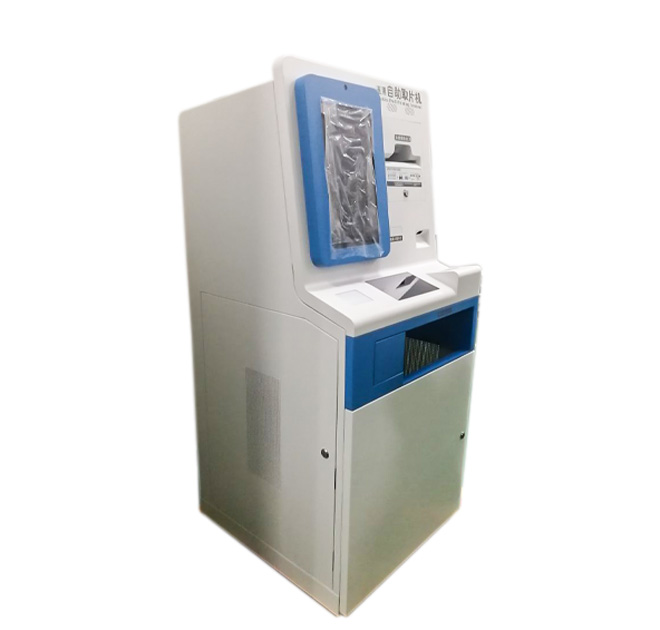
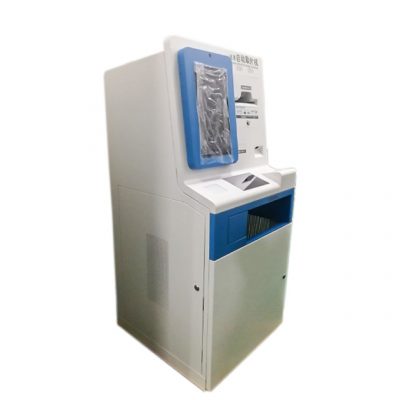
A hospital self-service payment kiosk can help patients identify the correct department, register their arrival and receive a queue number without joining an information-desk line. The freestanding terminal has a large display, lower document or input area and visible output position suitable for ticket dispensing. Its arrangement supports a straightforward patient journey when paired with the hospital registration and queue software.
Payment is not mandatory for every deployment. The hardware can be configured for ticket-only, registration or combined registration-and-payment projects. Payment capability requires an appropriate certified reader, software and hospital-system integration, so it should be listed explicitly in the final configuration.
Guide Patients to the Correct Queue
The screen can begin with language selection and present large, readable department choices. A returning patient may identify an appointment through a code, card or document when supported by the selected reader. A walk-in patient can choose a service and receive a printed number showing the department and waiting area.
Used as a hospital self-service payment kiosk, the terminal can also display an approved fee and pass the transaction to a supported payment module. The interface should explain each step carefully and offer a clear alternative when a document cannot be read or an account requires staff review. Privacy-sensitive information should not remain visible after the session ends.
Configure for Accessibility and Maintenance
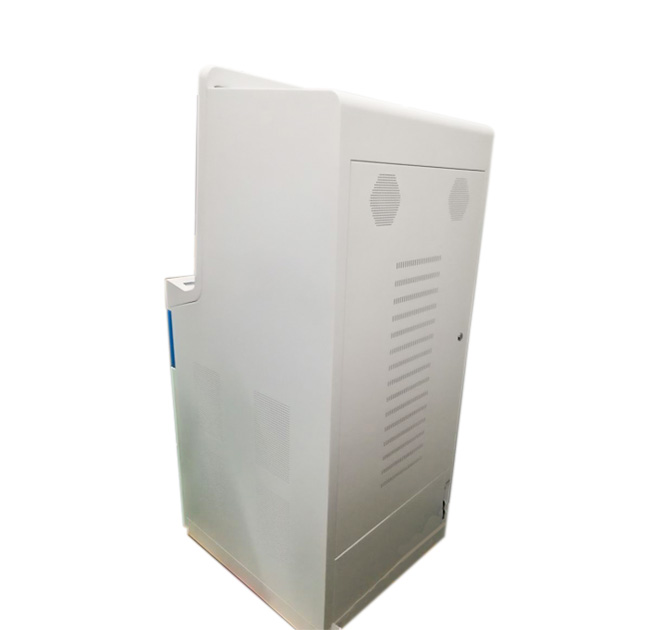
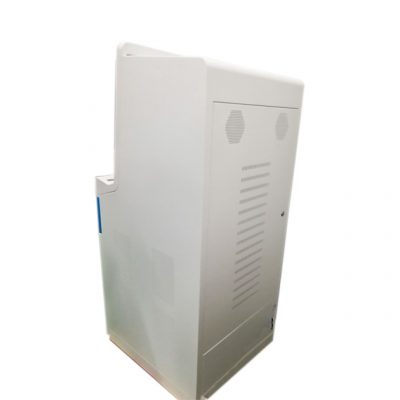
Hospitals serve users with different ages, mobility levels and digital experience. Screen height, font size, touch targets and printer location should be evaluated for accessibility. The enclosure should be stable, easy to clean and positioned where it does not block circulation. Cameras, ID readers, insurance-card readers and payment devices must remain within a comfortable reach range.
Optional modules may include a thermal ticket printer, QR scanner, card reader, document reader, camera, receipt printer and payment terminal. The final computer should match the hospital application and network security policy. Because these modules are not published as standard, every included device should appear clearly in the purchase configuration.
Testing in a Real Medical Workflow
A hospital self-service payment kiosk can support outpatient halls, diagnostic centers, pharmacies, specialist clinics and medical campuses. Queue-ticket-only versions work where payment remains at the counter, while integrated projects can combine check-in, approved payments and receipt output.
Staff should confirm that queue numbers reach the correct department, printers remain easy to refill and the interface clears patient data after each session. Infection-control teams may specify cleaning materials, while IT teams define network access and permissions. Send the patient workflow, system interfaces, identification method, ticket format, payment option, screen requirement and accessibility constraints so ZXTLCD can develop the enclosure around confirmed peripherals.
Coordinate Clinical, IT and Facilities Requirements
A hospital kiosk touches several departments even when its workflow looks simple. Clinical operations define the patient journey, IT controls network access and system interfaces, facilities teams approve placement and power, and infection-control staff specify cleaning methods. Bringing these groups into the review before production reduces changes after installation. The interface should use readable language and avoid presenting medical conclusions that belong to qualified staff.
Queue-ticket capacity should be selected from real patient volume rather than a generic printer specification. Staff need a visible low-paper process and safe access for roll replacement. If payment is integrated, declined transactions and refunds must follow hospital policy. A pilot near the intended department can reveal glare, congestion, accessibility issues and common user errors. Results from that pilot can then guide screen wording, module height and staff-assistance procedures before additional units are ordered.
Local teams should also define who receives printer, network and application alerts. Clear ownership prevents a minor consumable problem from leaving the terminal unavailable through an entire clinic session.