

Move Routine Telecom Transactions Away from the Counter
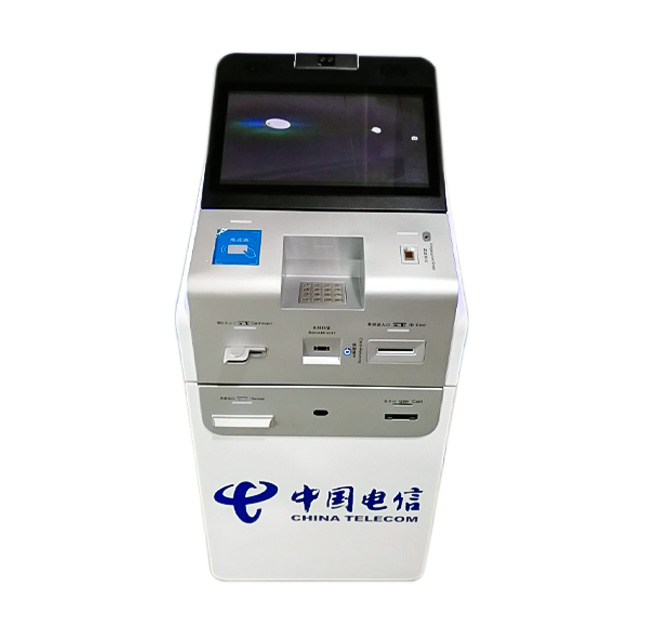
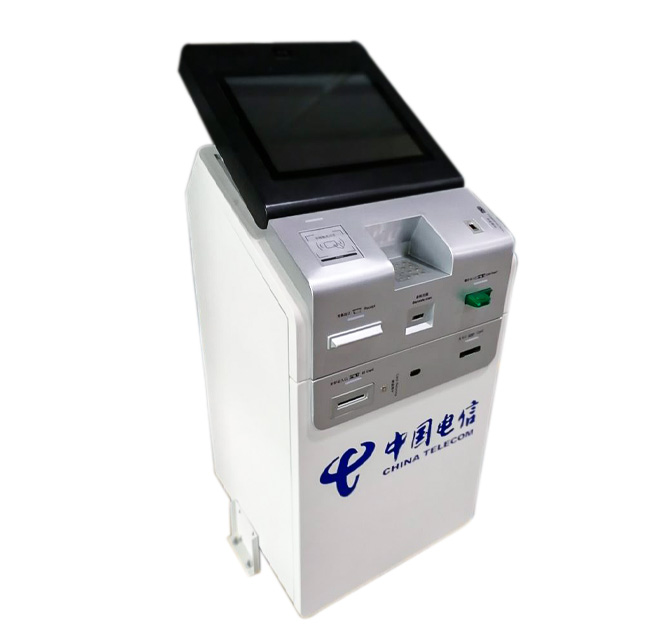
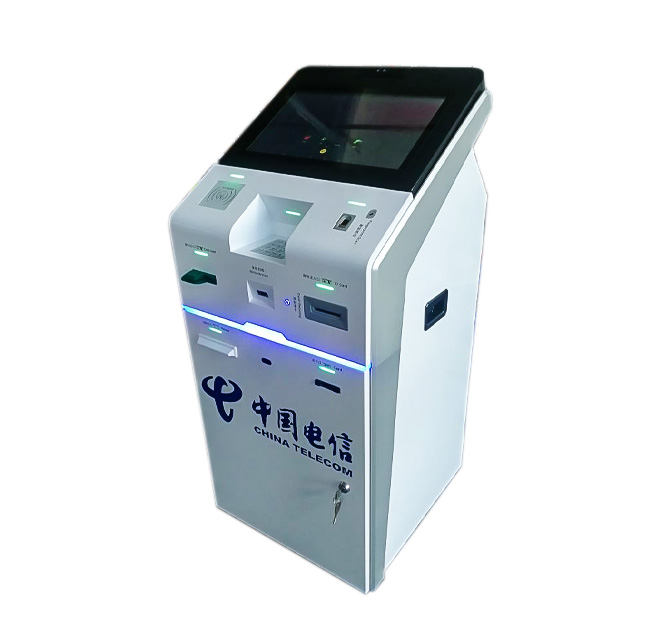
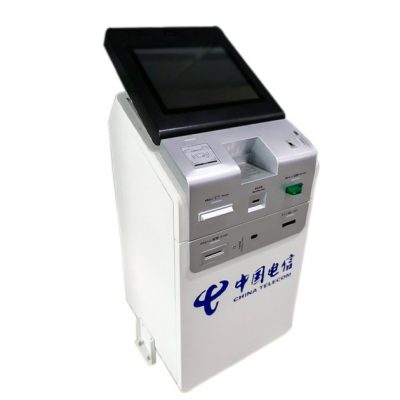
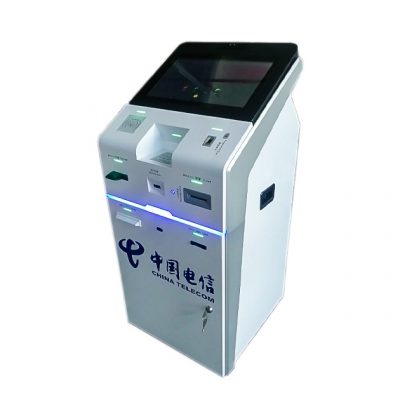
A self service bill payment kiosk helps telecom operators handle repeatable transactions without requiring every customer to wait for an assisted service desk. Users can follow an on-screen process to identify an account, review an amount and complete a supported payment or mobile top-up. The machine combines a large upper touchscreen with a broad lower panel that gives integrators room to organize the peripherals required by their service platform.
The public page does not provide fixed specifications for the display, processor or payment modules. Each project should therefore confirm the payment method, receipt requirement, identification workflow and connection to the telecom operator back end. Cash acceptance, bank card payment, QR payment and document scanning remain optional integrations unless they are listed in the signed configuration.
A Practical Workflow for Busy Service Halls
In an operator store, customers may use the terminal to check a balance, choose a mobile package, recharge a prepaid number or pay a monthly bill. A clear interface can offer language selection and present the most common tasks before asking for account details. This reduces unnecessary navigation and helps first-time users understand the process.
The self service bill payment kiosk can display transaction status, issue a digital or printed receipt and direct exceptions to a staffed counter. When the software identifies an incomplete payment or account problem, the screen should explain the next action instead of leaving the customer uncertain. That service logic is controlled by the application and must be coordinated with the installed hardware.
Select Only the Peripherals the Service Requires
Possible integrations include a card reader, QR scanner, receipt printer, cash acceptor, camera, ID reader and contactless reader. The final mix depends on local payment habits and operator policy. Removing unnecessary modules simplifies maintenance, while modular internal space allows a distributor or system integrator to develop several versions from one enclosure platform.
The computer system can be selected to match the customer software, with network connectivity planned around the installation site. Secure service doors, organized cable paths and accessible paper replacement points reduce downtime. The enclosure finish can carry operator colors, instructions and service labels. For multi-branch rollouts, buyers should confirm paper capacity, cash-box service intervals, module replacement access and remote status reporting.
Where This Terminal Fits
A self service bill payment kiosk can be installed in telecom stores, shopping centers, transport hubs, convenience locations, government service centers and shared payment halls. It is particularly useful where customers need access beyond normal counter hours or where staff should focus on contract changes and technical support instead of routine payments.
Send the transaction list, accepted payment methods, receipt format, software platform, screen requirement, network method and expected monthly volume. ZXTLCD can use this information to plan the enclosure and interfaces for selected peripherals. A final acceptance test should verify account lookup, payment recovery, receipt delivery and service access before units are released for multiple locations.
Plan for Local Payment Habits
A telecom rollout may use different payment combinations in different countries or even between branches. One market may rely on contactless cards and QR codes, while another requires cash acceptance and printed receipts. The enclosure should therefore use controlled module options rather than improvised openings at installation. Software language, currency, tax information and receipt fields also need local review. If personal identification is collected, the operator is responsible for privacy notices and secure handling.
Maintenance teams should receive a clear map of every door, lock, cable and consumable. High-volume locations may need larger paper rolls or cash storage, while smaller branches may prefer a simpler cashless version. Tracking failed scans, abandoned payments and printer status can help the operator identify whether a problem comes from the interface, network or peripheral. These practical checks make the terminal easier to support after installation.