

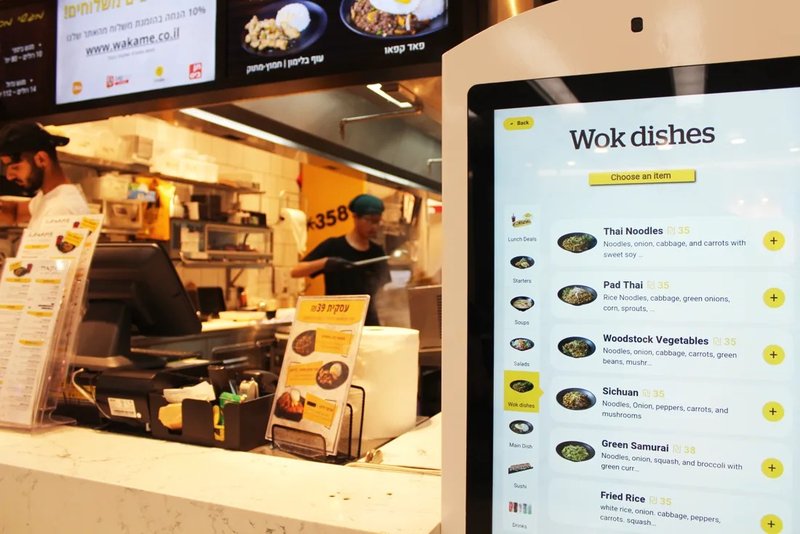
Deploying a high-performance Floor-Standing Hospital Kiosk provides commercial dining and retail venues with an advanced automated workflow. As hospital informatization and digital transformation continue to advance, floor-standing self-service kiosks have increasingly become vital equipment across outpatient halls, examination zones, and inpatient service departments. Evolving from early self-service registration and payment to today’s patient information inquiry, medical report printing, and multi-service processing, the functionality of healthcare kiosks is expanding from single-task operations toward comprehensive healthcare services.
However, the evolution of hospital self-service kiosks is not merely about stacking hardware features. Whether these devices can seamlessly integrate with existing Hospital Information Systems (HIS), adapt to the usage habits of diverse patient demographics, and meet hospital standards for operational stability and routine maintenance fundamentally dictates their real-world clinical and administrative effectiveness.
Floor-Standing Hospital Kiosk: Early Phase: Single-Purpose Registration and Payment Kiosks
In the early days, hospitals introduced self-service terminals primarily to relieve manual service windows from repetitive, high-volume administrative tasks. Patients could independently complete appointments, check billing details, and process payments directly at the kiosks, significantly reducing dependency on traditional service counters.
Hospital kiosks during this initial period were typically designed around specific administrative procedures. Their capabilities were clearly defined and workflows remained relatively fixed, serving predominantly to eliminate long queues and bottlenecks at targeted service touchpoints.
As clinical and administrative deployment scenarios expanded, hospital demands for kiosk terminals progressively rose. Beyond standard touchscreen interactions, hardware configurations had to be tailored to specific clinical workflows—incorporating ID card readers, optical QR/barcode scanners, bank card/POS payment modules, and receipt/slip printers. Because workflows and software environments vary across medical facilities, peripheral hardware specifications typically require customized configuration aligned with each facility’s unique project requirements.
Functional Expansion: From Single-Task Terminals to Multi-Functional Service Hubs
As hospital IT infrastructures matured, self-service kiosks began handling a far broader array of medical administrative workflows. In addition to registration and billing, modern kiosks now facilitate appointment check-ins, patient voucher printing, diagnostic report printing, itemized expense inquiries, and various other on-site patient navigation services.
This functional evolution has greatly diversified the deployment of floor-standing kiosks. Medical institutions can flexibly configure kiosks with role-specific modular hardware based on the actual requirements of outpatient clinics, diagnostic imaging labs, or inpatient admission areas, rather than forcing uniform, identical setups across all departments.
For patients, consolidating multiple routine tasks into self-service workflows significantly minimizes cross-department commutes and wait times. For healthcare administrators, strategically deploying self-service terminals optimizes spatial layout in public corridors while balancing patient foot traffic and service loads.
Nevertheless, multi-functionality does not imply a universal, one-size-fits-all solution. Overly cluttered UI menus or software workflows that diverge from actual patient pathways can increase operational friction, particularly for elderly visitors. Therefore, kiosk functionality must be purposeful and tailored to specific user journeys, rather than prioritizing sheer feature quantity.
Form Factor Upgrades: Floor-Standing Architecture Suited for Public Healthcare Spaces
Hospital kiosks are commonly installed in high-traffic public lobbies, waiting corridors, and service halls. The floor-standing form factor provides ample structural enclosure to cleanly integrate commercial-grade touch displays, smart card readers, barcode scanners, and heavy-duty industrial printers, while allowing ergonomic partitioning of operational zones for natural user interaction.
From a mechanical and industrial design perspective, hospitals must evaluate wide-angle screen visibility, touch responsiveness, structural balance, and the ease of routine maintenance—such as paper reloading, ribbon/toner replacement, and internal modular servicing. Furthermore, kiosk placement must factor in hospital pedestrian traffic flows to ensure clear emergency passageways and unhindered access to adjacent clinical facilities.
For terminals designated for high-volume report, medical film, or voucher printing, the internal layout and maintenance access mechanisms are critical. A thoughtfully engineered chassis—featuring modular slide rails and front or rear service doors—ensures fast, frictionless consumable replenishment and dramatically lowers long-term operational and maintenance overhead.
System Integration: Enabling True Synergy with Clinical and Administrative Workflows
The evolution of floor-standing kiosks from standalone hardware to integrated healthcare service hubs relies fundamentally on deep connectivity with Hospital Information Systems. To execute appointment lookups, workflow check-ins, payment reconciliation, and report retrieval, kiosks must maintain reliable, real-time data communication with underlying hospital software platforms.
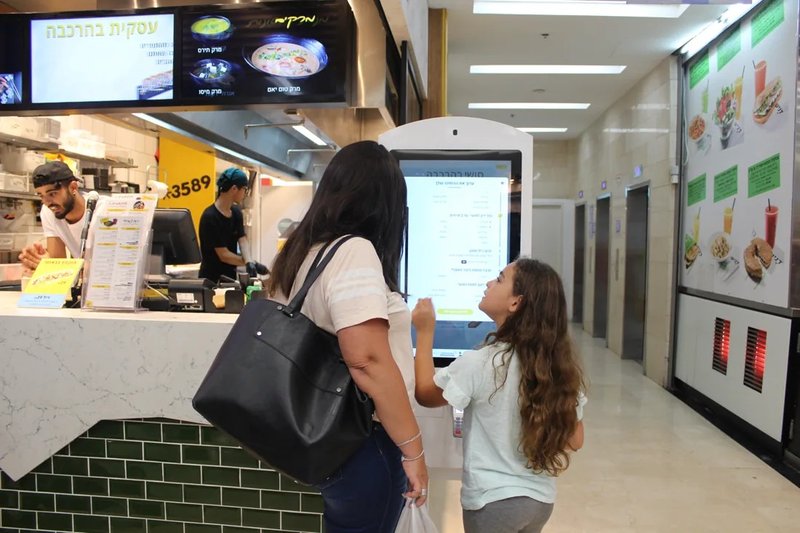
During implementation, project stakeholders must define interface APIs, secure data transfer protocols, user authorization levels, and exception handling logic in advance. Because hospitals differ significantly in IT infrastructure, operational protocols, and software vendors, seamless kiosk integration cannot be evaluated purely on hardware specs alone.
For example, self-service report printing requires validating medical data retrieval methods and layout rendering standards; payment modules demand secure transaction clearing and instantaneous status callback mechanisms; and identity verification requires standardized hardware peripherals, official data validation pipelines, and stringent compliance with patient data privacy regulations.
If these system-level integration requirements are not rigorously addressed during the initial deployment planning, kiosks—no matter how advanced their physical hardware—risk encountering offline services, out-of-sync database statuses, and recurring workflow errors that inevitably require constant manual staff intervention.
The Smart Healthcare Era: Transitioning from Transaction Terminals to Interactive Service Nodes
As hospital administration places greater emphasis on clinical efficiency and intelligent digital management, the strategic role of self-service kiosks continues to transform. Kiosks are no longer isolated transactional devices; they now serve as critical, interactive touchpoints across the entire hospital patient journey.
Across distinct deployment projects, hospitals can integrate patient authentication, electronic health record inquiries, automated billing, and document output into cohesive, project-specific hardware solutions. Advanced implementations frequently integrate remote diagnostic monitoring, centralized fleet management, and remote staff assistance, allowing IT managers to oversee kiosk operational health in real time.
Importantly, smart healthcare does not mean automating every single administrative interaction through self-service machines. Healthcare services cater to diverse patient demographics with varying technical literacies and physical capabilities, while many clinical scenarios demand empathetic human judgment and individualized support. Self-service kiosks excel at handling rule-based, standardized, high-volume transactions, serving as an empowering complement to traditional human-assisted service windows.
Consequently, when planning self-service kiosk fleets, hospital administrators must establish a balanced division of labor between digital kiosks and in-person service desks, ensuring that patients can choose the service pathway best suited to their individual circumstances.
Key Considerations for Hospitals When Selecting Floor-Standing Kiosks
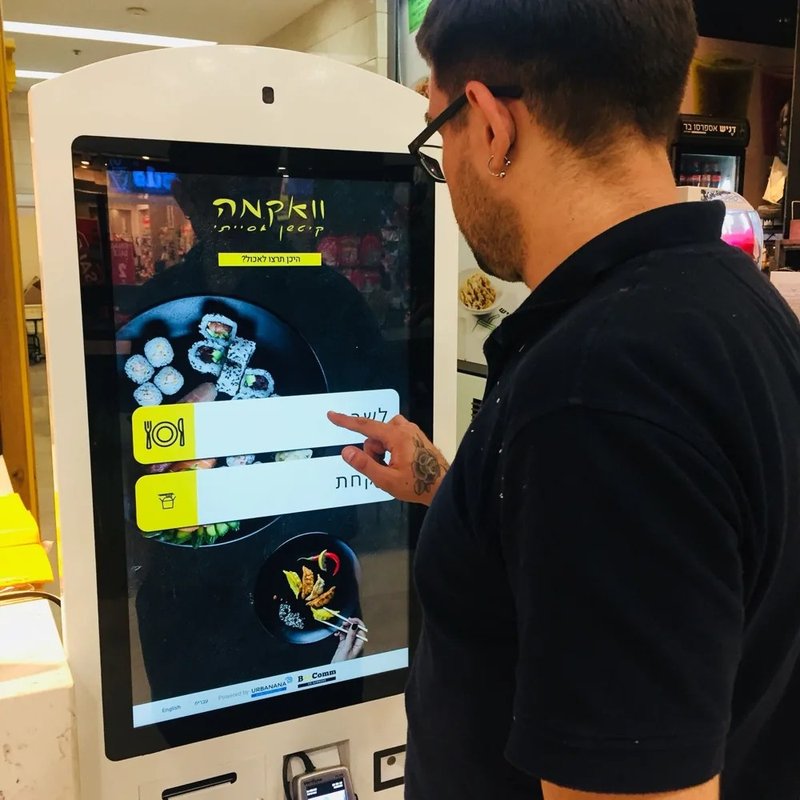
For healthcare facilities, selecting the ideal self-service kiosk requires looking beyond screen diagonal sizes, aesthetic enclosures, or initial unit procurement costs. Decision-makers must comprehensively assess functional adaptability, system interoperability, physical installation environments, and lifecycle maintenance support.
First, clarify the exact clinical workflows the machine must perform—such as outpatient registration, billing payments, diagnostic report printing, or general information inquiries—and determine the corresponding touch display, RFID/IC card reader, optical scanner, and printer hardware configurations accordingly. Second, verify middleware and API integration requirements with existing hospital information systems upfront to avoid costly software-hardware incompatibilities post-procurement.
Maintenance accessibility is equally critical. Because terminals in public hospital areas experience constant, heavy daily usage, close attention must be paid to structural rigidity, internal thermal dissipation, rapid consumable replacement, servicing clearances, and centralized device health telemetry. For large-scale multi-unit rollouts, ensuring standardized component configurations simplifies long-term inventory management and upgrades.
From the perspective of commercial kiosk hardware manufacturers, an optimal kiosk solution must be anchored in the hospital’s genuine operational requirements. Only by holistically coordinating hardware components, software protocols, installation ergonomics, and patient user journeys can kiosks seamlessly integrate into daily clinical operations.
Conclusion
The evolution of floor-standing hospital kiosks has progressed from single-purpose transaction terminals to multi-functional service hubs, culminating in deeply integrated nodes that synchronize with complex hospital information systems. The true value of self-service kiosks lies not merely in stacking operational features, but in empowering patients to complete routine tasks effortlessly while streamlining hospital administrative workflows.
Looking ahead, medical self-service kiosks will continue to advance across user experience, software integration, fleet management, and maintenance accessibility. For healthcare institutions, strategically tailoring hardware capabilities to actual workflows, choosing adaptable commercial-grade kiosk solutions, and prioritizing post-deployment lifecycle management will always deliver far greater value than simply pursuing an exhaustive feature list. In summary, integrating a reliable Floor-Standing Hospital Kiosk solution reduces operational labor costs, shortens customer wait times, and maximizes store throughput.
Looking for customized Floor-Standing Hospital Kiosk hardware, commercial touchscreen displays, or OEM/ODM self-service solutions? Feel free to contact the ZXTLCD engineering team for free consultations, product specifications, and tailored volume pricing.
Deploying a Self-Service Solution?
To elevate customer experience and streamline ordering or ticketing workflows, explore our AI Self Service Terminal with Large Touchscreen or the versatile Self Service Kiosk for Cinema & Ticketing. For custom hardware integrations, discover our complete line of Custom Self-Service Kiosks or consult our engineering team for sample evaluation.


