

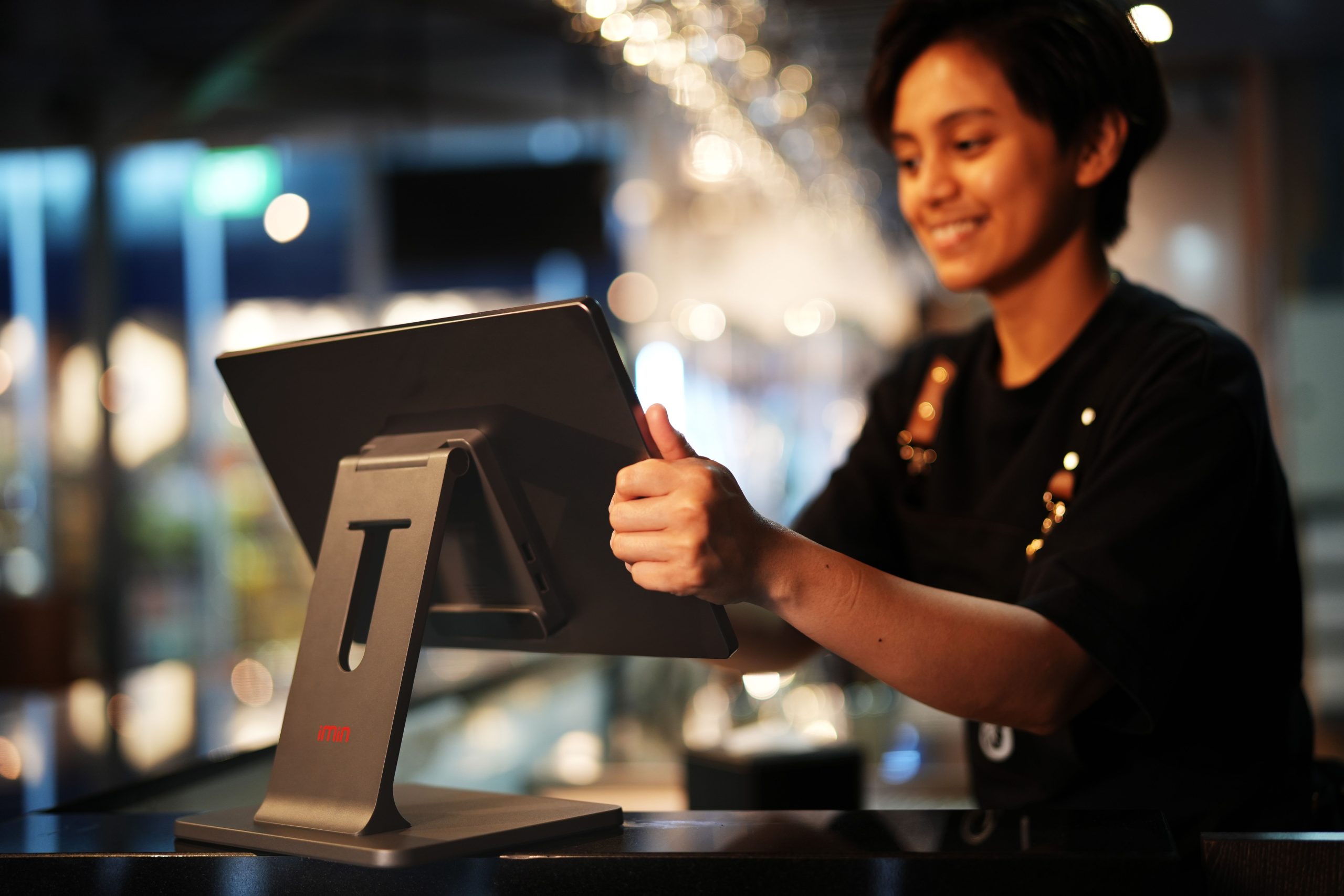
Many retail buyers make a misstep at the very beginning of their procurement journey: inquiring about pricing and screen dimensions before clarifying which category of POS hardware their business actually requires. The unfortunate result: convenience stores purchasing F&B restaurant terminals, or fresh produce grocers buying units lacking integrated scale interfaces, resulting in constant operational friction.
Before comparing competing brands, understand the foundational categories of all-in-one POS terminals to identify the exact fit for your store.
Hardware Anatomy: What Constitutes an All-in-One POS System?
A POS system comprises hardware and software operating in tandem to record transactions, track inventory, log customer traffic, manage loyalty memberships, and process payments. Today’s commercial market predominantly utilizes integrated all-in-one terminals that house computing hardware, touchscreens, and peripherals in a unified footprint.
The core terminal pairs with specialized external peripherals:
Input Devices: 1D/2D barcode scanning guns, hands-free scanning boxes, and programmable matrix keyboards. Payment Peripherals: electronic cash drawers, magnetic/IC card readers, and facial recognition terminals. Output Peripherals: high-speed thermal receipt printers and customer-facing pole displays. Industry-Specific Peripherals: kitchen ticket printers for restaurants, barcode scale printers for fresh produce, and RFID scanners for apparel boutiques.
Not every peripheral is required; select modular components that match your specific operational workflows.
Categorization by Operating System: Windows vs. Android
Windows POS Terminals: Operating on standard x86 computing architectures. Strengths: exceptional peripheral compatibility, broad integration with mature legacy ERP systems, and capability to run complex desktop software. Well-suited for large supermarkets, departmental chains, and retail enterprises with complex inventory databases. Considerations: higher hardware cost and periodic Windows system maintenance.
Android POS Terminals: Operating on ARM-based architectures. Strengths: lightweight, smartphone-like touch UI, rapid boot times, energy efficiency, and lower upfront capital cost. Highly favored across modern cafes, quick-service dining, bakery shops, and boutique convenience stores. Considerations: compatibility with legacy Windows peripherals must be verified in advance.
Categorization by Form Factor: Single-Screen, Dual-Screen, and Mobile Handheld
Single-Screen POS Terminals: Featuring a single touch display facing the cashier. Compact, economical, and space-saving, ideal for small retail boutiques, pharmacies, and dry cleaners with limited counter space.
Dual-Screen POS Terminals: Featuring an operator touchscreen facing the cashier and a secondary customer-facing display. The customer screen presents line-item prices, order totals, dynamic QR payment codes, and marketing promotions. Highly recommended for supermarkets, dining chains, and convenience stores where visual customer transparency is paramount.
Integrated Scale POS Terminals: Incorporating a precision digital scale beneath the touchscreen, allowing cashier clerks to weigh produce and ring up sales in a single seamless motion. Essential for fresh fruit stores, deli meat shops, and bulk snack retailers.
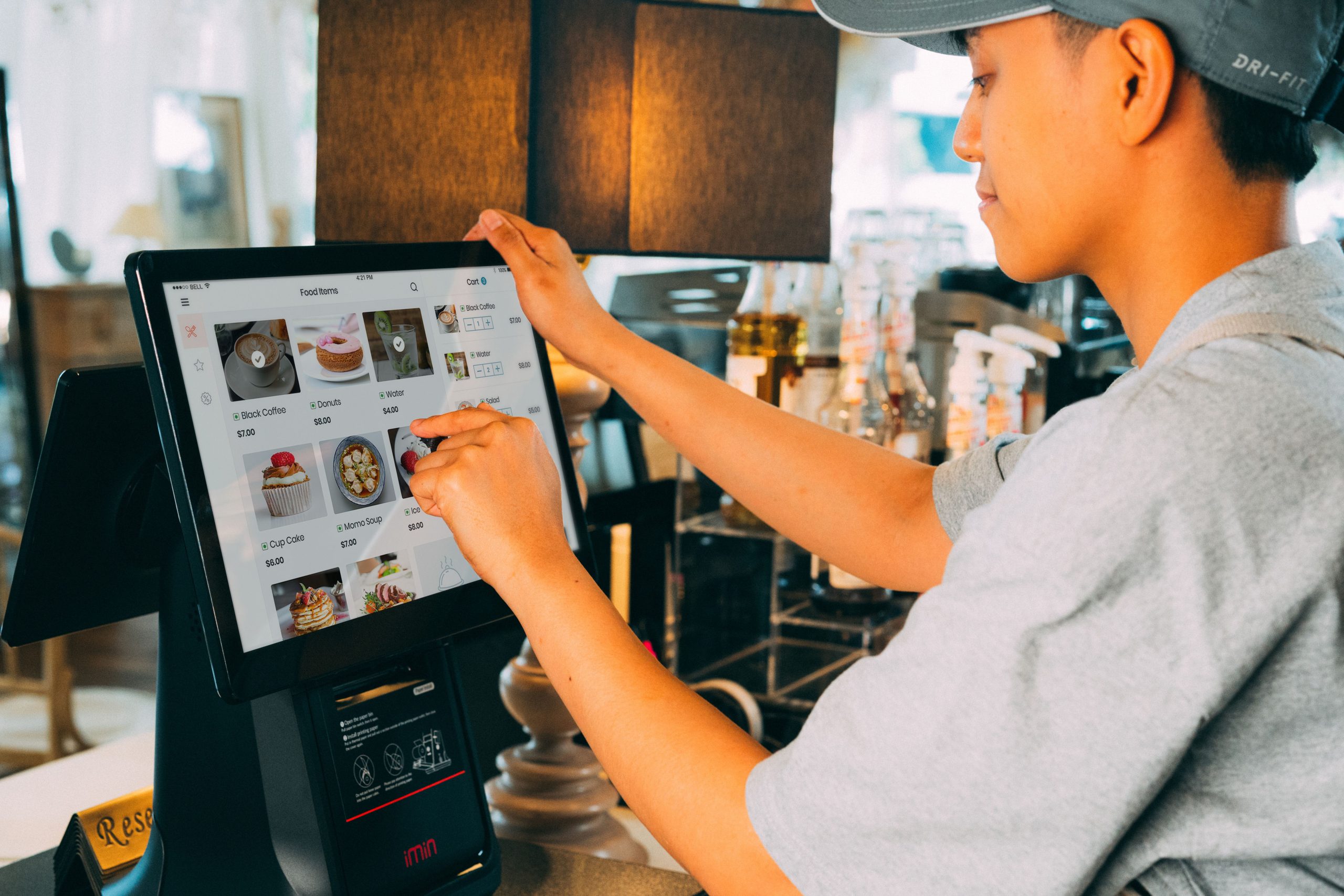
Mobile Handheld POS Terminals: Portable battery-powered units integrating touchscreens, barcode scanners, and thermal receipt printers into a handheld device. Ideal for table-side restaurant ordering, queue-busting during peak rushes, and night market pop-ups.
Categorization by Industry Vertical: Retail, Dining, and Specialized Services
Supermarkets & Convenience Stores: Require rapid 1D/2D barcode scanning, multi-tier promotions, automated inventory tracking, and high-speed receipt printing.
Restaurants & Cafes: Prioritize table management, kitchen order routing, table-side QR ordering, ingredient stock deduction, and delivery platform integration.
Apparel & Footwear Boutiques: Demand matrix inventory management tracking multi-attribute SKUs (color, size, style), VIP membership tiers, and barcode label printing.
Fresh Produce Grocers: Require certified electronic scale integration, tare weight deduction, perishable batch tracking, and fast PLU lookups.
Pre-Procurement Selection Framework
Identify your industry and service model (retail scan-and-go vs. seated dine-in ordering). Measure available counter space (single-screen for tight spaces vs. dual-screen for customer engagement). Determine necessary peripheral integrations (cash drawers, scales, kitchen printers). Select the operating system matching your software workflow (Windows for complex ERP vs. Android for lightweight agility). Finally, establish warranty terms and after-sales support SLAs.
Frequently Asked Questions (FAQ)
Should small retail shops choose Windows or Android POS terminals? Android is typically ideal for small shops seeking an intuitive, cost-effective, and low-maintenance system. Choose Windows if your store requires specialized desktop ERP software or complex peripheral integrations.
Is a dual-screen POS display worth the extra investment? Yes, for stores where customer transparency and brand promotion matter. The customer-facing screen confirms line items and displays payment QR codes, speeding checkouts while promoting store campaigns.
Can a standard retail POS terminal be used in a restaurant? It is not advised. Restaurant operations require table layout mapping, split checks, and kitchen ticket routing that generic retail software lacks.
How do fresh produce grocers select POS terminals? Select an integrated weighing POS terminal with precision load cells, certified scale firmware, and automated tare deduction.
Conclusion
Navigating the diverse landscape of all-in-one POS terminals requires matching hardware to your operational profile: align the operating system (Windows vs. Android), physical form factor (single, dual-screen, weighing), and industry-specific software with your business workflows. Selecting the right hardware category ensures a smooth, highly efficient store operation.
Explore Related Self-Service Kiosks & POS Checkout Terminals
If you are upgrading your retail checkout counter, restaurant ordering flow, or commercial payment terminals, consider our proven hardware solutions:
- All-in-One Telecom Self-Service Payment Terminal for Bill Payment & Top-Up
- Multi-Function Self-Service Payment & Banking Kiosk with Biometric Authentication
- Hospital Patient Self-Service Registration & Ticket Dispensing Kiosk
- 15-Inch Windows Compact Desktop Touch Display for POS & Self-Service Terminals
Need a Custom POS Terminal or Self-Service Kiosk Project Quote?
ZXTLCD provides comprehensive OEM/ODM manufacturing for self-service ordering kiosks, cash registers, touch displays, payment peripherals, barcode scanners, and thermal printer integration.
Deploying a Self-Service Solution?
To elevate customer experience and streamline ordering or ticketing workflows, explore our AI Self Service Terminal with Large Touchscreen or the versatile Self Service Kiosk for Cinema & Ticketing. For custom hardware integrations, discover our complete line of Custom Self-Service Kiosks or consult our engineering team for sample evaluation.


