

Shorten the Queue Before the Screening Starts
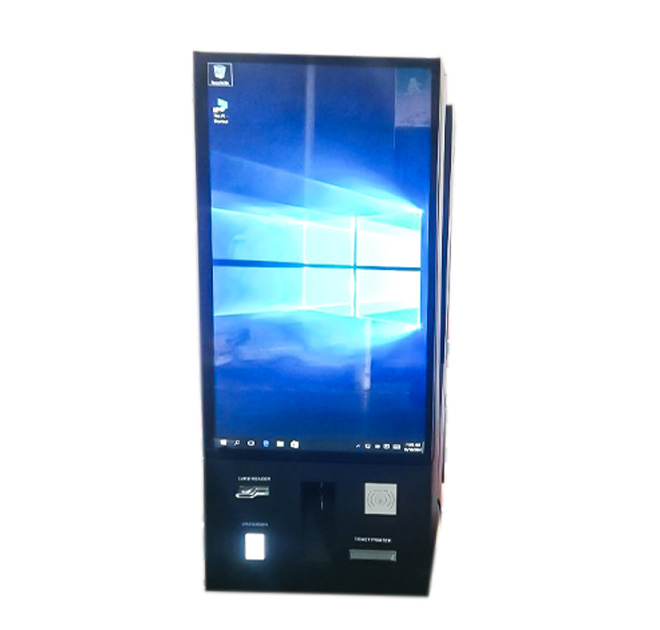
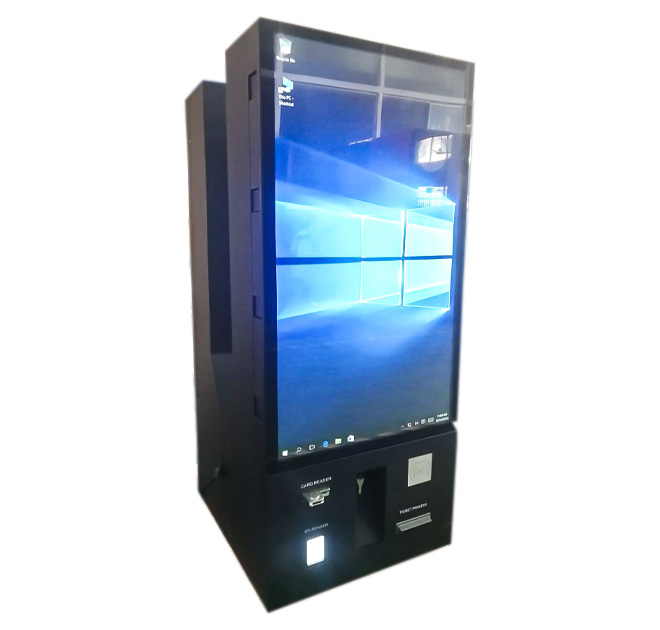
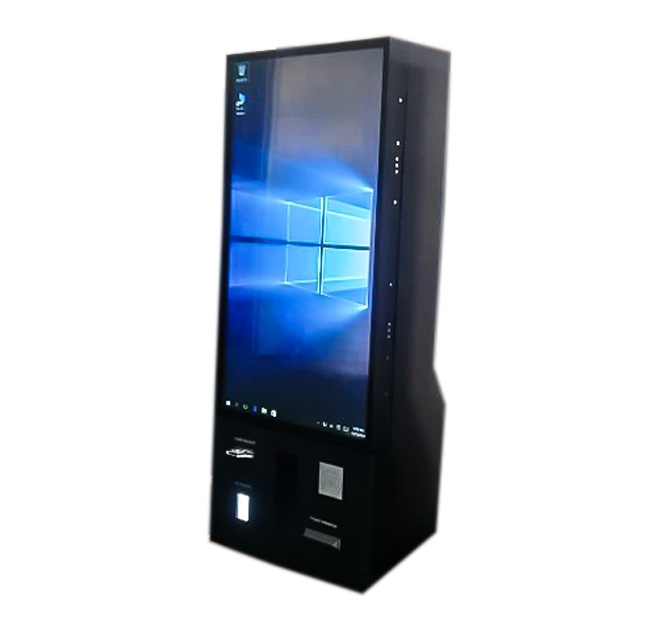
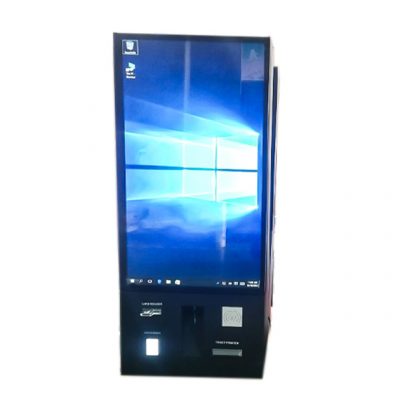
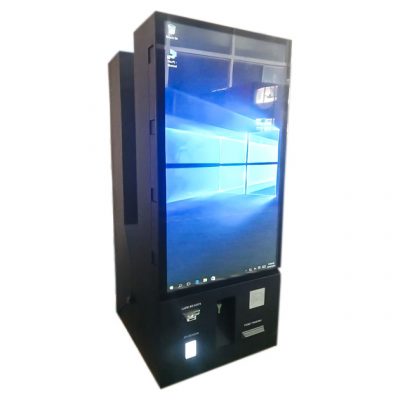
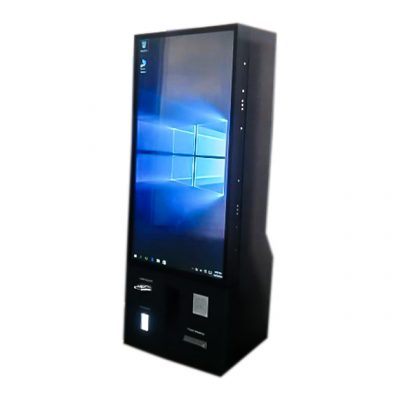
A self service kiosk gives cinema visitors a separate route for buying or collecting tickets during busy evening and weekend periods. The floor-standing unit uses a portrait touchscreen with lower positions for transaction modules, making it suitable for a guided booking flow without taking up the same counter space as a staffed box office.
Customers can browse current screenings, select a session and choose available seats when the cinema software provides live inventory. Visitors who booked online may retrieve an order through a QR code, reference number or supported mobile credential. The physical kiosk does not include a ticketing platform by itself; scheduling, seat maps, pricing and reservation data come from the operator or software partner.
Keep the Booking Sequence Easy to Follow
The opening screen should make common tasks obvious: buy tickets, collect a booking or check session times. Promotions can appear without covering the controls needed to complete a transaction. When several ticket types are offered, the interface should explain age restrictions and pricing before payment confirmation.
As a cinema self service kiosk, the terminal may integrate a card reader, contactless payment module, QR scanner and ticket or receipt printer. These functions require compatible hardware and local payment integration. Cash handling is possible only when the appropriate acceptor, change system and secure service space are designed into the final configuration.
Plan for Peak-Time Operation
Cinema equipment is used in short, intense periods. Printer capacity, paper replacement and payment recovery should therefore be tested at expected peak volume. The kiosk must return to the welcome screen after an abandoned booking and release selected seats according to the ticketing system rules. Clear messages should direct unusual requests to staff without blocking the next customer.
The enclosure can carry cinema branding, current campaign graphics and instructions for scanning or ticket collection. Screen angle, reach distance and module height should be evaluated for accessibility. Internal service access should allow paper or peripheral replacement while limiting exposure to other components.
Suitable Entertainment Locations
This self service kiosk can support cinemas, performance venues, museums, attractions and other locations where visitors reserve a timed session. The same enclosure may be adapted for food collection only when the software and required printing or ordering modules are explicitly included; it should not be advertised as a restaurant terminal by default.
For cinema chains, configuration control helps keep the experience consistent between sites. The approved bill of materials should identify the printer, payment terminal, scanner and computer used in each market. A pilot can record booking completion time, abandoned sessions and the number of customers who still require box-office help. Operators should confirm how schedules and promotional media are updated, how the kiosk behaves when a screening sells out and how refunds or booking changes are routed to staff.
Send the booking workflow, ticket format, payment method, screen requirement, software operating system and expected transaction volume. ZXTLCD can evaluate the internal layout and produce an enclosure proposal for the selected devices. Daily opening checks can confirm network access, printer paper and payment readiness before the first customers arrive.
Keep the Kiosk Ready Between Film Changes
Cinema schedules and promotions change frequently, so content ownership should be assigned to a team that can publish updates without altering protected hardware settings. The operator should verify that trailers, posters and seat maps display correctly on the installed resolution. When a payment or ticket printer is unavailable, the screen should remove that option or direct customers to the box office instead of allowing an incomplete booking. Local technicians need a documented restart process and access to approved spare paper, scanners and computers. These routines help the ticket terminal remain useful during the short periods when customer volume is highest.