

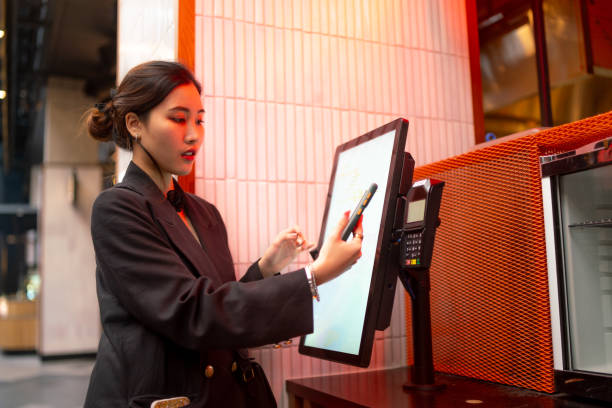
Step into many small restaurants, convenience stores, or bubble tea cafes, and a familiar scene unfolds at the front counter: a bulky desktop PC, a standalone payment POS terminal, three different QR payment acrylic stands, a tablet for delivery orders, and a handwritten ledger notebook. Each device keeps separate accounts; by month-end, reconciling cash flow is an exhausting guessing game.
These frustrations stem not from a lack of diligence, but from fragmented devices and isolated data silos. This is precisely why ‘All-in-One POS Systems’ have become essential: unifying checkout, payments, online delivery, and business management into a single coordinated platform. Below is a practical look at what all-in-one POS solves and five essential criteria to audit before purchasing.
The Three Core Pillars of an All-in-One POS System
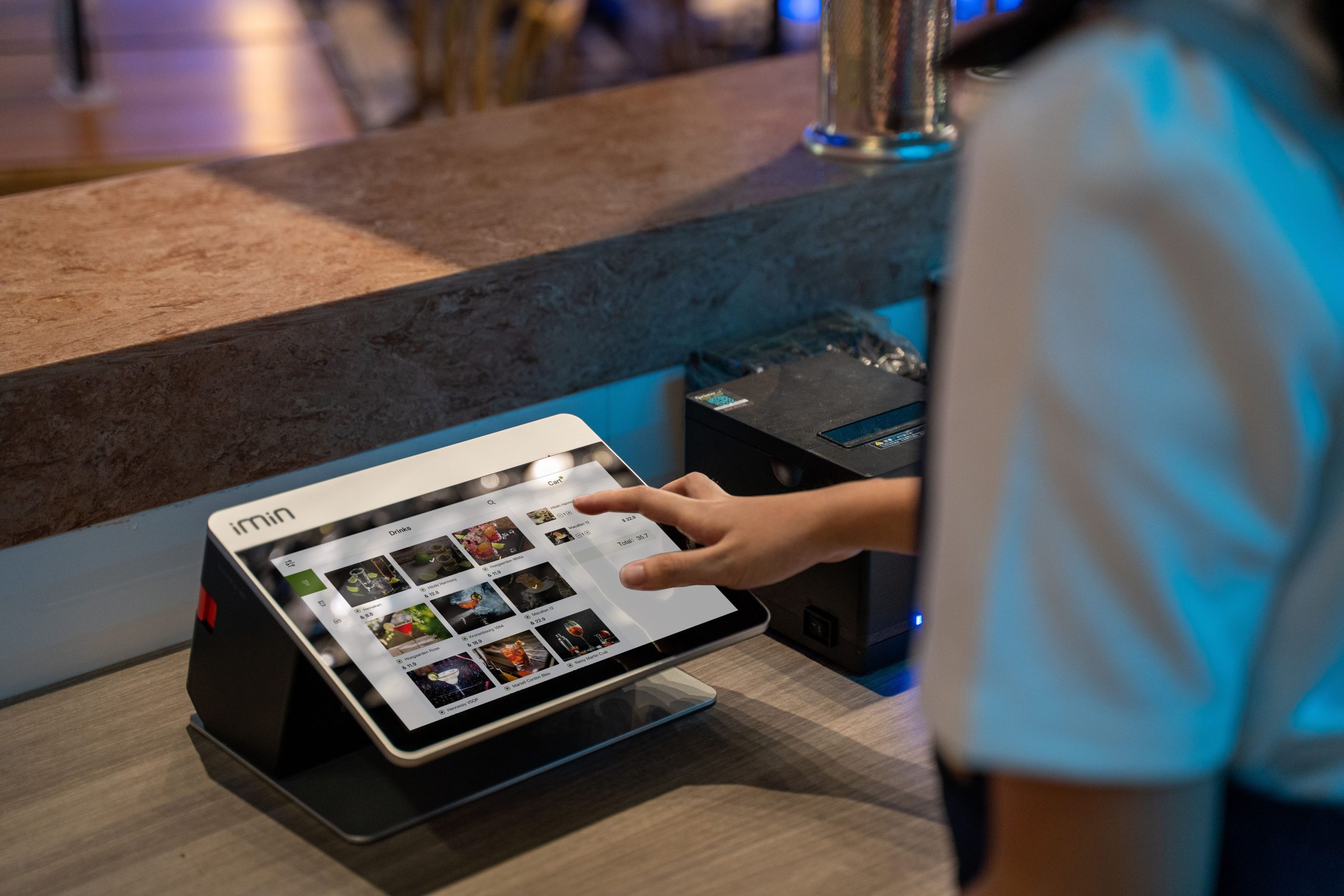
1. Hardware Terminal: An integrated POS terminal featuring built-in touchscreens (single or dual display), with direct ports for barcode scanners, thermal receipt printers, and electronic cash drawers.
2. Cloud POS Software: Lightweight cloud-based software governing merchandise cataloging, order entry, customer loyalty, inventory tracking, and sales analytics. ‘Lightweight’ means practical, intuitive workflows with low learning curves, ideal for small merchants without dedicated IT staff.
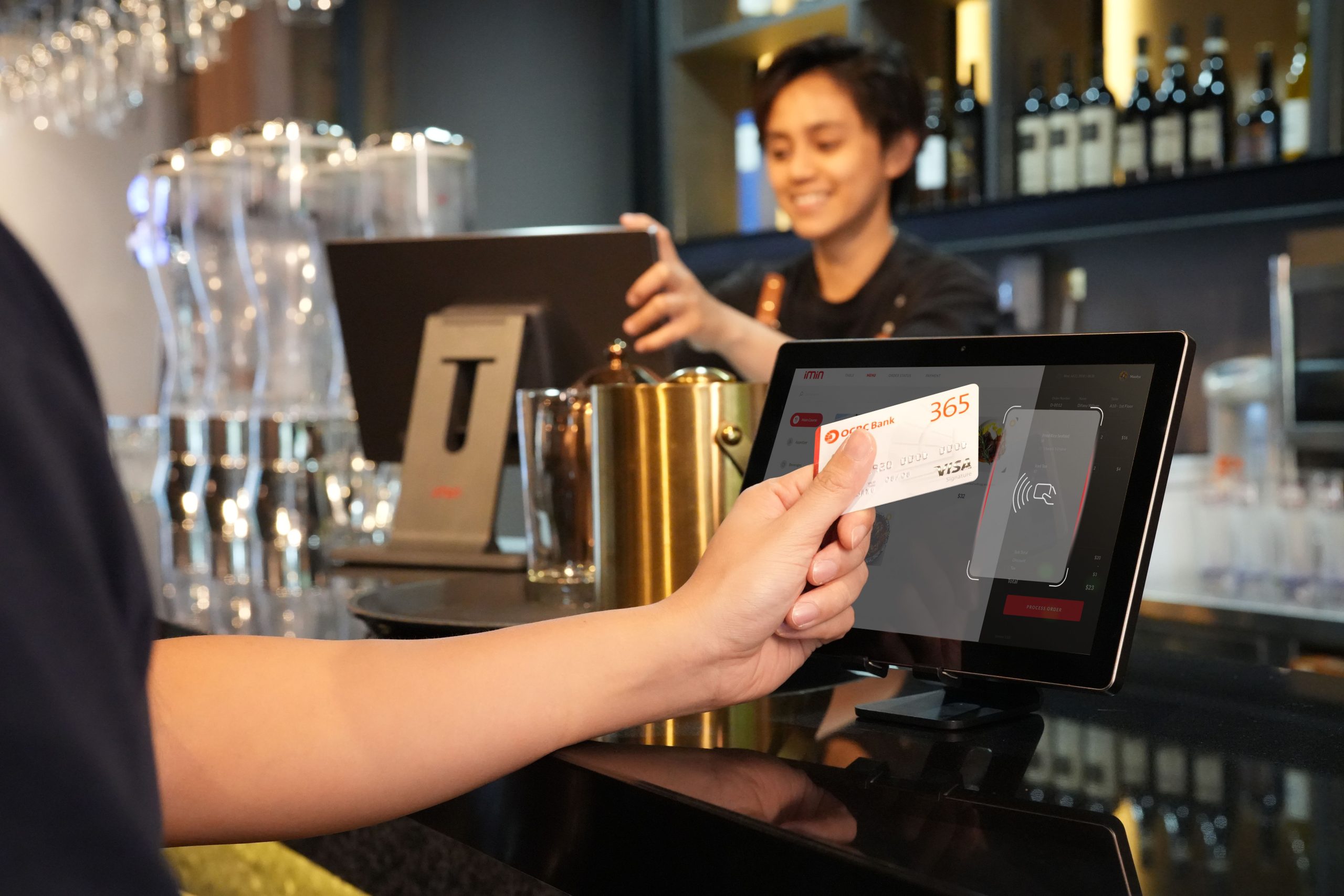
3. Aggregated Payments and Value-Added Services: Unified payment gateways consolidating WeChat Pay, Alipay, UnionPay, credit cards, and digital wallets, coupled with digital ordering, takeout integration, and coupon marketing.
Unifying these three pillars ensures all orders, payments, and accounts are automatically recorded in a single database.
Core Operational Challenges Resolved by All-in-One POS
Eliminating Device Clutter and Data Silos: In-store checkouts, table QR ordering, takeout delivery orders, and online mini-programs feed into a unified dashboard, eliminating the need to juggle multiple tablets.
Streamlining Financial Reconciliation: Diverse payment streams are aggregated automatically, generating clear end-of-day financial reconciliation reports without manual arithmetic.
Automating Inventory Control: Integrated inventory tracking deducts stock automatically upon checkout, issuing low-stock alerts before items sell out.
Deploying Targeted Marketing: Member points, discount coupons, group-buying vouchers, and flash sales can be configured natively within the system without third-party software.
Coordinating Multi-Device Terminals: Systems support desktop POS terminals, Android counter units, and handheld mobile ordering devices concurrently, ideal for multi-floor cafes or table-side service.
Five Essential Criteria to Audit Prior to Procurement
1. Hardware Performance and Operational Stability
Checkout operations are high-frequency; system lag during peak lunch rushes causes long customer queues. Verify that processors, RAM, and internal storage provide ample performance headroom. Test hardware responsiveness in person: boot-up speed, multi-app multitasking smoothness, scanner responsiveness, and receipt printing speed.
Simultaneously, clarify warranty terms: what is the hardware warranty duration, what is the repair turnaround, and are temporary loaner units provided?
2. Software Usability and Offline Resiliency
Evaluate software stability and UI ergonomics: how long does it take for new employees to become proficient? Focus on: whether product catalog bulk import is supported; whether staff permissions can be partitioned by role; whether offline checkout is supported so transactions continue during internet outages; and whether software updates are included or incur subscription fees.
Claims like ‘Zero Configuration Plug-and-Play’ should be tested with your actual product inventory and store checkout flows.
3. Transparent Payment Gateways and Fund Settlement
Payment gateways handle cash flow and require strict auditing: Which payment methods are supported? What are transaction processing fee rates, and are there hidden processing charges? What is the settlement schedule (T+0, T+1)? Do sales funds deposit directly into your business bank account, or pass through third-party intermediaries? Does the provider possess certified financial payment processing licenses, and are contractual liabilities explicitly defined?
Fund safety and settlement terms must be documented in legally binding agreements rather than verbal sales promises. Inquire about local tax and digital invoice compliance.
4. Data Security and Ownership Rights
Your POS database contains proprietary sales records, SKU costs, and customer phone numbers. Clarify: Where is data hosted, who holds access credentials, and are automated cloud backups performed? If you change systems, can historical sales and member data be exported completely in universal formats (Excel/CSV)? Does member data handling comply with privacy regulations?
5. After-Sales Support and Operational Assistance
Small businesses lack dedicated IT personnel, making vendor support vital: What is the support response time when issues arise, and is support remote or on-site? How are employee training guides provided? How are new software feature updates communicated? What are contract renewal terms and exit procedures?
Scrutinize promises of ‘Lifetime Free Upgrades’ for hidden service conditions before signing.
Target Store Profiles
Light-service food and beverage and small retail businesses benefit most: snack bars, milk tea cafes, bakeries, convenience stores, and neighborhood grocers—single stores or boutique chains that prioritize intuitive usability and practical utility.
Large multi-department supermarkets or complex enterprise chains requiring intricate consignment settlements and multi-warehouse supply-chain routing require specialized enterprise ERP platforms rather than lightweight small-store POS systems.
Pre-Launch Implementation Recommendations
Run the new all-in-one terminal alongside your existing method during an initial trial period to verify payments, reconciliation, and inventory tracking before full transition. Organize product master data cleanly (standardized names, confirmed retail prices) before bulk importing. Train staff thoroughly on permissions, refunds, and daily shift closures.
Frequently Asked Questions (FAQ)
How do aggregated all-in-one POS payments differ from standard QR code stands? Aggregated payments integrate all digital payment channels directly into the POS software, automatically recording transactions and eliminating manual end-of-day tallying across separate apps.
Can checkouts continue if local internet connectivity drops? Confirm whether the POS software supports offline checkout caching and how records synchronize once connectivity restores. Always test offline capability during evaluation.
Can historical store data be exported if we switch vendors later? Confirm data export rights and file formats in your contract in advance to prevent proprietary data lock-in.
Are mobile mini-program ordering and table QR codes necessary for every small shop? Evaluate your customer ordering habits: table QR ordering benefits dine-in eateries, while retail grocers benefit from mini-program delivery. Avoid paying for unneeded features.
Conclusion
The true value of an all-in-one POS system lies in clearing front-counter clutter and consolidating fragmented accounts into a single reliable dashboard. Long-term satisfaction depends on four fundamentals: hardware stability, intuitive software, secure payment settlement, and responsive after-sales support.
Explore Related Self-Service Kiosks & POS Checkout Terminals
If you are upgrading your retail checkout counter, restaurant ordering flow, or commercial payment terminals, consider our proven hardware solutions:
- All-in-One Telecom Self-Service Payment Terminal for Bill Payment & Top-Up
- Multi-Function Self-Service Payment & Banking Kiosk with Biometric Authentication
- Hospital Patient Self-Service Registration & Ticket Dispensing Kiosk
- 15-Inch Windows Compact Desktop Touch Display for POS & Self-Service Terminals
Need a Custom POS Terminal or Self-Service Kiosk Project Quote?
ZXTLCD provides comprehensive OEM/ODM manufacturing for self-service ordering kiosks, cash registers, touch displays, payment peripherals, barcode scanners, and thermal printer integration.
Deploying a Self-Service Solution?
To elevate customer experience and streamline ordering or ticketing workflows, explore our AI Self Service Terminal with Large Touchscreen or the versatile Self Service Kiosk for Cinema & Ticketing. For custom hardware integrations, discover our complete line of Custom Self-Service Kiosks or consult our engineering team for sample evaluation.


