

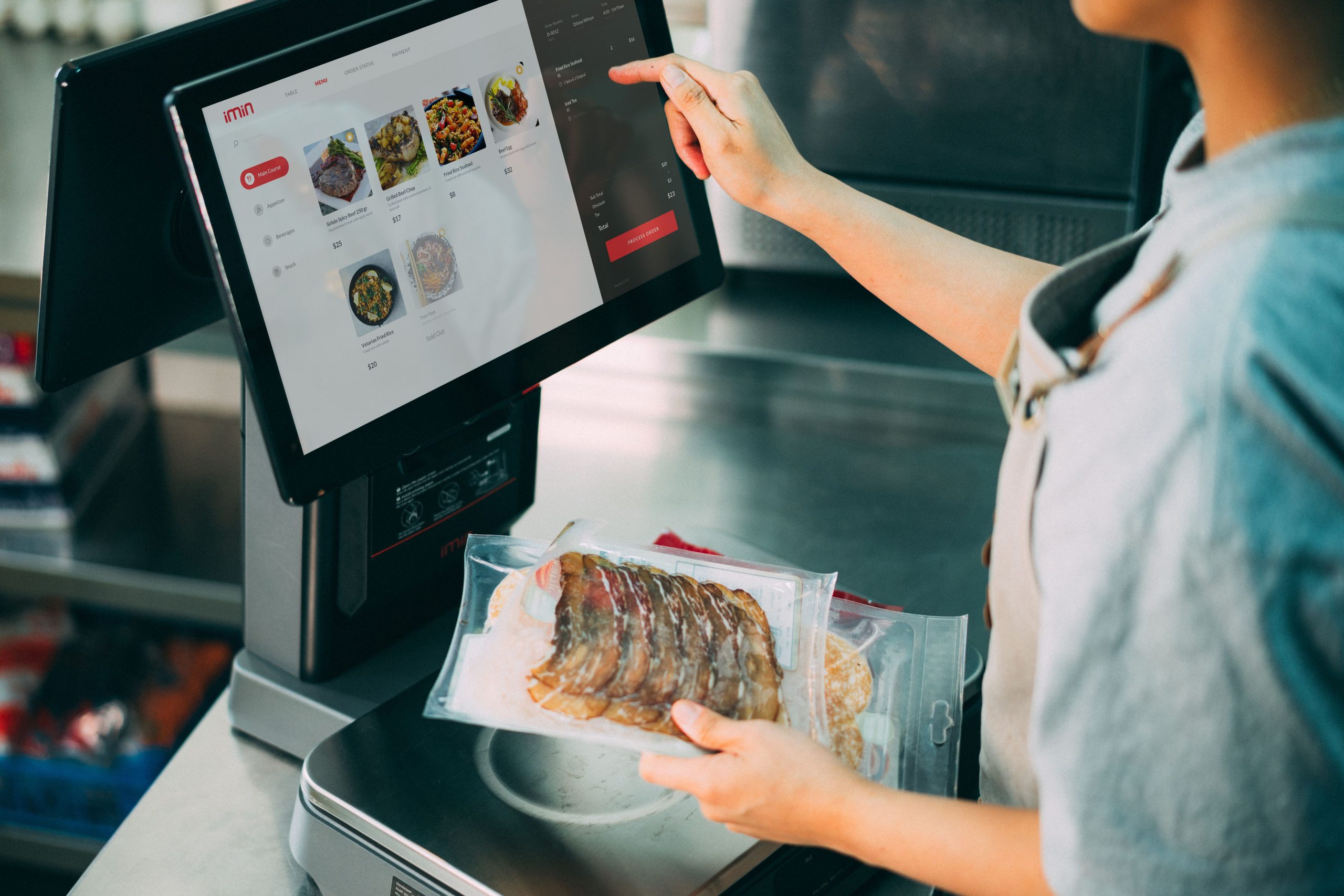
With the widespread adoption of digital QR and barcode payments, virtually all retail boutiques and restaurants depend on digital POS systems. All-in-one POS terminals integrate computing hardware, touchscreens, barcode scanners, and receipt printers into a unified countertop terminal ready to operate out of the box.
However, many buyers evaluate hardware purely on screen diagonal and sticker price. In daily operations, the features that truly dictate administrative sanity and prevent financial leakage are core operational management capabilities.
1. Multi-Tier Employee Role Permissions: Securing Critical Operations
Different team members carry distinct operational responsibilities. Cashiers need to scan items and process payments; they do not need—and should not have—unrestricted permission to alter retail prices, delete products, issue manual refunds, or inspect storewide profit margins. Store managers require broader administrative access to update inventory, generate audit reports, and configure discount rules.
Role-based permission gating restricts staff strictly to authorized duties, minimizing accidental errors and eliminating fraudulent risks such as unauthorized price alterations or arbitrary refunds. High-grade POS systems maintain immutable audit logs, recording who performed which action and when for full accountability.
When evaluating systems, inquire: How many permission tiers are supported? Can permissions be customized by role? Do sensitive actions like price overrides and refunds require manager authorization? How long are system audit logs preserved?
2. Automated End-of-Day Financial Reconciliation: Eliminating Manual Ledger Math
Reconciling daily sales at closing time is a chronic headache for store owners. Tallying cash, digital wallets, credit cards, and delivery orders manually is slow and prone to arithmetic mistakes.
Automated reconciliation compiles daily gross revenue across all payment channels at shift end, cross-referencing ledger records and flagging discrepancies for investigation. The system generates detailed daily financial reports, providing immediate operational visibility.
Remember: automated reconciliation flags discrepancies, but does not replace physical cash drawer counting. Physical currency must be counted and matched against system reports. Verify which payment channels are reconciled automatically and whether reports export cleanly to Excel/PDF.
3. Instant Audio/Visual Order Alerts: Essential for Omnichannel Sales
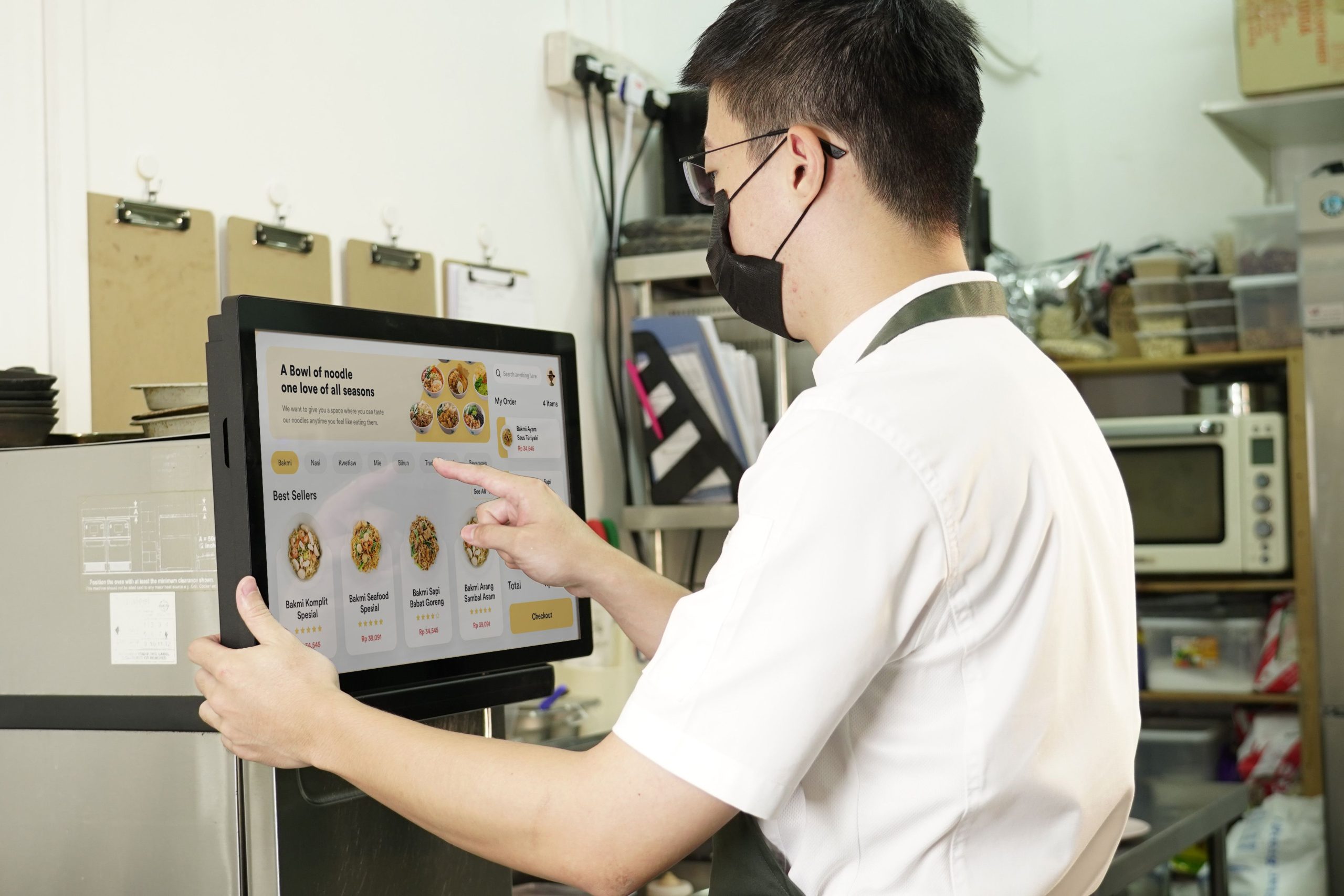
For venues that accept online takeout orders, mini-program delivery, or table QR orders alongside front-counter walk-ins, immediate order alerts are vital. Incoming orders must notify front-counter staff or kitchen printers instantly to prevent missed orders and preparation delays.
Alert mechanisms typically utilize loud voice chimes or flashing on-screen popups. Evaluate audio audibility: Is the alert speaker loud and clear? Can volume be modulated? Can voice prompts be customized? For stores handling walk-in checkouts exclusively without online orders, this feature carries lower priority.
4. One-Click Shift Handoff Reporting: Ensuring Clean Financial Accountability
In multi-shift operations, shift handoffs frequently breed financial confusion: How much cash is in the drawer? How much did the outgoing shift sell across cash, card, and digital channels? Without clear accounting, cash shortages spark finger-pointing.
A shift handoff feature generates an itemized shift report with a single tap, documenting sales revenue, SKU counts, and payment breakdowns for that specific cashier shift. Outgoing and incoming cashiers verify drawer cash against the printout, establishing clean financial accountability.
Three Additional Hardware and Service Pillars to Evaluate
1. Computing Hardware Headroom: Processors, RAM, and internal storage govern operational speed. Checkout is high-frequency; system lag creates immediate customer queues. Avoid underpowered hardware, ensuring specifications meet software requirements with headroom.
2. Software Ecosystem Compatibility: Hardware and software must harmonize. Verify whether the terminal runs your preferred POS software smoothly, whether UI workflows suit your staff, and whether the system integrates with existing membership or inventory software.
3. Dependable After-Sales Support: When POS terminals fail, sales freeze immediately. Verify warranty duration, covered components, response turnaround times (remote vs. on-site), software upgrade costs, and emergency loaner availability in binding contracts.
Pre-Procurement Checklist
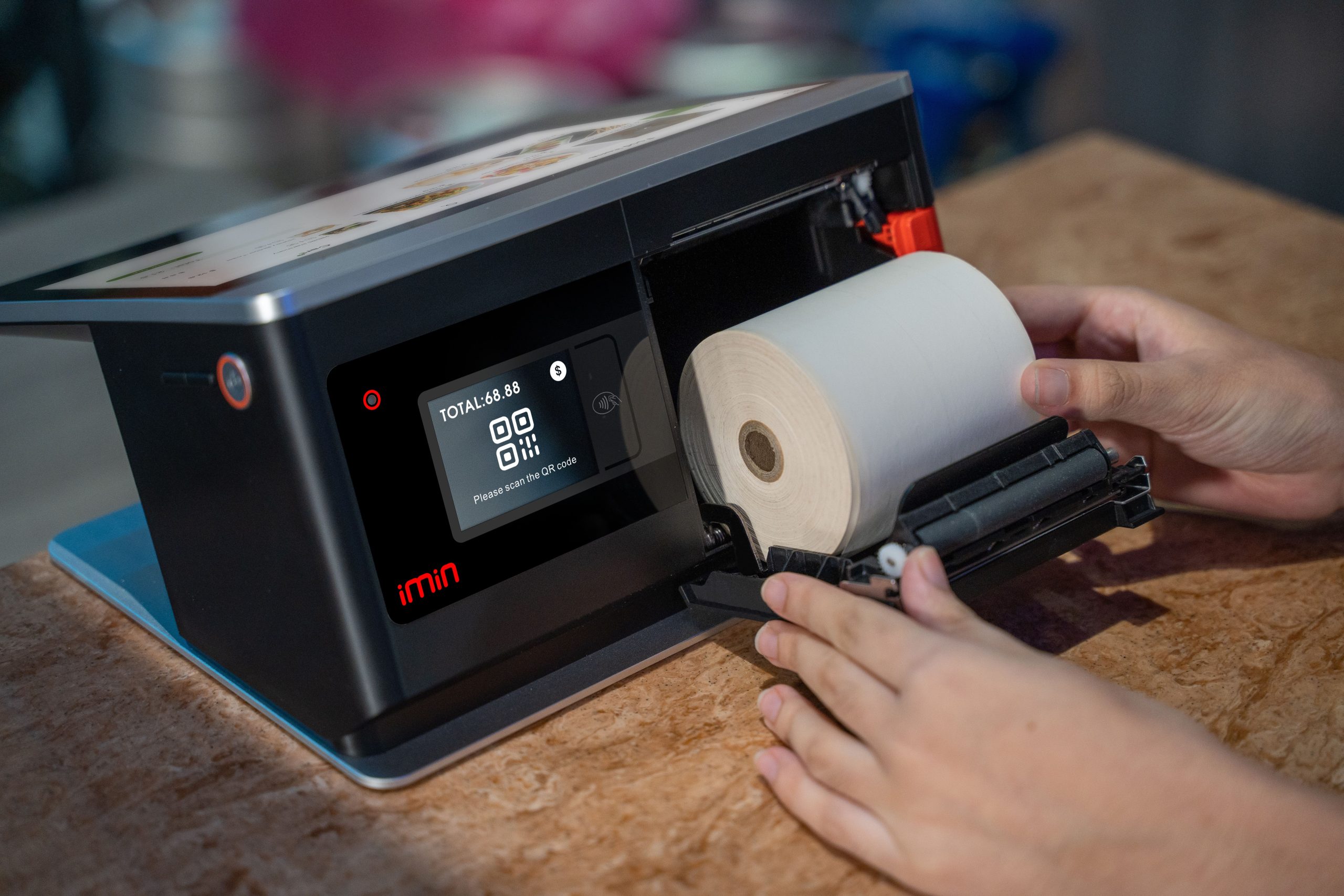
Document your store’s operational profile: number of checkout stations, employee headcount, shift rotation schedules, online order channels, active payment methods, and inventory tracking needs. Match your requirements against features to distinguish essentials from nice-to-haves.
Request a hands-on vendor demonstration: execute mock transactions, line-item voids, daily closures, and shift handoffs. Testing real workflows is far more dependable than reviewing sales literature.
Frequently Asked Questions (FAQ)
Is role-based permission gating necessary for a small boutique? If the owner operates the register exclusively, it is unnecessary. Once employees or multi-shift rotations are introduced, permission gating becomes essential to prevent errors and fraud.
Can automated reconciliation completely replace human cash audits? No. It automates digital calculation, but physical cash in the drawer must still be counted manually to verify alignment with system totals.
Must buyers always purchase high-end POS hardware configurations? Not necessarily. Hardware should provide stable, responsive performance with headroom for your chosen software; excessive computing power adds unnecessary cost.
Can POS software and hardware be purchased from separate vendors? Yes, but compatibility must be verified in advance. Sourcing separately offers flexibility, but requires clear agreement on support responsibilities when technical issues arise.
Conclusion
Selecting an all-in-one barcode scan POS terminal is about more than screen size and hardware specs: true operational value lies in robust management capabilities—gating employee permissions, automating daily reconciliation, alerting incoming orders, and streamlining shift handoffs, supported by dependable after-sales SLAs.
Explore Related Self-Service Kiosks & POS Checkout Terminals
If you are upgrading your retail checkout counter, restaurant ordering flow, or commercial payment terminals, consider our proven hardware solutions:
- All-in-One Telecom Self-Service Payment Terminal for Bill Payment & Top-Up
- Multi-Function Self-Service Payment & Banking Kiosk with Biometric Authentication
- Hospital Patient Self-Service Registration & Ticket Dispensing Kiosk
- 15-Inch Windows Compact Desktop Touch Display for POS & Self-Service Terminals
Need a Custom POS Terminal or Self-Service Kiosk Project Quote?
ZXTLCD provides comprehensive OEM/ODM manufacturing for self-service ordering kiosks, cash registers, touch displays, payment peripherals, barcode scanners, and thermal printer integration.
Deploying a Self-Service Solution?
To elevate customer experience and streamline ordering or ticketing workflows, explore our AI Self Service Terminal with Large Touchscreen or the versatile Self Service Kiosk for Cinema & Ticketing. For custom hardware integrations, discover our complete line of Custom Self-Service Kiosks or consult our engineering team for sample evaluation.


