

Most diners have used self-service ordering kiosks in quick-service restaurants, yet few understand what occurs behind the screen after placing an order: where does the ticket route, how does the kitchen crew know what to prepare, and why do certain menu items suddenly appear grayed out?
Understanding this operational process reassures diners while helping restaurant operators evaluate whether deploying self-service kiosks makes commercial sense for their venue.
Hardware and Architectural Anatomy of a Kiosk
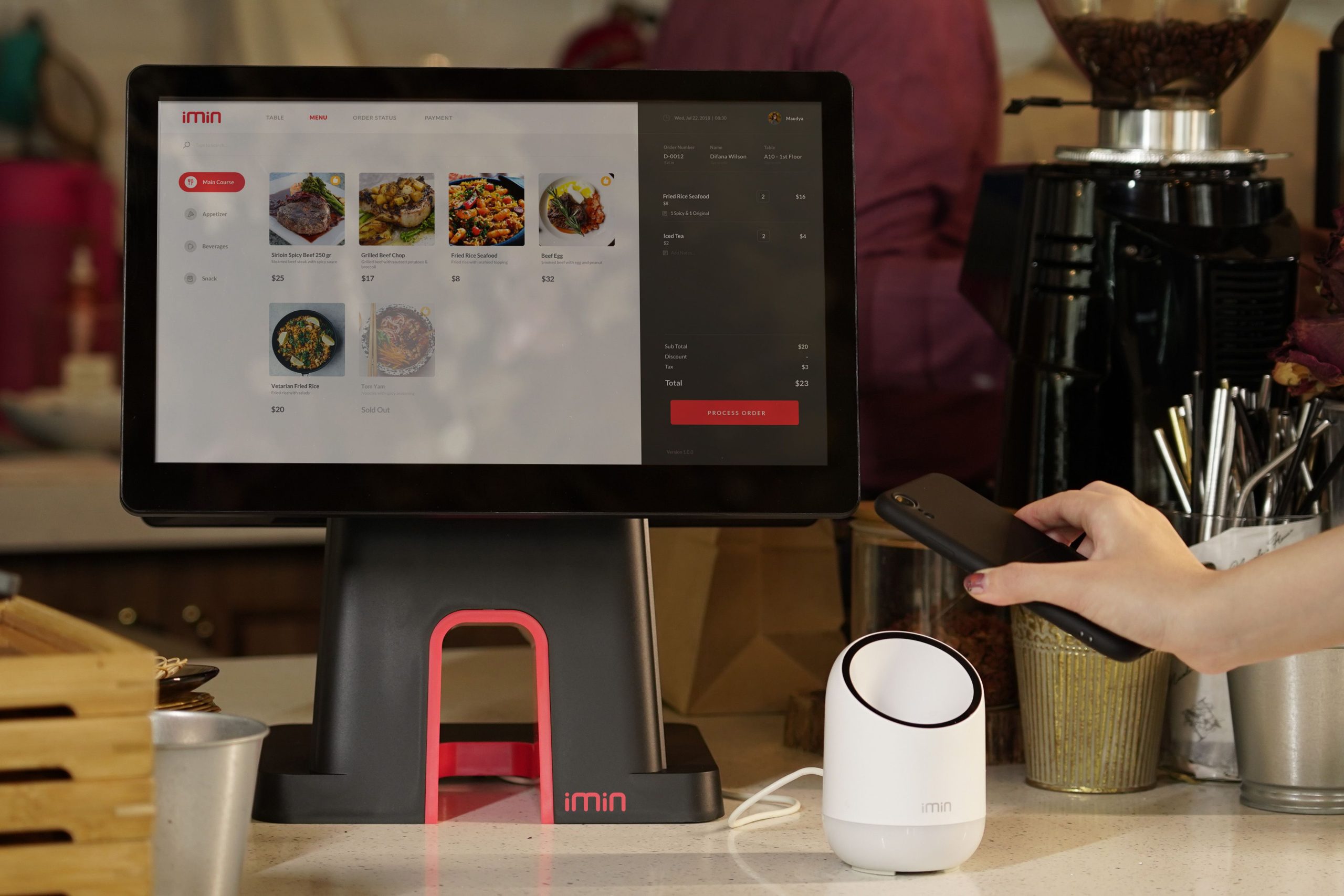
A self-service ordering kiosk integrates four core hardware and software elements: an expansive high-definition commercial touchscreen displaying menus and capturing touch selections; an intuitive self-service ordering UI governing menu categories, item modifiers, and ordering logic; an integrated payment module handling digital QR scanning, contactless NFC, and payment gateways; and a thermal receipt printer dispensing order tickets.
Behind the physical kiosk sits the restaurant’s central Kitchen Display System (KDS) and POS cloud backend, where real-time orders, menu recipes, inventory levels, and prices are coordinated. The kiosk serves as the customer-facing frontend of this backend ecosystem.
The Journey of a Digital Food Order
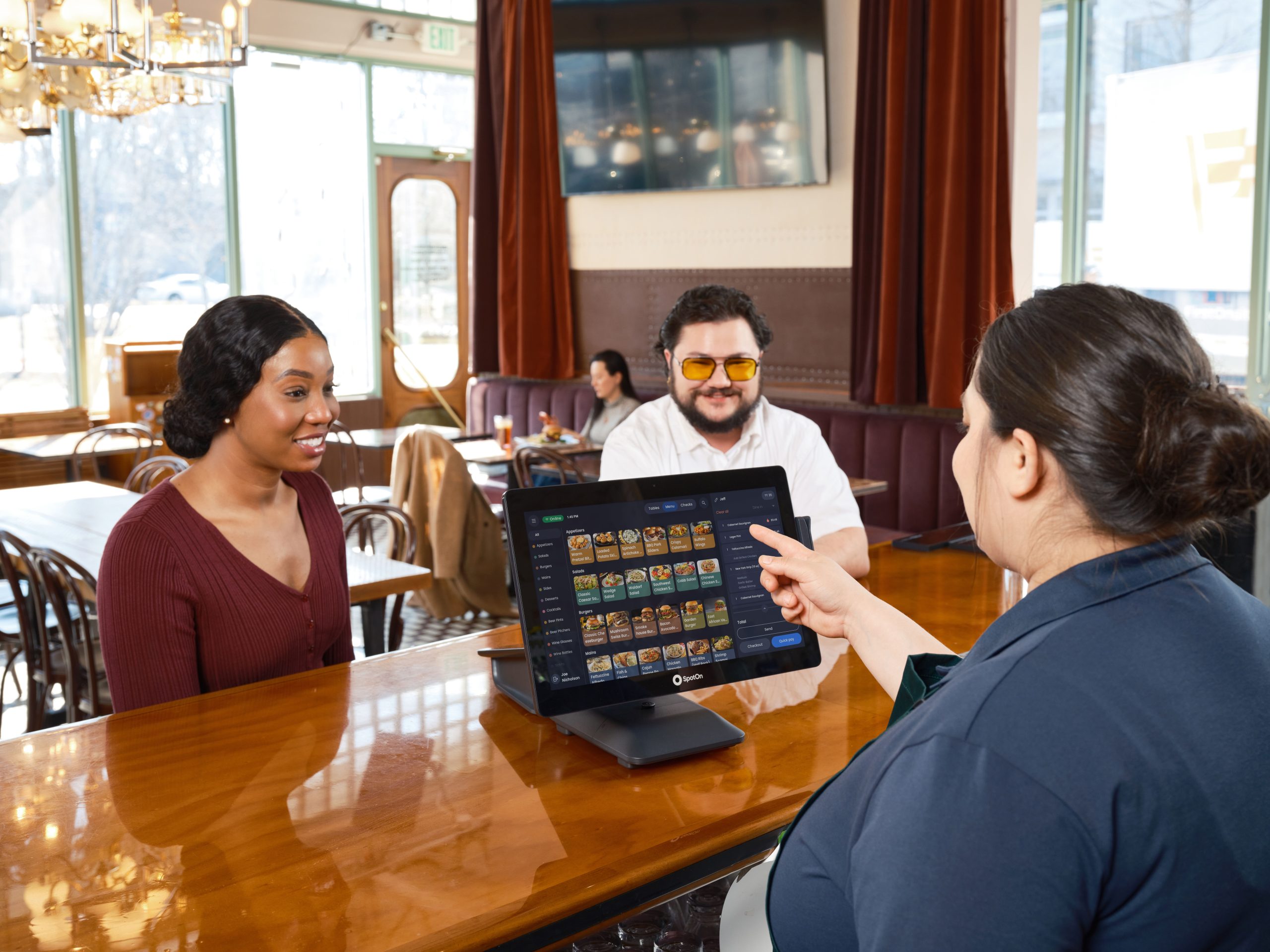
Step 1: Selection and Order Creation: The diner browses visual categories, selects dishes, customizes taste preferences (spiciness, ice levels, sides), and confirms order quantities. The system calculates the exact total, applying automatic combo promotions.
Step 2: Instant Payment and System Handoff: The customer selects a payment method (WeChat Pay, Alipay, Apple Pay, credit card), scans their QR code under the optical scanner, and upon authorization, the transaction records in the backend database.
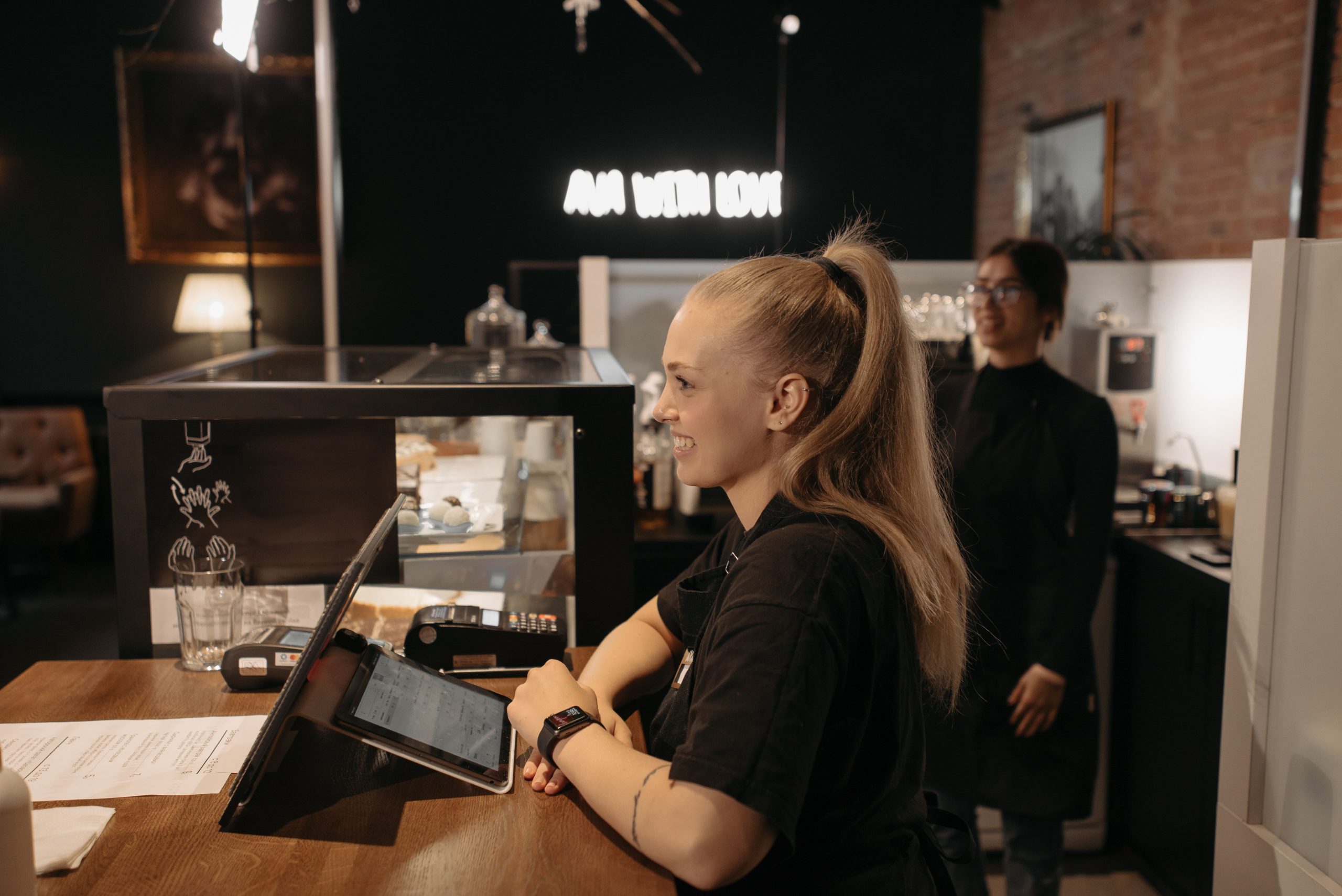
Step 3: Receipt Printing and Order Number Assignment: The internal thermal printer dispenses an order slip carrying an assigned queue pickup number, itemized meal details, timestamp, and payment confirmation.
Step 4: Simultaneous Kitchen Routing: Instantly upon payment confirmation, the order packet transmits over the local network to the kitchen. Kitchen Display System (KDS) monitors display prep tickets, while thermal kitchen printers spit order chits at prep stations, alerting line cooks immediately.
Step 5: Automated Inventory Deduction: The backend POS inventory system automatically deducts recipe ingredients. When stock drops below safety thresholds, the item automatically grays out on the kiosk screen, preventing accidental overselling.
Step 6: Meal Preparation and Queue Calling: Cooks prepare the order, and upon completion, staff press the call button on their KDS terminal. Overhead queue displays in the dining room flash the pickup number accompanied by voice chimes (‘Order #105 is ready for pickup’).
Step 7: Customer Pickup and Order Closing: The diner presents their receipt slip, retrieves their tray from the pickup counter, and staff mark the ticket completed, closing the order loop.
Ten Frequently Asked Customer Questions
1. Why did the payment succeed, but the kiosk failed to print a receipt? This typically occurs when the internal thermal printer runs out of paper rolls or experiences paper jams. Do not panic; order data is already transmitted to the kitchen. Take a photo of your digital payment confirmation showing the transaction timestamp, approach the pickup counter, and staff will verify the order in their POS system.
2. Why are certain dishes suddenly grayed out and unselectable? This indicates real-time sold-out status. When kitchen ingredient stocks deplete, the system automatically marks items out of stock to prevent diners from ordering unavailable meals.
3. Can diners modify or cancel an order after paying at the kiosk? Orders cannot be altered directly on the customer kiosk once submitted, because prep instructions route to the kitchen instantly. Diners should immediately notify front-counter staff with their order number to initiate adjustments or refunds via manager POS consoles.
4. How can diners redeem paper discount coupons or store vouchers at the kiosk? Most modern kiosks feature optical barcode/QR scanners that read digital and paper coupon vouchers. Hold the coupon voucher under the scanner window prior to payment. If a voucher is unrecognized, counter staff can apply discounts manually.
5. Can diners specify custom preparation notes (e.g., ‘No onions’, ‘Extra sauce’)? Yes, well-designed kiosk software incorporates modifier tags on product selection screens. Diners tap customization tags before adding items to the cart.
6. Is ordering at a kiosk faster than waiting for a cashier? During peak meal rushes, kiosks significantly reduce queue times. Diners browse menus and customize meals independently, bypassing front-counter bottlenecks.
7. Can diners pay with physical cash at self-service kiosks? Most standard kiosks support electronic digital payments exclusively. Select specialized models incorporate cash acceptors and coin hoppers; otherwise, cash diners order or settle at the staffed cash register.
8. What if the touchscreen freezes during an active order? Inform restaurant staff immediately. If payment had not been completed, no funds were deducted; staff can reset the terminal and process your order at the counter.
9. Can diners accumulate loyalty member reward points when ordering at kiosks? Yes. Kiosks prompt diners to scan member QR codes or input phone numbers before ordering, earning reward points and member discounts automatically.
10. How do kiosks prevent other diners from taking the wrong food order? Pickup counters call specific numeric ticket IDs printed on your receipt slip, and staff verify slip numbers before handing over meal trays.
Conclusion
Self-service ordering kiosks are not isolated visual screens; they are customer-facing portals integrated tightly with kitchen display networks and cloud inventory backends. By automating ordering, payments, ticket routing, and queue notifications, kiosks elevate dining room efficiency while providing guests with an agile, transparent dining experience.
Explore Related Self-Service Kiosks & POS Checkout Terminals
If you are upgrading your retail checkout counter, restaurant ordering flow, or commercial payment terminals, consider our proven hardware solutions:
- All-in-One Telecom Self-Service Payment Terminal for Bill Payment & Top-Up
- Multi-Function Self-Service Payment & Banking Kiosk with Biometric Authentication
- Hospital Patient Self-Service Registration & Ticket Dispensing Kiosk
- 15-Inch Windows Compact Desktop Touch Display for POS & Self-Service Terminals
Need a Custom POS Terminal or Self-Service Kiosk Project Quote?
ZXTLCD provides comprehensive OEM/ODM manufacturing for self-service ordering kiosks, cash registers, touch displays, payment peripherals, barcode scanners, and thermal printer integration.
Deploying a Self-Service Solution?
To elevate customer experience and streamline ordering or ticketing workflows, explore our AI Self Service Terminal with Large Touchscreen or the versatile Self Service Kiosk for Cinema & Ticketing. For custom hardware integrations, discover our complete line of Custom Self-Service Kiosks or consult our engineering team for sample evaluation.


