

Deploying a modern Self-Ordering System Installation has become a vital strategic step for businesses aiming to optimize workflow. Self-service ordering systems have become a crucial driver for enhancing efficiency across the modern catering industry. By allowing diners to complete the ordering process independently, these systems minimize waitstaff intervention and optimize operational workflows. Modern catering platforms support multiple self-service ordering methods—including tabletop QR code ordering, standalone self-service kiosks, and mini-programs—helping restaurateurs streamline daily management. With a strong emphasis on modular and lightweight architecture, merchants can select hardware terminals or software integrations tailored to their restaurant scale, ensuring rapid deployment. Achieving high operational efficiency requires combining staff training with strategic feature configurations, such as leveraging pre-ordering capabilities to alleviate peak-hour traffic pressure. Furthermore, real-time analytics reports empower merchants to analyze dish performance and customer dining habits, enabling fine-grained operational management.
Self-Ordering System Installation: Step-by-Step Installation Process of a Self-Service Ordering System
Deploying a self-service ordering system involves several clear, structured steps to ensure seamless adoption. First, conduct a business needs assessment to determine the most suitable ordering channels, such as tabletop QR codes, interactive ordering kiosks, or digital ordering kiosks. The system delivers modular solutions, allowing merchants to deploy all-in-one POS terminals (such as compact POS hardware) or integrate mini-programs across major digital payment platforms.
During physical deployment, hardware setup entails connecting networks and peripheral hardware, while software configuration involves uploading digital menus, setting item modifiers, and binding payment gateways. The system supports offline ordering and offline payment processing, ensuring uninterrupted operations even in weak network environments and eliminating service disruption risks.
The testing phase rigorously verifies all core functions—such as seamless order placement and one-step coupon redemption—to confirm system stability. Subsequently, structured staff training is essential; online tutorials and localized technical support teams guide front-of-house teams to quickly master system operations.
The installation procedure can be summarized into five key phases:
1. Requirements Analysis: Select the optimal ordering mode based on restaurant format (e.g., full-service dining, quick-service restaurant, or food court).
2. Hardware Deployment: Install all-in-one POS terminals or configure mini-programs; open APIs ensure multi-platform compatibility.
3. System Initialization: Configure dish libraries, modifier categories, dynamic pricing rules, and loyalty points.
4. Functionality Testing: Verify group-buying coupon verification, payment gateway integration, and receipt printing workflows.
5. Live Rollout: Monitor initial launch performance and calibrate operational settings for peak throughput.
The system significantly simplifies deployment, enabling merchants to monitor installation progress and remotely manage devices in real time via mobile management apps.
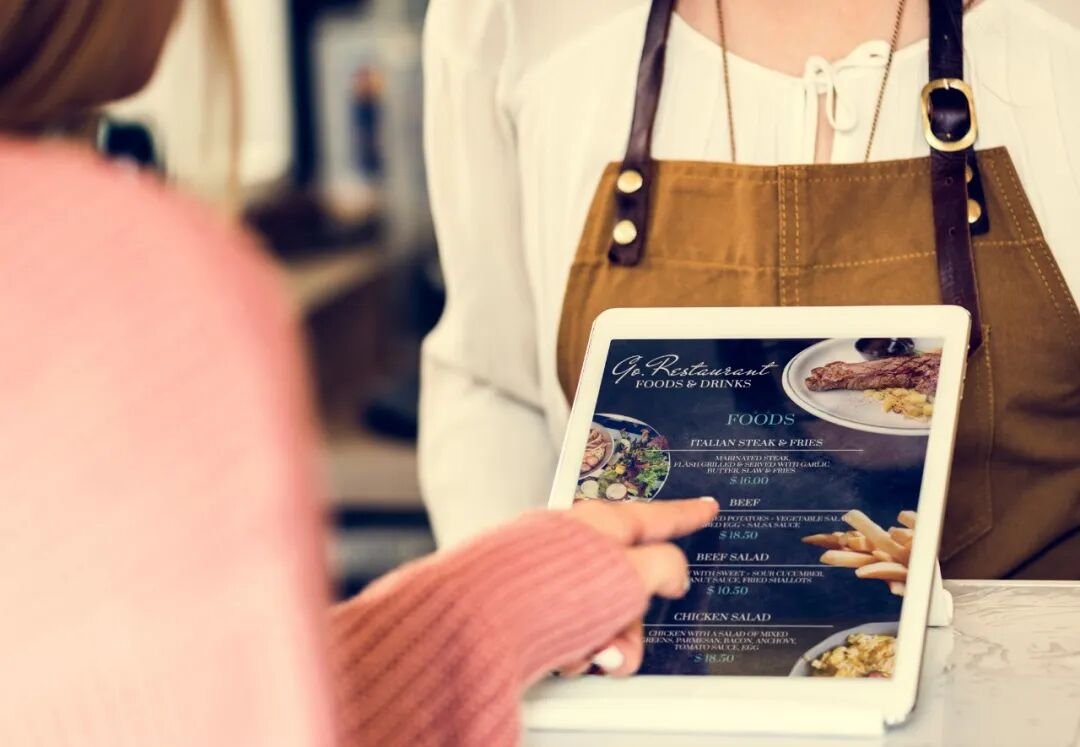
Core Strategies for Highly Efficient Operation
Maximizing the efficiency of a self-service ordering system requires combining continuous workflow optimization with proactive staff coordination. The system supports aggregated group-buying integration, connecting seamlessly with leading lifestyle and delivery platforms to achieve one-step ordering and coupon validation, enhancing customer convenience.
During peak rush hours, enabling the pre-ordering feature allows diners to place orders before arrival, drastically reducing onsite queuing. The system also integrates directly with the Kitchen Display System (KDS): orders are routed instantly to kitchen display screens, where chefs prepare meals based on priority indicators, eliminating manual kitchen expediting and food delivery delays.
Merchants should regularly leverage visual data dashboards to evaluate order volumes and menu item popularity, proactively refining menus and promotional strategies. Staff training should emphasize handling exception orders and guiding guests to use mobile mini-programs, backed by 24/7 technical customer support to ensure rapid issue resolution.
Key operational tactics include:
1. Promoting Digital Ordering: Encourage customers to adopt self-service ordering via community engagement, table tent cards, and front-of-house staff guidance.
2. Configuring Meal-Prep Alerts: Establish kitchen preparation countdown timers to optimize back-of-house production efficiency.
3. Integrating Loyalty Marketing: Leverage built-in CRM tools to design welcome incentives, member-exclusive discounts, and spend-based rewards that drive repeat visits.
These operational strategies help merchants lower labor costs while bolstering operational resilience.
Service Advantages of Smart Catering Systems
Smart catering systems provide unique technological advantages that empower merchants to operate with high efficiency. Built on lightweight, high-performance architecture, modern compact all-in-one POS terminals deliver 30% higher processing capability while maintaining a sleek footprint, supporting multiple payment methods and diverse business scenarios.
The platform provides comprehensive data dimensions with nearly 60 report formats spanning seven core business dimensions—such as transactions, revenue, customer traffic, and loyalty metrics. Merchants can access live sales figures via PC terminals or mobile apps, enabling data-backed decision-making.
Additionally, the system integrates omnichannel digital marketing tools, including branded mini-programs and enterprise customer communication channels, assisting merchants in building private-domain customer traffic and increasing brand visibility.
Round-the-clock customer support teams and localized service networks guarantee worry-free post-deployment operations, while continuous software iterations ensure the system adapts swiftly to market shifts. In summary, installing and effectively operating a self-service ordering system represents a cornerstone of digital transformation in the catering industry. Through modular design and professional capabilities, the system streamlines installation, elevates operational efficiency, and helps merchants conquer high-traffic challenges. Driven by data insights and customer loyalty tools, it elevates customer dining experiences while driving long-term commercial growth.
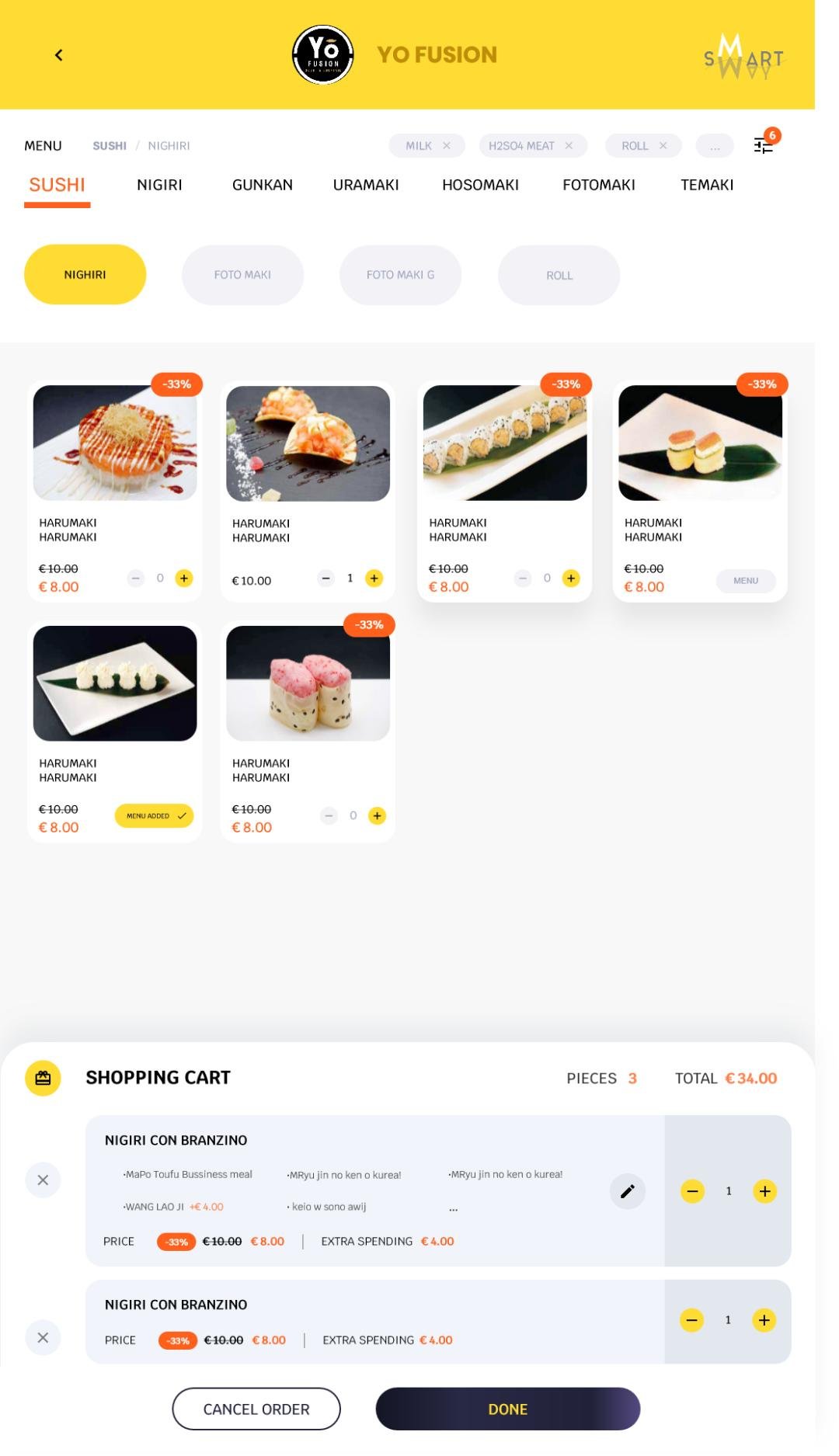
Frequently Asked Questions (FAQ)
What are the essential steps required to install a self-service ordering system?
Deploying a self-service ordering system encompasses needs evaluation, equipment deployment, system configuration, functional testing, and staff training. Merchants first assess their service format to select suitable ordering channels (such as QR codes or interactive kiosks). The platform provides modular solutions supporting both hardware terminals and software mini-programs. Setup involves establishing network connections, configuring peripheral devices, uploading digital menus, and linking payment gateways. Rigorous testing validates features such as offline ordering. Professional support teams assist throughout the process, ensuring a smooth, rapid rollout.
How can restaurants ensure optimal system performance during peak dining rush hours?
Sustaining high-throughput operations requires fine-tuning system configurations and coordinating front-of-house staff. Enabling pre-ordering allows patrons to submit orders in advance, relieving onsite pressure. Aggregated coupon integration allows simultaneous order entry and voucher verification in a single step. Integrating KDS back-of-house screens ensures instantaneous digital ticket routing with production countdown alerts. Regularly monitoring sales and traffic dashboards helps managers forecast customer surges and allocate staff efficiently, while 24/7 technical support maintains system uptime.
What unique capabilities do modern smart catering systems offer for self-service ordering?
Core system highlights include omnichannel ordering support (tabletop QR codes, mobile mini-programs, standalone kiosks), native integration with popular group-buying platforms, and intelligent Kitchen Display Systems (KDS). Compact all-in-one POS terminals deliver enhanced performance and resilient offline operation under unstable network conditions. Deep analytics dashboards cover seven critical dimensions to guide operational strategy, while CRM tools empower targeted loyalty promotions, driving repeat visits and customer retention.
How should staff be effectively trained after installing a self-service ordering system?
Staff training should be conducted in phased stages, focusing on order processing, payment settlement, and handling exception orders. Utilizing online modules and practical walkthroughs, staff practice guiding diners to use self-service kiosks and mobile ordering. Training also covers viewing business reports and configuring promotional activities so employees understand the value of operational data. Localized support specialists provide hands-on coaching, while periodic refreshers help maintain high service standards.
How does a self-service ordering system enhance the overall dining experience?
The system elevates the dining experience primarily by cutting wait times and maximizing convenience. Diners enjoy the autonomy of placing orders and making payments instantly via table QR codes, mobile apps, or interactive kiosks. Integrated loyalty perks—such as welcome coupons and member discounts—enrich customer interactions. Furthermore, automated kitchen routing ensures meals are prepared promptly and accurately, minimizing service friction and significantly improving customer satisfaction. In summary, integrating the right Self-Ordering System Installation provides long-term operational resilience, reduced labor friction, and enhanced customer satisfaction.
Looking for customized Self-Ordering System Installation solutions, commercial touchscreen displays, or OEM/ODM self-service hardware? Feel free to contact the ZXTLCD engineering team for free consultations, product samples, and tailored technical specifications.
Deploying a Self-Service Solution?
To elevate customer experience and streamline ordering or ticketing workflows, explore our AI Self Service Terminal with Large Touchscreen or the versatile Self Service Kiosk for Cinema & Ticketing. For custom hardware integrations, discover our complete line of Custom Self-Service Kiosks or consult our engineering team for sample evaluation.


