

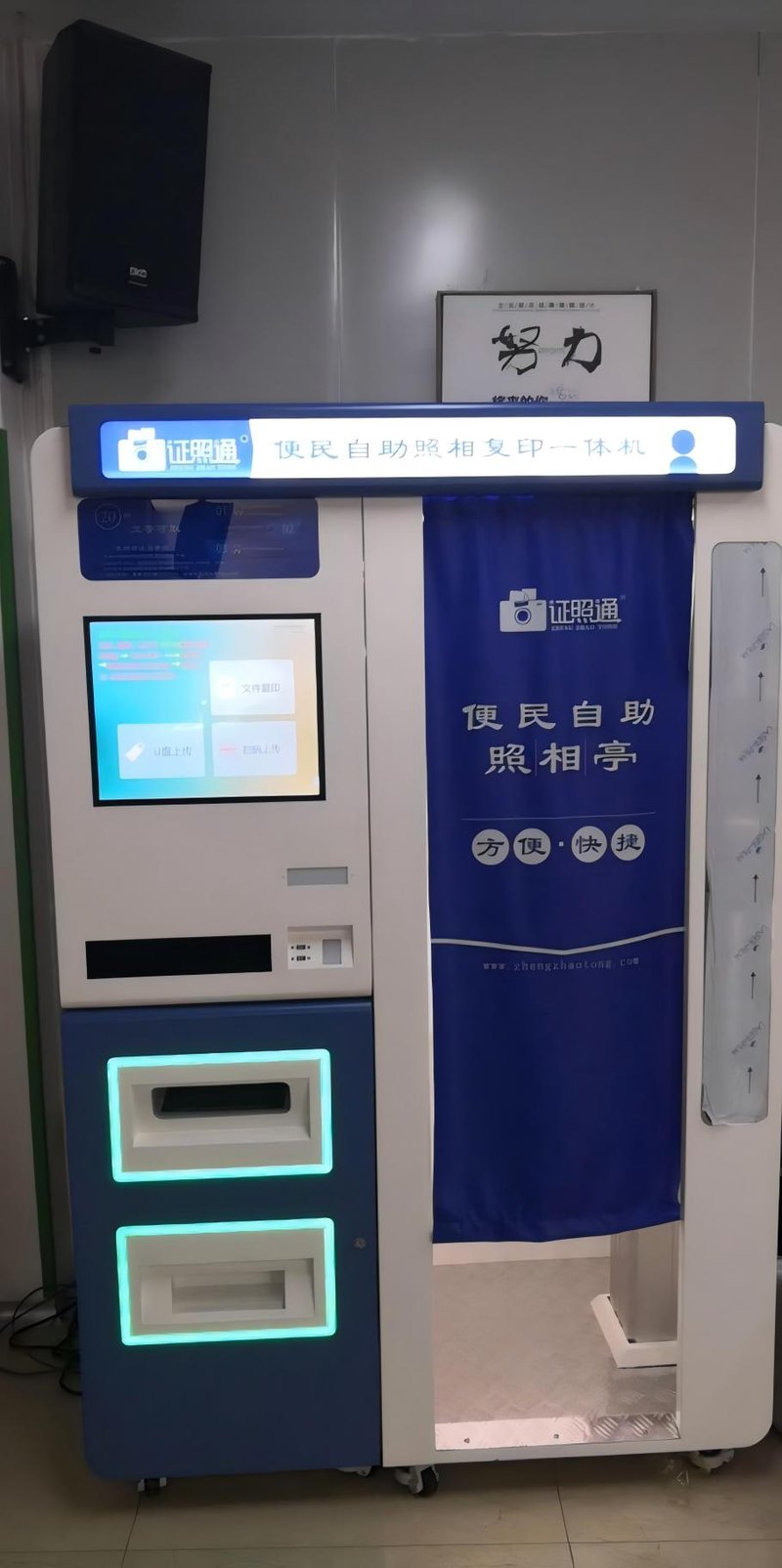
Deploying a high-performance Self-Ordering Kiosk Hardware Quality provides commercial dining and retail venues with an advanced automated workflow. When selecting a self-ordering kiosk, decision-makers should look beyond screen size and exterior styling to evaluate core hardware components, including the touchscreen, host controller, chassis structure, and peripheral modules. Hardware specifications directly determine operational user experience, system stability, and long-term maintenance costs, particularly in high-throughput environments like restaurants, fast-food outlets, and cafeterias.
Self-Ordering Kiosk Hardware Quality: 1. Touchscreen: Focus on Display Quality and Touch Stability
The touchscreen serves as the primary touchpoint between diners and the self-ordering kiosk. When evaluating displays, focus on resolution clarity, touch responsiveness, wide viewing angles, and ease of surface cleaning.
Different touch technologies (such as projected capacitive PCAP vs. infrared) differ in sensing principles, structural design, and tactile experience. In dining environments, screens endure continuous finger taps and frequent grease, oil, and liquid contact. It is essential to ensure that the touchscreen surface treatment (such as oleophobic, anti-glare, or tempered glass coatings) matches real-world operating conditions and supports routine sanitation wiping.
Additionally, inspect the seamless bonding between the screen panel and enclosure bezel, evaluate whether the bezel traps grease or crumbs, and verify how easily the display assembly can be serviced or replaced.
2. Host Controller Hardware: Match Actual Operational Demands
The internal host computer/motherboard runs the self-ordering software, processes customer interactions, and exchanges transactional data with POS backends. Hardware selection should be based on operating system requirements (Android or Windows), menu complexity, the number of connected peripherals, and the kiosk’s target operating lifespan.
Evaluate processor (CPU) performance, RAM capacity, solid-state storage (eMMC or SSD), and the variety and quantity of I/O ports. For kiosks that simultaneously interface with thermal printers, barcode scanners, payment terminals, and restaurant ERP platforms, hardware interface bandwidth and OS compatibility are critical.
Higher specifications do not automatically guarantee superior performance. What matters most is that the hardware maintains rock-solid stability while running the application stack, with adequate headroom reserved for future software updates.
3. Kiosk Chassis Structure: Pay Attention to Materials and Thermal Design
A self-ordering kiosk’s enclosure must endure constant physical tapping, routine chemical cleaning, and continuous commercial duty cycles. When inspecting the chassis, examine sheet metal or structural alloy gauge thickness, assembly rigidity, edge deburring/sealing, and interior maintenance access.
Commercial dining spaces are subject to oil vapor, ambient dust, and accidental beverage splashes. Hardware placement and ingress protection (IP ratings) are vital. If kiosks are positioned near open kitchens or beverage prep counters, verify whether enclosure seams, ventilation grilles, and peripheral ports possess appropriate splash and dust resistance, rather than relying solely on cosmetic exterior styling.
Efficient thermal management is equally essential. Ensure that ventilation grilles cannot be easily obstructed by patrons or walls, and check whether internal cooling fans or fanless heat dissipation channels allow convenient routine cleaning.
4. Peripheral Modules: Choose Based on the Ordering Workflow
Depending on operational workflows, self-ordering kiosks can integrate thermal receipt printers, QR/barcode scanners, NFC/RFID card readers, and payment terminals.
If the kiosk outputs order tickets or kitchen pickup slips, evaluate thermal print resolution, paper roll diameter capacity, auto-cutter durability, and jam-clearing accessibility. For barcode and QR scanning, verify the scanning module’s field of view, decoding speed across reflective smartphone screens, and compatibility with the kiosk software.
Prior to hardware procurement, map out the complete customer ordering and payment flow. Selecting only necessary peripheral modules avoids missing critical functionality while preventing redundant hardware costs.
5. How to Assess Overall Hardware and Machine Quality?
When evaluating kiosk hardware, look beyond individual component brand names or spec sheets; assess the holistic performance of the integrated machine. During hardware qualification, stress-test rapid multi-touch interactions, menu page transitions, checkout submission speeds, receipt printing cycles, and backend API data synchronization.
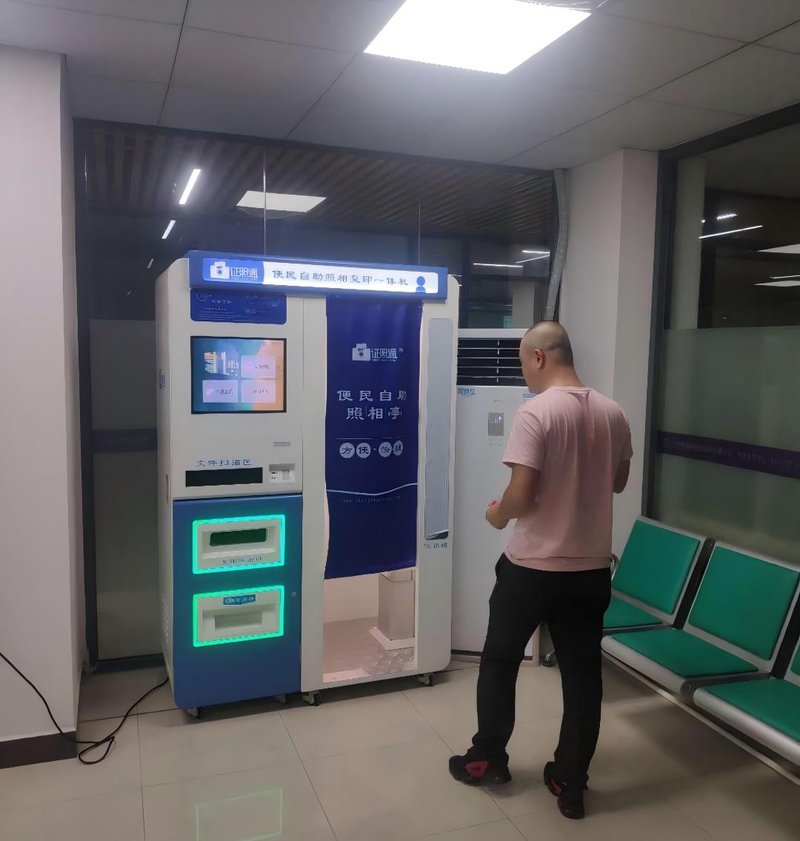
Simultaneously, evaluate hardware maintainability, modular spare parts availability, warranty coverage terms, and vendor technical support SLAs. For multi-location chain rollouts, these operational factors dictate long-term fleet manageability and total cost of ownership.
Frequently Asked Questions (FAQ)
Q1: Is a larger touchscreen always better for a self-ordering kiosk?
Not necessarily. Screen dimensions should match available floor/wall space, menu hierarchy complexity, and optimal ergonomic viewing distances. Display clarity, touch accuracy, and operational ergonomics are far more important than raw screen size.
Q2: Do higher host computing specifications guarantee greater stability?
Not necessarily. System stability depends on commercial-grade component quality, efficient thermal dissipation, OS and software optimization, and overall assembly craftsmanship, rather than CPU clock speeds alone.
Q3: Which hardware components require the closest scrutiny in restaurant environments?
Pay closest attention to commercial touchscreen durability, chassis ingress and grease protection, thermal design, and high-frequency wear peripherals like thermal printers and barcode scanners.
Q4: What practical testing should be performed prior to kiosk procurement?
Conduct stress tests covering continuous touch responsiveness, menu rendering latency, transaction submission, peripheral stability under load, and backend POS synchronization, while confirming vendor warranty and technical support commitments. In summary, integrating a reliable Self-Ordering Kiosk Hardware Quality solution reduces operational labor costs, shortens customer wait times, and maximizes store throughput.
Looking for customized Self-Ordering Kiosk Hardware Quality hardware, commercial touchscreen displays, or OEM/ODM self-service solutions? Feel free to contact the ZXTLCD engineering team for free consultations, product specifications, and tailored volume pricing.
Deploying a Self-Service Solution?
To elevate customer experience and streamline ordering or ticketing workflows, explore our AI Self Service Terminal with Large Touchscreen or the versatile Self Service Kiosk for Cinema & Ticketing. For custom hardware integrations, discover our complete line of Custom Self-Service Kiosks or consult our engineering team for sample evaluation.


