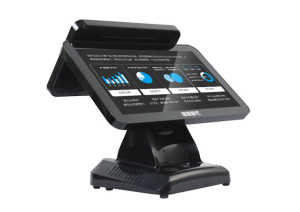
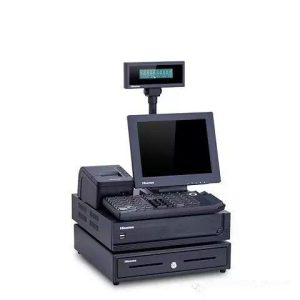
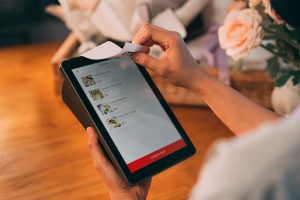
Traditional restaurant service often depends on a server to seat guests, deliver menus, record each order, pass it to the kitchen, print a receipt and collect payment. The sequence works when traffic is light, but it becomes difficult to manage during lunch and dinner peaks. Staff may be handling several tables at once, and handwritten or repeatedly entered orders create more opportunities for delays, missed items and incorrect kitchen instructions.
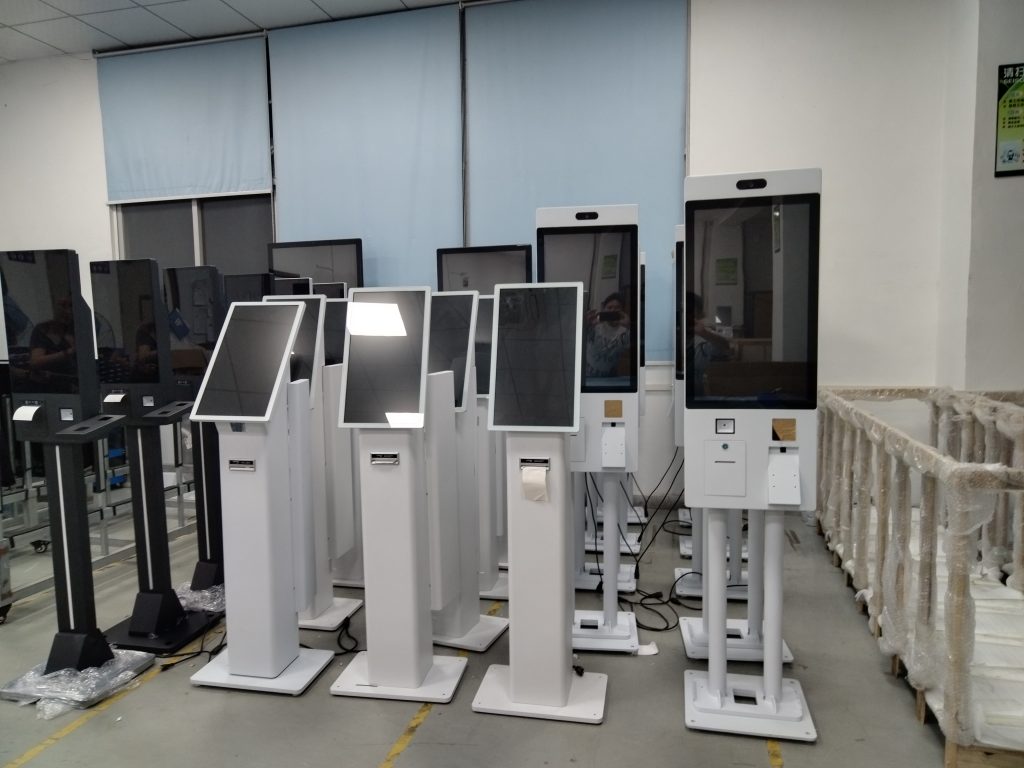
A smart self service kiosk brings menu browsing, ordering, payment and receipt handling into one guided screen flow. Guests can review dishes at their own pace, confirm the order and complete payment before the information is sent to the restaurant system. The purpose is not to remove hospitality from the dining room. It is to transfer repetitive, standardized steps to the machine so employees can spend more time greeting guests, explaining dishes and resolving exceptions.
Moving routine ordering to a guided screen
Printed menus are familiar, but they are slow to update when a dish sells out, a price changes or a limited-time combination is introduced. A digital menu can present dish names, images, prices and options in a consistent structure. The restaurant can also adjust content for different service periods without reprinting every menu. A smart self service kiosk gives guests direct control over this information and removes the wait for a server to begin taking the order.
The interface still needs careful planning. Categories should be easy to understand, product information should be concise, and the confirmation screen should let guests review quantities, options and the final amount. Technology shortens the path, but it cannot compensate for a confusing menu. A clear content hierarchy and a predictable sequence are essential for first-time users.
Connecting orders payments and kitchen operations
The device can connect with the restaurant point-of-sale system, payment service and kitchen display workflow. Once a guest submits an order, structured information can move directly to the kitchen instead of being copied from a handwritten ticket. This reduces avoidable transcription mistakes and gives kitchen staff a clearer view of what must be prepared. Payment methods can be configured for the local market and may include QR payments, bank cards or other options supported by the restaurant system.
During busy periods, a smart self service kiosk can distribute demand away from the staffed counter. Guests who are comfortable with self-service can complete routine orders independently, while employees remain available for special requests and assistance. Restaurants should still provide a visible support path for people who are unfamiliar with the interface, have accessibility needs or encounter a payment problem.
Turning order records into useful reports
When the kiosk is connected to the restaurant platform, order activity can feed business, product and settlement reports. Managers can review these records from an authorized computer or mobile device to understand demand by time period, identify popular menu items and investigate unusual results. The value comes from using the information to adjust operations, not from collecting data for its own sake.
A smart self service kiosk should therefore be evaluated as part of the restaurant information system. Before launch, the operator needs to confirm data interfaces, user permissions, payment settings and the connection to the kitchen. Reports should also be checked against actual transactions so managers know that the numbers are complete and consistent.
Planning a reliable daily service routine
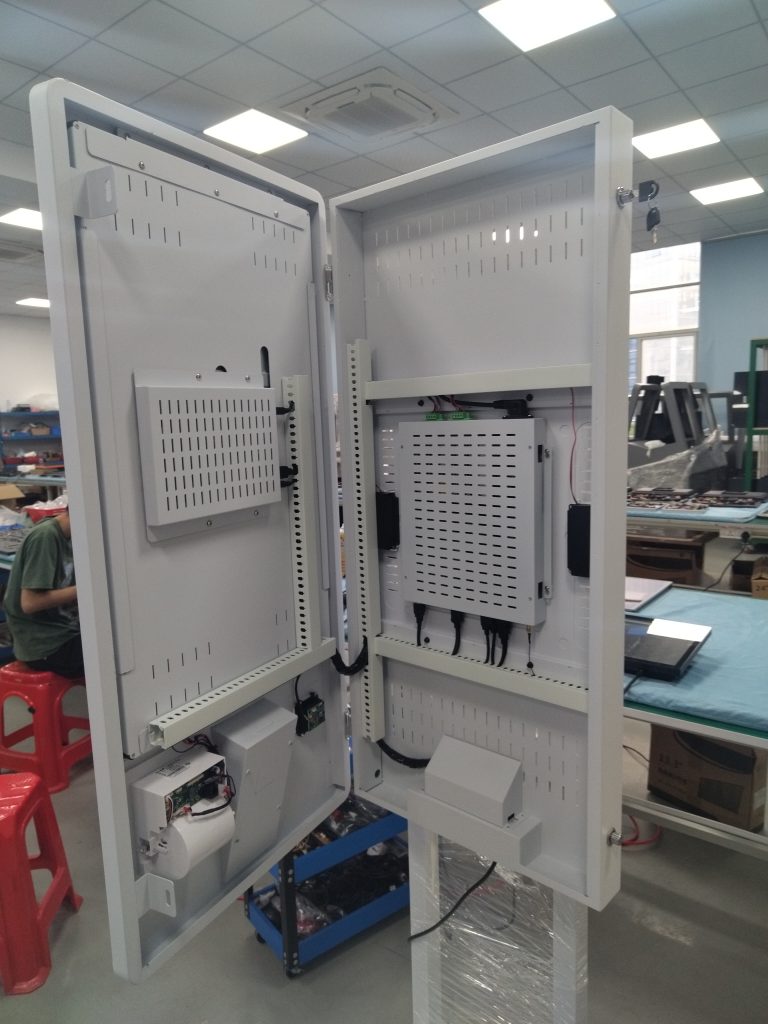
Stable operation depends on simple daily checks. Staff should clean the touch surface with an appropriate material, verify the network and payment status, confirm that receipt paper is available and inspect the screen for error messages before the peak period begins. A short written recovery procedure helps employees respond consistently if the printer, payment module or network connection stops working.
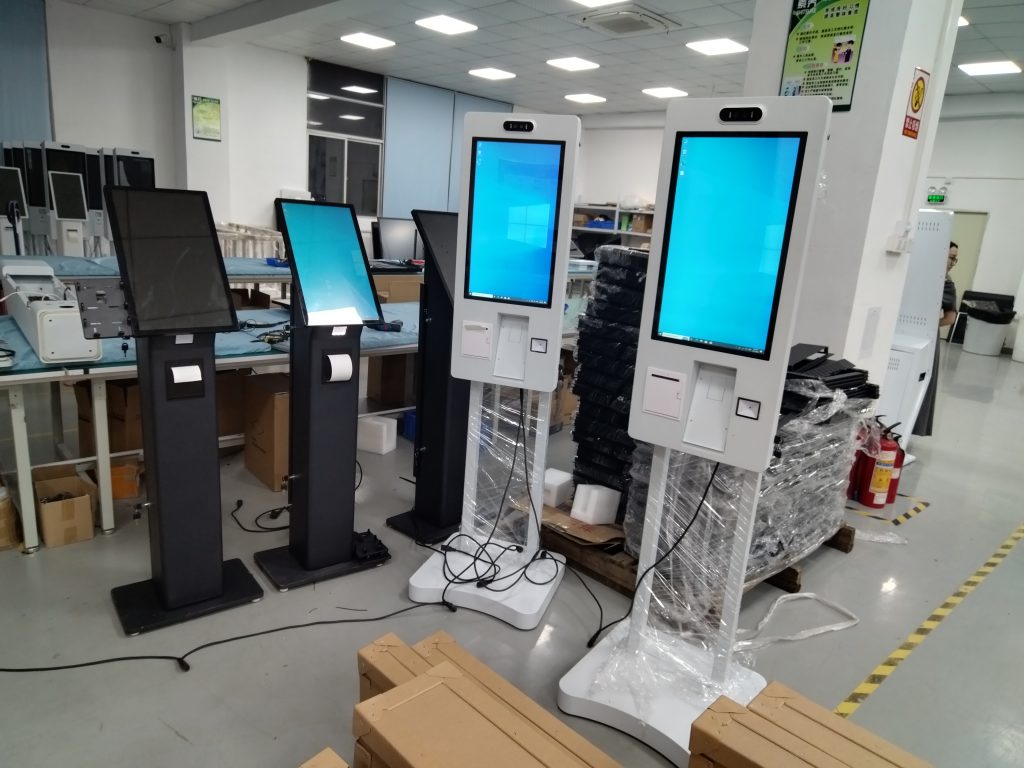
Installation also affects usability. Wall-mounted, desktop and floor-standing formats serve different spaces. A unit near the entrance can divert traffic before it reaches the counter, while a location closer to staff makes assistance easier. Screen size, mounting height, aisle width and access for maintenance should be decided after measuring the restaurant rather than from a product photo alone.
Using automation without losing service quality
The strongest result comes from combining the smart self service kiosk with a well-designed menu and attentive staff. Guests receive a direct ordering path, employees spend less time on repeated data entry, and the kitchen receives more consistent order information. The restaurant can then focus human service on the moments where explanation, judgment and personal attention matter most.
For an effective deployment, restaurants should begin with their real traffic pattern, menu complexity and existing software. Those factors determine the number of stations, the installation format and the integrations that are required. The equipment, software and service process work best when they are planned as one operating system.
Explore related configurations in the self-service kiosk product range.
Deploying a Self-Service Solution?
To elevate customer experience and streamline ordering or ticketing workflows, explore our AI Self Service Terminal with Large Touchscreen or the versatile Self Service Kiosk for Cinema & Ticketing. For custom hardware integrations, discover our complete line of Custom Self-Service Kiosks or consult our engineering team for sample evaluation.