

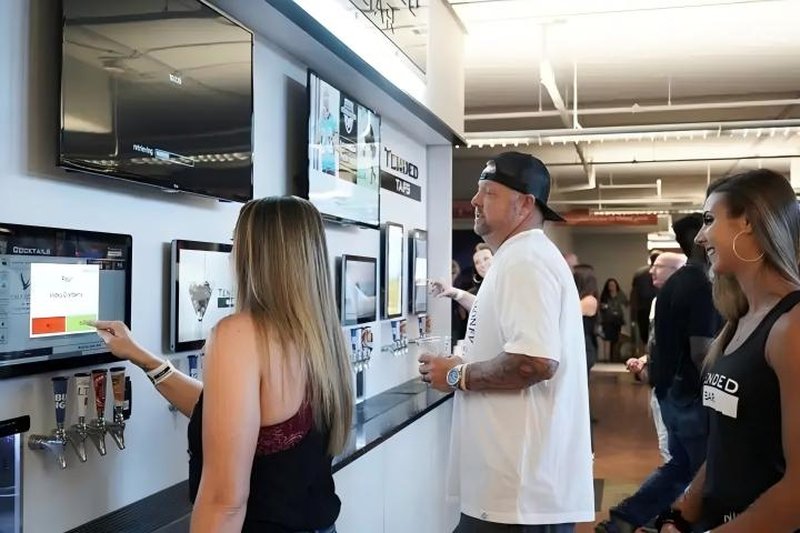
Self-Checkout Kiosk Installation: What Should You Consider When Installing Self-Checkout Kiosks?
Deploying a high-performance Self-Checkout Kiosk Installation provides commercial dining and retail venues with an advanced automated workflow. Self-checkout kiosks are widely deployed across supermarkets, convenience stores, shopping centers, and retail outlets. A properly planned installation directly impacts customer interaction, ongoing maintenance accessibility, network reliability, and long-term hardware stability. Prior to installation, retailers should comprehensively plan physical mounting locations and infrastructure requirements based on floor plans, kiosk hardware configurations, and practical retail workflows.
1. Select Optimal Installation Locations
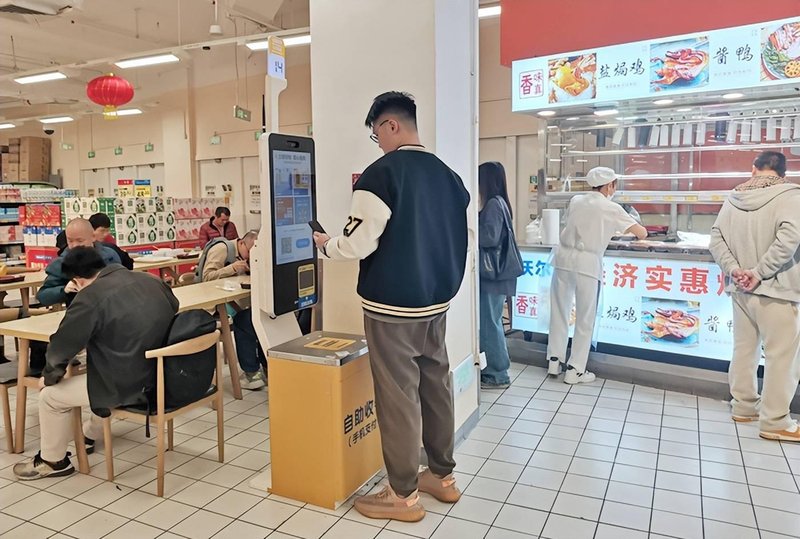
Self-checkout kiosks should be positioned where customers can locate and operate them effortlessly, without obstructing store traffic corridors. Site planning must account for customer queue paths, shopping cart clearance, and staff access for replenishing printer paper or resolving exceptions.
Additionally, avoid locations vulnerable to rain exposure, grease buildup, or direct, harsh sunlight (which can wash out displays and interfere with optical barcode scanners). If installing in outdoor or semi-outdoor covered zones, verify that the kiosk’s ingress protection (IP rating) meets the environmental conditions, rather than judging durability solely by exterior appearance.
2. Verify Power and Network Infrastructure in Advance
Before physical mounting, confirm that on-site electrical supply meets hardware voltage and wattage specifications. Route power and Ethernet cabling neatly to prevent exposed cords, cable clutter, or tripping hazards.
Networked self-checkout terminals require either a wired Ethernet connection or industrial Wi-Fi depending on system architecture. Following physical hookup, thoroughly test network latency, POS software authentication, product database/PLU synchronization, and live payment processing to ensure seamless integration with the store’s backend retail systems.
3. Inspect Peripheral Hardware and Structural Mounting
A self-checkout kiosk typically integrates barcode scanners, thermal receipt printers, payment modules (POS/card readers/face pay cameras), and interactive customer touch displays. During assembly, verify that all peripheral modules are securely connected and perform functional tests on barcode scanning, receipt printing, and payment interfaces.
Whether utilizing floor-standing kiosks, desktop/countertop mounts, or embedded wall enclosures, verify that mounting surfaces support the unit’s weight and provide adequate clearance for ventilation and technician maintenance. For units requiring desktop or baseplate anchoring, fasten them securely according to manufacturer guidelines to eliminate wobbling or tip-over hazards.
4. Conduct Comprehensive End-to-End Testing Post-Installation
Once the kiosk is anchored and energized, do not launch it immediately into live customer operations. Perform thorough hardware diagnostics covering display clarity, touchscreen calibration and responsiveness, scanner recognition speed, thermal printer feeding/cutting, payment terminal communication, and network connectivity.
Simultaneously, simulate realistic checkout transactions from start to finish: test product barcode scanning, promotional price calculation, transaction settlement, receipt output, and real-time backend inventory synchronization. Any anomalies or latency issues should be resolved before public rollout to safeguard store customer experience.
5. Frequently Asked Questions (FAQ)
1. Can a self-checkout kiosk be placed directly on a standard desk or countertop?
This depends on the kiosk model and its mounting design. The supporting counter must provide sufficient structural load-bearing capacity, ensure kiosk stability, allow organized internal cable routing, and offer ergonomic space for customer checkout interaction.
2. Is an active internet or network connection mandatory for self-checkout kiosks?
This depends on the kiosk functionality and retail software architecture. Core operations such as real-time SKU lookup, inventory synchronization, digital/card payments, and cloud ERP telemetry require a stable network connection, per system design specifications.
3. Why is end-to-end integration testing necessary after installation?
Full-system testing helps identify cabling faults, peripheral driver issues, and backend API integration discrepancies early, minimizing the risk of kiosk downtime or transaction errors during peak retail hours.
4. Must clearance space be reserved around the kiosk for maintenance?
Yes. Providing adequate maintenance clearance facilitates routine screen cleaning, interface inspection, receipt roll replacement, and internal hardware servicing, reducing service disruption to everyday retail operations. In summary, integrating a reliable Self-Checkout Kiosk Installation solution reduces operational labor costs, shortens customer wait times, and maximizes store throughput.
Looking for customized Self-Checkout Kiosk Installation hardware, commercial touchscreen displays, or OEM/ODM self-service solutions? Feel free to contact the ZXTLCD engineering team for free consultations, product specifications, and tailored volume pricing.
Deploying a Self-Service Solution?
To elevate customer experience and streamline ordering or ticketing workflows, explore our AI Self Service Terminal with Large Touchscreen or the versatile Self Service Kiosk for Cinema & Ticketing. For custom hardware integrations, discover our complete line of Custom Self-Service Kiosks or consult our engineering team for sample evaluation.


