

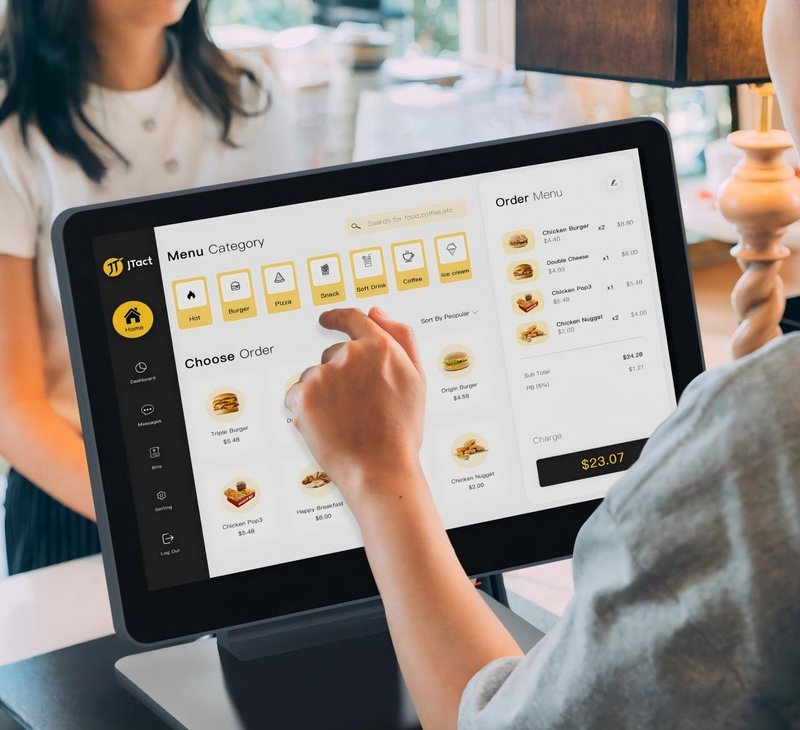
Deploying a high-performance Self-Checkout Loss Prevention provides commercial dining and retail venues with an advanced automated workflow. Self-checkout (SCO) kiosks empower supermarkets and grocery retailers to streamline cashier throughput and elevate customer convenience. However, in unattended or customer-operated environments, operational vulnerabilities—such as missed item scans, duplicate scans, barcode discrepancies, and incomplete payments—can result in substantial inventory shrinkage and retail loss.
Strengthening retail loss prevention cannot rely solely on a single hardware terminal. It requires a holistic loss prevention architecture that integrates self-checkout kiosk hardware configurations, inventory ERP systems, store layout ergonomics, and structured exception-handling protocols.
1. Optimizing Product Identification and Barcode Scanning Workflows with a Self-Checkout Loss Prevention
Barcode scanning serves as the primary method of item registration in self-checkout operations. Kiosks must incorporate robust, wide-angle 2D imaging scanners paired with clear visual and audio prompts to guide shoppers in scanning items sequentially.
For items prone to scan failures, damaged packaging barcodes, or non-barcoded produce sold by weight, the system should prompt manual associate intervention. Product master databases must maintain real-time synchronization with the checkout system to prevent scanning timeouts or price mismatches from causing checkout friction.
Certain retail environments also integrate security scale bagging beds, RFID item-level tagging, or AI vision-based item recognition. The specific technology mix should be evaluated based on merchandise SKU profiles, POS software compatibility, and operational requirements.
2. Integrating with Backend Systems for Transaction Verification
Self-checkout terminals must operate in close synchronization with product catalog databases, inventory management systems, and payment clearing gateways. Based on system configurations, POS backends can cross-verify item pricing, transaction totals, and payment status flags in real time to help floor attendants detect anomalies immediately.
For example, when a shopping basket transaction is finalized on screen but payment gateway authorization remains unconfirmed, the kiosk should display a prominent status alert (such as an overhead multi-color status beacon/Andon light). If an item scan triggers an exception or a transaction aborts prematurely, the kiosk should log event telemetry to facilitate post-incident auditing.
Store managers must recognize that algorithmic alerts serve as operational aids rather than infallible theft detectors; they must be backed by well-defined floor management procedures.
3. Strategic In-Store Surveillance and Kiosk Layout Planning
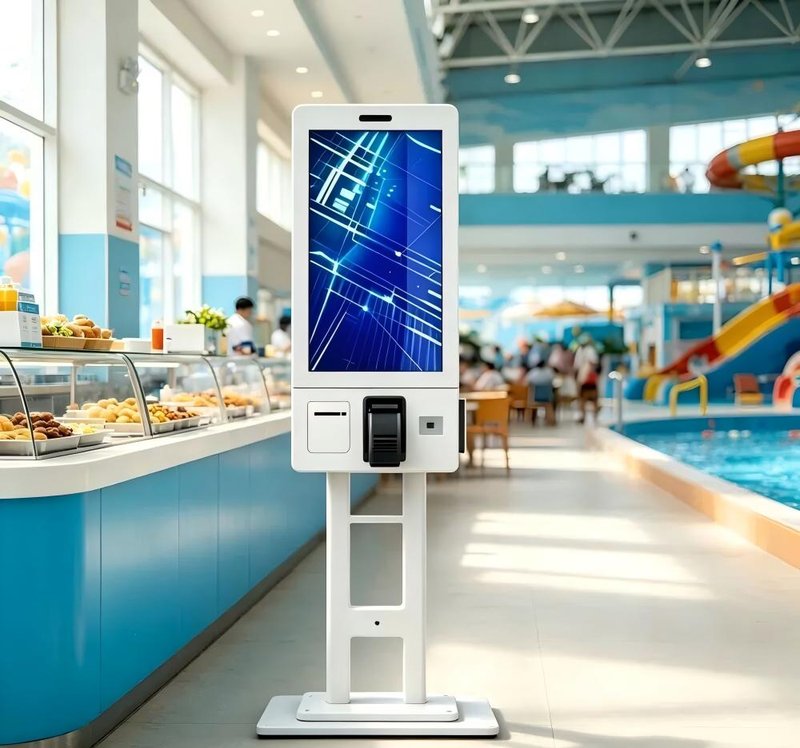
Self-checkout corrals should be designed with wide, unobstructed sightlines, ensuring that kiosk enclosures, promotional signboards, and merchandising display racks do not block the attendant’s field of view. Floor supervisors should be positioned to oversee multiple kiosks simultaneously and provide immediate assistance when shoppers encounter operational hurdles.
Subject to local legal regulations and data privacy frameworks, retailers can integrate transaction-synchronized overhead video surveillance, computer vision security cameras, or electronic article surveillance (EAS) exit gates. Surveillance systems should blend smoothly with checkout workflows to deter shrinkage without causing customer bottlenecks or compromising the overall shopping experience.
4. Establishing Exception Handling and Daily Inspection Protocols
Retailers must establish standardized standard operating procedures (SOPs) for missed scans, duplicate scans, payment gateway timeouts, pricing mismatches, and hardware faults. When anomalies arise, trained store personnel should cross-check on-screen digital journals against physical shopping carts, avoiding confrontational assumptions based solely on automated sensor alerts.
Routine preventative maintenance should verify that barcode scanners, touchscreens, payment terminals, status light towers, and network interfaces operate normally. Store staff should also review firmware versions, SKU barcode databases, and system event logs. Dependable hardware performance combined with standardized staff protocols minimizes human error and operational shrinkage vulnerabilities.
5. Frequently Asked Questions (FAQ)
1. Can self-checkout machines completely eliminate retail theft and shrinkage?
No. While kiosks provide automated barcode decoding, weight verification, and transaction audit trails, effective loss prevention requires a combined strategy incorporating trained supervisory staff, inventory cycle counts, and surveillance measures.
2. How can self-checkout kiosks reduce missed item scans?
Retailers can optimize scanner positioning with omnidirectional imaging windows, implement weight-sensor verification in bagging areas, maintain barcode database accuracy, and deploy floor staff to assist with scan verification.
3. Should surveillance cameras be installed at self-checkout kiosks?
Camera deployment depends on store layout, shrinkage risk profiles, and local privacy legislation. Where video surveillance is implemented, cameras should focus strictly on the scanning and bagging zones while adhering strictly to applicable data protection laws.
4. What hardware features should retailers look for when purchasing loss-prevention self-checkout kiosks?
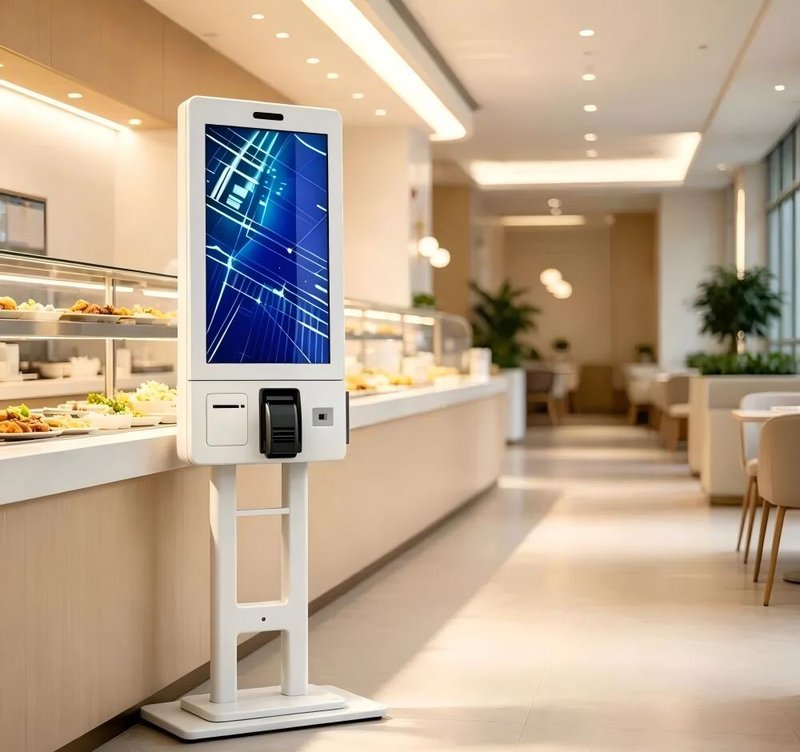
Key features include omnidirectional 2D barcode imagers, integrated weight scale security bagging modules, overhead LED status light towers, POS system API compatibility, comprehensive exception event logging, and modular field-serviceable chassis designs. In summary, integrating a reliable Self-Checkout Loss Prevention solution reduces operational labor costs, shortens customer wait times, and maximizes store throughput.
Looking for customized Self-Checkout Loss Prevention hardware, commercial touchscreen displays, or OEM/ODM self-service solutions? Feel free to contact the ZXTLCD engineering team for free consultations, product specifications, and tailored volume pricing.
Deploying a Self-Service Solution?
To elevate customer experience and streamline ordering or ticketing workflows, explore our AI Self Service Terminal with Large Touchscreen or the versatile Self Service Kiosk for Cinema & Ticketing. For custom hardware integrations, discover our complete line of Custom Self-Service Kiosks or consult our engineering team for sample evaluation.


