

Deploying a modern Restaurant POS Register Maintenance has become a vital strategic step for businesses aiming to optimize workflow. With the continuous advancement of technology and the progressive digitalization of commercial operations, electronic cash register systems have gained widespread adoption across numerous industries due to their compelling operational benefits. POS terminals are now ubiquitous throughout supermarkets, dining establishments, and retail stores. Within the catering sector, cash registers demand high functional stability and reliability. To prevent unexpected breakdowns during busy shifts, operators must pay close attention to operational details and perform regular preventative maintenance. POS registers operate in demanding restaurant environments and are prone to accumulating grease, dust, and food debris; therefore, consistent daily maintenance and cleaning are imperative to prolonging equipment lifespan.
Daily Screen Maintenance Procedures and Key Precautions for Commercial POS Terminals with a Restaurant POS Register Maintenance
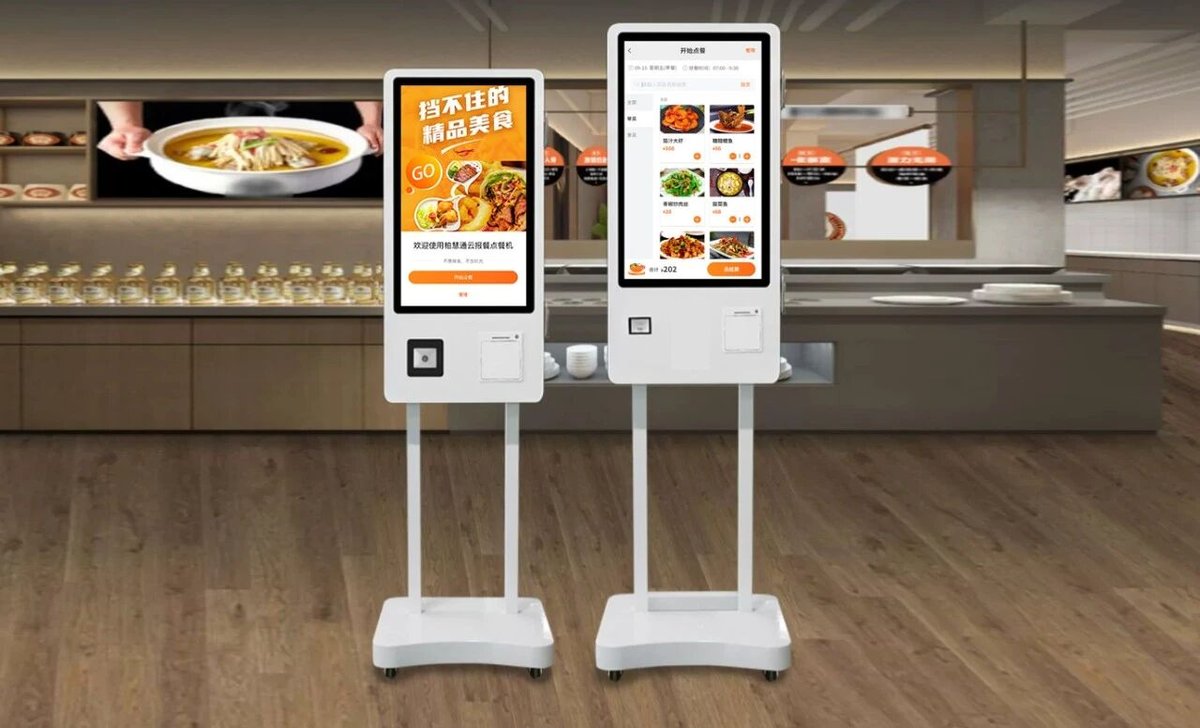
At the close of business each day, the display screen should be cleaned on schedule. When using dedicated screen cleaning solution, position the spray nozzle approximately 6 cm away from the cleaning area at roughly a 45-degree angle. Lightly mist the surface, wait 3 seconds, and then gently wipe from top to bottom using a dedicated microfiber cloth until clean and streak-free.
1. Daily Enclosure Wiping: Cashiers should wipe down the exterior chassis, monitor housing, and keyboard at the end of each day using a clean, slightly damp microfiber cloth.
2. Power Off Before Cleaning: Always turn off the master power switch before cleaning the POS terminal. Fine dust particles trapped in screen bezels and crevices can be gently cleared away using a soft brush.
3. LCD Screen Care: As LCD panels are sensitive optical components, they should not be subjected to overly frequent aggressive wiping. When cleaning is required, always use specialized LCD cleaning fluids. Spray a light mist onto the screen (or directly onto the cloth), and wipe gently using a clean, lint-free soft cloth.
4. Avoid Adhesive Notes: Do not affix adhesive sticky notes, tape, or glue directly onto the POS chassis or screen surface, as adhesive residues attract grime and can damage screen coatings.
5. Ventilation Grille Dusting: Ventilation vents are primary accumulation zones for airborne dust. When cleaning vents, first brush away loose dust on both sides with a soft bristle brush, then gently wipe the surface with a slightly damp soft cloth to ensure thorough cleaning.
6. Regular MSR Magnetic Track Cleaning: The magnetic stripe reader (MSR) slot requires routine cleaning. Wrapping a clean sheet of paper around a magnetic card and gently swiping it through the reader slot can help dislodge dust from the magnetic head. While this is an improvised technique, it provides a practical field solution when specialized cleaning cards are unavailable.
Troubleshooting and Maintenance Precautions for POS PC Hardware
Because a commercial POS terminal integrates closely with an internal industrial computer, operators may occasionally encounter PC hardware glitches. A substantial proportion of these hardware malfunctions are triggered by excessive internal dust accumulation. Consequently, strict adherence to routine preventive maintenance is essential.
When diagnosing faults caused by dust buildup, first inspect both the interior and exterior of the chassis for dust accumulation. If heavy dust is present, perform comprehensive dust removal before proceeding with further diagnostic testing or component replacement. Pay close attention to the following aspects during internal cleaning:
1. Airflow Duct Cleaning: Maintain clean internal ventilation paths. When wiping down airflow channels, always use soft, non-abrasive tools to avoid scratching or damaging duct baffles.
2. Cooling Fan Maintenance: Ensure cooling fans are thoroughly cleared of dust. After removing accumulated dust from fan blades, apply a tiny drop of watch lubricant (fine synthetic oil) to the fan bearing spindle to enhance smooth rotation and minimize bearing noise.
3. Interface, Slot, and Golden Finger Cleaning: Maintain clean contact pins, sockets, bus slots, and component golden fingers. Golden fingers on memory modules and expansion cards can be cleaned using a standard pencil eraser or wiped gently with alcohol swabs. To eliminate surface oxidation from metal pins inside sockets and slots, either wipe with alcohol or gently scrape away oxidation using a fine flathead screwdriver or metal probe.
4. IC and Component Lead Cleaning: Clean the leads of large-scale integrated circuits (ICs) and discrete electronic components using a small soft brush or an electronics-grade vacuum cleaner. Simultaneously inspect component pins for cold solder joints, moisture condensation, thermal deformation, discoloration, or capacitor electrolyte leakage.
5. Strict Anti-Static Tool Selection: All cleaning tools must be anti-static. Soft brushes should be made of natural bristles; synthetic plastic bristle brushes are strictly prohibited due to static generation risks. Furthermore, when using metallic tools for servicing, always disconnect master power completely and ground the metal tool to discharge any residual static electricity. In summary, integrating the right Restaurant POS Register Maintenance provides long-term operational resilience, reduced labor friction, and enhanced customer satisfaction.
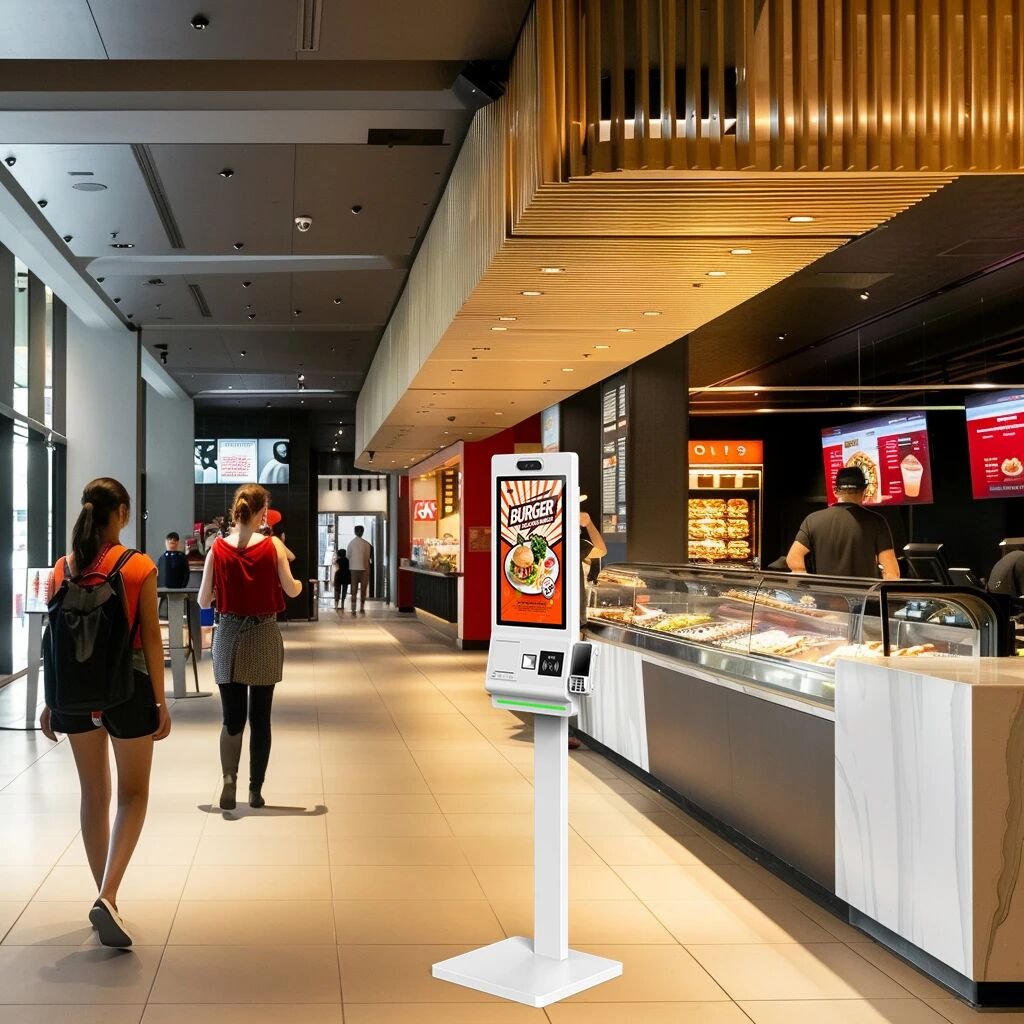
Looking for customized Restaurant POS Register Maintenance solutions, commercial touchscreen displays, or OEM/ODM self-service hardware? Feel free to contact the ZXTLCD engineering team for free consultations, product samples, and tailored technical specifications.
Deploying a Self-Service Solution?
To elevate customer experience and streamline ordering or ticketing workflows, explore our AI Self Service Terminal with Large Touchscreen or the versatile Self Service Kiosk for Cinema & Ticketing. For custom hardware integrations, discover our complete line of Custom Self-Service Kiosks or consult our engineering team for sample evaluation.


