

Deploying a modern Touchscreen Ordering Kiosk Maintenance has become a vital strategic step for businesses aiming to optimize workflow. As an intuitive and convenient ordering solution, the self-service ordering kiosk has become a powerhouse asset for restaurant service since its inception. It not only shortens customer ordering times but also dramatically boosts dining room operational efficiency. However, as an electronic hardware device, continuous prolonged operation inevitably leads to component wear and technical faults over time. To ensure that self-service ordering kiosks maintain flawless daily operation without operational errors or equipment failures, we have compiled this essential daily maintenance and care guide:
1. Regular Cleaning Routines with a Touchscreen Ordering Kiosk Maintenance
Because many self-service kiosks operate in environments exposed to ambient dust and particulate matter, internal components are susceptible to dust accumulation. This is particularly true for internal cooling fans, power supplies, and heat dissipation vents. Accumulated dust over time creates thermal stress and impedes airflow, readily triggering kiosk operational faults or system overheating. The recommended cleaning protocol involves carefully opening or detaching the kiosk casing and wiping surfaces down with a slightly damp, lint-free cloth. (If the enclosure is not easily detachable, contact your equipment supplier for authorized servicing instructions.)
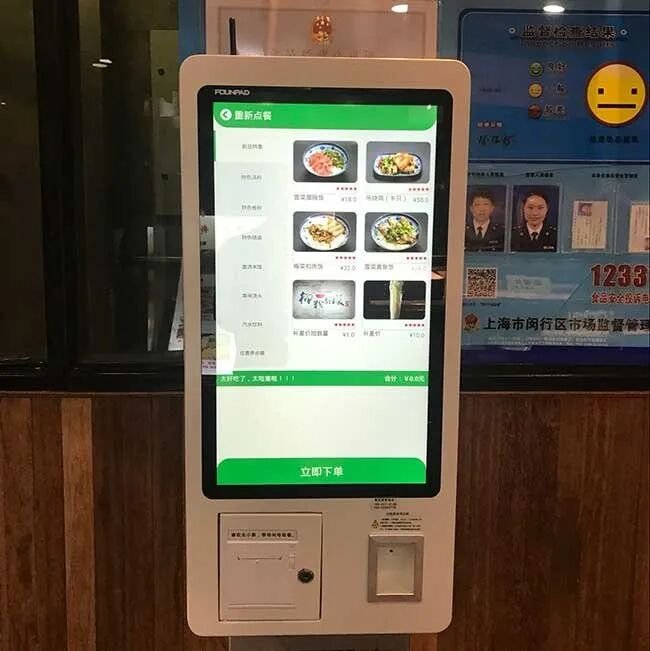
2. Periodic Lubrication of Mechanical Components
The gears and mechanical driving mechanisms inside internal printer or dispensing modules experience lubricant depletion after prolonged cycles of operation. This wear can reduce rotational speeds, create friction, or generate noticeable mechanical noise. Applying appropriate specialized lubricant to reduce friction easily rectifies this issue and extends mechanical service life.
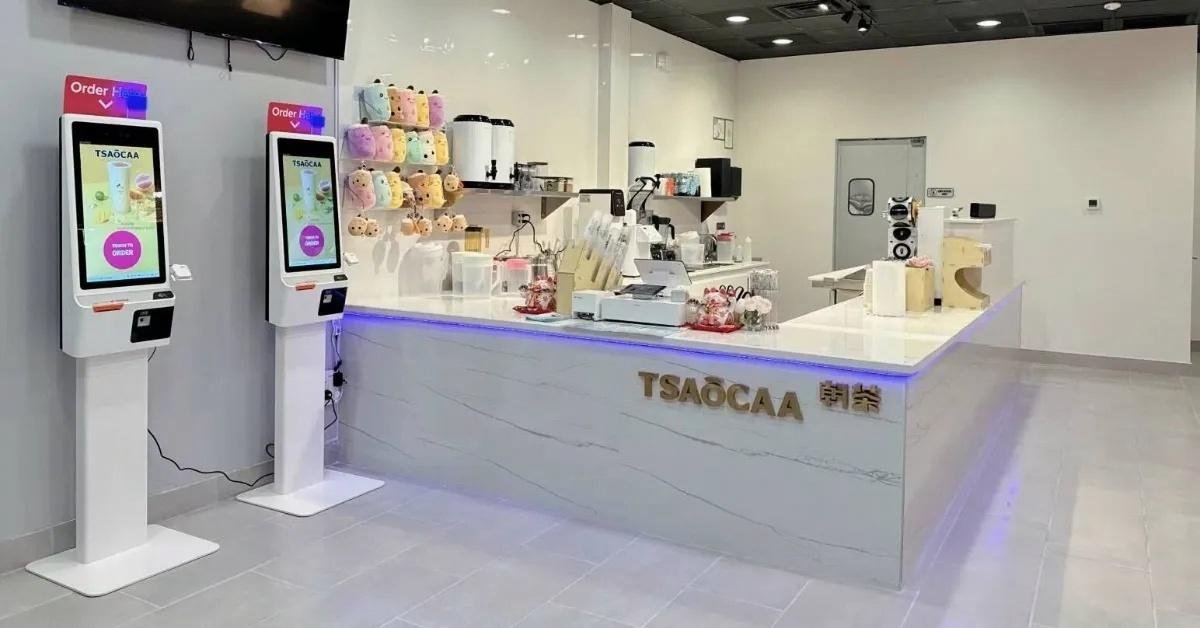
3. Avoid Hard Impacts and Severe Vibration
Never strike the kiosk enclosure with hard objects or subject the unit to severe physical vibration. Rough handling can easily crack the touchscreen, loosen internal cabling, or permanently damage internal printed circuit boards (PCBs) and delicate electronic assemblies.
By implementing the maintenance and care practices outlined above, you can establish a clear preventive maintenance routine for your self-service ordering kiosks. However, it is worth noting that kiosks from different manufacturers may feature subtle structural differences and specific maintenance guidelines. Therefore, when procuring ordering kiosks, operators should always select reputable, established manufacturers with proven track records. Investing in substandard equipment can lead to frequent downtime, inflated repair costs, and far greater financial losses for your restaurant. In summary, integrating the right Touchscreen Ordering Kiosk Maintenance provides long-term operational resilience, reduced labor friction, and enhanced customer satisfaction.
Looking for customized Touchscreen Ordering Kiosk Maintenance solutions, commercial touchscreen displays, or OEM/ODM self-service hardware? Feel free to contact the ZXTLCD engineering team for free consultations, product samples, and tailored technical specifications.
Looking for Reliable Industrial Displays?
If you need an industrial-grade touch monitor for harsh environments, control cabinets, or technical test benches, explore our 15.6-Inch Industrial Touch Screen Display or the compact 10.1-Inch PCAP Touch Monitor designed for precision equipment. You can also browse our full line of Custom Embedded Displays with complete OEM/ODM manufacturing support.


