

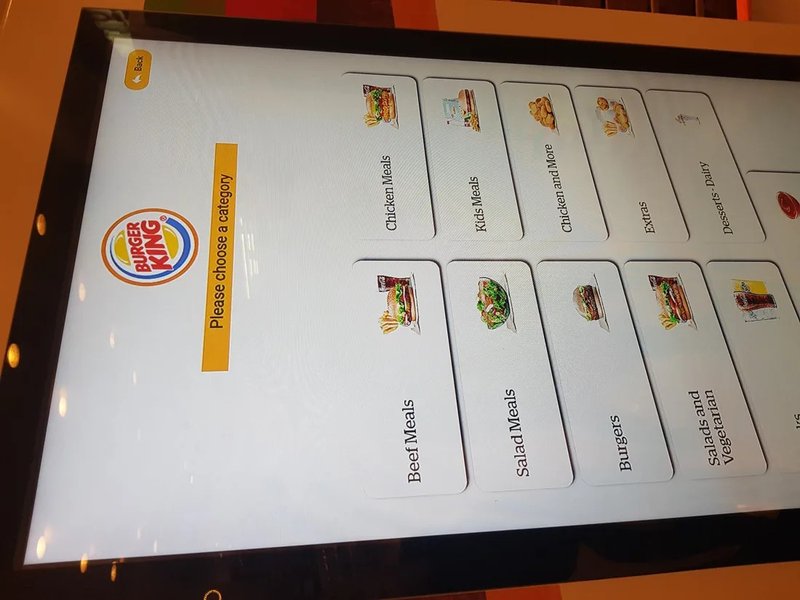
Deploying a high-performance Self-Service Kiosk Procurement Benchmarks provides commercial dining and retail venues with an advanced automated workflow. Self-ordering kiosks are widely deployed across quick-service restaurants (QSRs), fast-casual dining spots, food courts, and hospitality chain brands. Choosing the right commercial kiosk streamlines ordering workflows, eliminates repetitive cashier tasks, and markedly enhances overall table turns and operational efficiency. However, kiosk models vary significantly in touchscreen responsiveness, software interoperability, hardware durability, and long-term serviceability. Decision-makers must look far beyond external aesthetics or screen diagonal dimensions when procuring hardware.
1. Touchscreen Performance and Interactive User Experience with a Self-Service Kiosk Procurement Benchmarks
The interactive touchscreen is the primary touchpoint between customers and your restaurant brand. Visual clarity, touch latency, and an intuitive UI directly dictate whether patrons enjoy a smooth ordering experience or abandon their carts in frustration.
When evaluating kiosk displays, factor in ambient lighting conditions, viewing angles, touch responsiveness (such as projected capacitive / PCAP technology), and ease of surface cleaning. In bustling foodservice environments with high customer turnover, the glass front should feature durable, oil-resistant, and scratch-resistant commercial coatings capable of withstanding heavy daily use and frequent sanitization.
2. System Compatibility and Software Ecosystem Integration
A self-ordering kiosk does much more than display a static digital menu; it must handle dynamic modifier configurations, secure payment gateway processing, Kitchen Display System (KDS) order routing, and real-time POS/ERP sales reporting. Therefore, before finalizing hardware procurement, thoroughly verify compatibility across operating systems (such as Android or Windows IoT), kiosk ordering software, and your existing restaurant management platform.
If the kiosk connects to third-party payment PIN pads, thermal kitchen printers, or loyalty barcode scanners, establish communication protocols, peripheral drivers, and data sync flows upfront. Never assume that because a kiosk terminal boots up properly, it will plug and play with your proprietary restaurant tech stack without validation.
3. Hardware Durability and Commercial-Grade Chassis Architecture
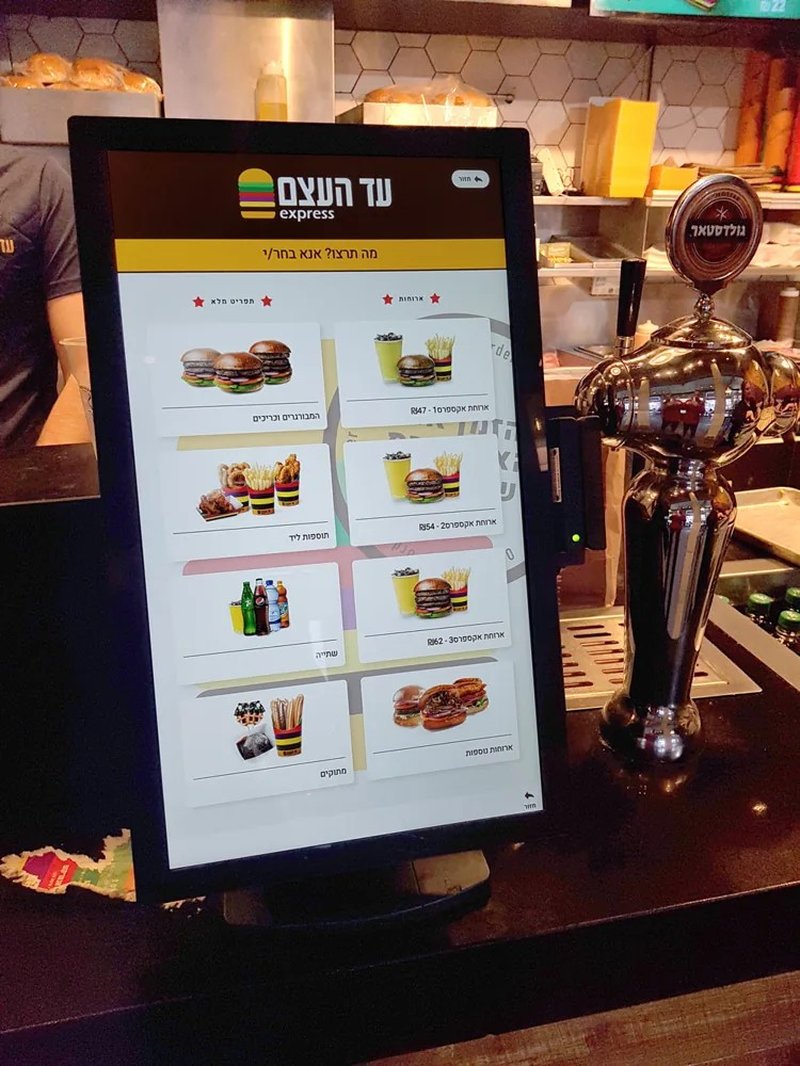
Commercial restaurant kiosks endure continuous, uninterrupted daily operating cycles. Buyers should closely inspect chassis structural rigidity, internal thermal dissipation, motherboard grade, cable management, and overall hardware stability.
Restaurant dining environments are constantly exposed to grease, airborne flour, humidity, and accidental beverage splashes. Depending on the installation footprint (countertop, wall-mounted, or floor-standing), select kiosks engineered with proper ingress protection (such as IP-rated front bezels). Carefully assess built-in thermal receipt printers, QR/barcode scanners, and payment mounting brackets to ensure they match operational volume without overspending on redundant peripherals.
4. Serviceability and Lifecycle After-Sales Support
When a kiosk malfunctions during busy meal periods, how swiftly on-site staff or remote technicians can troubleshoot and restore service directly impacts store revenue. Prioritize kiosks with front-opening modular access, tool-free receipt paper roll reloading, and easily swappable core components.
In addition, confirm manufacturer warranty coverage, availability of spare parts, firmware updates, and local technical support response times. For restaurant chains managing multi-unit rollouts, evaluate whether kiosk configurations support centralized remote fleet management (MDM) for remote health monitoring, automated diagnostics, and uniform software distribution.
FAQ: Frequently Asked Questions on Choosing Self-Ordering Kiosks
Q1: Is a larger kiosk screen always better?
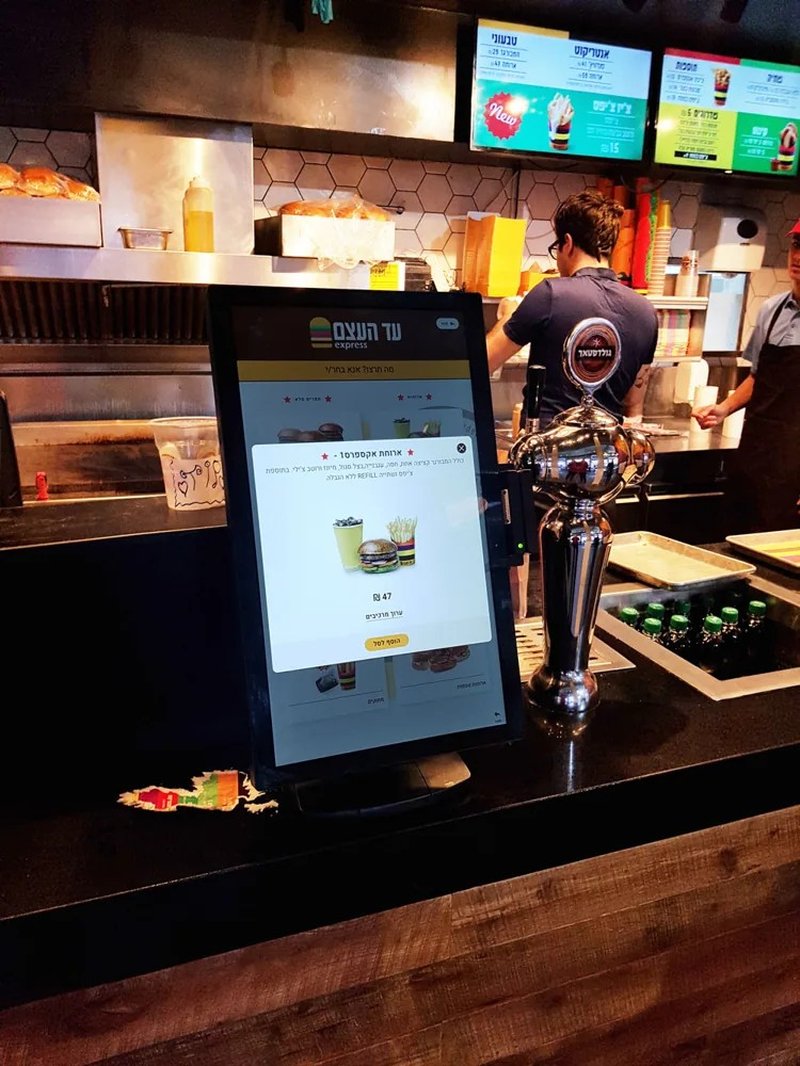
Not necessarily. Screen size should match your menu complexity, visual layout, dining room floor space, and customer operating distance. The key priorities are legible menu presentation and ergonomic, effortless touch reachability.
Q2: What software and system information must be verified before buying?
Verify the operating system build, kiosk client software requirements, supported payment gateways, KDS order routing protocols, and API integration capabilities with your existing backend POS and inventory database.
Q3: Why should restaurants prioritize serviceability when choosing kiosks?
Kiosks run under high duty cycles during peak dining rushes. Accessible modular design, readily available spare parts, and responsive technical support determine how fast an unexpected hardware failure can be resolved without hurting daily sales.
Q4: Can self-ordering kiosks be customized for specific brand requirements?
Yes. Commercial kiosk manufacturers can customize screen sizes, chassis colors, mounting styles, and peripheral combinations (such as integrated facial recognition, RFID readers, or customized payment brackets) based on project deployment volume and technical specifications. In summary, integrating a reliable Self-Service Kiosk Procurement Benchmarks solution reduces operational labor costs, shortens customer wait times, and maximizes store throughput.
Looking for customized Self-Service Kiosk Procurement Benchmarks hardware, commercial touchscreen displays, or OEM/ODM self-service solutions? Feel free to contact the ZXTLCD engineering team for free consultations, product specifications, and tailored volume pricing.
Deploying a Self-Service Solution?
To elevate customer experience and streamline ordering or ticketing workflows, explore our AI Self Service Terminal with Large Touchscreen or the versatile Self Service Kiosk for Cinema & Ticketing. For custom hardware integrations, discover our complete line of Custom Self-Service Kiosks or consult our engineering team for sample evaluation.


