

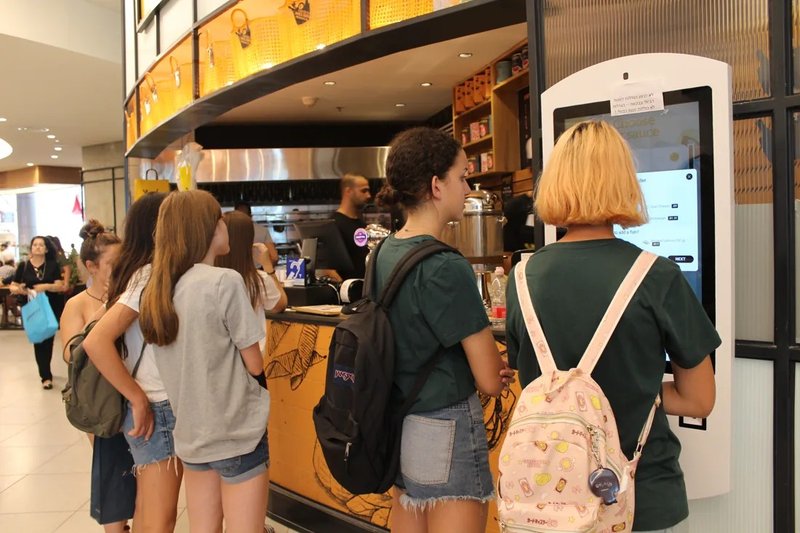
Deploying a high-performance Self-Service Kiosk Lifespan Extension provides commercial dining and retail venues with an advanced automated workflow. Self-service kiosks are widely deployed across retail, food and beverage (F&B), hospitality, healthcare, and public information environments. Over extended operational cycles, factors such as dust accumulation, mechanical component wear, software glitches, and inadequate heat dissipation can significantly degrade performance and user experience. Implementing structured routine preventive maintenance reduces common failure points and ensures long-term operational stability.
1. Regularly Clean the Touchscreen and Chassis Exterior with a Self-Service Kiosk Lifespan Extension
The interactive touchscreen is the primary interface on any self-service kiosk. When cleaning the screen, follow manufacturer guidelines using a soft microfiber cloth; avoid harsh corrosive chemical solvents, and never spray liquids directly onto the display surface.
Simultaneously, routinely clear dust and lint from the chassis exterior, ventilation grilles, and around exposed interface ports. In high-traffic environments such as quick-service restaurants or retail stores, cleaning schedules should be adjusted based on airborne grease, dust levels, and patron handling frequency to prevent grime buildup from interfering with touch sensitivity or airflow.
2. Monitor Thermal Dissipation and Power Supply Conditions
Kiosks must be installed in environments meeting proper operational specifications. Ensure thermal vents and fan exhausts remain unobstructed, and avoid prolonged placement in hostile conditions exceeding rated thresholds for ambient temperature, humidity, or particulate matter.
During daily visual inspections, monitor for warning signs such as abnormal heat buildup, unexpected reboots, or intermittent operating latency. Inspect power cables, grounded outlets, and interface connectors to ensure secure seating. If power fluctuations or internal hardware anomalies occur, power down the terminal immediately and contact qualified service personnel—never attempt unauthorized disassembly of live electrical components.
3. Maintain Operating System and Software Health
The overall reliability of a kiosk terminal is closely tied to its operating system, core application software, and network connectivity. System administrators should periodically audit software runtime health, resolve application error logs promptly, and roll out verified system updates in accordance with hardware compatibility requirements.
For terminals connected to centralized cloud or local management servers, consistently verify network ping stability and transactional database synchronization. Prior to applying OS patches or firmware updates, always back up critical local configurations and confirm driver compatibility with connected peripheral hardware to avoid unexpected downtime.
4. Inspect Peripheral Modules and Cable Connections
Depending on hardware configuration, staff should systematically inspect integrated barcode/QR scanners, receipt printers, RFID/smart card readers, payment PIN pads, and auxiliary modules. For thermal printers, check paper roll levels, feed paths, and print head cleanliness. For optical barcode scanners, ensure the reading window remains clean and scratch-free. Verify that all external and internal cable harnesses remain firmly seated and free from mechanical strain.
If symptoms like unresponsive touch input, printer feed errors, or scanner read failures emerge, first inspect physical cleanliness, consumable status, and cable connections before pursuing complex software or hardware component diagnostics. Maintaining a dedicated maintenance logbook is vital for identifying recurring issues and scheduling timely preventive servicing.
5. Tailor Maintenance Protocols to Specific Operating Environments
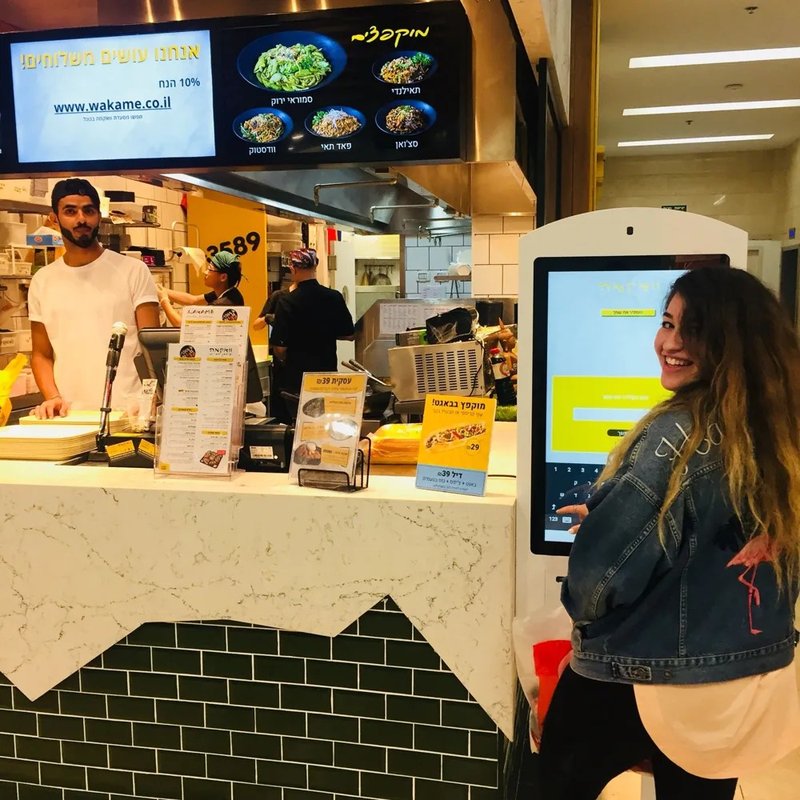
Preventive maintenance priorities vary depending on the operating scenario. Retail checkout kiosks demand strict attention to barcode scanners and payment terminal modules. Restaurant self-ordering kiosks require intensified sanitization and proactive ingress protection against grease and liquid spills. High-traffic public kiosks necessitate frequent inspection of touchscreen responsiveness, floor mounting stability, and port physical integrity.
Businesses should establish a multi-tiered maintenance protocol combining daily surface sanitation, weekly functional inspections, and scheduled quarterly servicing. Inspection intervals should be calibrated to usage volume, atmospheric conditions, and manufacturer guidelines. Proactive daily care and prompt anomaly resolution are far more cost-effective for safeguarding equipment lifespan than relying solely on reactive repairs after a breakdown.
Frequently Asked Questions (FAQ)
1. How often should a self-service kiosk be cleaned?
Cleaning frequency depends on daily usage intensity and atmospheric conditions. High-volume environments or areas prone to airborne dust, oil, and heavy fingerprint buildup generally require daily or multi-shift surface wiping.
2. Does slow performance always indicate hardware aging?
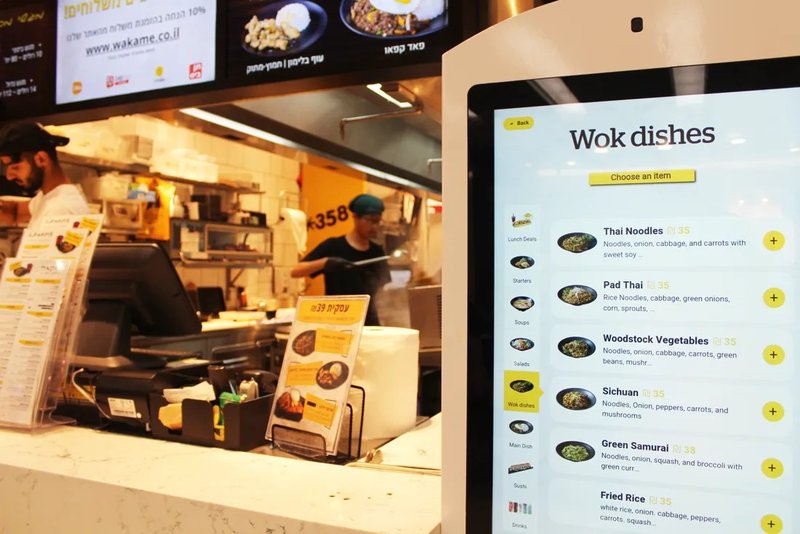
Not necessarily. Performance degradation is frequently caused by software cache bloat, unstable network connectivity, backend server latency, or background software conflicts, all of which should be systematically diagnosed before assuming physical hardware degradation.
3. Can store staff open the kiosk enclosure for internal maintenance?
Routine exterior cleaning, paper replenishment, and basic status checks can be handled by trained on-site staff. However, servicing internal motherboards, high-voltage power supplies, and specialized modular hardware should strictly be performed by certified technical service engineers.
4. Can routine maintenance completely prevent hardware breakdowns?
While rigorous maintenance significantly mitigates common risks and dramatically extends service life, component longevity is also governed by manufacturing build quality, operational duty cycles, environmental stress, and duty hours. Maintenance cannot entirely eliminate hardware aging, but it maximizes operational uptime and return on investment. In summary, integrating a reliable Self-Service Kiosk Lifespan Extension solution reduces operational labor costs, shortens customer wait times, and maximizes store throughput.
Looking for customized Self-Service Kiosk Lifespan Extension hardware, commercial touchscreen displays, or OEM/ODM self-service solutions? Feel free to contact the ZXTLCD engineering team for free consultations, product specifications, and tailored volume pricing.
Deploying a Self-Service Solution?
To elevate customer experience and streamline ordering or ticketing workflows, explore our AI Self Service Terminal with Large Touchscreen or the versatile Self Service Kiosk for Cinema & Ticketing. For custom hardware integrations, discover our complete line of Custom Self-Service Kiosks or consult our engineering team for sample evaluation.


