

Deploying a modern Hospital Self-Service Kiosk has become a vital strategic step for businesses aiming to optimize workflow. Anyone who has visited a hospital has likely experienced this: after waiting in line for ages and finally reaching a self-service kiosk, the card reader fails to respond, the screen freezes, or the receipt printer jams, bringing the entire visit to an abrupt halt.
For hospitals, self-service registration terminals, payment kiosks, and report printers may appear to be unassuming peripheral terminals, but they represent the primary service window for outpatient care. Once frequent breakdowns occur, they not only degrade the patient experience but also force IT departments into a reactive cycle of constantly receiving trouble tickets and putting out fires, dramatically escalating daily maintenance pressure.
We have found that the vast majority of frequent kiosk failures fundamentally stem from three core root causes.
Hospital Self-Service Kiosk: Root Cause 1: Environmental Dust Is the Invisible “Hardware Killer”
Hospitals experience dense crowds and heavy foot traffic. Airborne floating dust, cotton lint, and particulate matter far exceed levels found in typical office environments. Coupled with hot and humid regional climates (such as in southern coastal cities like Shenzhen), airborne dust readily adheres to the internal components of equipment, making it the primary culprit behind kiosk failures.
Common failure symptoms:
1. Card reading / QR code scanning failures: Dust clogs the optical lenses of barcode scanners and card reader slots, leading to poor recognition of hospital cards and medical insurance cards, where repeatedly inserting cards yields no data.
2. Printer paper jams and blurred printing: Floating dust accumulates in the thermal printer feed path, causing uneven heating of the thermal printhead, resulting in missing print lines, paper jams, and faint text.
3. Unexplained crashes and reboots: Dust blankets the motherboard and cooling fans, causing thermal dissipation efficiency to plummet. During high-temperature summer periods, kiosks are especially prone to thermal throttling and automatic reboots.
4. Many hospital kiosks are installed in open lobbies and corridors without dedicated, ongoing dust cleaning. Heavy internal dust accumulation often mimics “hardware aging,” when in fact thorough cleaning alone could resolve the majority of issues.
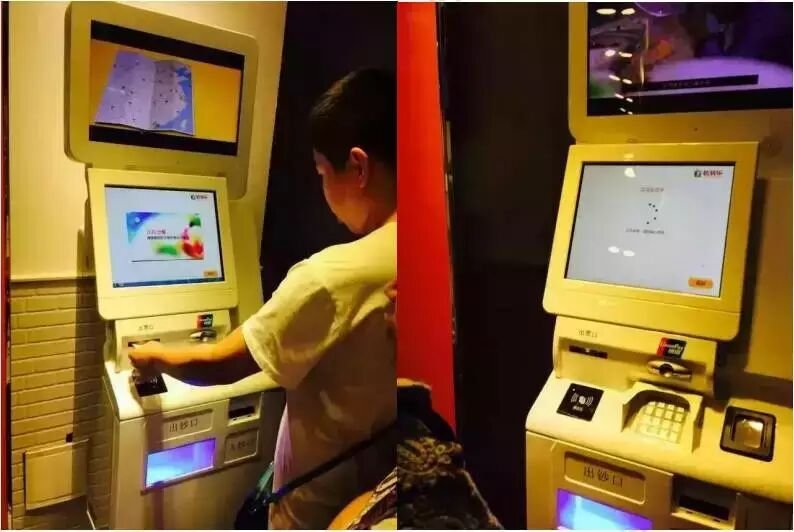
Root Cause 2: High-Frequency, Heavy-Duty Use Accelerates Hardware Wear Far Beyond Standard Devices
While standard office PCs run for roughly 8 hours a day with intermittent use, outpatient self-service kiosks typically operate continuously 7×12 hours. During morning peak hours, they undergo nonstop physical interaction, causing hardware wear at rates far exceeding ordinary office terminals.
Wear caused by high-frequency operation:
1. Touchscreens and physical buttons are repeatedly tapped and pressed. Some patients press forcefully, leading to touchscreen drift, unresponsiveness, or sunken physical keys.
2. Card reader slots endure thousands of card insertions, causing metal contact pins to wear down and oxidize, steadily increasing the likelihood of poor electrical contact over time.
3. Power supply modules and printing assemblies run under heavy sustained loads, drastically shortening their service life and leading to sudden power cuts and mechanical print failures.
More critically, self-service kiosks are widely dispersed across outpatient clinics, inpatient wards, and diagnostic imaging wings. Relying solely on internal IT staff makes regular proactive inspection of every unit difficult; kiosks are often only serviced when completely broken down, delaying operations and driving up repair costs.
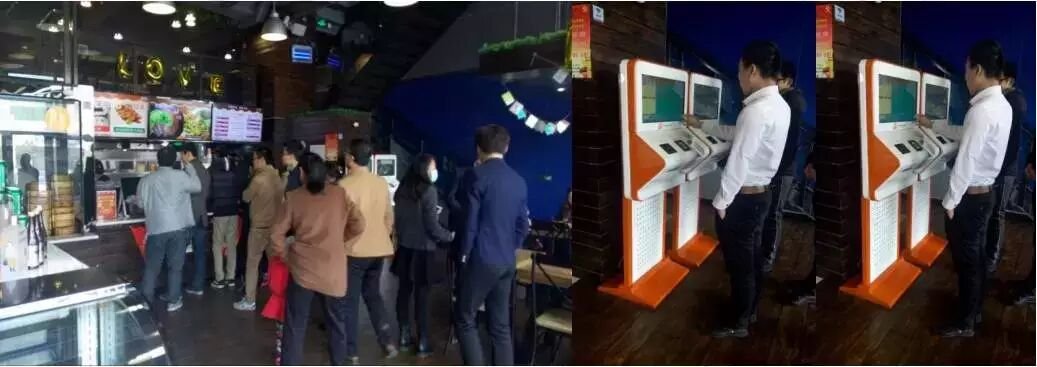
Root Cause 3: System Freezes and Software Incompatibilities Peak During Rush Hours
Many assume kiosk breakdowns are strictly hardware faults; in reality, a significant portion of failures originates at the system and software level.
A single medical kiosk frequently integrates registration, payment, medical insurance settlement, report printing, and multiple functional modules, requiring interfaces with Hospital Information Systems (HIS), regional insurance networks, and Laboratory Information Systems (LIS). Over extended periods of continuous operation, common software bottlenecks emerge:
1. System cache buildup and bloated log files consume excessive disk storage, causing noticeable UI stutter and sluggish response times.
2. Operating system security patches are rarely updated, leaving security vulnerabilities and triggering compatibility conflicts with freshly upgraded backend clinical systems.
3. Concurrent transaction volume spikes during morning rush hours, causing API communication timeouts between kiosks and backend servers, leading to failed page loads and unresponsive submissions.
In many hospitals, kiosks operate under a “deploy and forget” approach. Systems undergo zero performance optimization after going live; as time passes, they run slower and fail more frequently, trapping the facility in a vicious cycle of break-and-repair.
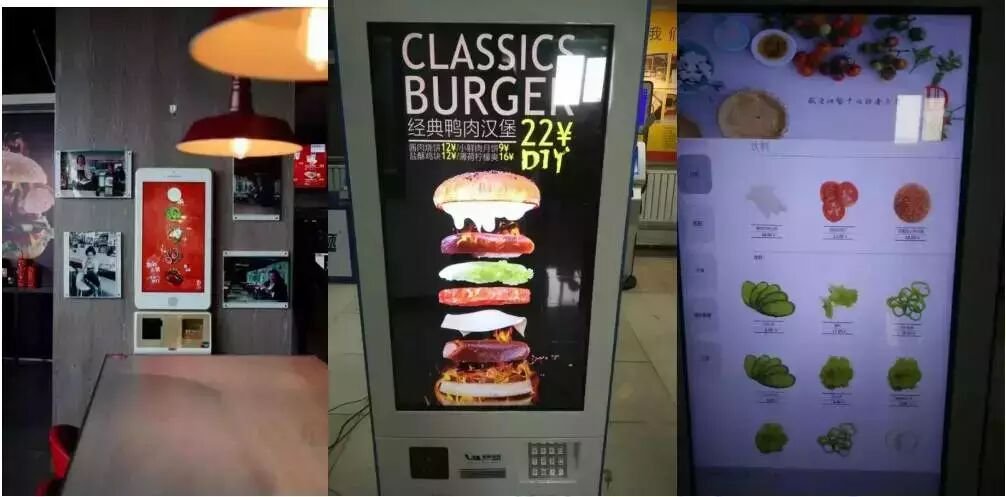
Mitigating Kiosk Failures: 3 Key Practices That Make the Difference
Self-service terminal maintenance cannot rely on “fixing things only when they break”; proactive prevention is far more vital than reactive firefighting. Drawing from our frontline engineering experience, mastering three fundamental practices can substantially slash kiosk failure rates:
1. Establish Daily Basic Maintenance to Keep Dust Out
– Front-desk and patient guidance staff should conduct daily exterior cleanings: wiping touchscreens, clearing surface dust from card slots and paper exit chutes, and preventing foreign debris from entering the housing.
– Perform a weekly basic cleaning on printers and card readers, checking for paper dust in paper paths and clearing scanner lenses.
– Keep the perimeter around kiosks free of clutter, ensuring adequate ventilation and heat dissipation space, especially shielding devices from direct summer sunlight.
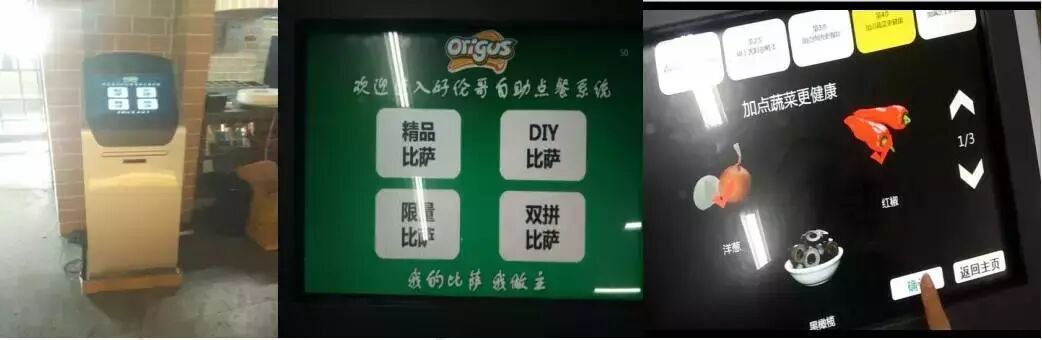
2. Schedule Regular Professional Inspections to Preempt Hidden Risks
Arrange in-depth inspections by certified technical engineers on a monthly or quarterly basis:
– Hardware diagnostics: Inspect wear levels on high-wear components such as touchscreens, card readers, printer heads, and power modules, replacing aging parts preemptively.
– System optimization: Purge accumulated caches, update critical OS security patches, and analyze system run logs to catch compatibility anomalies and runaway background processes early.
– Consumable forecasting: Maintain sufficient inventory of thermal paper rolls, ribbons, and consumables to prevent sudden shortages from halting kiosk operation.
Transforming passive ticketing into proactive scheduled inspections can eliminate over 80% of potential breakdowns, drastically cutting unexpected downtime during morning outpatient peaks.
3. Establish an Emergency Standby Unit Mechanism to Protect Continuity
– In high-throughput zones such as outpatient lobbies and radiology departments, configure 1 to 2 standby emergency kiosks. If a primary unit fails, a backup unit can be swapped in immediately, reducing service downtime to the absolute minimum.
– Establish a rapid-response SLA: dispatch technical staff on-site within a stipulated timeframe upon receiving a fault alert. Resolve minor issues on the spot and swap the machine immediately for major faults, ensuring patient care remains uninterrupted. In summary, integrating the right Hospital Self-Service Kiosk provides long-term operational resilience, reduced labor friction, and enhanced customer satisfaction.
Looking for customized Hospital Self-Service Kiosk solutions, commercial touchscreen displays, or OEM/ODM self-service hardware? Feel free to contact the ZXTLCD engineering team for free consultations, product samples, and tailored technical specifications.
Deploying a Self-Service Solution?
To elevate customer experience and streamline ordering or ticketing workflows, explore our AI Self Service Terminal with Large Touchscreen or the versatile Self Service Kiosk for Cinema & Ticketing. For custom hardware integrations, discover our complete line of Custom Self-Service Kiosks or consult our engineering team for sample evaluation.


