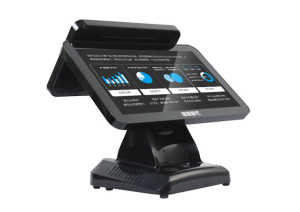
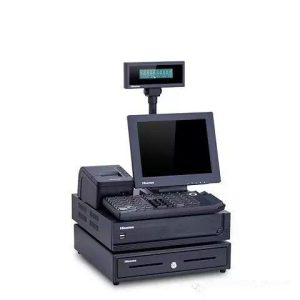
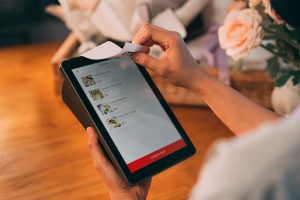
Different restaurant formats share basic ordering functions but require different screen layouts, peripherals and installation plans.
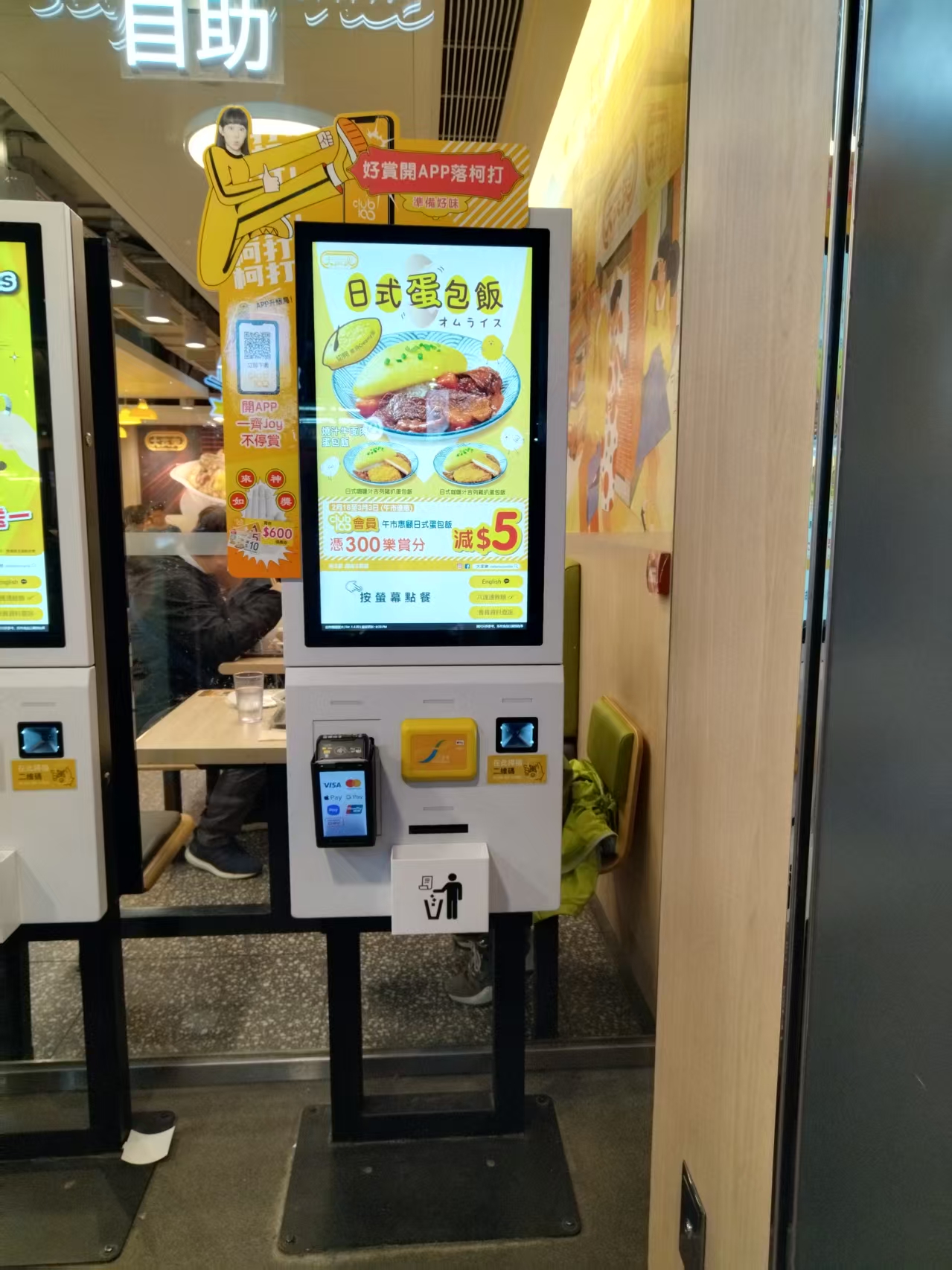
Self-Ordering Kiosk Application Scenarios
self-ordering kiosks are generally geared toward tea shops, Chinese and Western restaurants, traditional snack shops, noodle restaurants, and all other types of dining establishments. After a guest orders at the front counter, the ordering data is transmitted to the kitchen, which prints the ticket directly and begins preparation. The entire ordering process is convenient and fast – improving efficiency while effectively reducing labor costs. It is a capable assistant for anyone running a restaurant and a choice worth making.
The self-ordering kiosk is a practical digital transaction format. Guests can browse and select dishes through the touch screen and pay for their meals via the cash-acceptance function. Payment methods include QR payment, QR code, cash, bank cards, and more; the interface is user-friendly, the steps are simple and easy, and meal tickets are issued in real time. By connecting with front-end mobile devices and back-kitchen printing equipment, it helps restaurants achieve integrated, intelligent management and improves service efficiency.
Self-Ordering Kiosk Functions
1. Ticketing function: Sells buffet meal tickets via card payment network; buffet tickets of different denominations can be set for purchase as needed.
2. Meal-ticket pickup function: Prints the expected meal order via QR code, verification code, mobile phone number, or membership card.
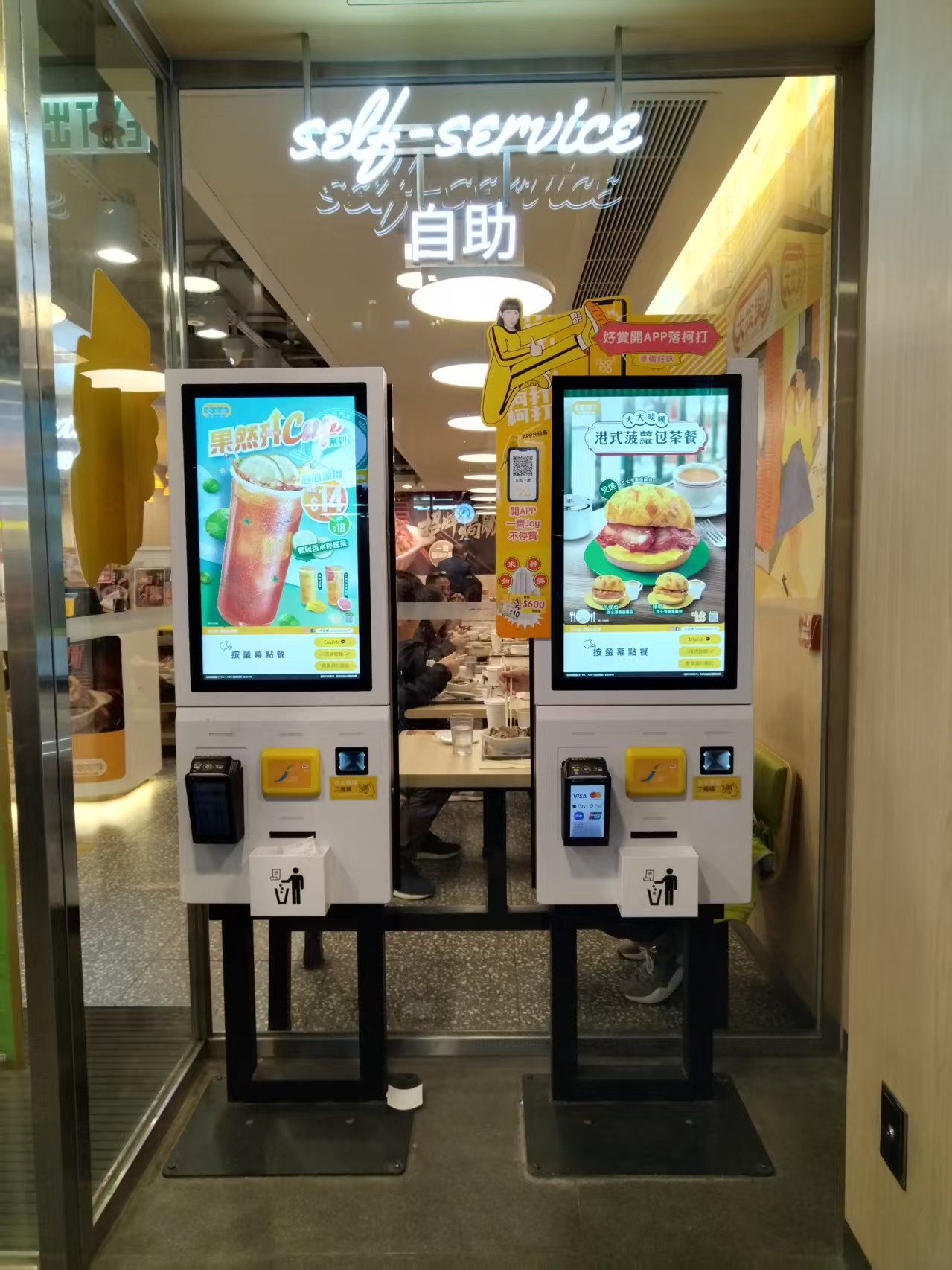
3. Digital content playback function: Independent advertising screen, with network version managed uniformly through the headquarters back office.
4. Printing function: Prints buffet meal orders and transaction vouchers.
5. Payment function: bank card payment.
6. Cash payment function: Self-service menu payment in cash, with change given.
7. Membership card function: IC membership card reading, self-service issuance of restaurant membership cards, and card payment network top-up for membership cards.
8. Monitoring function: optional camera monitoring where permitted.
9. Self-service function: Scheduled automatic power on/off.
Practical Conclusion
Explore restaurant self service kiosk applications across quick service, cafeterias and other dining formats, together with the functions each setting needs. The final configuration should be verified against the real menu, transaction flow, installation space and support plan before deployment.
Deployment and Operating Checks
Planning for restaurant self service kiosk applications should begin with the actual service flow rather than a generic demonstration setup. Before launch, test the workflow associated with restaurant self service kiosk applications during realistic peak demand and confirm how staff will assist users. Documentation for restaurant self service kiosk applications should cover cleaning, updates, network recovery and peripheral checks. A deployment involving restaurant self service kiosk applications should pass consistent information to payment and back-office systems.
Explore related hardware configurations in the self-service kiosk product range.
Deploying a Self-Service Solution?
To elevate customer experience and streamline ordering or ticketing workflows, explore our AI Self Service Terminal with Large Touchscreen or the versatile Self Service Kiosk for Cinema & Ticketing. For custom hardware integrations, discover our complete line of Custom Self-Service Kiosks or consult our engineering team for sample evaluation.