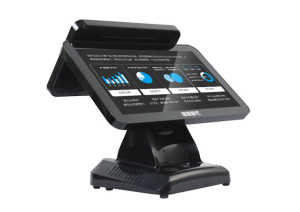
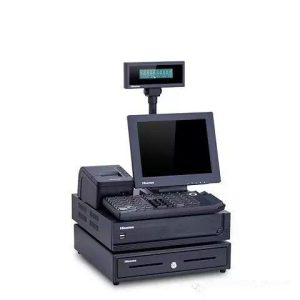
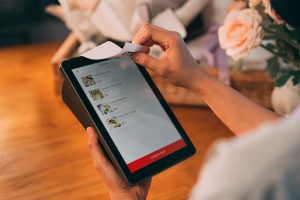
A restaurant POS combines hardware and management software, so selection should reflect the store’s actual service and reporting needs.
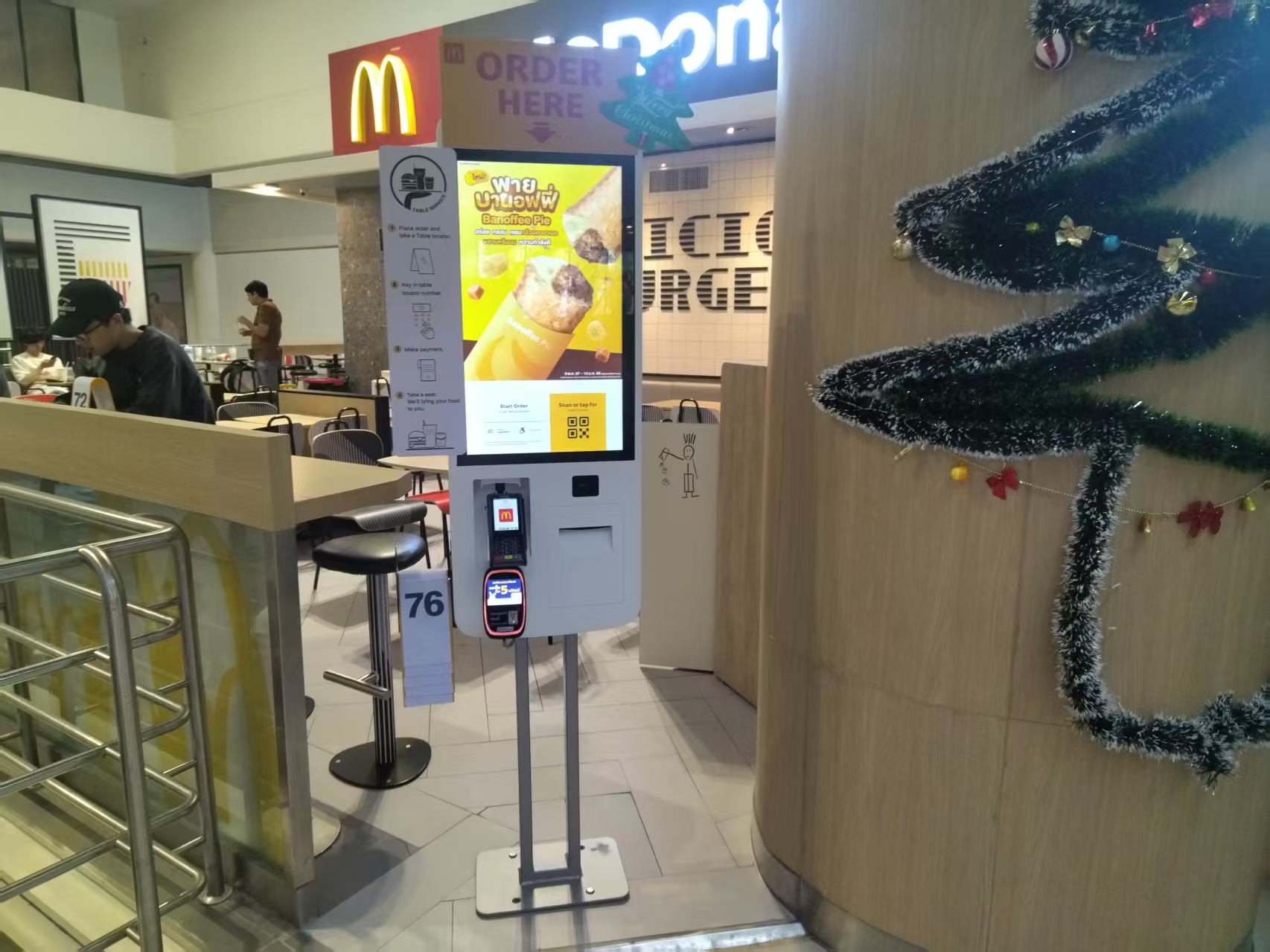
Basic Functions and Positioning of the Restaurant POS Register
The restaurant POS register is indispensable to daily restaurant operations. Unlike ordinary retail registers, it must handle order-taking, kitchen linkage, checkout, membership management, and many other scenarios. A competent restaurant register typically integrates a touch screen, receipt printer, cash drawer, and barcode scanner, paired with dedicated restaurant management software to digitize the entire flow from guest seating to departure.
Most mainstream restaurant registers on the market support dual-screen display – a guest-facing screen and an operation screen. The operation screen is for servers to quickly enter dishes, select specifications, and note flavor preferences; the guest screen displays order details and the amount due, reducing communication errors. Some models also support kitchen printing linkage: once an order is confirmed, the kitchen printer or kitchen display automatically prints the ticket, eliminating the service staff’s verbal relaying.
In terms of hardware, the register’s processor, memory, and storage directly affect smoothness. Low-spec models tend to lag during peak hours, hurting serving speed. Choose configurations appropriate to your traffic: a small tea shop can choose an entry-level model with a quad-core processor and 2GB of RAM, while mid-to-large restaurants should opt for commercial-grade equipment with an octa-core processor and 4GB+ of memory.
From Ordering to Checkout: Key Operating Tips for Daily Use
For a newly purchased register, the first step is basic setup: table numbering, dish categories, price entry, and printer driver installation. Many stores neglect the hierarchy design of dish categories, forcing servers to scroll the screen repeatedly while ordering. A sensible approach is to set first-level categories such as hot dishes, cold dishes, staples, and drinks, then second-level subcategories such as pork, chicken, and vegetables – this noticeably reduces ordering time.
For order entry, you need to adapt to the touch screen’s sensitivity and false-touch rate. Some servers habitually tap with their fingernails, which wears down the screen and dulls its responsiveness; operate with the finger pad instead, or use a stylus. Shortcut features are also worth exploring – for example, setting best-selling dishes as one-tap orders enables fast entry during heavy traffic.
At checkout, the register typically supports cash, QR code, card, and other payment methods. When operating, switch the payment method before collecting payment to avoid mismatches between the order and the actual payment. Some systems support “rounding-off” functions, configurable as automatic or manual per store rules, but watch financial reconciliation accuracy. At the end of each business day, generating a daily settlement report through the system and reconciling orders against payment records effectively catches errors.
Data and Inventory: How the Register Assists Store Management
The register’s value lies beyond checkout – it is also the aggregation platform for store business data. Through the system back office, you can query key metrics for any period: revenue, dish sales rankings, table turnover, average ticket, and more. This data informs menu adjustments and promotion strategies. For example, if a dish sits at the bottom of sales for a week straight, consider replacing or optimizing it.
Inventory management is an easily overlooked practical function. Some restaurant POS systems include a simple purchase-sales-inventory module that lets you set stock caps and minimum warning thresholds for each ingredient. When the kitchen draws materials or a dish is sold, the system automatically deducts inventory. When an ingredient falls below the warning level, the system reminds the purchaser to restock, reducing sold-out situations and ingredient waste caused by under-stocking. However, this function requires manually maintaining the ingredient-to-dish mapping – a large initial entry workload, but a clear long-term efficiency gain.
Membership management is another extended function. By recording guests’ consumption habits and top-up amounts, the register helps stores build member profiles. For instance, for guests who frequently order spicy food, the system can automatically push offers for related new items. This data-driven precision operation is the core advantage distinguishing smart registers from traditional equipment.
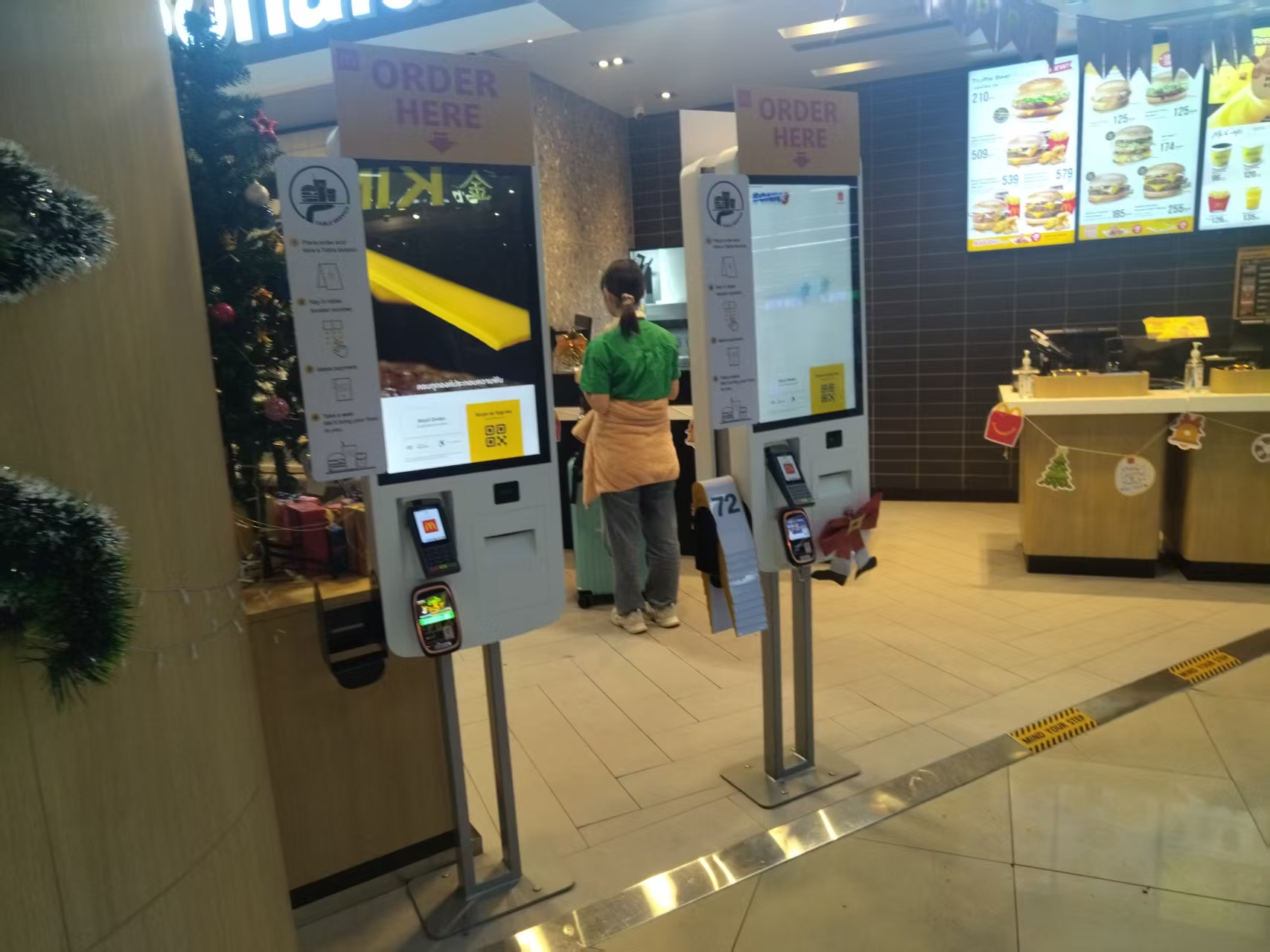
Maintenance and Troubleshooting: Keeping the Register Stable
The restaurant environment is characterized by high heat and heavy cooking fumes, and registers easily accumulate dust and grease, affecting heat dissipation and touch sensitivity. For daily maintenance, regularly clean the screen and body with a dry soft cloth – avoid alcohol or corrosive cleaners. For kitchen printers, frequently check the ticket outlet for paper scraps and clean carbon buildup off the print head.
Among common faults, touch failure is mostly caused by stains on the screen surface; try wiping with a clean towel dampened with a small amount of neutral detergent. When paper jams occur, never yank violently – turn off the printer power, open the paper compartment cover, and carefully remove the jammed paper. Unstable network connections can cause cloud data uploads to fail; set up a daily automatic re-upload mechanism and check data sync status during off-peak hours.
In addition, the system software needs regular updates. Restaurant POS vendors periodically patch vulnerabilities, add features, or adjust payment interfaces, and upgrading promptly avoids compatibility problems. Back up local data before upgrading to prevent file corruption from unexpected power loss. Stores should also formulate contingency plans – for example, if the register freezes completely, fall back to handwritten tickets first and re-enter them into the system after recovery, ensuring business continuity.
New Industry Trends: From Standalone Registers to Cloud Integration
In recent years, restaurant registers have shown a clear cloud-oriented trend. Traditional registers store data locally; if the hard drive fails, historical business data may be lost entirely. New-generation devices generally support cloud backup – restaurant operators can view real-time business status on their phone or computer anytime, keeping tabs on operations even when away from the store.
Another change is the integrated hardware-software delivery model. In the past, restaurant operators had to buy equipment and software separately and find technicians for installation and debugging; today, more and more vendors offer “out-of-the-box” solutions, with restaurant management systems pre-installed at the factory and common dish libraries built in. This greatly lowers the startup barrier for new stores and reduces subsequent training costs.
Meanwhile, linkage between smart devices grows ever closer. For example, weighing-and-checkout all-in-one machines are becoming popular in braised-food and deli shops – automatic pricing right after weighing eliminates manual quantity entry. There are also devices with facial recognition that can quickly identify members and enhance VIP guests’ experience. These new devices, however, carry relatively high prices, and small and mid-sized stores can choose according to their budgets and actual needs.
How to Choose the Right Register for Your Store
Choosing a restaurant register starts with clarifying your store’s type and scale. Fast-food restaurants and full-service restaurants differ greatly in their needs: the former emphasizes serving speed and payment efficiency, while the latter values table management and multi-round ordering. Tea and coffee shops may need independent “number calling” and “preparation screen” functions. Map out your store’s business processes first, then check them against the register’s feature list – only then can you avoid overpaying or buying wrong.
Second, pay attention to the vendor’s technical support capability. When equipment fails, whether you can quickly get remote assistance or on-site repair directly affects normal business. Prefer brands with local service outlets or vendors offering 24/7 phone support. Also, ask vendors for trial units to test equipment stability in your actual business environment.
Finally, don’t look at hardware price alone – calculate long-term cost of ownership. Some registers are cheap up front but charge annual software fees, and the yearly subscription may exceed the initial savings. In a comprehensive comparison, factor in equipment lifespan, software subscriptions, repair parts, and upgrade services. The right register should be a capable assistant for improving operational efficiency – not a burden on daily business.
Practical Conclusion
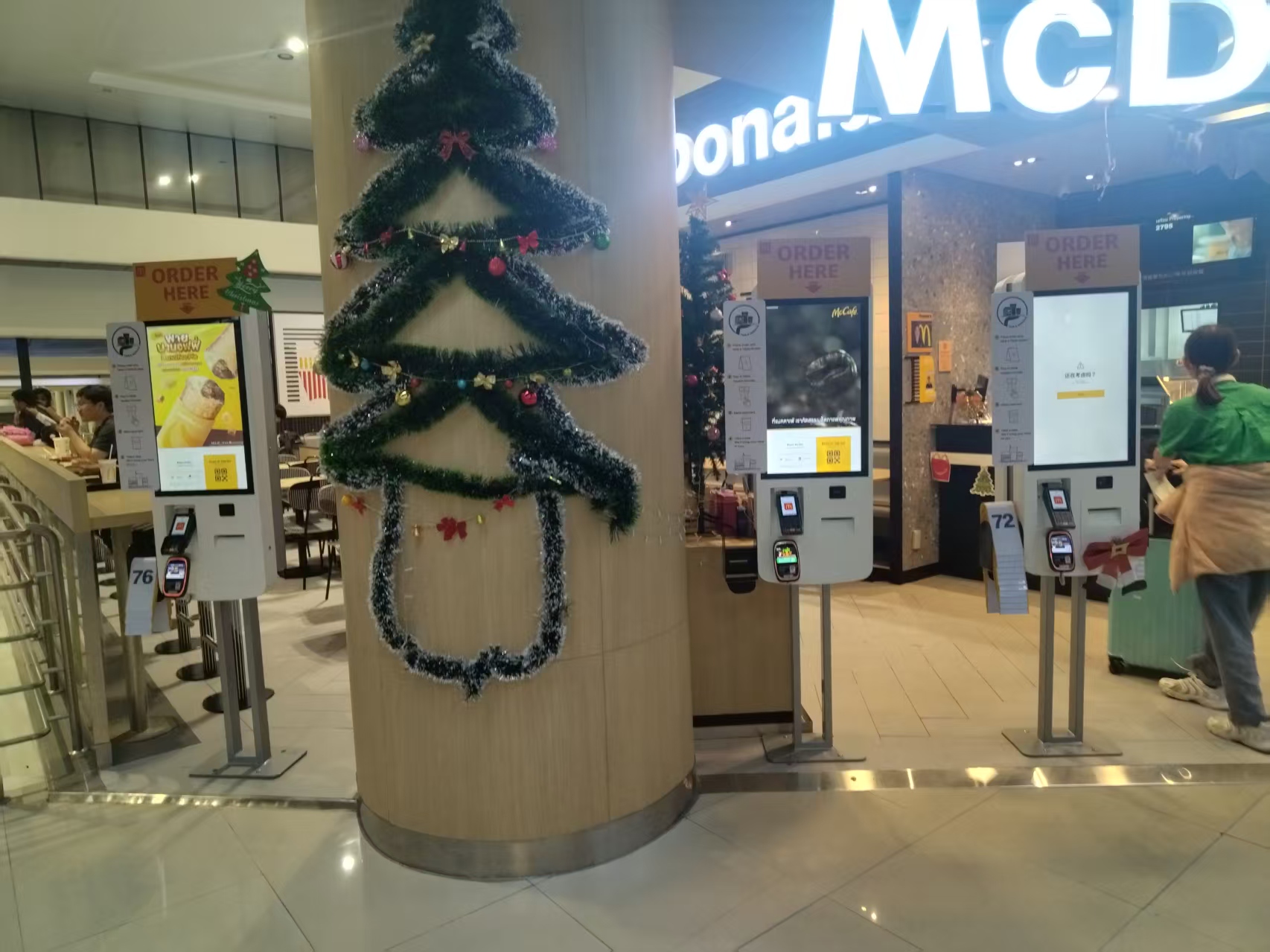
See how a restaurant POS system supports order entry, payment, kitchen communication, reporting, inventory and reliable daily operation. The final configuration should be verified against the real menu, transaction flow, installation space and support plan before deployment.
Deployment and Operating Checks
Planning for restaurant POS system should begin with the actual service flow rather than a generic demonstration setup. Before launch, test the workflow associated with restaurant POS system during realistic peak demand and confirm how staff will assist users. Documentation for restaurant POS system should cover cleaning, updates, network recovery and peripheral checks. A deployment involving restaurant POS system should pass consistent information to payment and back-office systems.
Explore related hardware configurations in the self-service kiosk product range.
Deploying a Self-Service Solution?
To elevate customer experience and streamline ordering or ticketing workflows, explore our AI Self Service Terminal with Large Touchscreen or the versatile Self Service Kiosk for Cinema & Ticketing. For custom hardware integrations, discover our complete line of Custom Self-Service Kiosks or consult our engineering team for sample evaluation.