Software and peripheral errors are easier to manage when staff record symptoms and follow a consistent recovery procedure.
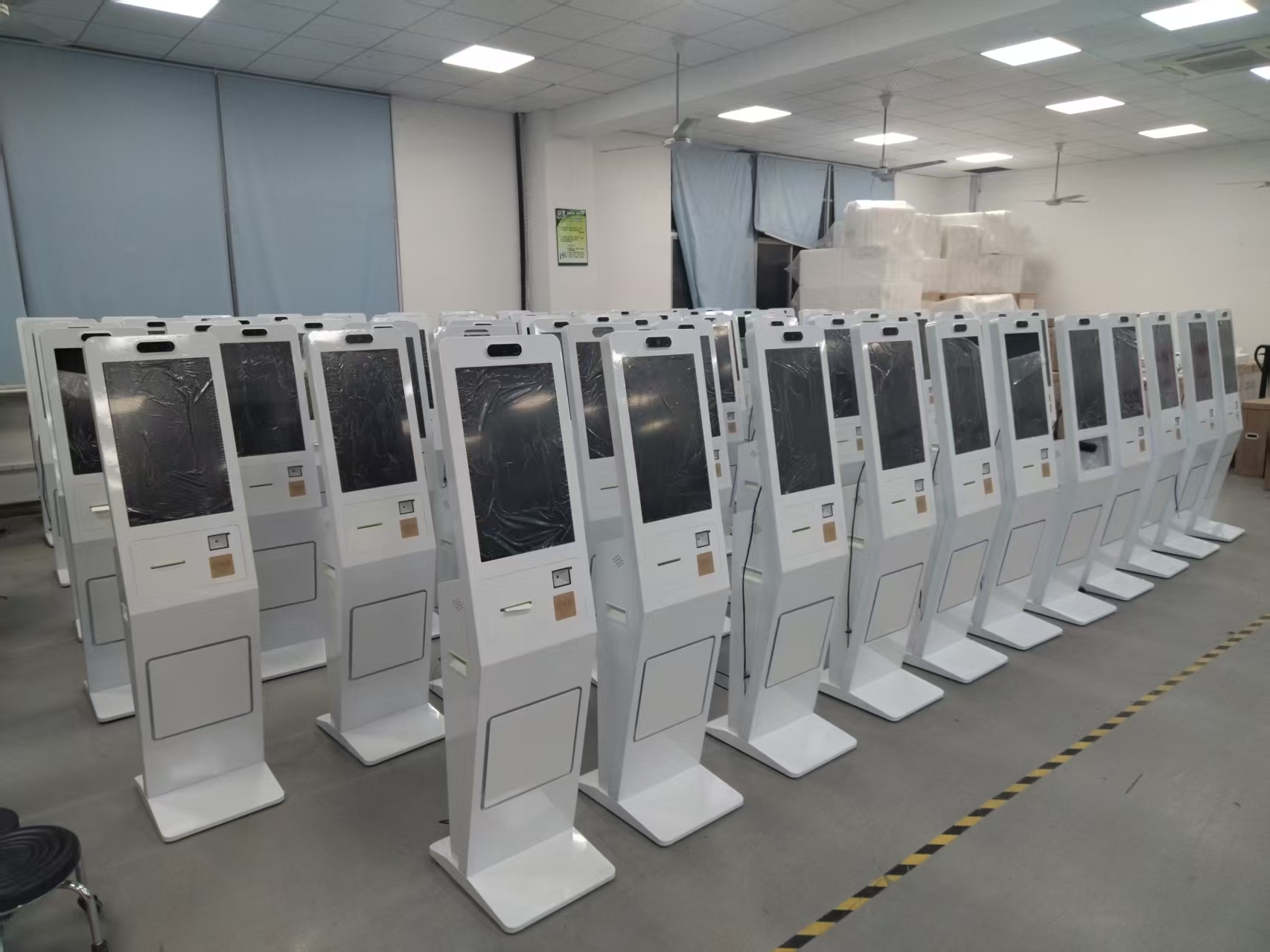
Common self-ordering bugs include payment failures, system lag, and self-check-out terminals failing to power on. The specific causes and solutions are as follows:
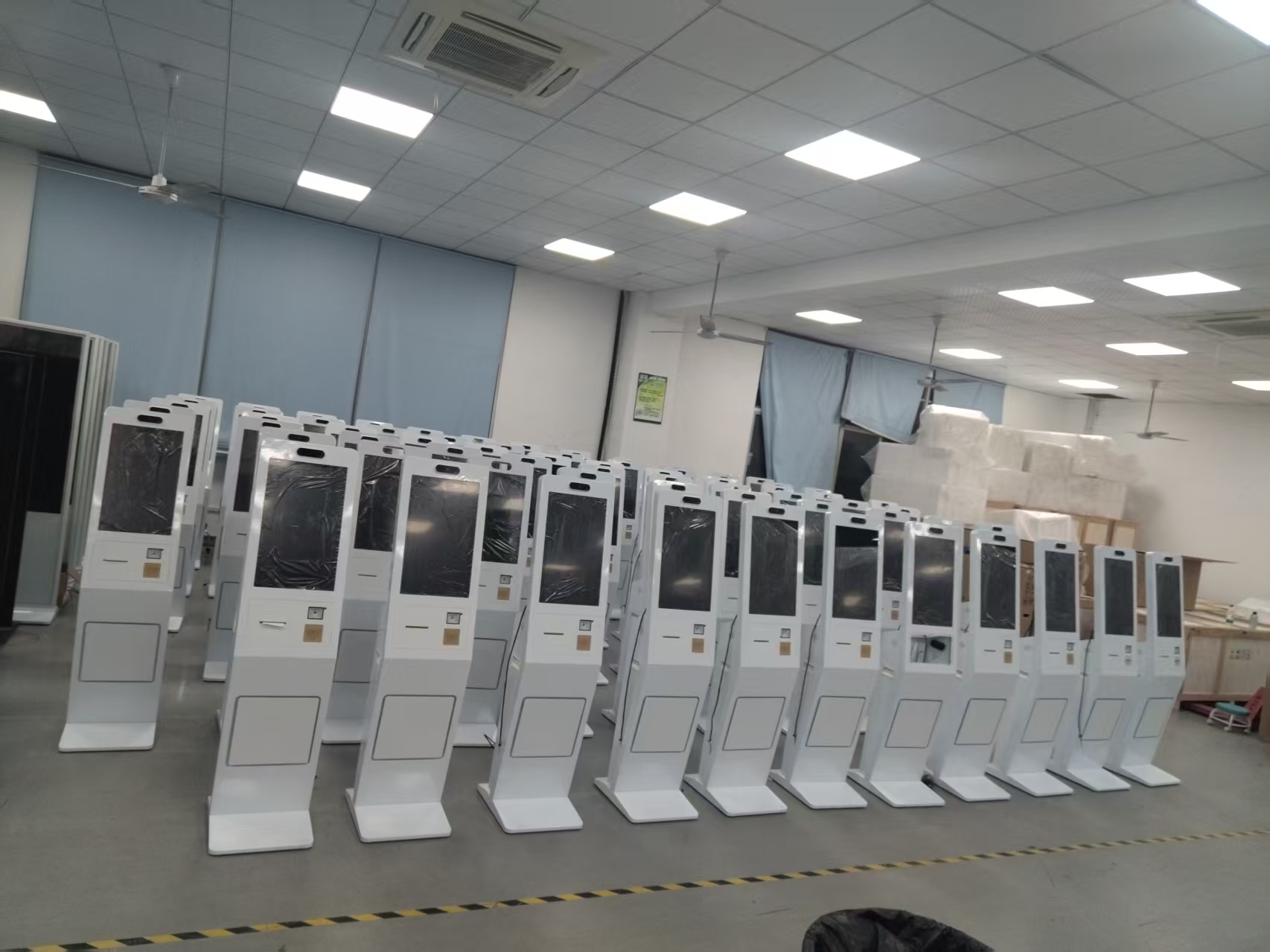
Common causes of payment-failure bugs include unstable network connections, internal system errors, or incorrect user input. A weak network signal may cause payment requests to time out; a fault in the system’s payment interface can interrupt the transaction flow; and user misoperations – such as entering a wrong password or choosing an unsupported payment method – can also trigger failure. Solutions: first check the network environment to ensure stable Wi-Fi or mobile data; restart the ordering device or the mobile ordering application; contact the system support team for professional help.
Common causes of system-lag bugs include hardware performance bottlenecks, excessive software resource usage, or high-concurrency traffic surges. Insufficient memory on older devices slows processing; delayed software updates may introduce bugs; and a sharp spike in users during peak hours can easily overload servers.
Common causes of self-check-out terminal power-on failures include power system problems (loose power cord, dead outlet, power switch not turned on, adapter failure), hardware faults (loose internal cables, damaged components), or software problems (system crash, corrupted files).
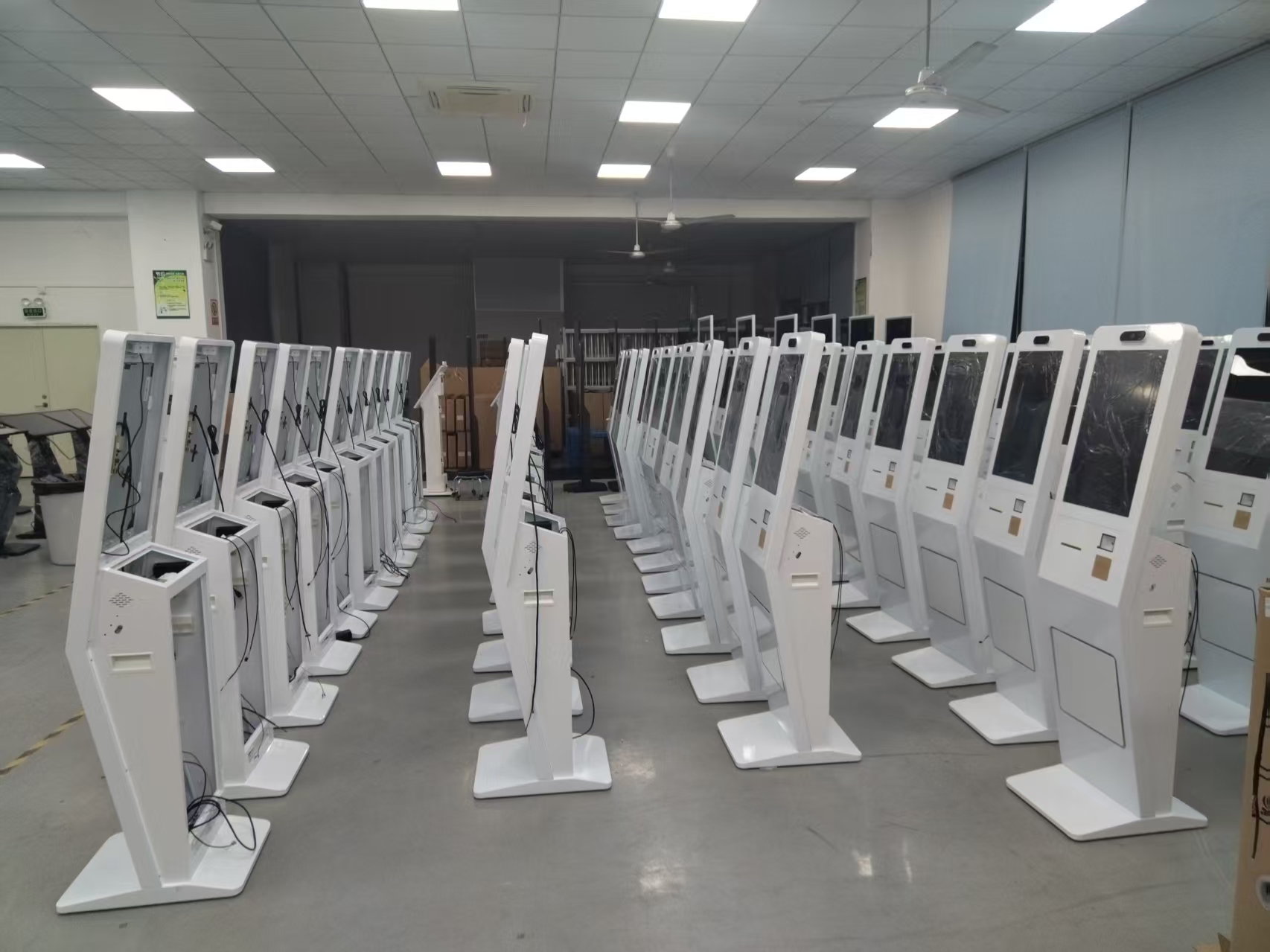
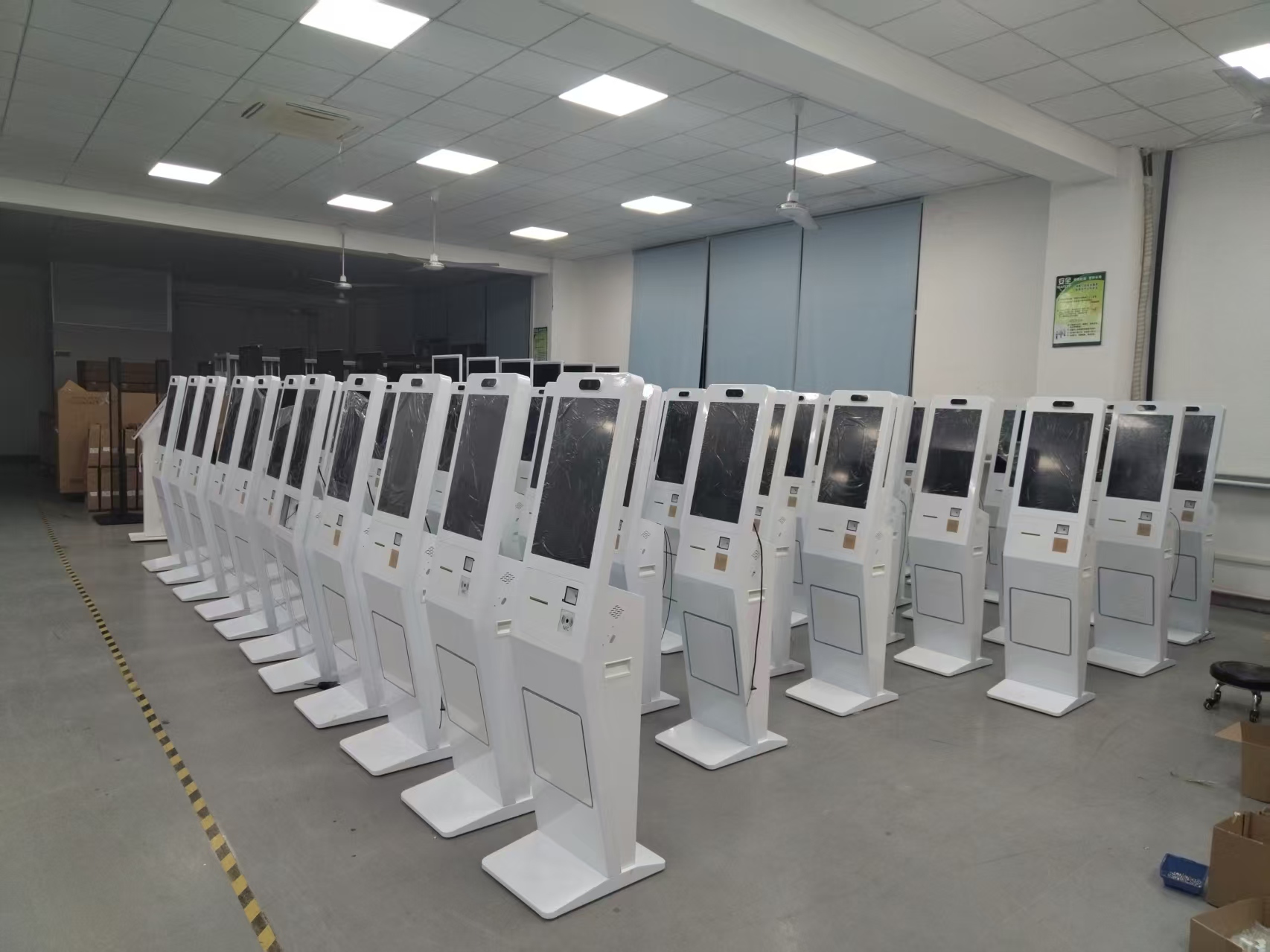
Solutions:
Power system troubleshooting: Check the power cord connection, whether the outlet has power, and the device switch status; replace a faulty adapter or the power board/backlight board.
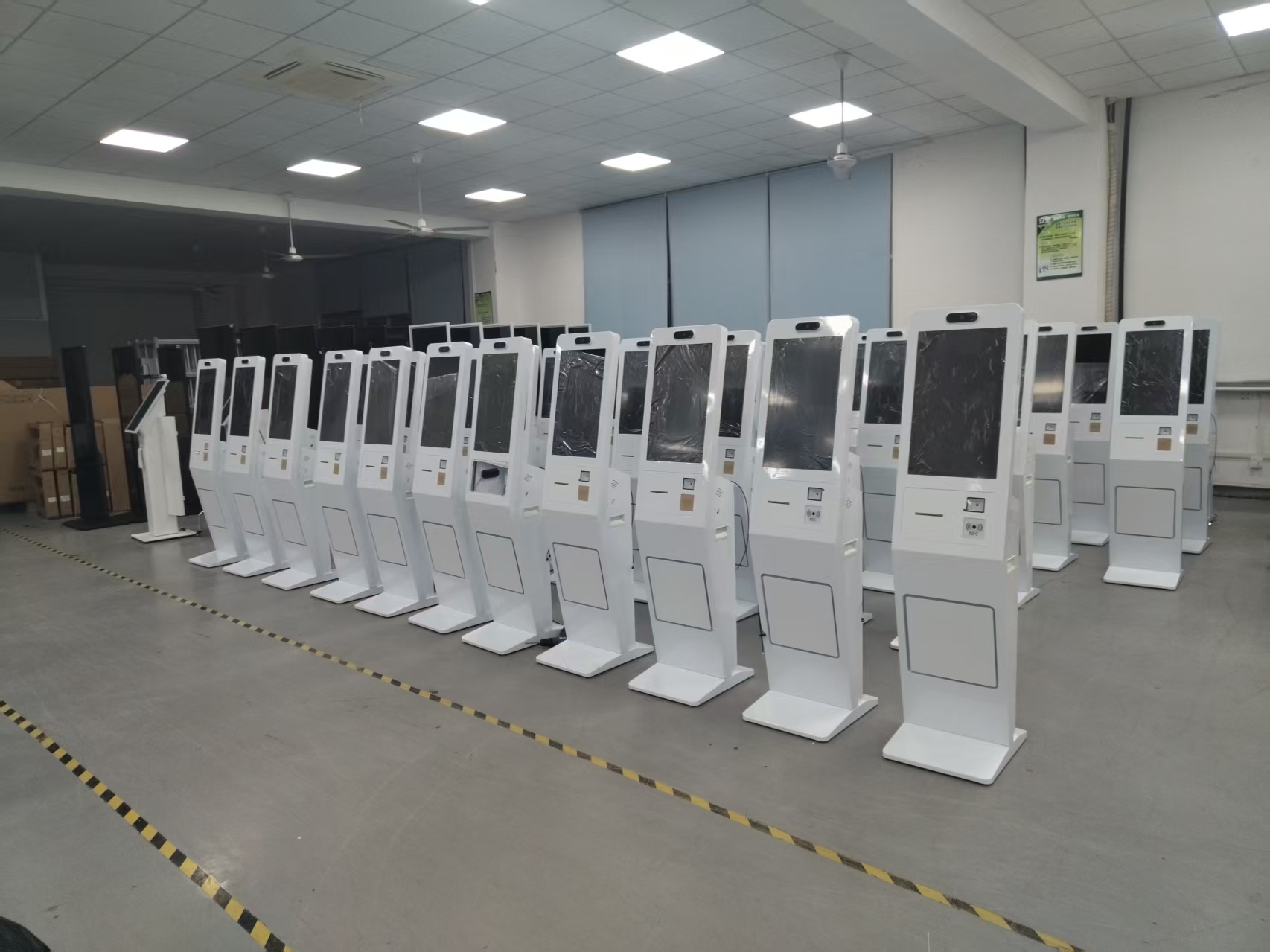
Hardware fault troubleshooting: After disconnecting power, open the housing and check whether the cables of the mainboard, hard drive, and other components are loose; look for scorch marks or unusual smells; contact professional repair if necessary.
Software problem handling: Try entering safe mode to repair the system, or back up data and reinstall the system; keep the device in a dry, well-ventilated environment and avoid high temperature and humidity that cause hardware failure. If self-troubleshooting fails, promptly contact the supplier or manufacturer for repair.
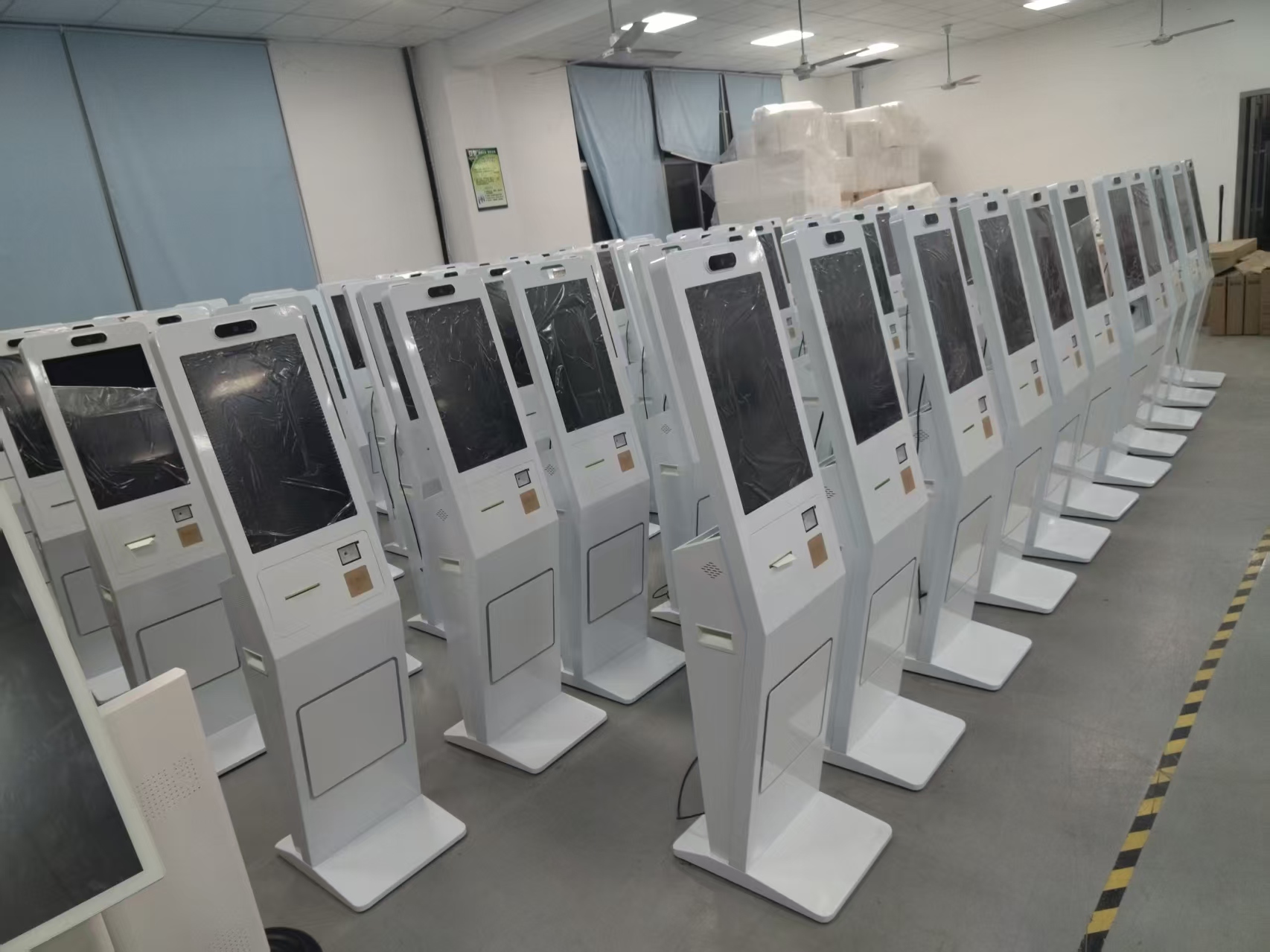
Practical Conclusion
Review self ordering system errors related to the interface, network, printer and payment process, plus safe steps for recovery and escalation. The final configuration should be verified against the real menu, transaction flow, installation space and support plan before deployment.
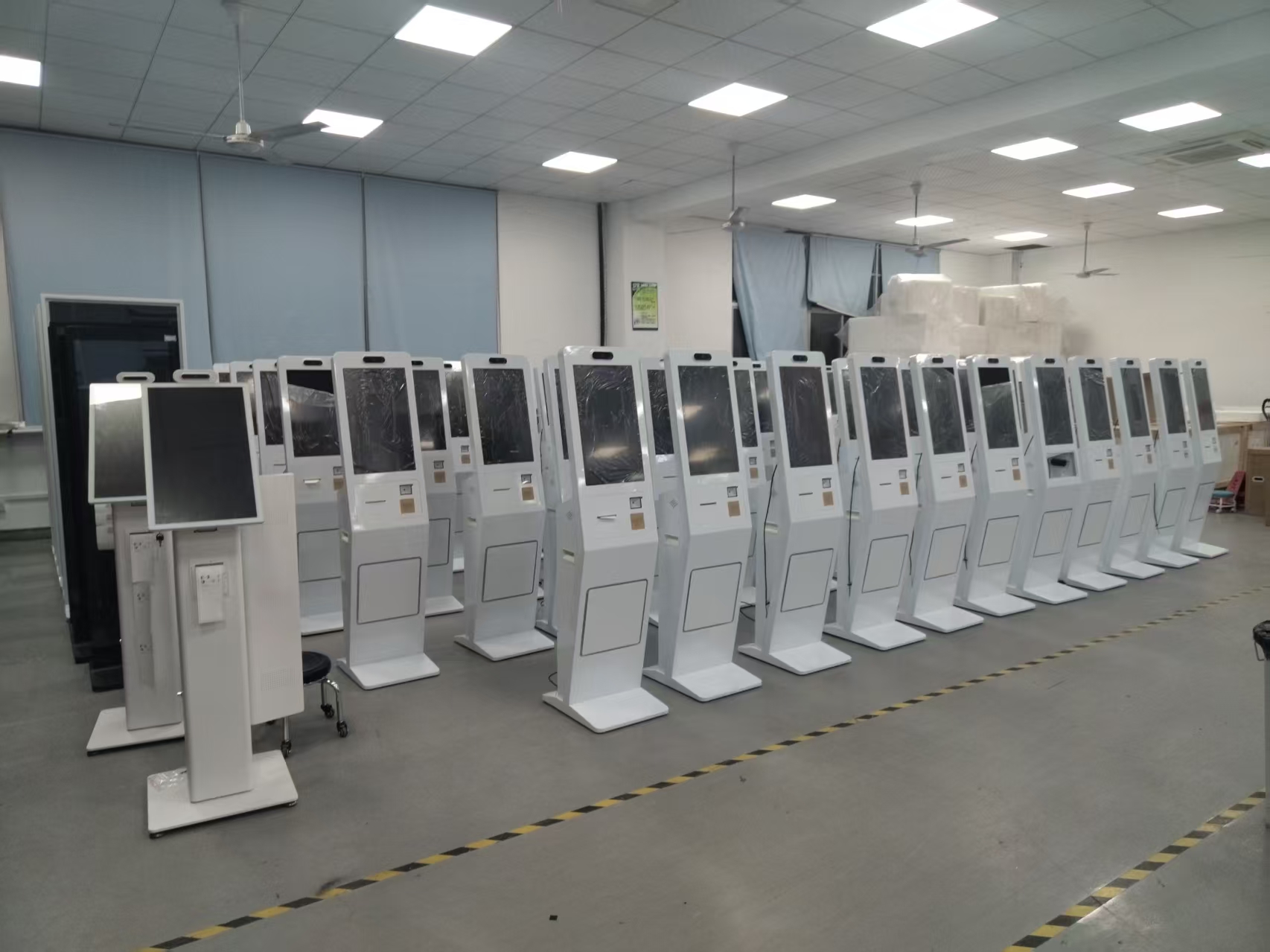
Deployment and Operating Checks
Planning for self ordering system errors should begin with the actual service flow rather than a generic demonstration setup. Before launch, test the workflow associated with self ordering system errors during realistic peak demand and confirm how staff will assist users. Documentation for self ordering system errors should cover cleaning, updates, network recovery and peripheral checks. A deployment involving self ordering system errors should pass consistent information to payment and back-office systems.
Explore related hardware configurations in the self-service kiosk product range.
Deploying a Self-Service Solution?
To elevate customer experience and streamline ordering or ticketing workflows, explore our AI Self Service Terminal with Large Touchscreen or the versatile Self Service Kiosk for Cinema & Ticketing. For custom hardware integrations, discover our complete line of Custom Self-Service Kiosks or consult our engineering team for sample evaluation.