This guide explains the core functions of a self-ordering terminal and the steps a guest follows to complete an order.

In the construction of modern smart cafeterias, the smart self-ordering kiosk, as the core terminal device, delivers a brand-new experience for diners and managers alike with its rich functions and convenient operating process. The smart self-ordering kiosk launched by ZXTLCD integrates multiple practical functions, fully covering ordering, pickup, inquiries, top-ups, and more, helping cafeterias achieve digital and intelligent upgrades.
Comprehensive Functions to Meet Diverse Dining Needs
The smart self-ordering kiosk offers a number of practical functions that effectively improve cafeteria operating efficiency and service levels:
Stall-based ordering: One device can support simultaneous ordering from multiple stalls; users can freely select dishes and customize flavors to personal preference. The system also supports purchase-limit settings for dishes, meeting the operational needs of different stalls.
Multi-mode identity verification: At pickup, multiple verification methods such as facial recognition and card swiping are supported, instantly displaying the user’s name, corresponding stall, order details, and meal information to ensure accurate and efficient pickup.
Information inquiry services: Users can verify by face, card, or mobile phone number to check their personal account balance and historical order details at any time, with consumption status at a glance.
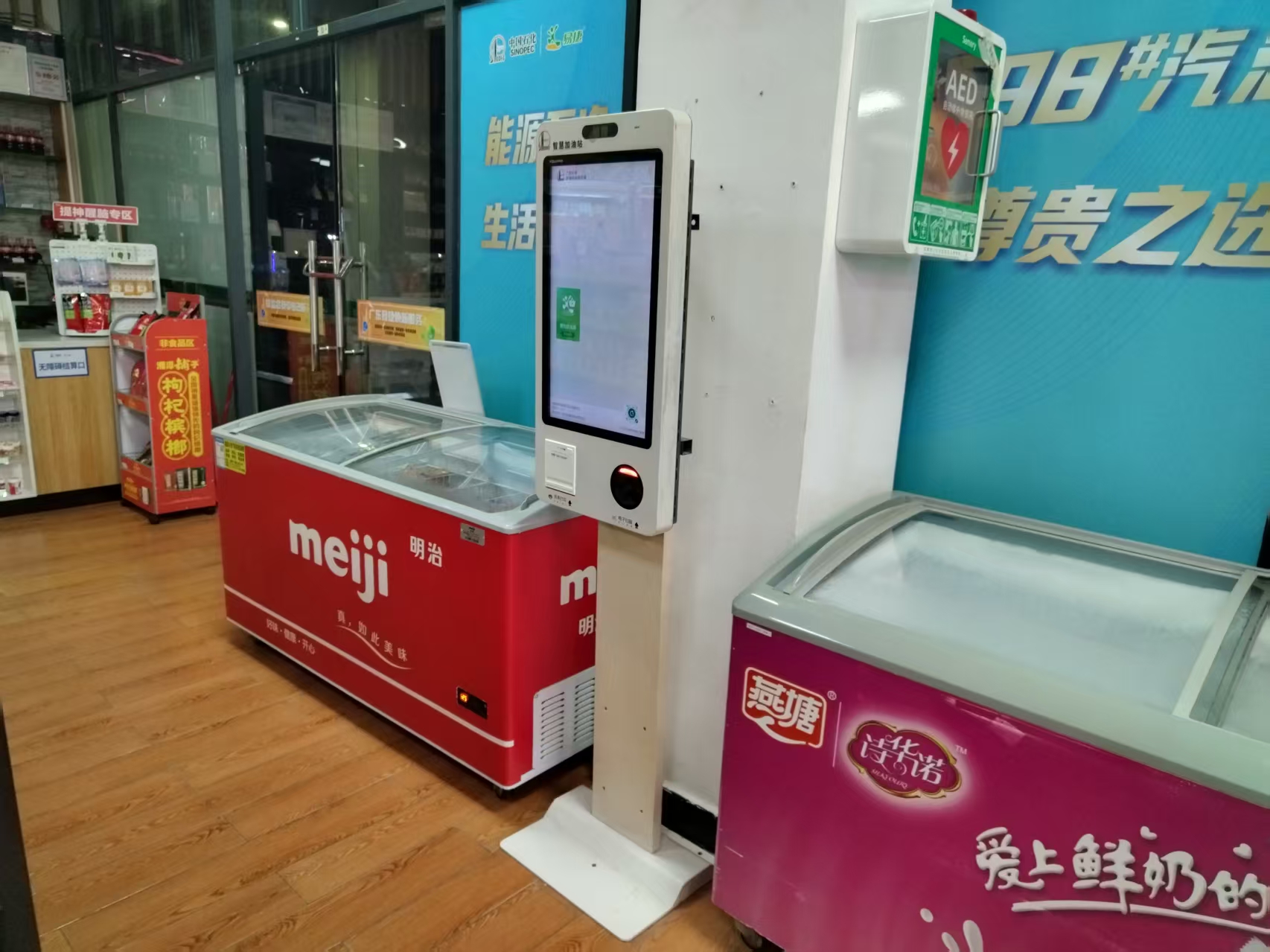
Convenient top-up channels: Multiple top-up methods are provided – facial recognition, card, and phone-number verification – supporting mainstream payment platforms such as mobile wallet and QR payment, giving users a safe and fast recharge experience.
Receipt printing: Vouchers print automatically after successful ordering or top-up. Order receipts clearly show stall information, order time, order number, user name, and dish details; top-up receipts include operation time, name, payment method, recharge amount, and account balance, among other key information.
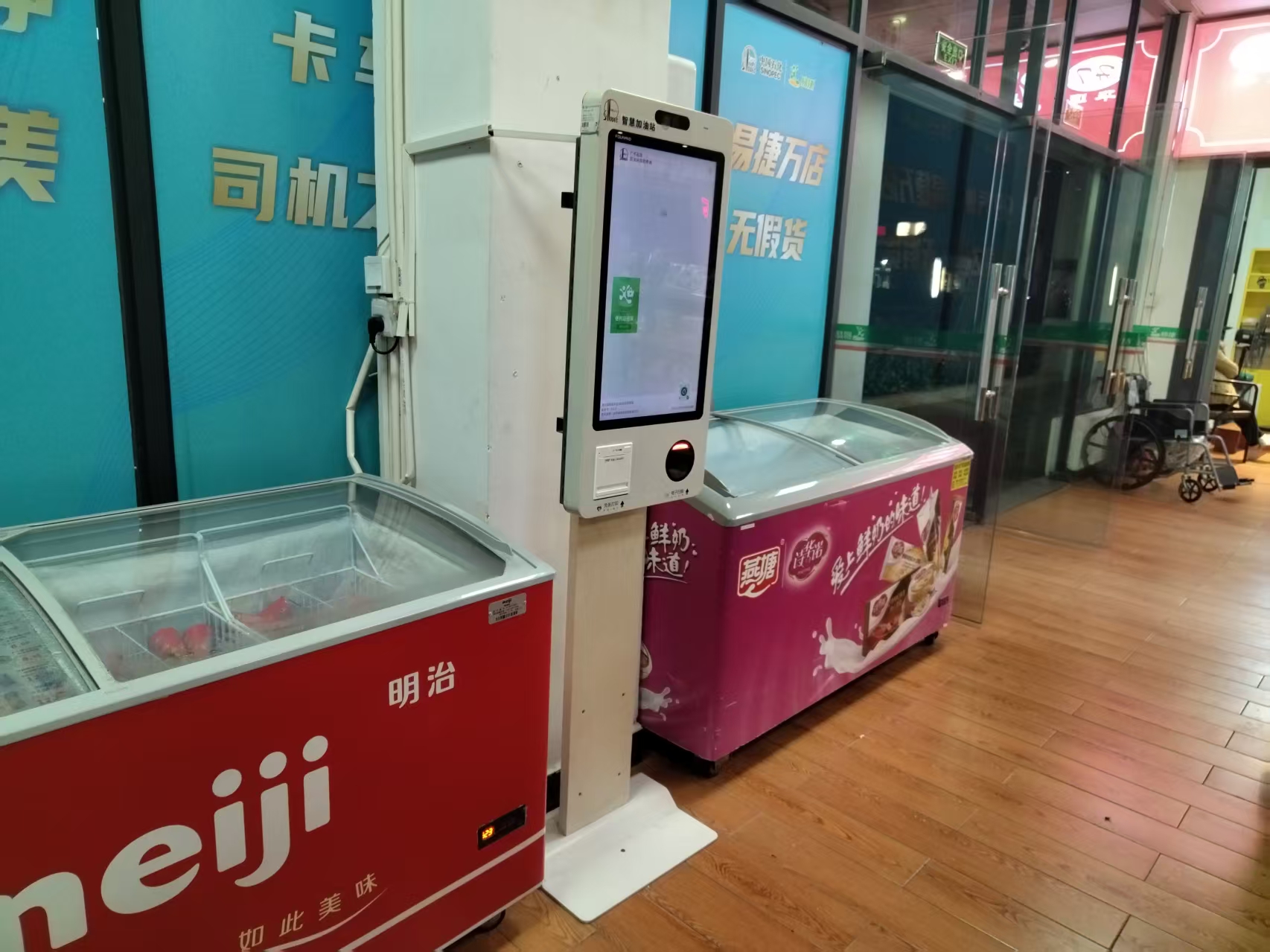
Simple Operation, Optimizing the Entire Dining Process
The smart self-ordering kiosk’s usage process is well designed and intuitive, greatly improving dining efficiency:
Upon arriving at the cafeteria, diners can browse the dishes of each stall directly on the self-ordering kiosk, select the meals they want, and add flavor notes according to personal needs – such as no scallions or garlic, or spice level. After making their selections, they complete online payment via facial recognition, card, or QR code, and the order is easily placed.
After payment succeeds, the system automatically sends the order to the kitchen and prints a receipt. Stall chefs prepare the dishes precisely according to the order, without taking on extra work like order-taking or payment collection, effectively improving serving speed and preparation accuracy.

Once the dishes are ready, the system automatically announces the pickup number by voice or sends a pickup reminder to the diner’s phone. The diner goes to the corresponding stall with the system notification, completes identity verification by face or card, and picks up the meal – smooth throughout, saving waiting time.
Improving Management Efficiency, Creating a New Smart Dining Scenario
The application of the smart self-ordering kiosk not only optimizes the diner’s experience but also significantly improves cafeteria management efficiency. Stall staff are freed from tedious order-taking and payment collection to focus on food preparation and service quality, making overall operations more standardized and efficient.
ZXTLCD is always committed to driving the intelligent and information-based development of cafeteria services through technological innovation. As an important part of smart cafeteria construction, the smart self-ordering kiosk will continue to provide quality solutions for all kinds of cafeteria scenarios with stable, reliable performance and user-friendly design, helping build a more convenient, efficient, and intelligent new ecosystem of dining services.
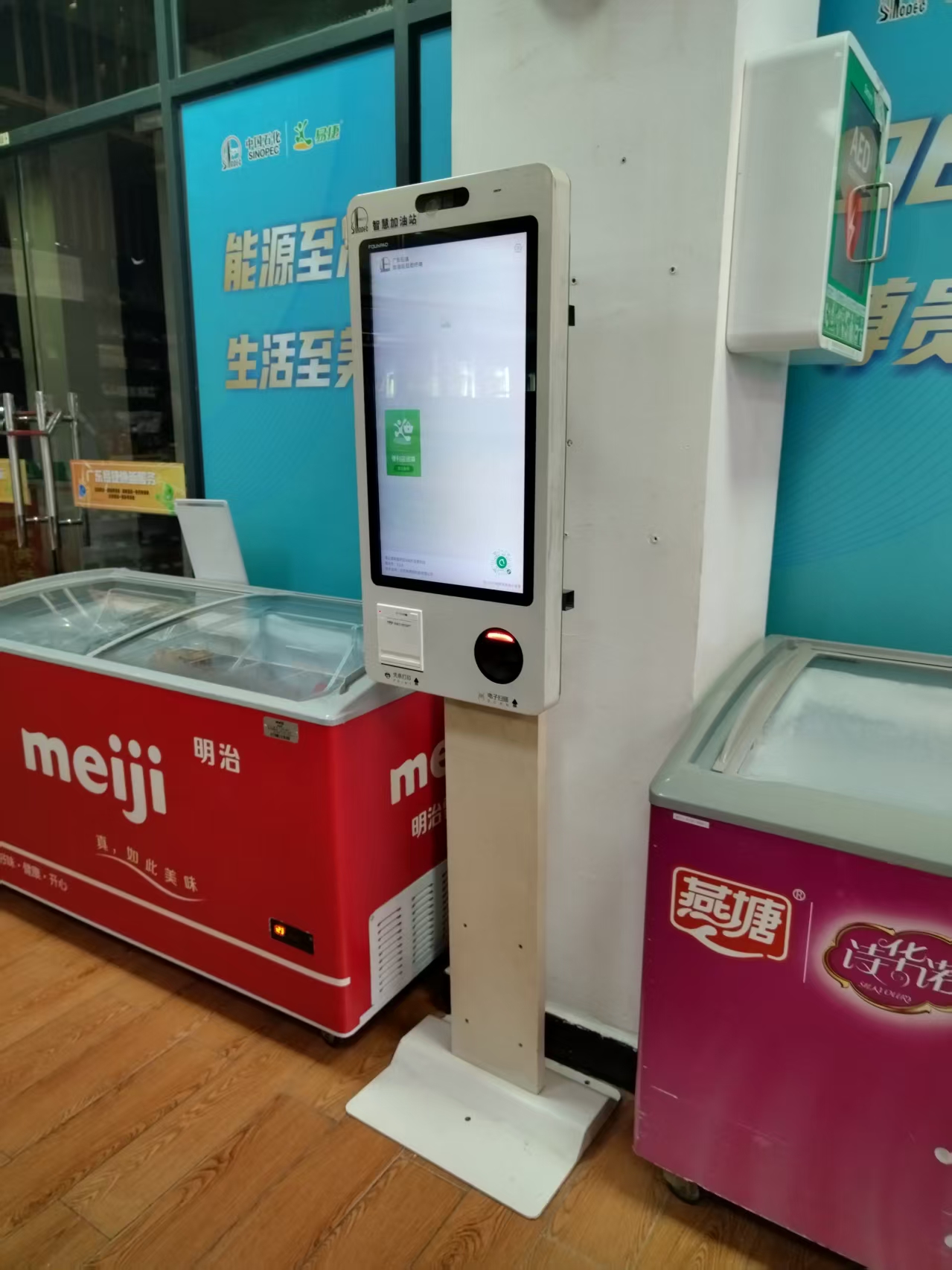
Practical Conclusion
Review self ordering kiosk functions from menu browsing and item customization to payment, receipt printing and kitchen order transmission. The final configuration should be verified against the real menu, transaction flow, installation space and support plan before deployment.
Deployment and Operating Checks
Planning for self ordering kiosk functions should begin with the actual service flow rather than a generic demonstration setup. Before launch, test the workflow associated with self ordering kiosk functions during realistic peak demand and confirm how staff will assist users. Documentation for self ordering kiosk functions should cover cleaning, updates, network recovery and peripheral checks. A deployment involving self ordering kiosk functions should pass consistent information to payment and back-office systems.
Explore related hardware configurations in the self-service kiosk product range.
Deploying a Self-Service Solution?
To elevate customer experience and streamline ordering or ticketing workflows, explore our AI Self Service Terminal with Large Touchscreen or the versatile Self Service Kiosk for Cinema & Ticketing. For custom hardware integrations, discover our complete line of Custom Self-Service Kiosks or consult our engineering team for sample evaluation.