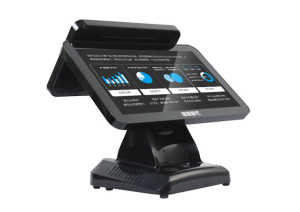
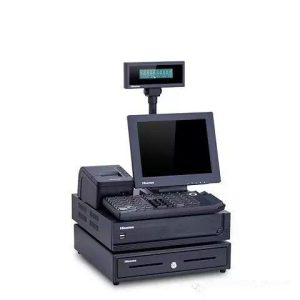
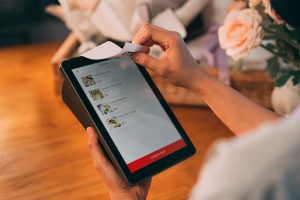
There is no single ordering application that is best for every restaurant. The practical decision is broader: the restaurant needs a complete combination of touch hardware, ordering software, payment, printing, point-of-sale integration, kitchen communication, networking and support. Comparing only the interface or processor does not show whether the full workflow will remain reliable during a busy service period.
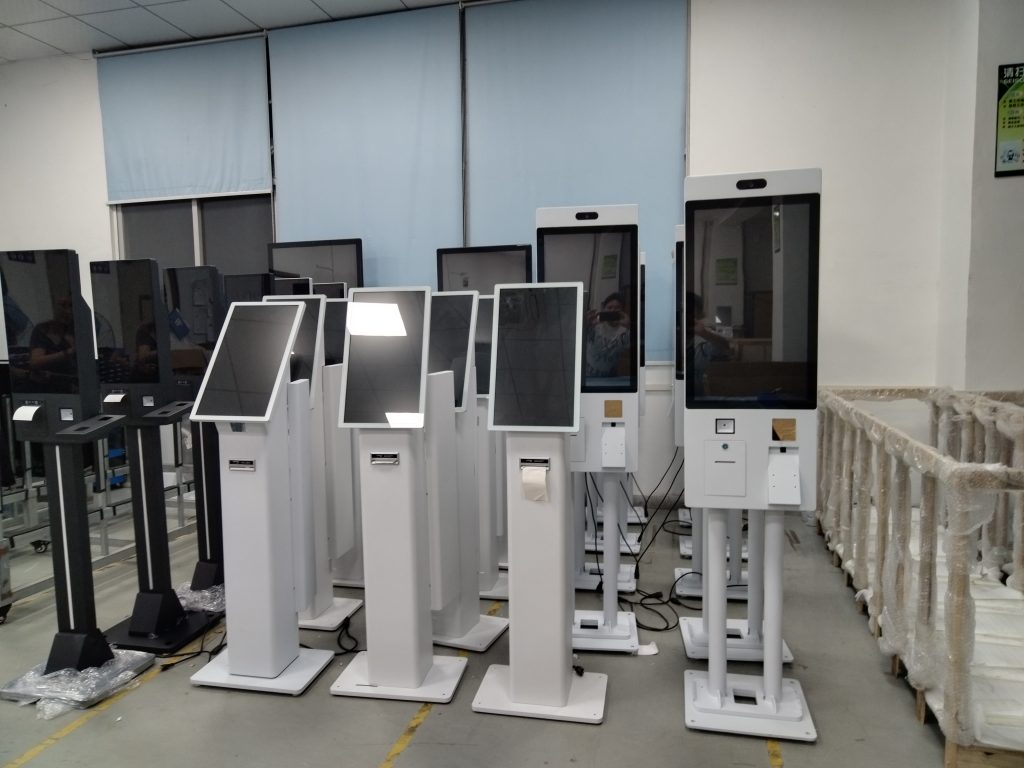
A restaurant ordering kiosk system should be evaluated against the actual menu, order volume, payment methods, installation space and existing software. A long feature list has little value if the kiosk cannot exchange complete order information with the point-of-sale and kitchen systems, or if the restaurant has no clear recovery path when a peripheral or application stops working.
Evaluate the supplier beyond the product brochure
Self-service terminals are commercial devices expected to operate for long periods. Ask the supplier about production experience, test procedures, replacement-part availability, warranty scope and remote support. The original material states that ZXTLCD was established in 2009 and has continued to work with touch displays and commercial terminals. Years in business are useful context, but they should be supported by documentation for the specific configuration being offered.
Before confirming a system, define how faults will be reported, which parts are considered consumable, what recovery material is supplied and when remote assistance is available. A supplier that can distinguish a software problem from a hardware or peripheral fault may provide more practical value than one that only presents a larger list of features.
Test performance with the complete order flow
Restaurants are most concerned about slow response, duplicate submissions and orders that do not reach the kitchen correctly during peak hours. A meaningful test should repeat menu browsing, option selection, basket changes, payment, receipt printing and order synchronization. An industrial computing platform and stable touch technology can support continuous operation, but actual performance also depends on software, networking and integration quality.
The restaurant ordering kiosk system should send each order from the guest interface to the point-of-sale or order platform and then to the kitchen display or printer. Verify that item names, combinations, modifiers, notes and refund status remain consistent at every stage. The team should also see what happens if the network drops during payment or before the order reaches the kitchen.
Confirm software and peripheral compatibility
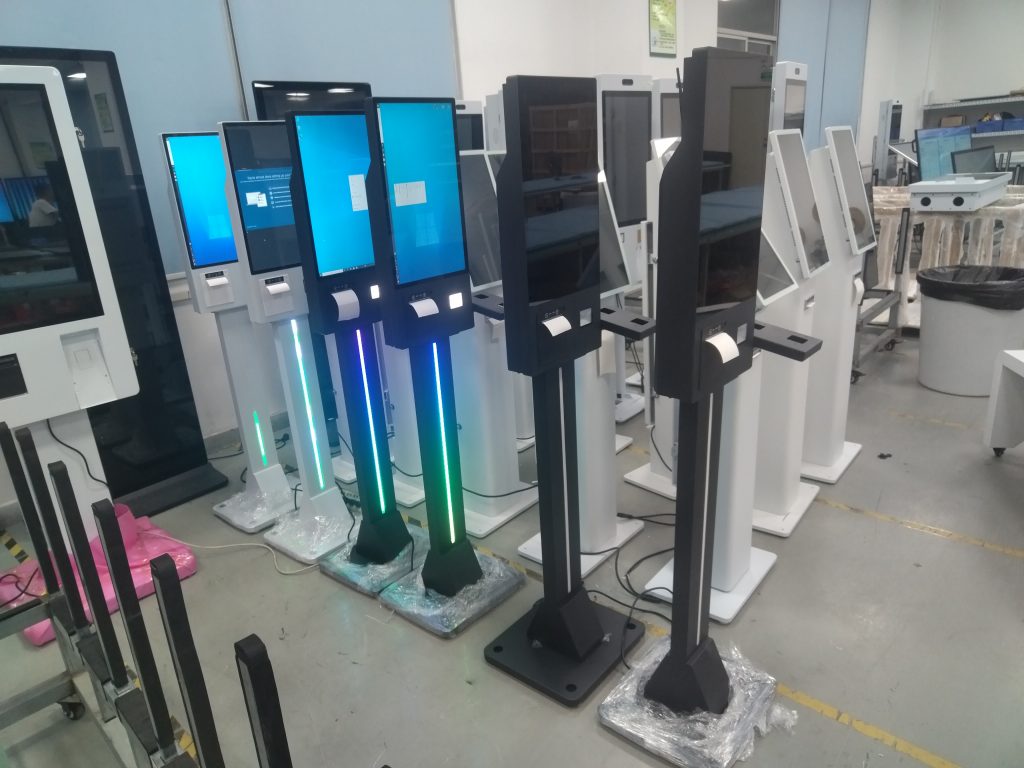
A kiosk may include a scanner, thermal printer, card terminal, camera or other peripheral. The software needs compatible drivers and a clear method for monitoring these components. Build a compatibility list that records the operating-system version, hardware interface, driver, payment service and remote-management method. This prevents a late discovery that a required device cannot communicate with the selected application.
Compatibility should be proven with the intended configuration rather than a generic demonstration machine. If the restaurant already uses a point-of-sale or kitchen display platform, request a test with that platform or a documented interface. A restaurant ordering kiosk system is only complete when the guest-facing screen and the operational systems exchange data correctly.
Match the installation to the restaurant space
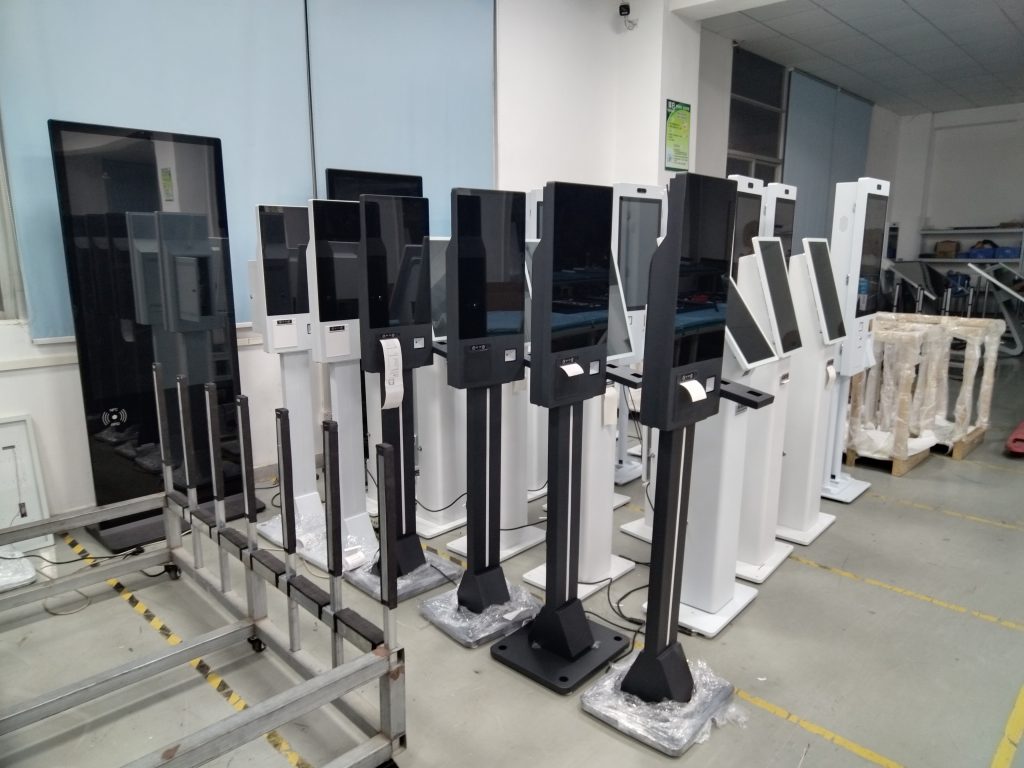
Restaurant layouts and customer flow differ. A modular terminal can be embedded in a wall, mounted on a counter or installed as a floor-standing unit, with peripherals added according to the workflow. Appearance should fit the interior, but service doors, cable routes and ventilation must remain accessible. A clean installation that blocks maintenance access will create problems later.
Measure the site before choosing a format. Consider operating height, reach distance, aisle width, queue direction, glare and proximity to employees who can assist. The restaurant ordering kiosk system should fit the way people already move through the space rather than forcing a new queue into a narrow or obstructed area.
Protect the guest experience during exceptions
The main benefit of self-ordering is shorter routine interaction and less repeated order entry. Guests need understandable categories, readable buttons, an editable basket and an unambiguous payment result. Employees need a quick way to see device status and help when a guest encounters a problem. Self-service works best as an additional channel, not as the only way to receive assistance.
When routine ordering moves to the kiosk, restaurant staff can focus more attention on greeting, menu explanation and service recovery. The workflow should define how employees cancel a failed payment, reprint a receipt, correct a kitchen order and switch the unit out of service without confusing the next guest.
Run a realistic acceptance test before launch
Ask the supplier to demonstrate a configuration that is close to the real menu and transaction flow. Run repeated orders, payment and printing, confirm kitchen synchronization, interrupt the network and verify recovery. Review the administration interface as well as the guest screen, because content changes, reports and user permissions affect daily operation.
The most suitable restaurant ordering kiosk system is not necessarily the one with the highest specification or the largest number of functions. It is the one that connects reliably with existing operations, fits the available space and comes with a support process the restaurant can use. Evaluating hardware, software, interfaces and service together reduces expensive changes after installation.
Explore related configurations in the self-service kiosk product range.
Deploying a Self-Service Solution?
To elevate customer experience and streamline ordering or ticketing workflows, explore our AI Self Service Terminal with Large Touchscreen or the versatile Self Service Kiosk for Cinema & Ticketing. For custom hardware integrations, discover our complete line of Custom Self-Service Kiosks or consult our engineering team for sample evaluation.