

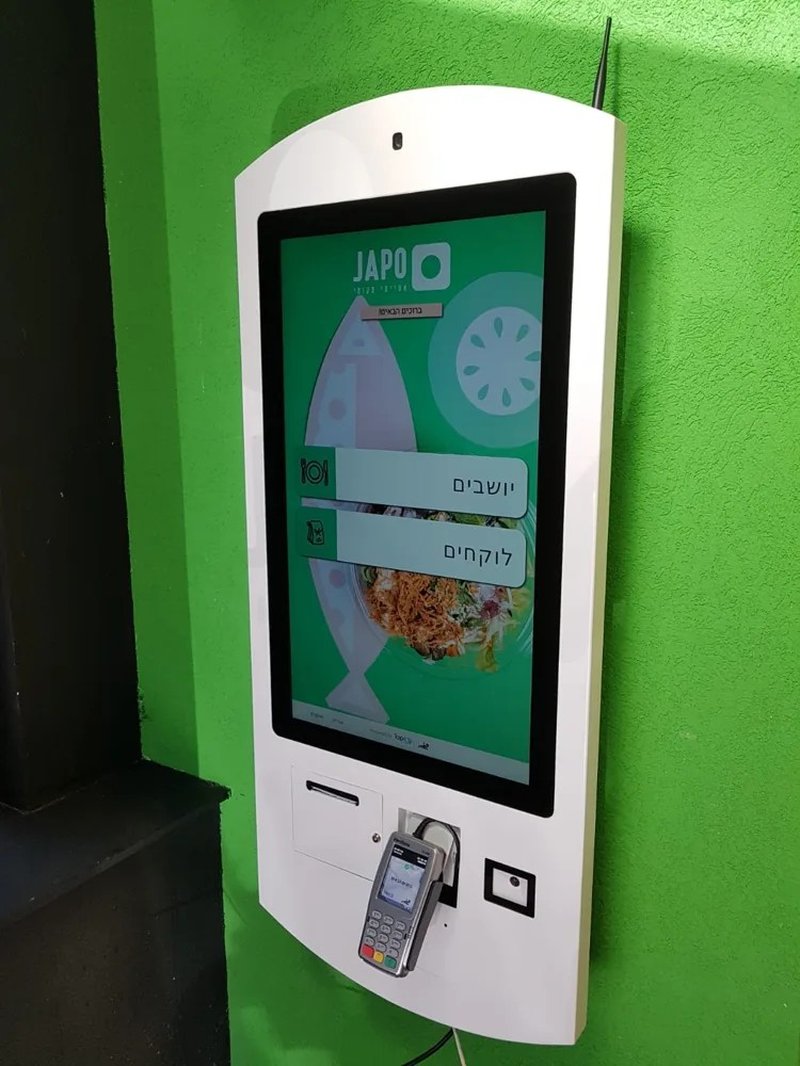
Deploying a high-performance Unmanned Supermarket Self-Checkout provides commercial dining and retail venues with an advanced automated workflow. Unmanned and autonomous supermarkets rely on self-checkout kiosks to handle product recognition, cart tallying, and payment processing, substantially reducing reliance on human cashiers. However, maximizing throughput requires far more than merely installing self-checkout machines; it demands an integrated strategy combining optimal product identification technologies, unified payment gateways, ergonomic spatial layouts, and robust exception-handling protocols.
1. Select the Optimal Product Identification Technology with a Unmanned Supermarket Self-Checkout
Product identification is the core bottleneck of the self-checkout journey. The primary technologies deployed in modern retail include optical barcode/QR scanning, RFID tracking, and camera-based computer vision recognition.
Optical barcode scanning is the most mature and widely adopted method, making it ideal for standard packaged retail goods where barcodes are crisp and consumers scan items individually. However, it requires active manual alignment by the shopper. RFID tag reading allows bulk detection of items placed in a scanning bed, provided items carry compliant tags, but implementation requires evaluating tag unit costs, packaging interference (such as metal or liquids), and reader middleware. Computer vision and AI recognition reduce manual item manipulation, but lighting conditions, SKU visual variations, recognition accuracy, and system integration complexity must be rigorously benchmarked beforehand.
Autonomous supermarket operators should choose their identification stack based on merchandise categories, packaging formats, and business margins, rather than chasing technological complexity for its own sake.
2. Streamline the Self-Checkout User Journey
An intuitive user interface minimizes shopper hesitation, confusion, and repetitive retries. Self-checkout kiosks must present a transparent step-by-step UI: item scanning, quantity verification, payment method selection, and transaction completion, accompanied by self-explanatory error notifications.
Touchscreen responsiveness, optical scanner decode latency, and payment terminal communication speeds collectively define customer perception. Prior to commercial rollout, store operators should rigorously test standard checkout workflows to guarantee that barcode decoding, real-time pricing calculation, promotional discounts, and payment confirmation status update seamlessly.
For first-time self-checkout users, clear visual prompts, intuitive audio cues, and visible graphic instructions guide shoppers through successful self-directed transactions.
3. Synchronize Hardware, Software, and Payment Gateways
Self-checkout kiosks function as networked nodes exchanging real-time data with centralized SKU databases, store inventory management ERPs, payment gateways, and backend administrative platforms. Without deep system compatibility, even high-end hardware will suffer from SKU discrepancies, payment callback timeouts, or unrecorded cart drops.
Therefore, prior to hardware deployment, project teams must specify interface APIs, data synchronization protocols, and failover exception logic. Establish stable high-bandwidth networking, scheduled software patch routines, hardware preventative maintenance, and automated database backups.
For multi-kiosk footprints, implementing centralized Mobile Device Management (MDM) or unified kiosk management dashboards enables remote monitoring of hardware status, peripheral health, and software versions, immediately flagging offline terminals or persistent hardware faults.
4. Plan Ergonomic Spatial Layouts and Exception Workflows
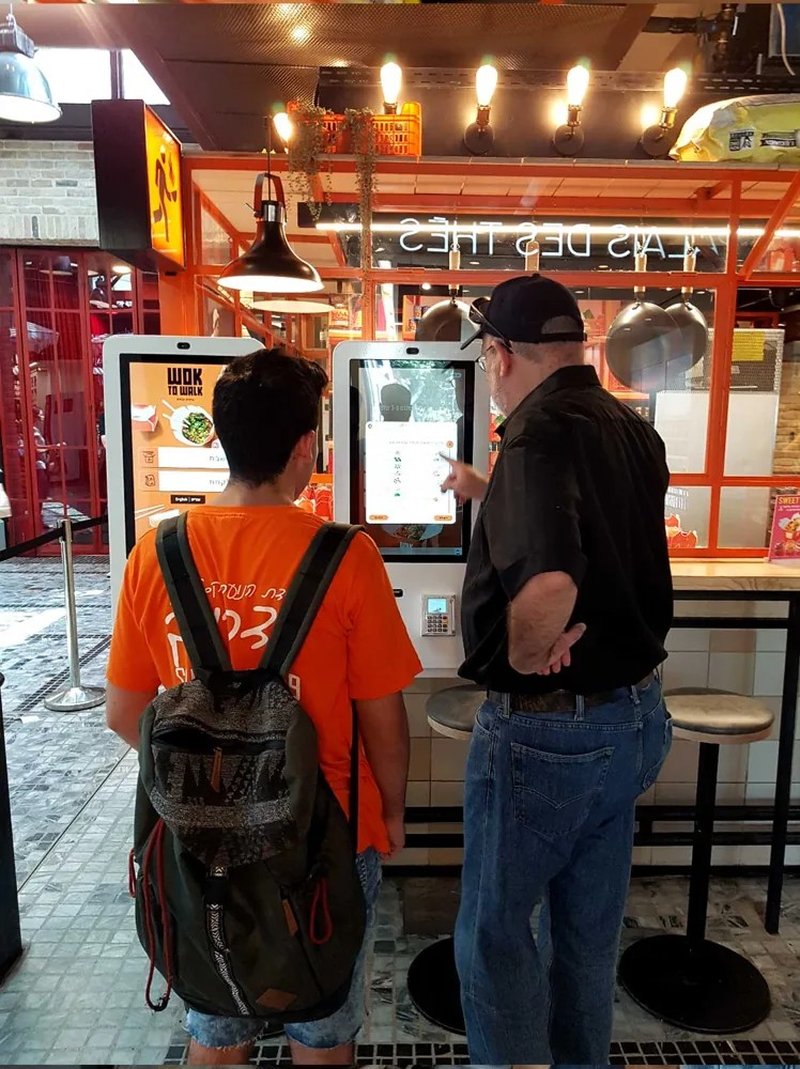
Physical kiosk arrangement directly dictates lane throughput. Self-checkout zones must provide adequate queuing and bagging space, ensuring shoppers scanning goods, organizing shopping bags, and tapping payment cards do not bump into adjacent lanes. Optical scanners, touchscreen displays, and payment PIN pads should be ergonomically positioned at natural operating heights, accompanied by intuitive bagging shelves and security scale platforms.
Equally important is establishing clear, frictionless exception-handling pathways. When an unreadable barcode, payment timeout, or age-restricted item occurs, the kiosk interface must provide clear, reassuring instructions rather than freezing the screen.
For issues requiring manual intervention, stores should provide rapid on-site attendant assistance or one-touch remote video assistance. This prevents a single unresolved transaction from blockading a checkout terminal and causing queue bottlenecks.
Frequently Asked Questions (FAQ)
Q1: Which self-checkout technology delivers the highest efficiency in unmanned stores?
There is no universal one-size-fits-all solution. Barcode scanning, RFID tags, and computer vision each have distinct operational prerequisites. Operators must weigh merchandise categories, recognition accuracy, ambient deployment conditions, tag unit costs, and overall system ROI.
Q2: Can self-checkout terminals operate completely without human supervision?
Not entirely. While kiosks automate standard scanning and billing transactions, unexpected exceptions, hardware maintenance, paper roll replacement, inventory audits, and store security still require human oversight.
Q3: How can stores minimize user errors during self-checkout?
Optimize UI navigation prompts, eliminate unnecessary confirmation screens, display cart items and pricing clearly, and perform extensive UX testing across edge-case error scenarios prior to deployment.
Q4: What is the best way to manage a fleet of multiple self-checkout kiosks?
Utilize a centralized kiosk fleet management platform to standardize OS images, push software updates, monitor real-time hardware peripheral connectivity, track maintenance logs, and automate exception escalations. In summary, integrating a reliable Unmanned Supermarket Self-Checkout solution reduces operational labor costs, shortens customer wait times, and maximizes store throughput.
Looking for customized Unmanned Supermarket Self-Checkout hardware, commercial touchscreen displays, or OEM/ODM self-service solutions? Feel free to contact the ZXTLCD engineering team for free consultations, product specifications, and tailored volume pricing.
Deploying a Self-Service Solution?
To elevate customer experience and streamline ordering or ticketing workflows, explore our AI Self Service Terminal with Large Touchscreen or the versatile Self Service Kiosk for Cinema & Ticketing. For custom hardware integrations, discover our complete line of Custom Self-Service Kiosks or consult our engineering team for sample evaluation.


