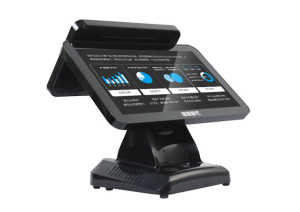
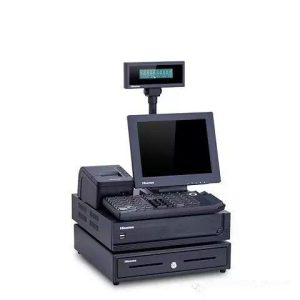
Routine cleaning, cable checks and software care can keep restaurant checkout equipment stable during daily service.
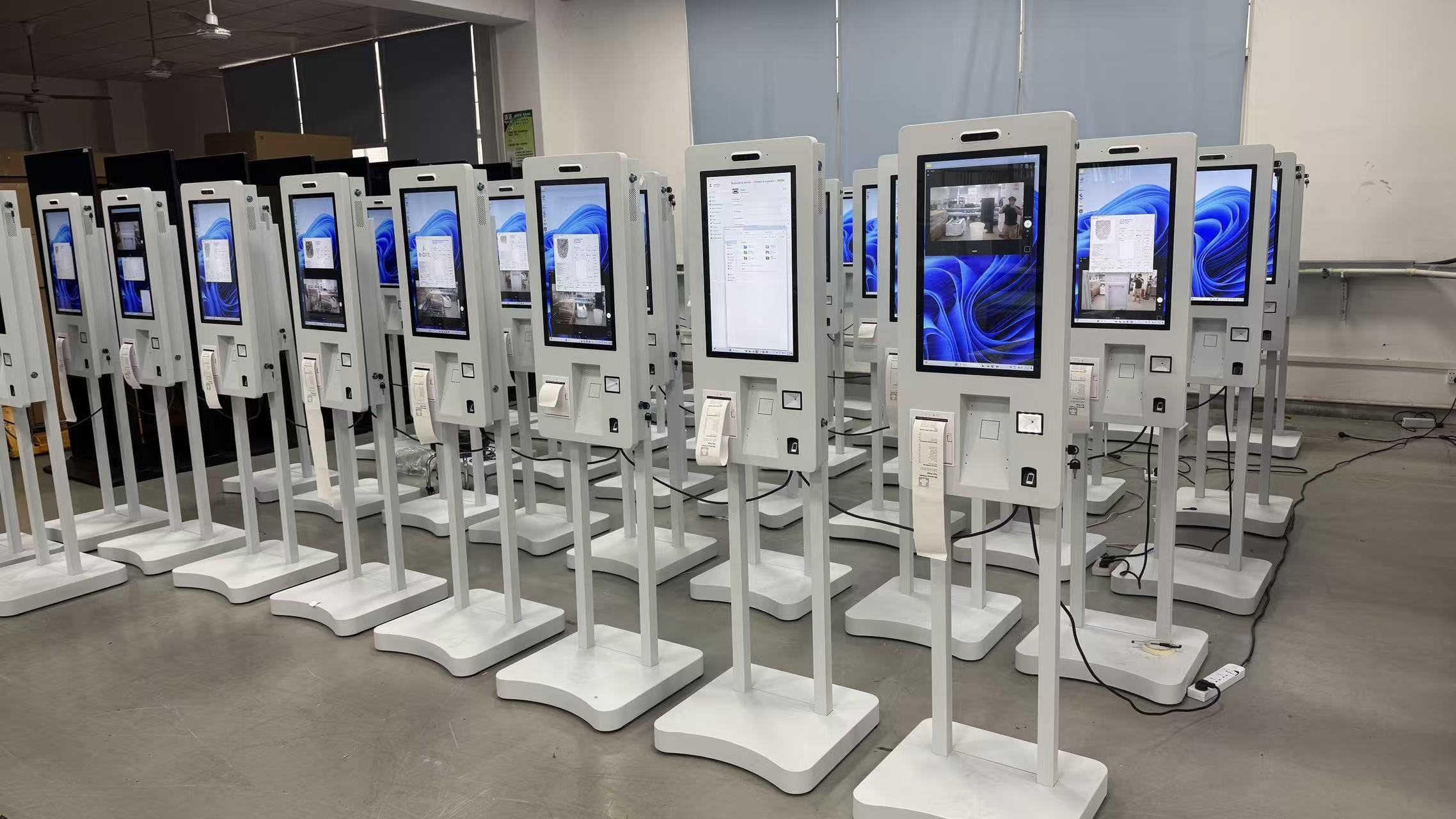
Maintaining a POS cash register is key to ensuring its long-term stable operation and extending its service life. Below are detailed steps and precautions for POS machine maintenance:
Environment Selection and Placement
1. Choose a flat, vibration-free countertop: Make sure the POS machine sits on a stable, level surface to prevent vibrations from damaging its internal components.
2. Avoid direct sunlight and extreme temperatures: The register should be placed away from direct sunlight, in an area with minimal temperature fluctuation, away from water sources, and with little dust. Excessively high temperature or humidity can damage the electronic components.
3. Keep away from strong electromagnetic fields: Strong electromagnetic fields may interfere with normal operation, so make sure the register is kept away from such environments.
Power and Circuits
1. Stable power supply: In areas or stores with poor grid quality, a voltage-stabilized power supply should be dedicated to the register to prevent damage from voltage fluctuations.
2. Dedicated outlet: The register should preferably not share an outlet with other high-power, frequently cycling appliances such as refrigerators or air conditioners. The outlet should also be close to the register and easy to unplug, so power can be cut as quickly as possible in an emergency.
3. Ground wire protection: The power line should include a ground wire to ensure circuit stability and safety.
Daily Cleaning and Care
1. Keep it dry and tidy: Place the register in a cool, dry location, avoiding environments with heavy cooking fumes or atomized liquids. Regularly clean oil or water stains off the housing to prevent liquids from entering and damaging the machine.
2. Avoid chemical products: When cleaning, do not wipe the body with a damp cloth or chemicals (such as gasoline or thinners), which may corrode the surface or internal components.
3. Avoid severe vibration: Do not violently shake, jolt, or strike the register, as this may damage its internal components.
Software and System
1. System updates: Regularly check for system update information and promptly download and install the latest version to ensure stability and security.
2. Software management: The register is well configured and supports installing other apps, but to keep ordering and checkout running smoothly, installing other non-essential apps is not recommended, as it may cause the machine to lag.
Fault Handling and Repair
1. Cut power promptly: When a fault occurs, immediately disconnect the power, stop using the machine, and contact professional repair personnel.
2. Do not disassemble on your own: Never disassemble or attempt to repair the register yourself, as this may cause greater damage or safety hazards.
Maintenance Schedule
Although the exact maintenance interval varies by model and operating environment, as a general rule, a comprehensive inspection and maintenance every 2 – 3 months is recommended to ensure normal operation and extend service life.
In summary, POS register maintenance covers multiple aspects: environment selection, power and circuit management, daily cleaning and care, software and system updates, and fault handling and repair. Only by doing all of these well can you ensure the long-term stable operation of your POS machine and extend its service life.
Practical Conclusion
Use this POS cash register maintenance guide to clean the screen, protect ventilation, inspect peripherals, back up data and reduce avoidable downtime. The final configuration should be verified against the real menu, transaction flow, installation space and support plan before deployment.
Deployment and Operating Checks
Planning for POS cash register maintenance should begin with the actual service flow rather than a generic demonstration setup. Before launch, test the workflow associated with POS cash register maintenance during realistic peak demand and confirm how staff will assist users. Documentation for POS cash register maintenance should cover cleaning, updates, network recovery and peripheral checks. A deployment involving POS cash register maintenance should pass consistent information to payment and back-office systems.
Explore related hardware configurations in the self-service kiosk product range.
Deploying a Self-Service Solution?
To elevate customer experience and streamline ordering or ticketing workflows, explore our AI Self Service Terminal with Large Touchscreen or the versatile Self Service Kiosk for Cinema & Ticketing. For custom hardware integrations, discover our complete line of Custom Self-Service Kiosks or consult our engineering team for sample evaluation.