

Deploying a modern Self-Service Kiosk Operating System has become a vital strategic step for businesses aiming to optimize workflow. Various large-screen self-service ordering kiosks, all-in-one ordering and POS terminals, and touchscreen ordering devices have been deployed across many restaurants. But did you know? Self-service kiosks running different operating systems differ markedly in user experience, hardware configuration, operating performance, and system adaptability.
Currently, common operating systems for self-service kiosks, all-in-one ordering POS units, and touchscreen terminals on the market primarily include Windows and Android, while some new smart terminals are also beginning to adopt operating systems based on distributed architecture. Each operating system has distinct strengths. When choosing self-service ordering equipment, businesses must evaluate their decisions based on their restaurant’s application environment and software requirements.
What Are the Differences Between Windows and Android Systems? with a Self-Service Kiosk Operating System
From the perspective of system performance and hardware specifications, Windows typically demands higher hardware resources, including processor computing power, RAM capacity, and storage space. This means self-service kiosks powered by Windows usually require robust hardware architectures to ensure the stable operation of the OS and POS software, which may entail higher hardware investment.
In contrast, Android features much more flexible hardware requirements, maintaining smooth performance even under lower power consumption and modest hardware configurations. This gives Android-based self-service kiosks noticeable advantages in hardware cost, energy consumption, and daily maintenance, making them especially suitable for fast-food restaurants, casual eateries, cafeterias, multi-unit chains, and other scenarios that require deploying multiple terminals.
What Are the Differences in Data Storage and System Maintenance?
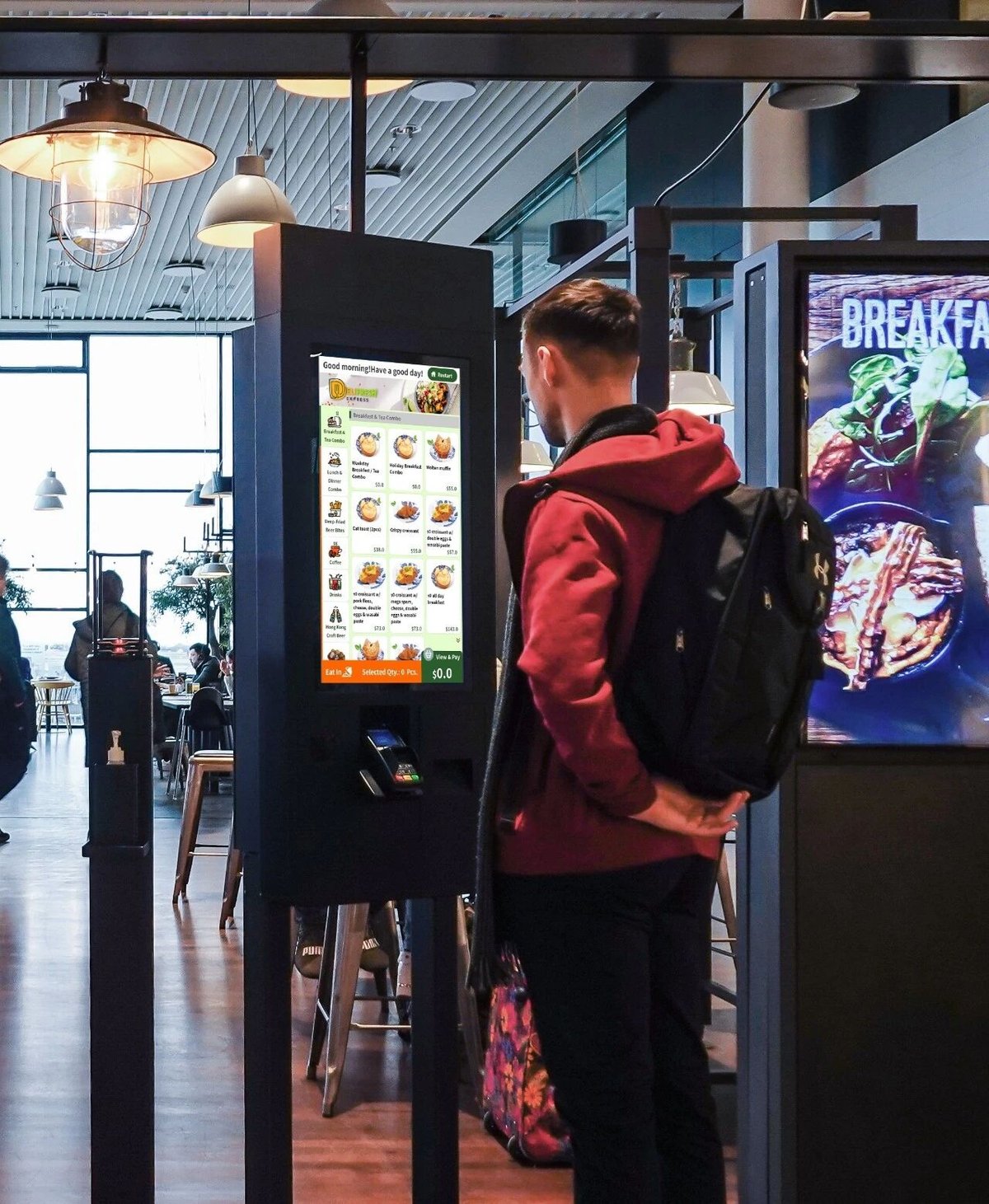
Traditional Windows-based POS or ordering systems historically relied more heavily on local storage. For dining venues that must retain long-term order history, menus, and operational metrics, local data management requires greater diligence regarding hardware failure risks, data backups, and regular maintenance.
With advances in digital technology, modern Windows and Android self-service kiosks can now support cloud data synchronization, automated backups, and centralized backend management depending on the software architecture.
Therefore, the operating system itself is not the sole factor determining data security; practical performance also depends on the POS software architecture, cloud management platform, network environment, and data redundancy strategy.
Is an Android Self-Service Kiosk Easier to Operate?
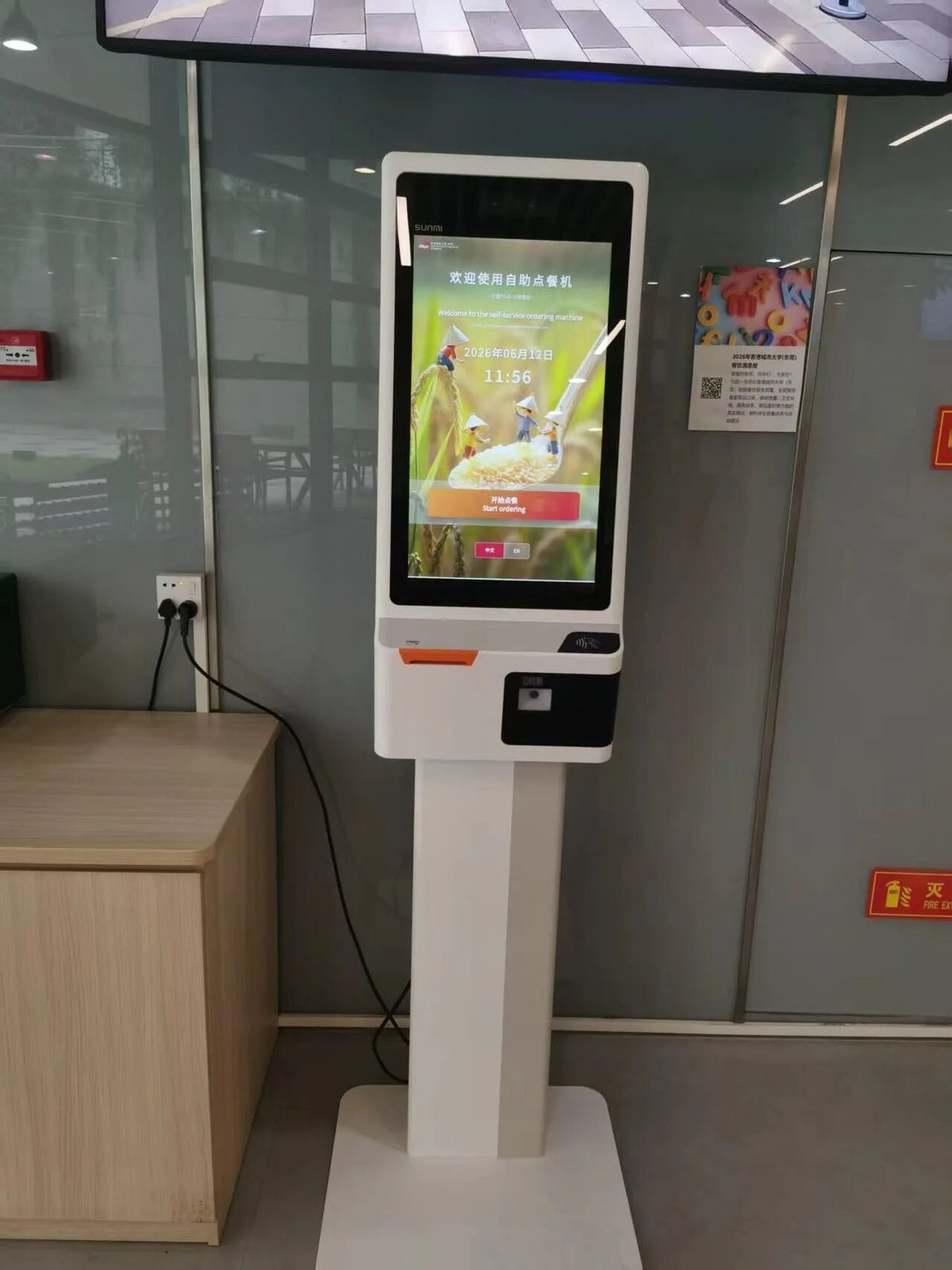
In terms of user experience, Android self-service kiosks, all-in-one ordering terminals, and other touchscreen devices share an operational logic very close to that of consumer smartphones and tablets.
Customers can easily browse menus, view dish images and prices, customize combos, confirm orders, and complete payment via the touchscreen. The entire interaction is intuitive and natural.
For restaurant operators, Android also offers agile app integration, effortless UI customization, and relatively straightforward remote device management. Consequently, its adoption in self-service ordering scenarios has grown increasingly widespread.
Next-Generation Operating Systems Entering the Smart Terminal Domain
Beyond Windows and Android, emerging smart operating systems (such as distributed OS architectures like HarmonyOS) are beginning to enter various commercial smart terminals.
These systems place greater emphasis on cross-device connectivity and seamless collaboration. Based on application needs, they enable smartphones, tablets, self-service kiosks, and other IoT devices to establish tightly knit digital connections.
For the catering industry, this means future self-service ordering hardware will no longer function merely as isolated ordering terminals, but rather as integral nodes within a comprehensive smart restaurant ecosystem.
For example, diners can browse menus and order across different smart devices, synchronizing data seamlessly with on-site self-service kiosks, kitchen display systems, kitchen ticket printers, and food-collection screens—further streamlining the entire ordering and fulfillment workflow.
ZXTLCD Self-Service Kiosks Support Multi-OS Environments
ZXTLCD self-service kiosks feature large high-definition commercial touch displays that clearly present food photography, pricing, combo promotions, and marketing campaigns, delivering an intuitive self-service ordering experience for diners.
To meet diverse project and software specifications, our hardware can be configured with either Windows or Android operating systems, offering restaurants agile hardware and software flexibility.
Depending on application requirements, kiosks can be integrated with cameras, 1D/2D barcode scanners, high-speed thermal printers, and other functional peripherals for QR code scanning, order slip printing, and self-service interactions. At the same time, the large commercial display can double as digital signage to display menus, promotions, new dish introductions, and brand marketing.
For catering projects requiring different operating systems, operators can select the optimal OS solution based on software compatibility, hardware specifications, deployment scale, and actual operating conditions.
How to Choose the Right Operating System for Your Self-Service Kiosk?
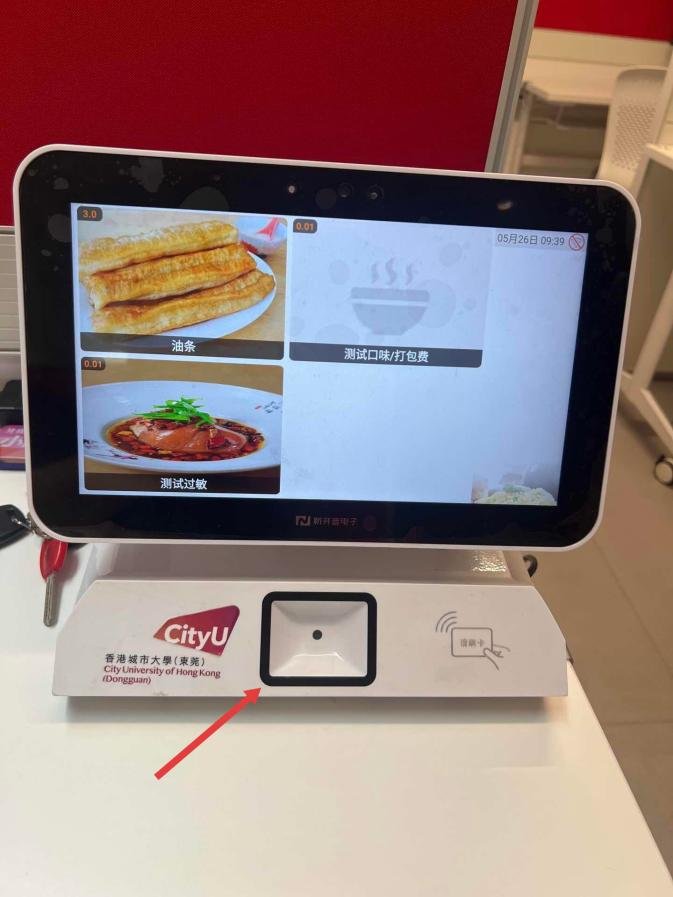
When selecting a self-service kiosk, one should not simply assume that a particular operating system is inherently superior; rather, the decision should be guided by your specific operational requirements.
If your restaurant relies on specific legacy Windows software or existing PC-based catering ERP systems, a Windows self-service kiosk is often the natural fit.
If you prioritize cost efficiency, low power consumption, user-friendly touch interaction, and multi-terminal deployments across multiple branches, an Android self-service kiosk typically offers better adaptability.
If your future roadmap involves IoT cross-device collaboration and distributed data sharing, exploring next-generation distributed smart operating systems is worth careful consideration.
Therefore, the operating system is only one component of a complete self-service solution. Screen size, touch technology, processor specifications, storage capacity, I/O interfaces, payment integrations, printing capabilities, and POS software compatibility must all be evaluated holistically.
Self-Service Kiosks Are Evolving Toward Greater Intelligence
From Windows to Android, and onward to next-generation smart distributed operating systems, the evolution of self-service kiosks extends far beyond interface aesthetics—it mirrors the broader digital transformation across the global foodservice sector.
Future self-service ordering kiosks will no longer be standalone ordering machines, but intelligent touchpoints seamlessly uniting customers, front-of-house service, back kitchen operations, and cloud management systems.
ZXTLCD continues to integrate commercial touch displays, smart terminal engineering, and digital restaurant applications to provide restaurants, fast-food outlets, employee cafeterias, and commercial food venues with flexible self-service display hardware and smart catering terminal solutions. In summary, integrating the right Self-Service Kiosk Operating System provides long-term operational resilience, reduced labor friction, and enhanced customer satisfaction.
Looking for customized Self-Service Kiosk Operating System solutions, commercial touchscreen displays, or OEM/ODM self-service hardware? Feel free to contact the ZXTLCD engineering team for free consultations, product samples, and tailored technical specifications.
Deploying a Self-Service Solution?
To elevate customer experience and streamline ordering or ticketing workflows, explore our AI Self Service Terminal with Large Touchscreen or the versatile Self Service Kiosk for Cinema & Ticketing. For custom hardware integrations, discover our complete line of Custom Self-Service Kiosks or consult our engineering team for sample evaluation.


