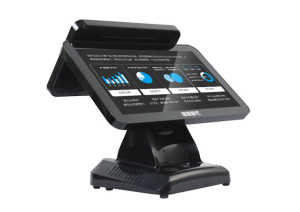
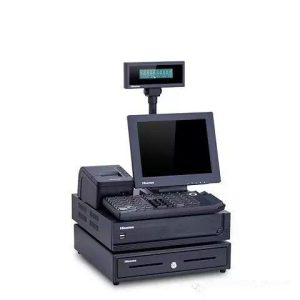
A self-ordering system coordinates several devices and software services behind one simple customer-facing sequence.

Today’s technological power is rapidly driving the development of brick-and-mortar stores across industries. In this fast-paced era of city life, many restaurants are overwhelmed at mealtimes – servers are extremely busy, many guests feel neglected, and restaurants lose a great deal of clientele as a result. Consequently, many restaurants are gradually upgrading to smart ordering equipment such as the smart self-ordering kiosk. However, although kiosks are in use, some older guests find them inconvenient to use and hold back, not knowing how to operate them. Below, we share the basic principles and ordering steps of the smart self-ordering kiosk.
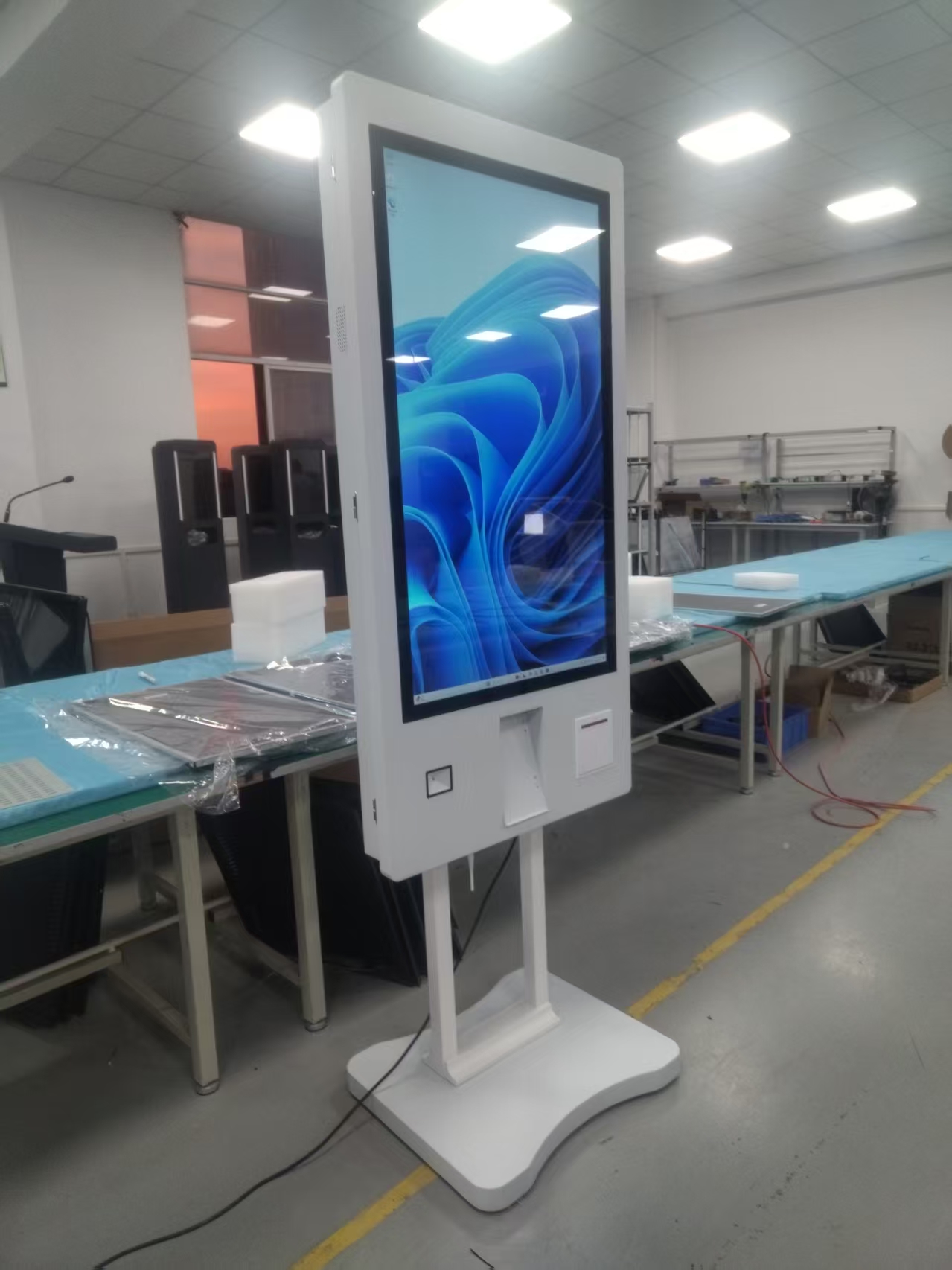
We now live in the era of big data, and the restaurant industry can spread smart wings to make ordering even faster. The smart self-ordering kiosk was born precisely to solve this pain point for restaurant owners, helping restaurant operators build a fully smart restaurant. The smart self-ordering kiosk not only makes selecting dishes quick and convenient, but can also recommend different set meals based on party size, taste preferences, and specialties. After ordering, guests can pay via QR payment, mobile wallet payment, card payment network, and many other payment methods. When guests enter the store and order at the smart self-ordering kiosk, the system receives the order and completes it; the data connects directly to the kitchen without a server relaying it – fast and efficient. The actual operation is as follows:
1. Order at the smart self-ordering kiosk: first open the menu page and select the dishes you want;
2. After selecting your dishes, enter your pickup queue number so the ordering system can record it;
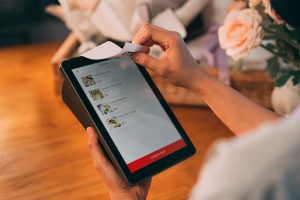
3. Once your menu is confirmed, open online payment such as mobile wallet payment or QR payment to pay;
4. After payment succeeds, the smart self-ordering kiosk automatically prints a receipt; the guest takes the receipt and simply waits for the meal.
The smart self-ordering kiosk changes the traditional server-taking-orders step into something guests complete themselves – ordering and payment are all done on the kiosk. It is best suited to standardized menu items that can be served quickly. With no manual intervention throughout, the time for selecting, ordering, and paying is shortened and guest satisfaction improves. The kiosk eases servers’ ordering pressure to a certain extent, freeing their time for follow-up service improvements such as serving food to guests. This helps raise service quality, stimulate consumption, and increase business returns. By releasing ordering pressure through the smart self-ordering kiosk, the number of servers that need to be hired can be reduced to some extent, lowering the company’s labor costs.
ZXTLCD provides commercial display and specialty TV system solutions for all industries, and is a one-stop customized service solution provider for outdoor advertising displays, outdoor LCD advertising players, electronic bus stop signs, rail transit screens, window displays, elevator advertising players, horizontal inquiry kiosks, outdoor high-brightness bar-type displays, smart fitness mirrors, embedded displays, queue-number calling machines, hospital window displays, outpatient department screens, ceiling-mounted electronic bus stop signs, self-service inquiry kiosks, bus guidance screens, hospital window displays, government service hall window displays, charging cabinet advertising screens, and parcel locker displays.
Practical Conclusion
Understand the self ordering kiosk workflow from touchscreen input and payment authorization to POS processing and kitchen production. The final configuration should be verified against the real menu, transaction flow, installation space and support plan before deployment.
Deployment and Operating Checks
Planning for self ordering kiosk workflow should begin with the actual service flow rather than a generic demonstration setup. Before launch, test the workflow associated with self ordering kiosk workflow during realistic peak demand and confirm how staff will assist users. Documentation for self ordering kiosk workflow should cover cleaning, updates, network recovery and peripheral checks. A deployment involving self ordering kiosk workflow should pass consistent information to payment and back-office systems.
Explore related hardware configurations in the self-service kiosk product range.
Deploying a Self-Service Solution?
To elevate customer experience and streamline ordering or ticketing workflows, explore our AI Self Service Terminal with Large Touchscreen or the versatile Self Service Kiosk for Cinema & Ticketing. For custom hardware integrations, discover our complete line of Custom Self-Service Kiosks or consult our engineering team for sample evaluation.