Self-service creates value when it improves guest control without removing access to human assistance.
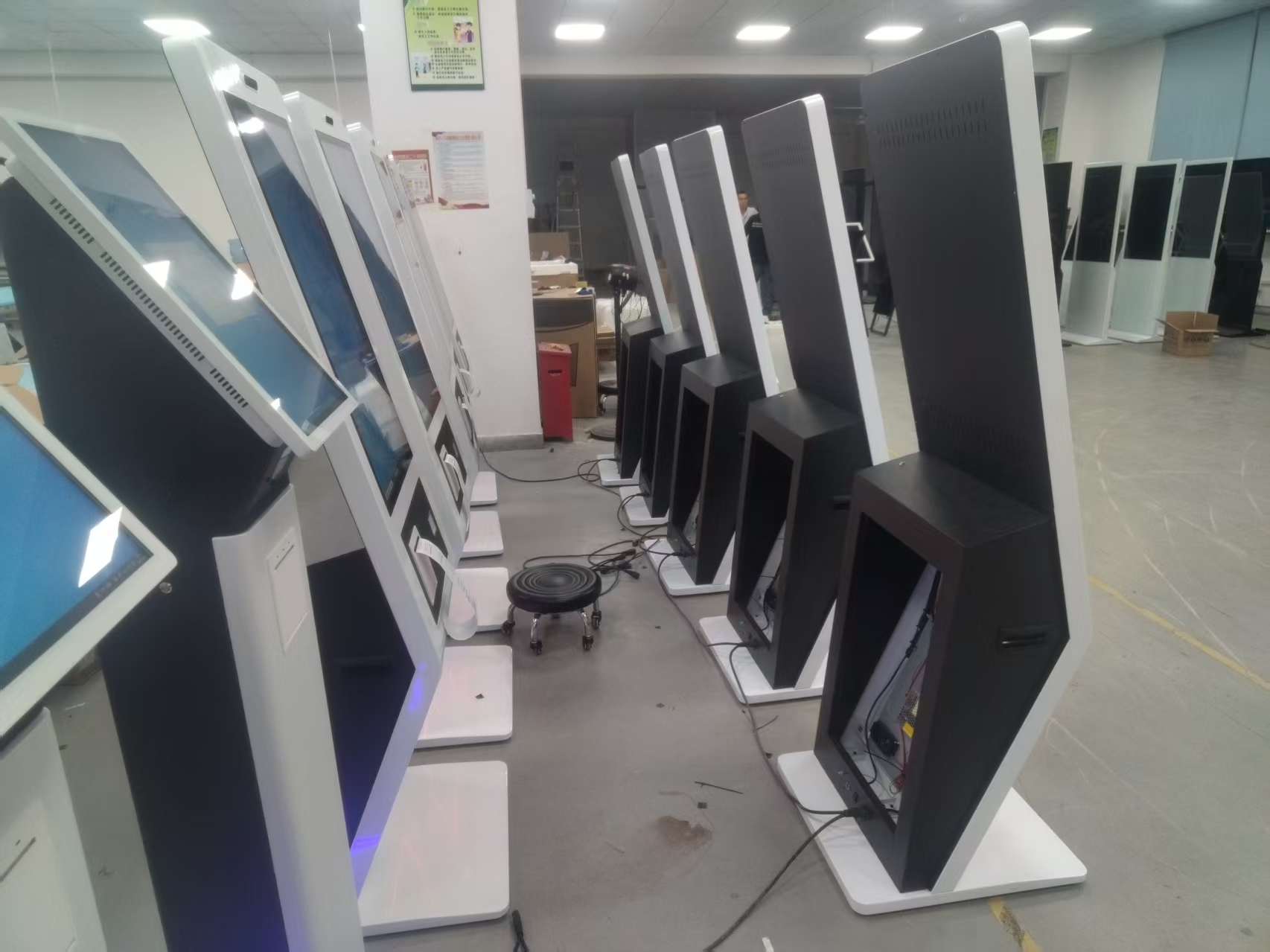
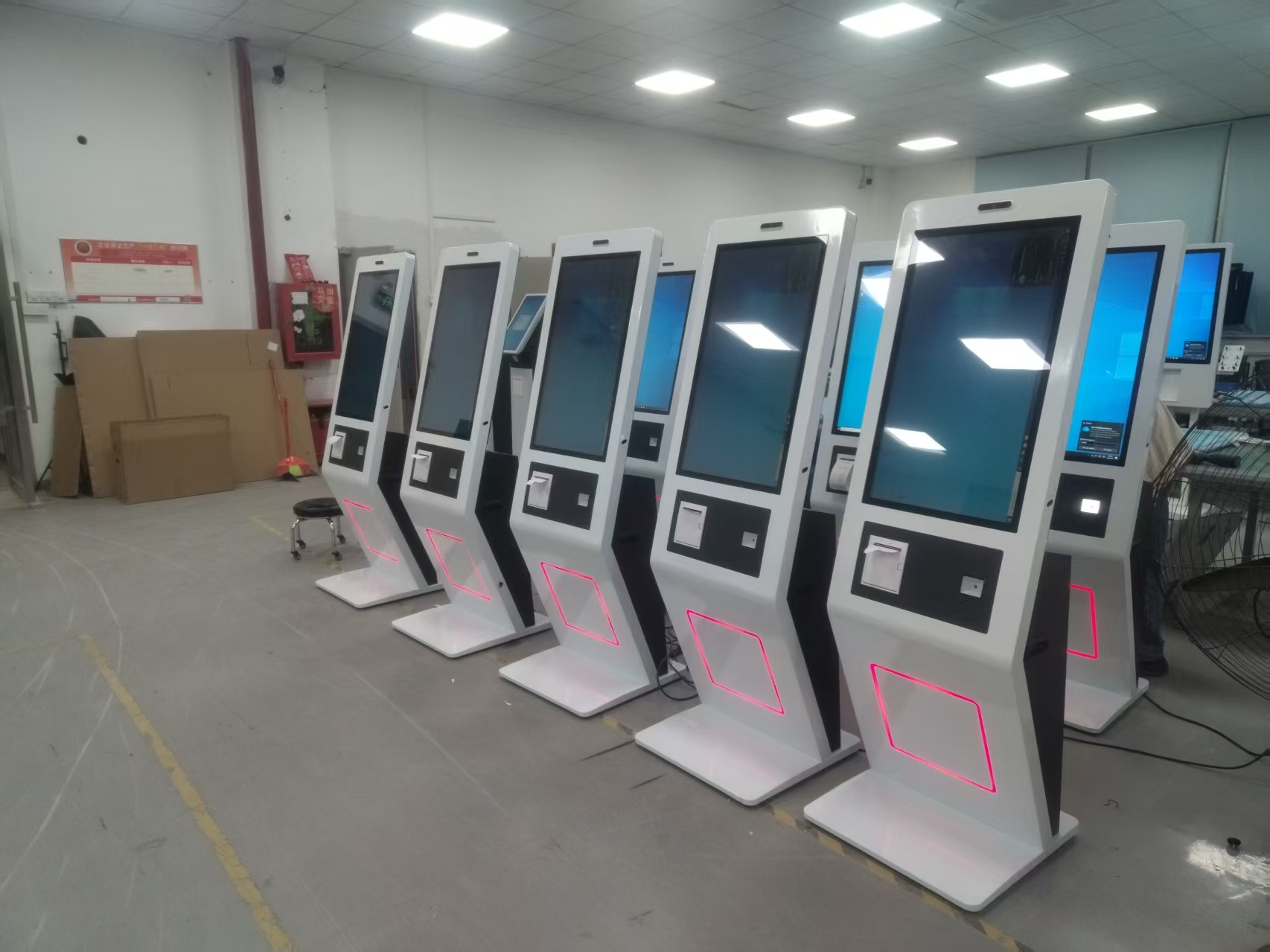
After entering a restaurant, guests can quickly complete ordering and payment on their own via the self-ordering kiosk screen. The kitchen automatically prints the order information and promptly serves the food, and guests enjoy a comfortable, happy meal with friends in this free and orderly environment. For restaurant operators, the modern, attractive, and practical self-ordering kiosk can attract attention near the ordering area; when unattended, it can even play advertisements, increasing exposure and restaurant visibility and supporting additional sales opportunities. On the ordering system, restaurant operators can set up spending rebates, loyalty points, top-up bonuses, and other campaigns in the software back office, thereby increasing repeat engagement. Compared with servers handwriting menus, the self-ordering kiosk saves the restaurant a host of cumbersome procedures, greatly reducing labor costs, paper costs, and more for restaurant owners – successfully delivering multiple application advantages such as clear food images, fast settlement, and cost savings.
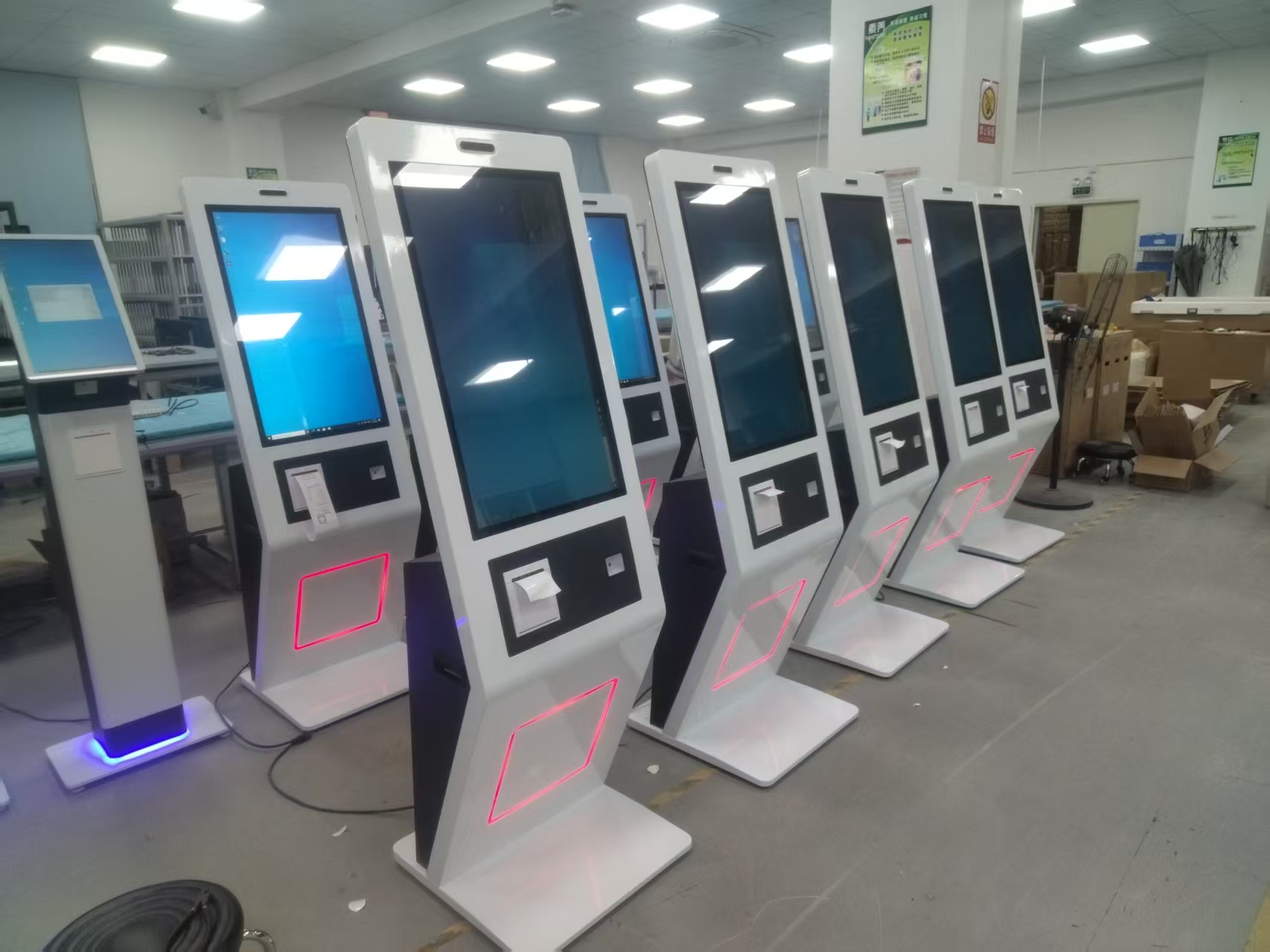
With the rapid development of the industrial Internet era, many restaurants have upgraded to meet the demands of the times – for example, using smart ordering kiosks to make the restaurant intelligent is an excellent way to avoid keeping guests waiting in long queues. The self-ordering kiosk can also manage tables, dishes, and the kitchen, preventing wrong or missed dishes and ensuring guest satisfaction. It also connects to the two major delivery platforms, supported third-party delivery platforms, providing more assurance of store income. Today’s smart self-ordering kiosks support mobile wallet payment, QR payment, facial-recognition payment, and a whole range of payment methods, satisfying guests’ diverse payment needs and improving checkout efficiency.
Practical Conclusion
Compare self ordering kiosk benefits for restaurants and guests, including shorter queues, clearer choices, fewer entry errors and more flexible staffing. The final configuration should be verified against the real menu, transaction flow, installation space and support plan before deployment.
Deployment and Operating Checks
Planning for self ordering kiosk benefits should begin with the actual service flow rather than a generic demonstration setup. Before launch, test the workflow associated with self ordering kiosk benefits during realistic peak demand and confirm how staff will assist users. Documentation for self ordering kiosk benefits should cover cleaning, updates, network recovery and peripheral checks. A deployment involving self ordering kiosk benefits should pass consistent information to payment and back-office systems.
Explore related hardware configurations in the self-service kiosk product range.
Deploying a Self-Service Solution?
To elevate customer experience and streamline ordering or ticketing workflows, explore our AI Self Service Terminal with Large Touchscreen or the versatile Self Service Kiosk for Cinema & Ticketing. For custom hardware integrations, discover our complete line of Custom Self-Service Kiosks or consult our engineering team for sample evaluation.