

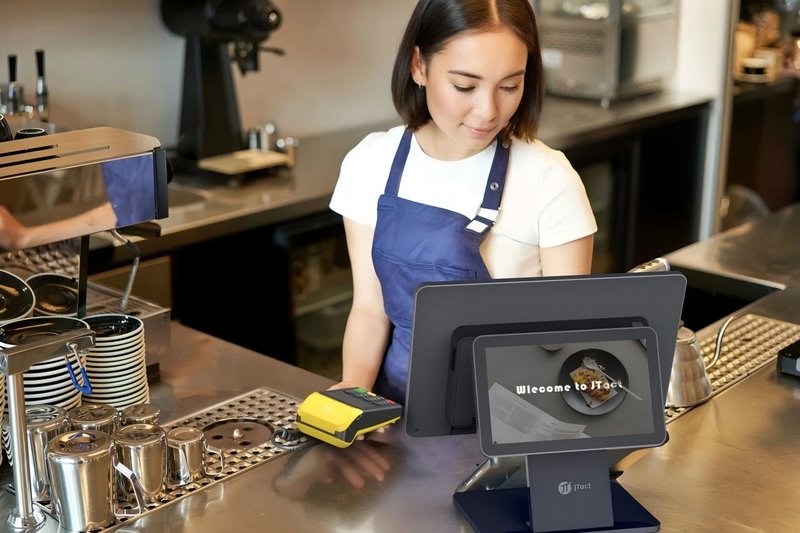
Deploying a high-performance Corporate Canteen Self-Ordering Kiosk provides commercial dining and retail venues with an advanced automated workflow. In modern corporate management, employee dining experience has emerged as one of the key indicators measuring corporate culture and staff satisfaction. The numerous drawbacks of traditional canteen management—such as long queues, low ordering efficiency, and inconvenient payment methods—can no longer satisfy the expectations of modern professionals for fast and seamless meal times.
To address these challenges, the introduction of corporate canteen self-service ordering kiosks, characterized by smart, touch-driven, and highly convenient service, is progressively transforming traditional dining patterns and driving a profound operational revolution in corporate food service management.
Corporate Canteen Self-Ordering Kiosk: Step-by-Step Guide to Using Self-Service Ordering Kiosks
Step 1: Browse Menu and Select Dishes
Upon arriving at the cafeteria, employees first browse the interactive menu on the self-service ordering kiosk’s vibrant touchscreen. The menu interface features an intuitive layout with distinct food categories, allowing diners to effortlessly select dishes tailored to their personal preferences and dietary needs. Concurrently, the kiosk displays comprehensive dish details, including nutritional facts, ingredients, and flavor descriptions, empowering customers to make more informed and healthier choices.
Step 2: Confirm Order and Make Payment
Once dish selection is complete, the customer reviews and confirms the order details on the screen, verifying item names, quantities, special requests, and the total amount. After verification, the system generates the order and presents multiple payment methods. Diners can swiftly complete settlement via facial recognition payment, corporate employee badge/RFID card swipe, or dynamic QR code scanning (such as mobile wallets), ensuring an ultra-fast checkout process.
Step 3: Track Preparation Status and Pick Up Meal
Following successful payment, the self-service kiosk automatically dispenses a printed receipt containing the unique order number and pickup ticket number. Employees can easily monitor real-time order progress via overhead queuing displays in the cafeteria. As soon as their pickup number is announced and displayed on-screen, they can proceed to the designated counter to collect their freshly prepared meal.
Key Functional Highlights of Self-Service Ordering Kiosks
1. Smart and Interactive Ordering Experience
Integrating an industrial-grade touchscreen, intelligent recognition module, and multi-channel payment system into a cohesive unit, the self-service kiosk provides an all-in-one dining solution. Diners bypass long cashier queues, enjoying full autonomy to browse, order, and pay, which drastically shortens wait times and elevates overall throughput.
2. Versatile Multi-Payment Support
The ordering terminal supports diverse payment options including facial recognition verification, smart campus/corporate IC cards, and mobile QR code payments, catering to diverse user preferences. The lightning-fast transaction cycle eliminates bottlenecks at payment stations.
3. Real-Time Order Tracking
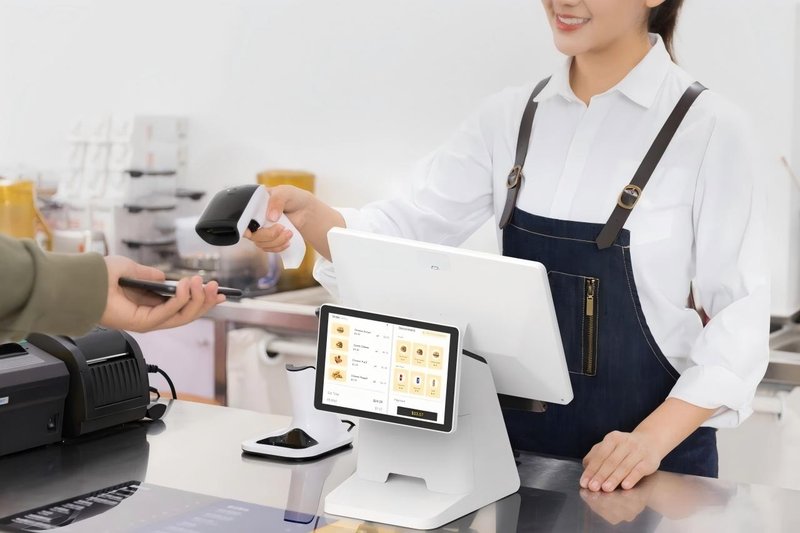
Through tight integration with the kitchen display system (KDS), the kiosk and cafeteria display network provide live order tracking. Employees stay informed about food preparation milestones and pickup timing. This real-time visibility not only optimizes guest flow but also effectively alleviates waiting anxiety during peak lunch rushes.
Real-World Operational Benefits of Self-Service Kiosks
1. Doubling Dining Efficiency and Boosting Satisfaction
The deployment of self-service ordering kiosks significantly curbs queue lengths and wait times in corporate dining halls, substantially accelerating turnover during tight lunch hours. Simultaneously, the responsive, autonomous ordering experience noticeably improves employee satisfaction, cultivating a more positive, comfortable workplace environment.
2. Streamlining Kitchen Operations and Reducing Food Waste
Real-time synchronization between the kiosks and kitchen display/production systems ensures that kitchen staff immediately receive structured, error-free order data. Chefs can scientifically schedule batch cooking and food prep based on accurate, incoming demand. This integration not only optimizes back-of-house workflow and productivity but also dramatically minimizes over-preparation and ingredient waste, driving down operational costs.
3. Driving Canteen Revenue Growth
Beyond optimizing throughput and service quality, the kiosk system enables dynamic menu promotions, meal combos, and targeted nutritional recommendations. By delivering a modern, frictionless dining experience, corporate dining facilities successfully attract higher staff retention and participation, fostering steady revenue growth and unlocking greater long-term value for the organization. In summary, integrating a reliable Corporate Canteen Self-Ordering Kiosk solution reduces operational labor costs, shortens customer wait times, and maximizes store throughput.
Looking for customized Corporate Canteen Self-Ordering Kiosk hardware, commercial touchscreen displays, or OEM/ODM self-service solutions? Feel free to contact the ZXTLCD engineering team for free consultations, product specifications, and tailored volume pricing.
Deploying a Self-Service Solution?
To elevate customer experience and streamline ordering or ticketing workflows, explore our AI Self Service Terminal with Large Touchscreen or the versatile Self Service Kiosk for Cinema & Ticketing. For custom hardware integrations, discover our complete line of Custom Self-Service Kiosks or consult our engineering team for sample evaluation.


