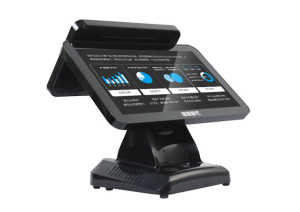
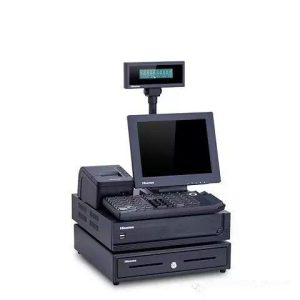
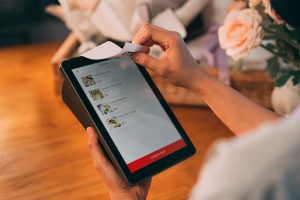
A useful restaurant kiosk combines a clear guest interface with the operational connections required behind the counter.
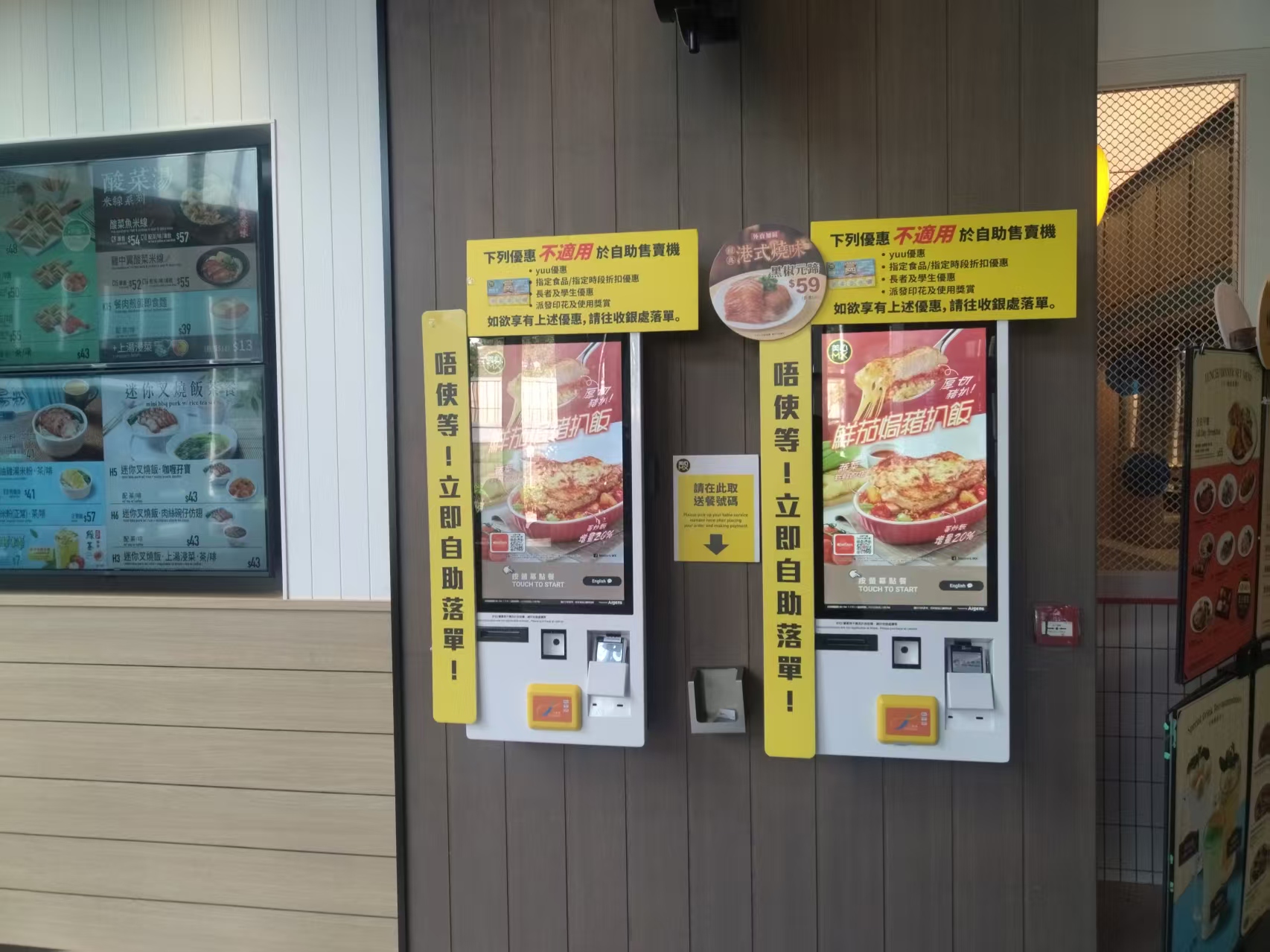
For people who often visit major quick-service restaurants, self-ordering kiosks are nothing new. Compared with the traditional server-taken order, the kiosk reduces repetitive order entry while staff remain available for assistance. Guests simply order, pay, and print receipts at the kiosk; the whole process is simple and easy. More and more manufacturers are making self-ordering kiosks on the market, but what functions should a good, reliable self-ordering kiosk have?
The self-ordering kiosk system is a management system for fast-food restaurants and cafeterias. It makes effective use of hardware such as self-ordering kiosks, number-calling screens, and self-service pickup stations to connect the restaurant’s front-end hardware and software, the kitchen, and online systems – achieving integrated, intelligent restaurant management. It improves ordering and management efficiency while enhancing the overall guest ordering experience and service consistency. Its application functions in restaurants are as follows:
1. Simple and convenient operation:
The kiosk’s main interface is clear and easy to navigate; all main functions can be completed on the screen, and multiple mobile payment methods such as mobile wallet and QR payment are supported.
2. Customizable flavors and side dishes:
Restaurant operators can customize flavor settings, add side dishes, soups, and drinks, and set different prices for sides and soups.
3. Configurable dining modes:
The main interface offers takeaway or dine-in mode selection.
4. Unattended touch advertising mode:
When not being touched, the kiosk plays content promoting the brand, recommending dishes, special combo meals, and discounts – greatly improving front-of-house operating efficiency.
5. Data analysis:
The ordering system can compile analytical data such as dish sales rankings, revenue, ordering methods, guest preferences, and membership statistics and analysis. Restaurant owners and chain headquarters can use this data analysis to understand guests’ true needs and make corresponding adjustments to the restaurant or brand.
With living standards rising, guest expectations for dining have changed. Therefore, in restaurant operations, attention must be paid not only to the food but also to a pleasing dining environment. The restaurant kiosk creates a versatile dining environment for the restaurant and provides guests with a more consistent experience to enjoy. For restaurant operations, it not only reduces labor costs but also improves sales performance, service quality, and management efficiency.
Practical Conclusion
Review restaurant kiosk features including digital menus, item options, payment, receipt printing, kitchen integration and multilingual support. The final configuration should be verified against the real menu, transaction flow, installation space and support plan before deployment.
Deployment and Operating Checks
Planning for restaurant kiosk features should begin with the actual service flow rather than a generic demonstration setup. Before launch, test the workflow associated with restaurant kiosk features during realistic peak demand and confirm how staff will assist users. Documentation for restaurant kiosk features should cover cleaning, updates, network recovery and peripheral checks. A deployment involving restaurant kiosk features should pass consistent information to payment and back-office systems.
Explore related hardware configurations in the self-service kiosk product range.
Deploying a Self-Service Solution?
To elevate customer experience and streamline ordering or ticketing workflows, explore our AI Self Service Terminal with Large Touchscreen or the versatile Self Service Kiosk for Cinema & Ticketing. For custom hardware integrations, discover our complete line of Custom Self-Service Kiosks or consult our engineering team for sample evaluation.