How Do 7-Inch Industrial Touch Monitors Adapt to Complex Industrial Sites?
In automation equipment, CNC machine tools, inspection instruments, smart terminals, and industrial control systems, display devices are responsible for parameter viewing, status monitoring, and operation control. For equipment with limited installation space and short operating distances, the 7-inch industrial touch monitor has become a commonly used human-machine interaction solution for many industrial devices, thanks to its compact size, convenient touch operation, and flexible installation.
However, industrial environments differ from ordinary consumer electronics applications, placing higher demands on a monitor's stability, interfaces, touch performance, and environmental adaptability. Therefore, when choosing a 7-inch product, you should not look at size alone. Below, ZXTLCD explains in detail how 7-inch industrial touch monitors adapt to complex industrial sites.
I. Which Devices Are 7-Inch Industrial Touch Monitors Suitable For?
The 7-inch format is a relatively compact display size, particularly suitable for devices with limited control panel space.
Common applications include PLC control cabinets, CNC equipment, automated production lines, instruments and meters, charging equipment, medical equipment, industrial inspection equipment, and self-service terminals.
For example, a small automatic dispensing machine needs to display operating status, speed, temperature, and alarm information, but does not require a large operating interface—making a 7-inch touchscreen a good fit.
Compared with using a monitor plus keyboard and mouse, touch operation further reduces peripheral devices and keeps the control panel cleaner.
II. How Do Industrial Monitors Differ from Ordinary Displays?
Ordinary consumer-grade monitors are mainly designed for indoor office and home use, whereas industrial monitors place greater emphasis on long-term operating stability.
Industrial sites may involve vibration, dust, temperature fluctuations, and electromagnetic interference, so the product's structural design, power design, and component selection usually need to account for more complex working environments.
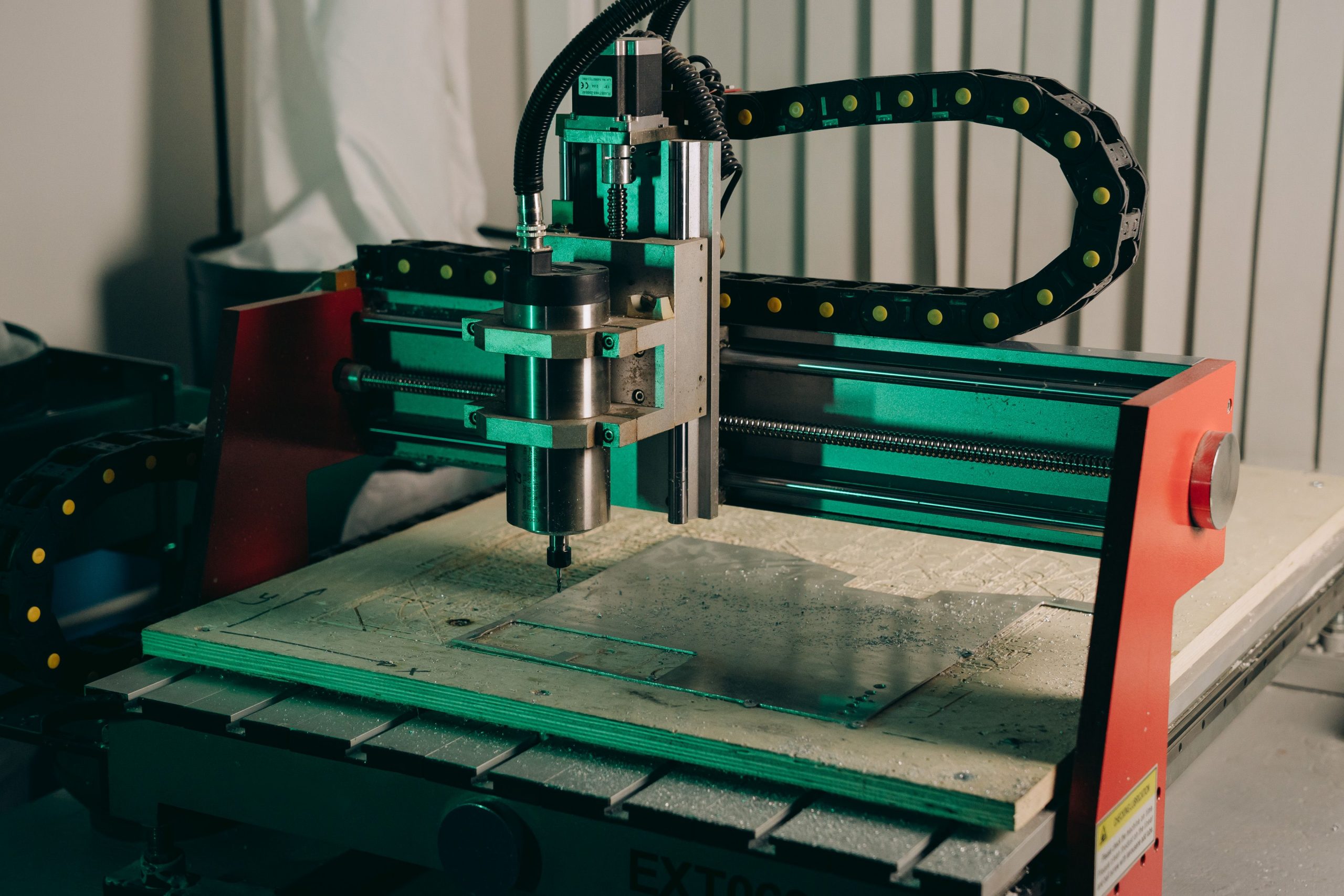
For example, if equipment needs to run continuously for more than ten hours a day, you should pay attention to the long-term working capability of the LCD panel, backlight system, and power module.
If the monitor is installed on machinery, the fixing method and vibration resistance must also be considered.
III. How Do You Choose the Touch Technology?
Currently, common touch technologies for 7-inch industrial touch monitors include resistive touch and capacitive touch.
Resistive touch can be operated with a finger, gloved hand, or stylus, offering strong adaptability to industrial sites, and is commonly found on traditional equipment control interfaces.
Capacitive touch is more sensitive to operate and supports multi-touch, delivering a tablet-like user experience, making it suitable for devices with richer interface interactions.
Neither is absolutely better than the other.
If operators need to work with gloves on, first confirm whether the touch technology supports this; if the device emphasizes interaction such as swiping and zooming, capacitive touch may be the better choice.
IV. Is a Higher Resolution Always Better?
A 7-inch screen is relatively small, and its resolution needs to match the software interface.
If it only displays simple equipment parameters, buttons, and alarm status, there is no need to blindly pursue very high resolution.
If the interface contains graphs, images, or large amounts of data, you can choose a higher-resolution product to make text and graphics clearer.
When selecting a model, also confirm the software's output resolution in advance; otherwise, a mismatch between the monitor resolution and the control host may result in a stretched picture or abnormal display proportions.
Confirm the Interface Configuration in Advance
Different industrial equipment uses different signal interfaces.
Common interfaces include HDMI, VGA, DVI, AV video, etc., and some industrial applications may also require special signal interfaces.
The touch function usually also needs to connect to the host via USB or a similar interface.
Therefore, before purchasing a 7-inch industrial touch monitor, first confirm what signals the control host can output, rather than looking for conversion equipment after the monitor arrives.
Interface position also deserves attention. For embedded installation, if the interface direction conflicts with the internal structure of the cabinet, wiring will become more difficult.
The Mounting Method Affects Equipment Design
Common mounting methods for 7-inch industrial monitors include embedded, panel-type, wall-mounted, and open-frame installation.
Among these, embedded mounting is well suited to equipment control cabinets and operation panels.
With the front of the screen exposed and the main body installed inside the equipment, the overall appearance looks tidier.
When choosing an embedded product, determine the cutout dimensions, overall dimensions, installation depth, and fixing method in advance to avoid a mismatch with the cabinet cutout later on.
Judge Protection Performance Based on the On-Site Environment
If the monitor is installed in an ordinary control room, the requirements for dust and water protection are relatively low.
However, in environments such as machining, food production, or places prone to dust and liquid splashes, close attention should be paid to the protective design of the monitor's front panel.
Some industrial touch monitors adopt a flat panel structure with fewer gaps, making daily wiping and cleaning easier.
In addition, if the equipment needs to work in high-temperature or low-temperature environments, the product's permissible operating temperature range should be confirmed in advance.
Conclusion
Although the 7-inch industrial touch monitor is small in size, it directly affects how conveniently the equipment can be operated and whether the control system can display stably. When selecting a model, in addition to screen size, you should comprehensively consider the touch technology, resolution, brightness, interfaces, mounting structure, protection performance, and working environment.
For automation equipment, instruments, and industrial control terminals, the truly suitable product is not necessarily the one with the highest specifications, but the one that matches the equipment structure, control host, and actual operational needs. Determining the installation dimensions, signal interfaces, and usage environment in advance can reduce later refitting and rewiring problems, and is also conducive to the long-term stable operation of the equipment.
For project planning, 7-inch industrial touch display should be evaluated together with mounting structure, touch technology, interfaces, environmental conditions, and maintenance needs.
When specifying 7-inch industrial touch display, integrators should match the configuration to the installation space, host system, viewing conditions, and expected operating cycle.
ZXTLCD can configure 7-inch industrial touch display around project-specific requirements such as brightness, touch method, interfaces, mounting design, and environmental protection.