

Serve Visitors Without Building Separate Kiosks
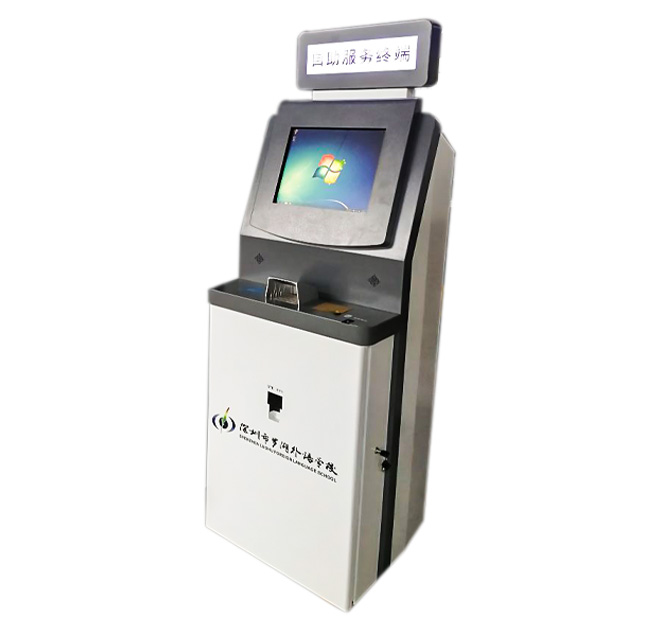
A multilingual self service terminal lets one physical service point support visitors who speak different languages. The freestanding touchscreen kiosk can present information, instructions, wayfinding or guided transactions according to the installed application. It is relevant to transport facilities, hospitals, government halls, hotels, campuses, exhibitions and international retail environments.
Language support comes from the software and translated content, not from the enclosure itself. Buyers should confirm which languages are required, who approves translations and how updates will be managed. Automatic machine translation may be useful for limited content, but important service and safety instructions should be reviewed by qualified language specialists.
Put Language Selection at the Beginning
Visitors should be able to choose a language before entering personal data or beginning a process. The interface should keep navigation positions consistent between languages so returning users do not have to relearn the screen. Text expansion also matters because a short English label may require much more space in another language.
The self service terminal can combine touch interaction with audio when speakers or headphones are part of the confirmed configuration. A camera, microphone or voice-recognition system may also be integrated for supported applications, but privacy notices and data handling remain the responsibility of the solution owner.
Hardware Selected for the Actual Service
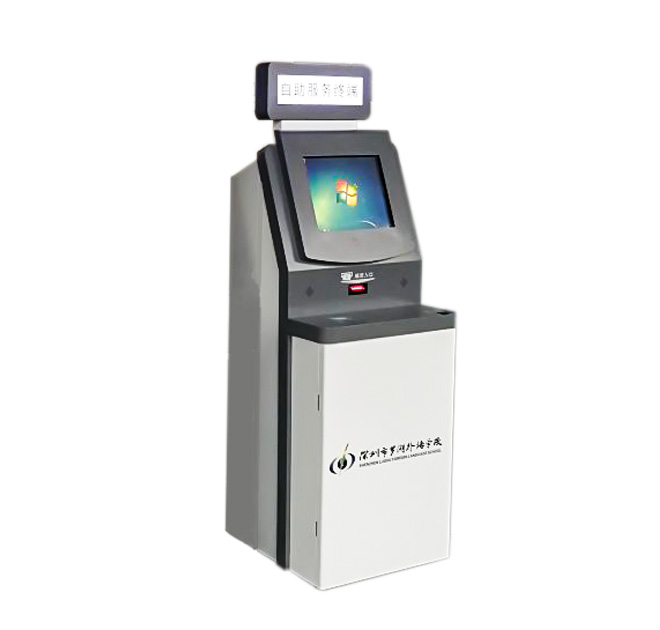
The terminal includes a display and lower areas that can accommodate project-specific peripherals. Optional QR scanners, card readers, printers, cameras or payment modules should only be included when the workflow requires them. Android or Windows computing can be considered according to application compatibility and performance needs.
Public venues should review screen height, font size, touch targets and accessibility. The enclosure finish can use operator branding and visual instructions that remain understandable regardless of language. Internal access should allow technicians to replace a printer or computer without disturbing the public-facing graphics.
Content Maintenance Is an Operating Requirement
A multilingual self service terminal needs a controlled method for revising translations when services, prices or regulations change. Each language version should be tested for missing buttons, clipped text and incorrect links. Operators can also measure where users abandon the process and improve unclear wording.
International deployments should define a translation approval process. Each change needs an owner, version number and test record for every supported language. Right-to-left scripts, Asian character sets and longer European phrases may affect button size, alignment and font selection. Audio prompts require separate review for pronunciation and volume. Support teams should receive screenshots of every language version and a clear escalation process for translation errors.
Send the application purpose, required languages, screen orientation, software platform, network method, accessibility requirements and peripheral list. ZXTLCD can configure the display and enclosure around the approved multilingual service workflow.
Measure Whether Every Language Works Equally Well
A translation can be grammatically correct and still produce a poor kiosk experience. Buttons may become too long, instructions may wrap onto several lines and local users may expect different terminology. The project team should test each language with native speakers using the complete workflow, including error messages and confirmation screens. If the terminal includes audio, pronunciation, volume and privacy need separate checks. Operators should record which content version is active at every site and retain an approved version for rollback. This process keeps multilingual support consistent as services, prices and regulations change.
Remote monitoring may report hardware status, but local staff still need a visible manual service route when the terminal is unavailable.
Printed labels and physical instructions should also be reviewed in every supported language. A local-language support contact can help visitors when the digital workflow cannot resolve a question. The approved font set should be stored with the software release to prevent missing characters after replacement or recovery.