Connect Occupants with the Facilities Team
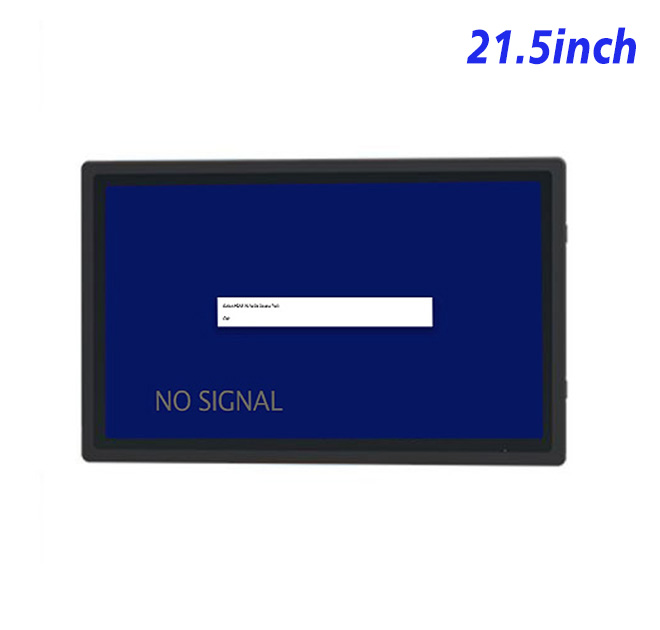
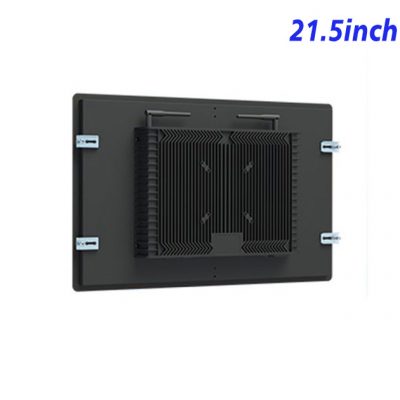
Many building issues begin as small requests: a meeting room is too warm, a light has failed or a shared space needs attention. A self service terminal can collect those requests in a structured form while also showing room availability, service notices and the current status of reported work. This 21.5-inch monitor gives the interface enough space for clear categories and confirmation messages without creating an oversized kiosk.
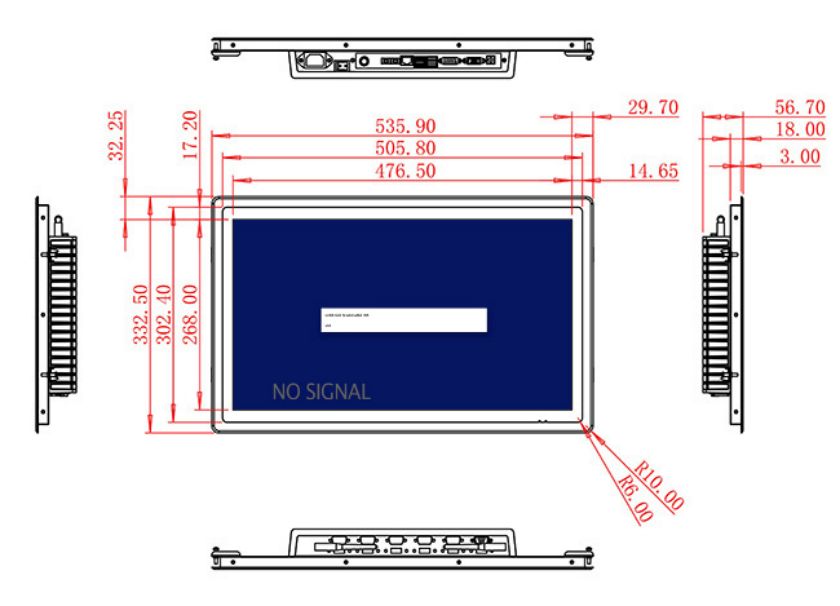
The 1920 × 1080 panel has a 476.5 × 268 mm active area. Its 3000:1 contrast ratio and broad 89-degree viewing angles support reading from different standing positions. At 250 cd/m², it is designed for indoor reception points, corridors and protected service areas. Strong sunlight through a glass wall may require relocation or a different brightness level.
Work with the Computer the Project Already Uses
HDMI, VGA and DVI inputs allow the self service terminal monitor to connect to different external PCs or media devices. Property managers can retain a proven application while a kiosk builder develops new furniture around the display. The USB connection noted in the table should be clarified for the intended function, especially if the project adds touch, a scanner or another interactive device.
Optional stereo audio provides two 5 W channels. It may support spoken guidance or notification sounds, though a quiet lobby may require restrained volume. The public interface should remain understandable without audio and should provide a clear route to staffed assistance when a request cannot be completed.
| Specifications Document for 21.5-Inch External Embedded Industrial Display | ||||
| LCD Panel Parameters | Screen Size | 21.5 Inch | ||
| Display Area | 476.5 mm (Height) X 268 mm (Width) | |||
| Aspect Ratio | 16 : 9 | |||
| LCD Type | TFT-LCD Monitor | |||
| Maximum Resolution | 1920 X 1080 | |||
| Display Color | 16.7m | |||
| Brightness | 250cd/m² | |||
| Contrast Ratio | 3000 : 1 | |||
| Viewing Angle (Up/Down/Left/Right) | 89/89/89/89 (Type)(CR≥10) | |||
| Response Time | 6.5ms | |||
| LCD Panel Lifespan (Hours) | 60,000(Hour.) | |||
| Field Frequency | 60Hertz | |||
| Audio Parameters (External Speaker Option) |
Audio system | Stereo | ||
| Speaker size | ≈ 99 x 45 x 20 mm | |||
| Impedance | 8 Ohm | |||
| Power | 2 x 5 Watt | |||
| Loudness | > 80 Decibel | |||
| Interface | 4-pin connector | |||
| Onboard Interface | HDMI Input | 1 | ||
| VGA Input | 1 | |||
| DVI Input | 1 | |||
| USB Type B or any desired USB Type | 1 | |||
| Power | Power Supply | Alternating Current 100V~240V, 50/60Hz | ||
| Maximum Power Loss | ≤ 45 Watt | |||
| Standby Mode Power Loss | < 1 Watt | |||
| Features | Operating Temperature | 0℃ ~ 50℃ | ||
| Storage Temperature | Below 10℃ ~ +60℃ | |||
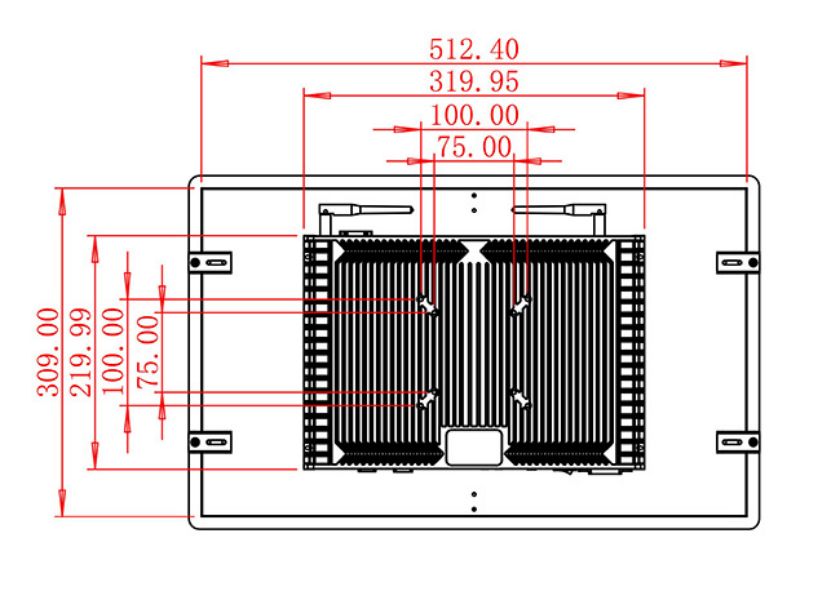
| Package Size | Device Dimensions | 535.9 X 332.5 X 56.7 mm. | ||
| Net Weight | 7 Kilogram | |||
| Package Size | 62 X 42 X 17Centimeter | |||
| Gross Package Weight per Unit | 7.5 Kilogram | |||
Plan for Public Use and Maintenance
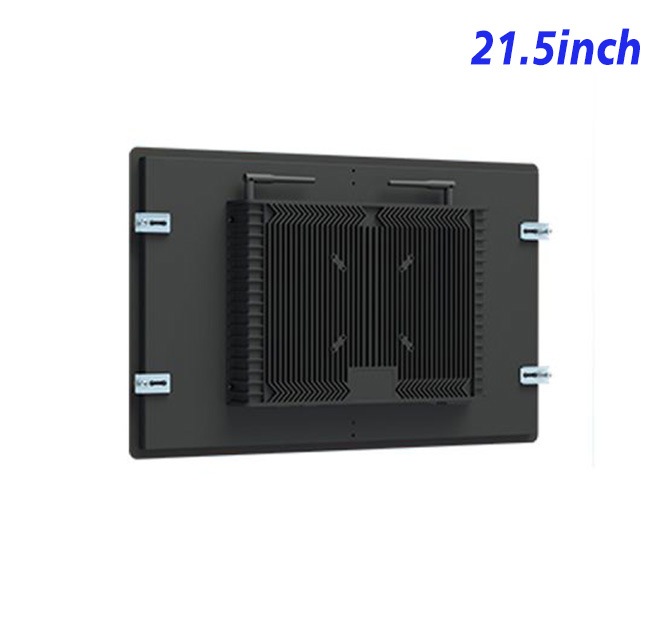
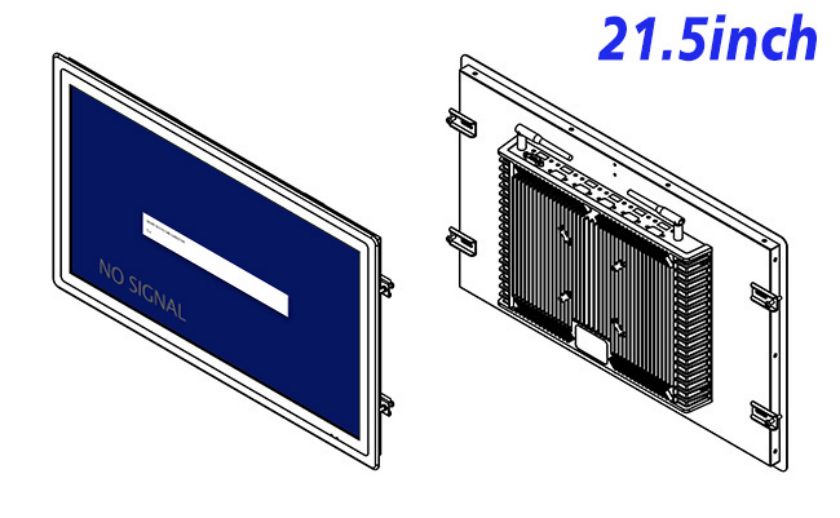
The unit measures 535.9 × 332.5 × 56.7 mm and weighs around 7 kg. A public cabinet should conceal cables, resist casual movement and provide controlled service access. Mounting height, approach space and any touch technology should be tested with the intended users rather than decided only from the screen diagonal.
Power input is 100–240 V AC. Maximum consumption is listed at 45 W and standby use below 1 W. The operating range is 0°C to 50°C. Environmental protection and cleaning compatibility depend on the complete enclosure supplied by the kiosk builder.
Project Assurance from Sample to Rollout
Property managers should also decide how the terminal handles incomplete requests. If a maintenance category is unavailable or the network is interrupted, the screen should provide a reference number, alternative contact or a clear retry message. Testing these cases protects the user experience during real service disruptions. It also helps the facilities team establish who receives each request, how progress is updated and when the self service terminal should return to its welcome screen for the next occupant.
ZXTLCD can review input signals, mounting drawings and optional audio with facility technology contractors. A sample self service terminal monitor can be connected to the actual request application to confirm form readability, signal recovery and screen placement. Approved details can then be recorded for a multi-building rollout and used during pre-shipment inspection.
Questions from Property Integrators
For multi-site property groups, the pilot should compare reception areas, shared offices and service corridors. Each location may require different language options, privacy timeouts and assistance instructions. Recording those differences before deployment allows the software to remain locally useful while the monitor, mounting plan and maintenance procedure stay standardized across the property portfolio.
Is service-request software included?
No. The buyer supplies the compatible application and external computing source.
Can the monitor be used without speakers?
Yes. External audio is optional, and the visual interface can operate independently.
Will it be readable outside a building?
The listed 250 cd/m² brightness is not intended for direct outdoor sunlight.