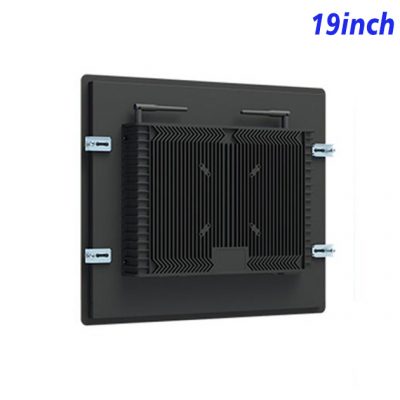
Make Dispatch Information Available Where Work Happens
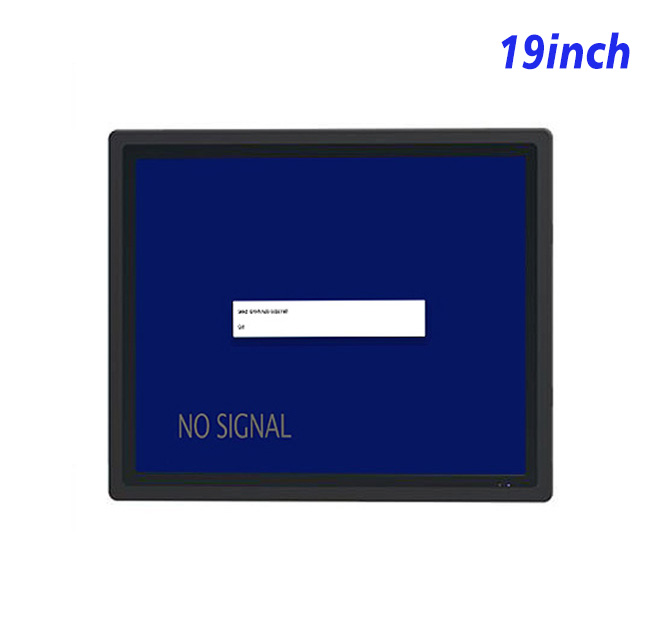
Warehouse teams lose time when every shipment question requires a call to the dispatch office. Self service devices positioned near packing or staging areas can provide job queues, trailer status, exception codes and approved instructions at the point of work. The 19-inch 4:3 display provides useful vertical space for long lists and form fields, making it a practical alternative to a widescreen panel when operational data is the priority.
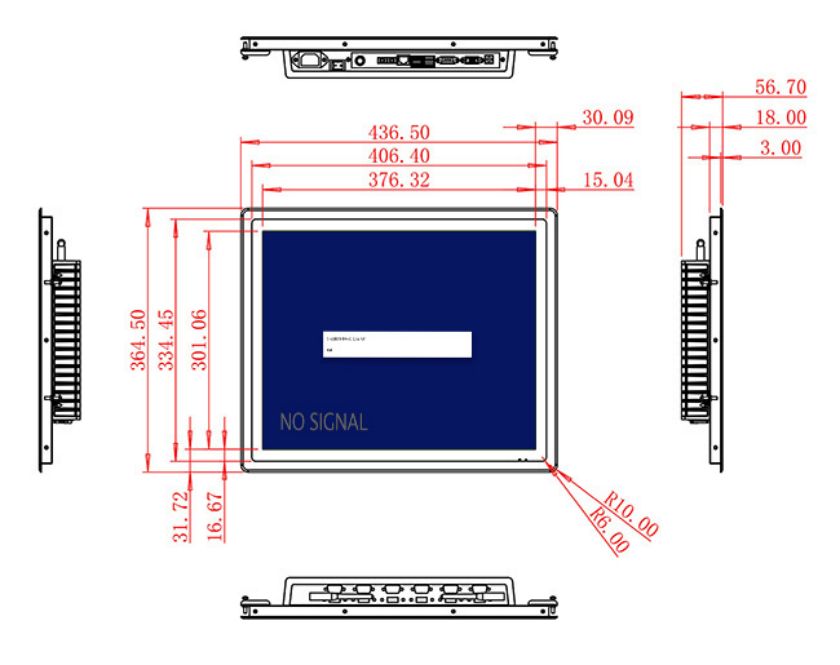
Resolution is 1280 × 1024 across a 376.32 × 301.06 mm active area. A 1000:1 contrast ratio and wide viewing angles support shared review during shift handovers. The screen provides 250 cd/m² brightness for indoor warehouses and protected stations; it is not specified for an uncovered loading yard.
Touch Interaction for Repetitive Tasks
The projected-capacitive layer supports ten touch points. Most dispatch applications will use large single-touch controls, but the touch technology allows familiar gestures where software supports them. Interface designers should minimize typing, keep exception choices clear and provide a visible confirmation after each update. Workers’ gloves, cleaning routines and the mounting angle should be tested with the finished self service devices cabinet.
HDMI, VGA and DVI inputs permit connection to several types of external computer. This can help a logistics operator retain existing warehouse software while modernizing the physical station. USB Type-B or a requested USB interface is listed and should be confirmed for touch communication. Optional 2 × 5 W audio may provide alerts in quieter packing zones.
| Specifications Document for 19-Inch External Embedded Industrial Display | ||||
| LCD Panel Parameters | Screen Size | 19 Inch | ||
| Display Area | 376.32 mm.(Height) X 301.06(Width)mm. | |||
| Aspect Ratio | 4 : 3 | |||
| LCD Type | a-Si TFT-LCD Monitor | |||
| Maximum Resolution | 1280 X 1024 | |||
| Display Color | 16.7m , 73% NTSC | |||
| Brightness | 250cd/m² | |||
| Contrast Ratio | 1000 : 1 | |||
| Viewing Angle (Up/Down/Left/Right) | 89°/89°/89°/89° (Type)(CR≥10) | |||
| Response Time | 14ms | |||
| LCD Panel Lifespan (Hours) | 60,000(Hour.) | |||
| Field Frequency | 60Hertz | |||
| PCAP Touchscreen Panel Parameters | Touch Pattern | Projected Capacitive Touchscreen Monitor | ||
| Touch Points | 10 Points | |||
| Audio Parameters (External Speaker Option) |
Impedance | 8 Ohm | ||
| Power | 2 x 5 Watt | |||
| Loudness | > 80 Decibel | |||
| Interface | 4-pin connector | |||
| Onboard Interface | HDMI Input | 1 | ||
| VGA Input | 1 | |||
| DVI Input | 1 | |||
| USB Type B or any desired USB Type | 1 | |||
| Power | Power Supply | Alternating Current 100V~240V, 50/60Hz | ||
| Maximum Power Loss | ≤ 30 Watt | |||
| Standby Mode Power Loss | < 1 Watt | |||
| Features | Operating Temperature | 0℃ ~ 50℃ | ||
| Storage Temperature | Below 10℃ ~ +60℃ | |||
| Package Size | Device Dimensions | 436.5 X 364.5 X 56.7 mm. | ||
| Net Weight | 6.5 Kilogram | |||
| Package Size | 52 X 44 X 17 Centimeter | |||
| Gross Package Weight per Unit | 7 Kilogram | |||
A Station That Maintenance Can Reach
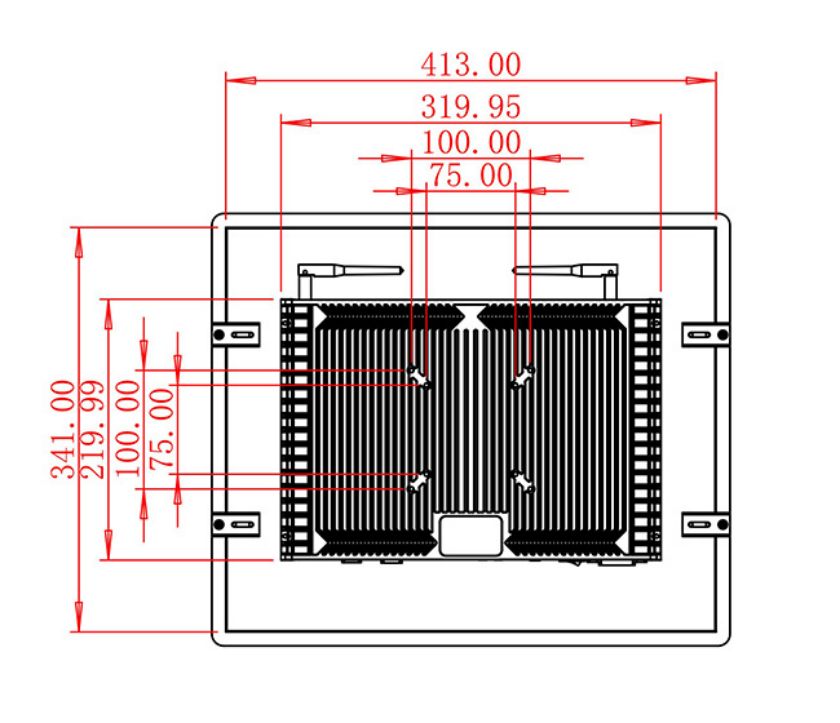
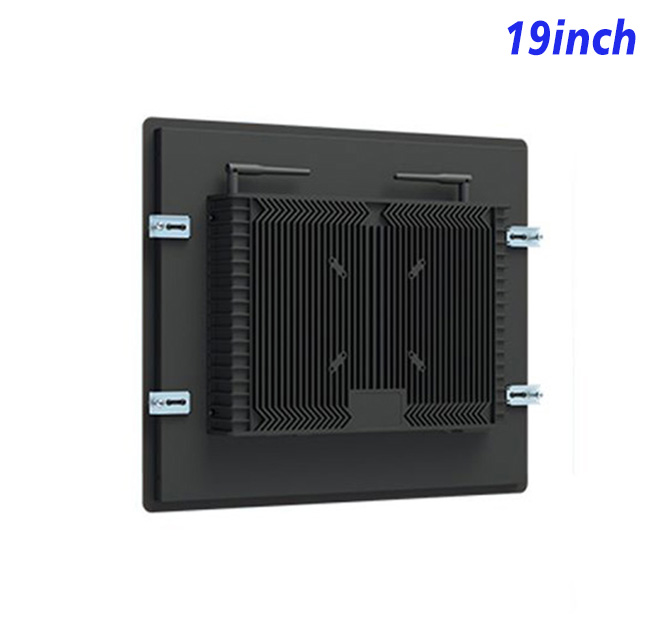
The unit measures 436.5 × 364.5 × 56.7 mm and weighs approximately 6.5 kg. A dispatch cabinet should protect cables from carts and pallets while still allowing technicians to reach the touch and video connections. The screen height must work for the intended user group and should not interfere with package flow across a counter.
Power input is 100–240 V AC, consumption is up to 30 W and standby use is below 1 W. The operating range is 0°C to 50°C. Sealing, impact resistance and protection from warehouse contaminants belong to the completed enclosure.
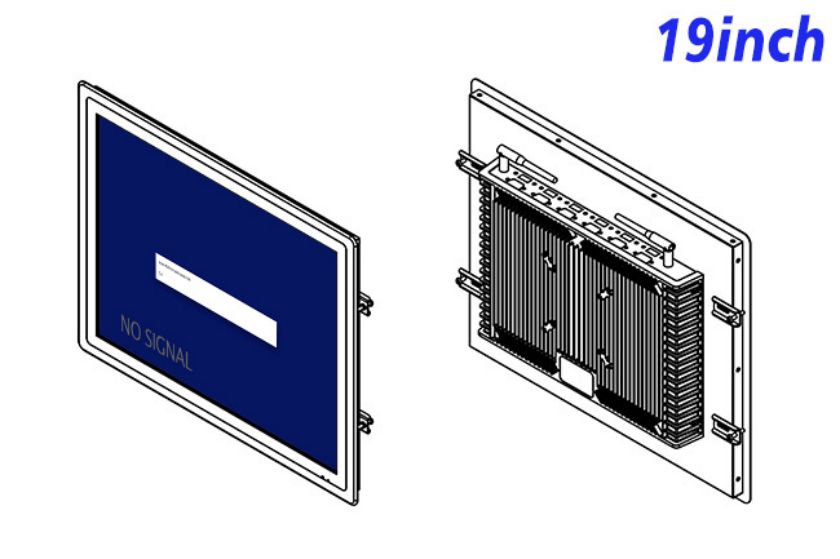
Support for a Consistent Warehouse Standard
Warehouse managers can use the pilot to decide whether each station needs the same permissions. A packing employee may only confirm completion, while a dispatch supervisor may need access to exceptions and lane assignments. Role-based screens reduce accidental changes and keep the most common action visible. The self service devices should also clear the previous task after a defined timeout, particularly in shared work zones. These requirements belong in the application specification and should be validated before the cabinet design is repeated.
ZXTLCD can review the source signal, touch controller, mounting drawing and optional speaker requirement. A sample connected to the actual warehouse application can be evaluated by dispatch staff before the design is repeated. Documenting the approved self service devices configuration supports consistent replacements and future expansion across other work zones.
Dispatch Integration FAQ
Operational testing can include a busy dispatch period, a cancelled shipment and a computer restart. Watching how quickly users recover from each event helps the project team refine prompts and decide whether additional staff guidance is needed. It also creates a realistic benchmark for approving later stations.
Does the display include warehouse-management software?
No. It works as a display and touch interface for a compatible external computer and application.
Why use a 4:3 panel for dispatch?
The format provides practical vertical room for lists, forms and status tables that might otherwise require more scrolling.
Is the screen protected from forklift impact?
No impact rating is stated. Physical protection must be designed into the installation.