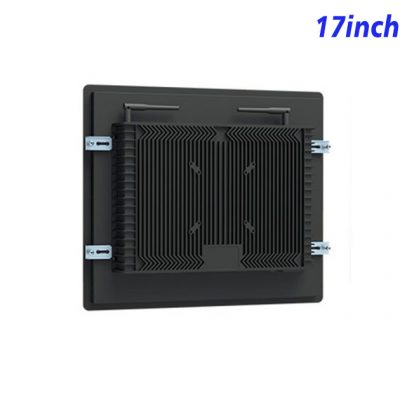
Keep Ordering Access off the Floor
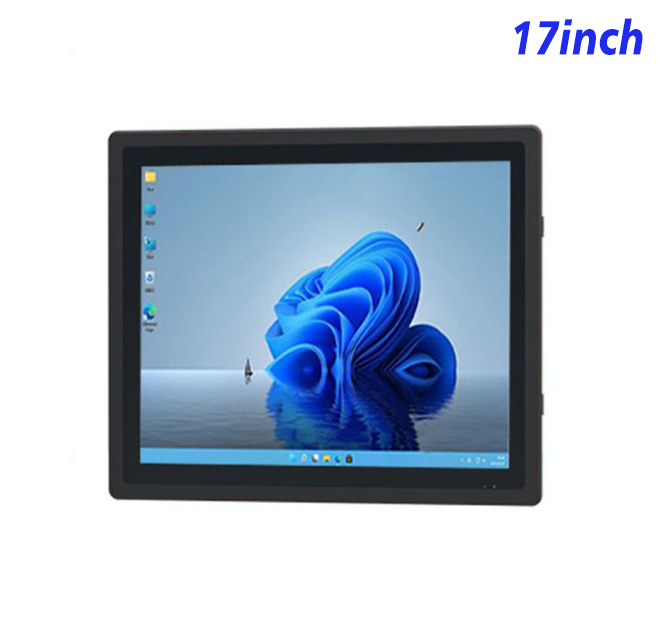
A Wall-mounted self-order kiosk can add an interactive ordering point where a freestanding cabinet would narrow the customer route. This 17-inch Windows panel uses a 1280 × 1024 display area, giving menu applications more vertical room than a narrow widescreen. It can fit cafés, staff canteens, reception refreshment points and other indoor locations where customers make short selections near a wall or counter.
The panel is the display and computing base, not a complete restaurant system. Ordering software, POS connection, payment hardware, receipt printing and the finished wall enclosure remain project-specific. These items should appear separately in the approved bill of configuration.
Shape the Menu for a 17-Inch Screen
Small interactive displays work best when the menu has a clear hierarchy. The opening page can present a few product groups, followed by items, modifiers and basket review. Buttons should remain comfortable at the installed height, while prices and availability need enough contrast to be read quickly. An application designed for a large floor kiosk should be tested and adjusted rather than simply reduced in size.
The Wall-mounted self-order kiosk should also explain what happens after an order is submitted. Collection instructions, order numbers and staff assistance need visible positions. Multilingual versions should be checked for longer labels and text wrapping.
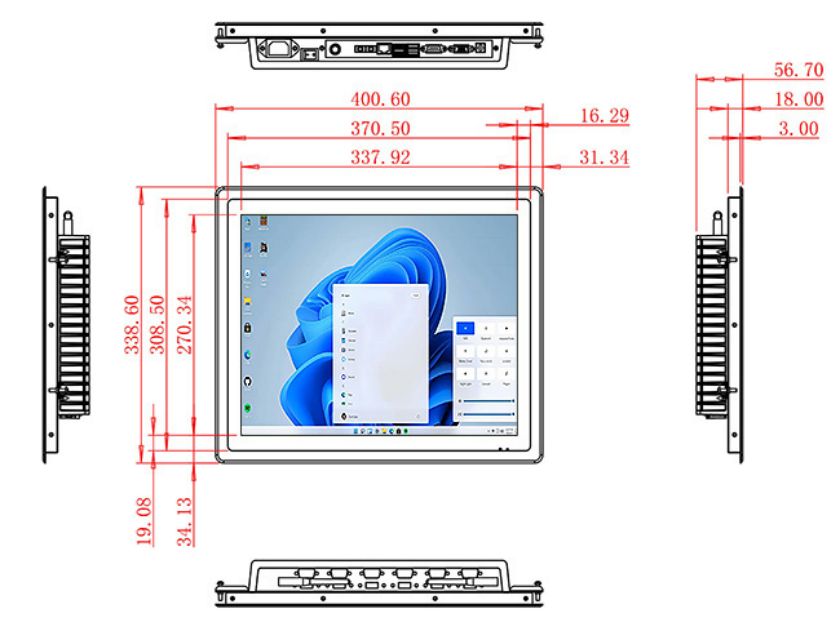
| Specifications of 17-Inch External Embedded Industrial All-in-One Computer | LCD Panel Parameters | Screen Size | 17 Inch | Display Area | 337.92 mm. |
| (Height) X 270.34(Width)mm. | ||||
| Aspect Ratio | 16 : 9 | LCD Type | a-Si TFT-LCD Monitor | Maximum Resolution | 1280 X 1024 | Display Color | 16.7M , 72% NTSC | Brightness | 250cd/m² | Contrast Ratio | 1200 : 1 | Viewing Angle (Up/Down/Left/Right) | 89°/89°/89°/89° (Type)(CR≥10) | Response Time | 20ms | LCD Panel Lifespan (Hours) | 60,000(Hour.) |
| Field Frequency | 60Hertz | Audio parameters | Audio system | Stereo | Speaker size | ≈ 99 x 45 x 20 mm | Impedance | 8 Ohm | Power | 2 x 5 Watt | Loudness | > 80 Decibel | Interface | 4-pin connector | Internal computer configuration |
| (Choose one of two) | CPU | Intel i5-4310M Generation 4, Dual-Core Four Threads, Main frequency can reach up to 2.7GHz | Intel I5-6100T Generation 6, Dual-Core Four Threads, Main frequency can reach up to 3.2GHz | Graphics Card | Integrated Graphics Card Intel® HD 4600 | Integrated Graphics Card Intel® HD 530 | RAM | 4GB | 8GB | Storage Memory Capacity | 128GB | 256GB | OS | Win10 or win11 Optional | Win10 or win11 Optional | Wi-Fi Built-in | Speed 150Mbps 802.11n wifi Integrated | Speed 150Mbps 802.11n wifi Integrated | Media Format | Video Format | wmv, avi, flv, rm, rmvb, mpeg, ts, mp4 etc. |
| Audio Format | MP3, WMA | Photo Format | BMP, JPEG, PNG, GIF etc. | |
| Onboard Interface | Network port | RJ45 X 1, 10M/100M Adjustable Ethernet | HDMI | 1 | USB | 4 | Power | Power Supply | Alternating Current 100V~240V, 50/60Hz | Maximum Power Loss | ≤ 30 Watt | Standby Mode Power Loss |
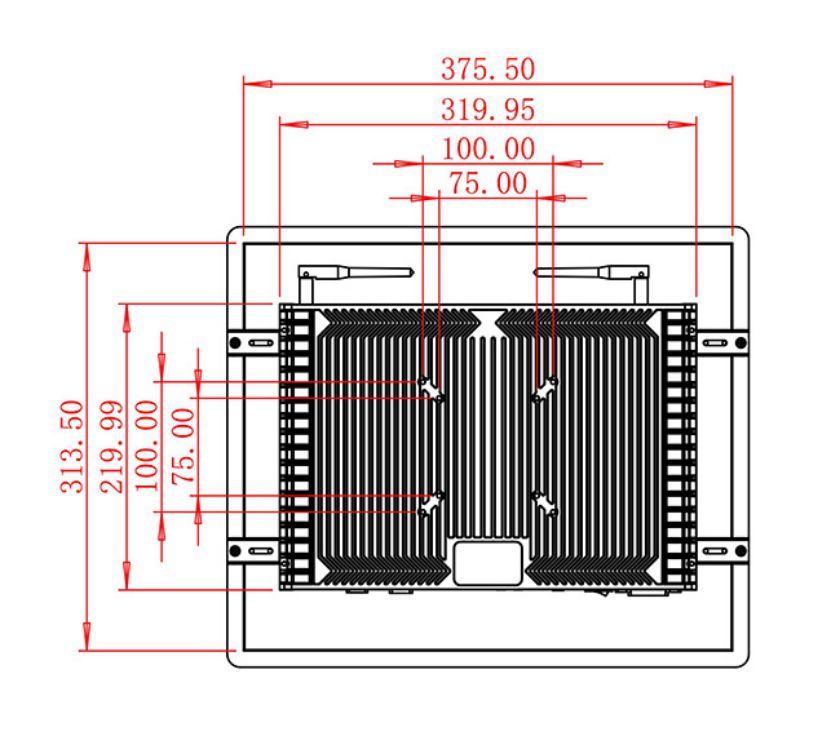
| < 1 Watt | Features | Operating Temperature | 0℃ ~ 50℃ | Storage Temperature | Below 10℃ ~ +60℃ | Package Size | Device Dimensions | 400.6 X 338.6 X 56.7 mm. |
| Net Weight | 5.5 Kilogram | Package Size | 48 X 39 X 17 Centimeter | Gross Package Weight per Unit | 6 Kilogram |
Match Windows Resources to the POS Application
The existing specification provides alternative Intel processor, memory and storage choices. The software supplier should provide minimum requirements, the supported Windows version and peripheral drivers. Local video, offline menu data and background services can change the required performance.
If the project uses a scanner, payment terminal or printer, each device needs compatible connections, sufficient power and a defined mounting position. Payment certification belongs to the selected payment solution and target market, not to the display panel alone.
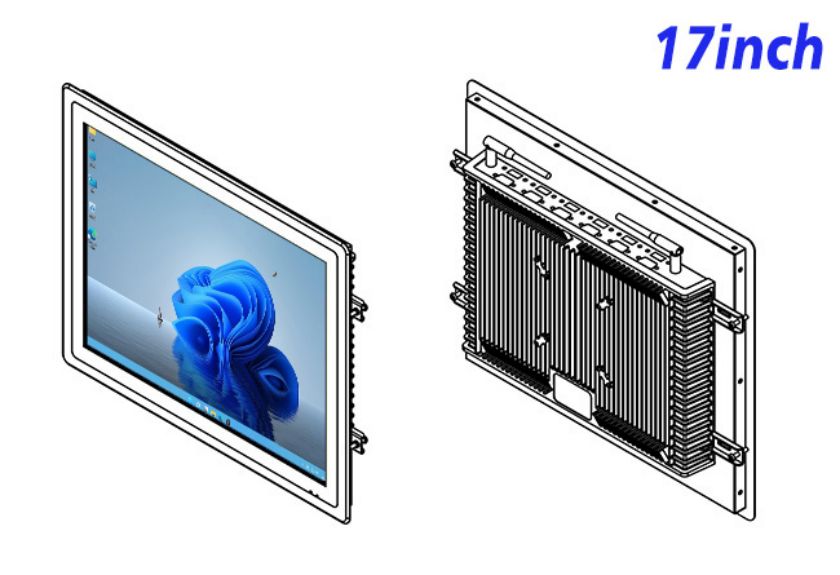
Survey the Wall Before Production
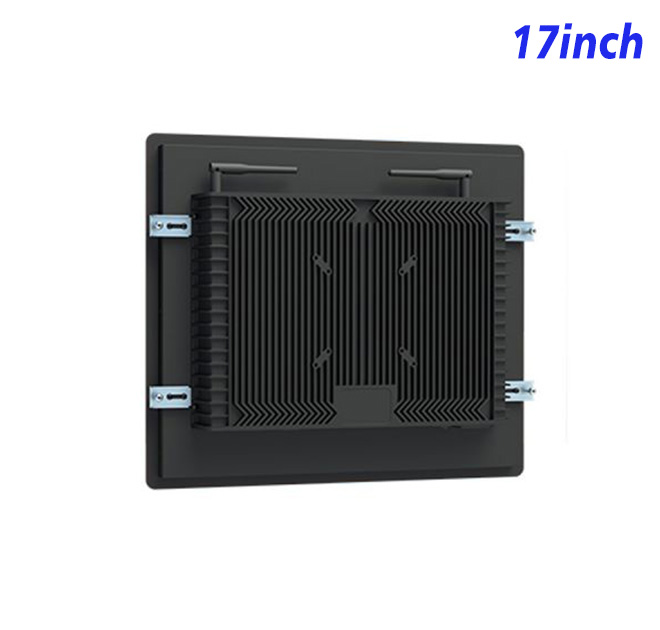
Installation planning should cover wall construction, fixing points, power, network access, cable concealment and technician clearance. Screen centerline and reach range influence accessibility. The cabinet should not project into a busy walkway or prevent routine cleaning.
The published panel specification includes 250 cd/m² brightness, wide viewing angles and a 60,000-hour stated panel lifespan. These figures fit indoo planning, but the complete installation should be tested under the venue’s lighting and operating schedule.
Run a Real Service Pilot
A pilot can test menu browsing, modifier selection, cancellation, order transfer and recovery after a network interruption. Restaurant staff should observe peak-hour use and identify questions that repeatedly require assistance. Those findings may change button wording or collection instructions before more units are installed.
Procurement should also plan software ownership, cleaning, fault reporting and replacement. Standard wall drawings and commissioning checks help chain locations reproduce the approved installation.
Commercial review should include more than the display price. The operator needs to account for the wall enclosure, application licence, POS work, installation, payment hardware and ongoing support. A documented responsibility matrix prevents the restaurant, software provider and equipment installer from assuming that another party owns an unresolved task.
For multi-branch deployment, a first article can become the physical reference for later units. Its screen height, cable exit, software image and touch option should be recorded. If menus or payment methods differ by country, those regional changes can be managed separately without changing the approved mechanical design.
Share the menu application, wall drawing, required interfaces, site conditions and quantity with ZXT LCD. The team can review the Windows platform for a Wall-mounted self-order kiosk and quote the confirmed display, computer and touch configuration without adding unapproved peripherals.