A Laboratory Screen Organized Around the Sample
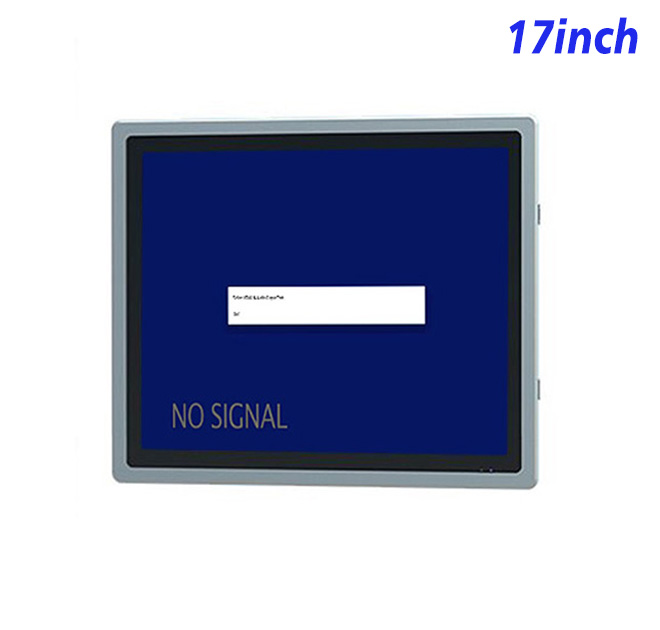
Food testing teams work with sample numbers, preparation steps, instrument status and result-review queues. A self service terminal beside the work area can keep those tasks visible without requiring every technician to use a separate office workstation. The 1280 × 1024 resolution provides practical vertical room for forms, tables and step-by-step instructions, even though the source table describes the aspect ratio inconsistently.
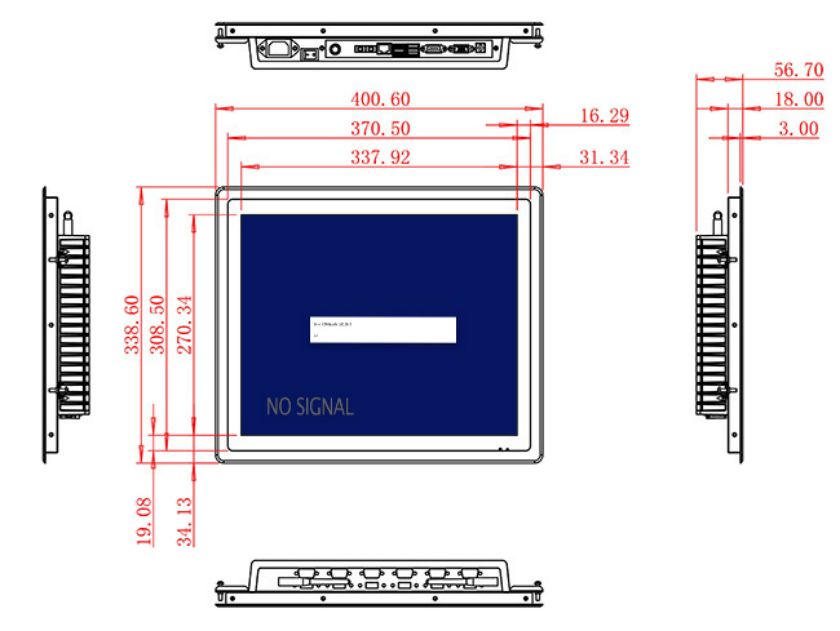
The active area is 337.92 × 270.34 mm. A 1200:1 contrast ratio and wide viewing angles support shared review from different positions around a bench. Brightness is specified at 250 cd/m² for controlled indoor lighting. Despite the original title, the specification does not provide a waterproof rating, so the monitor should not be exposed directly to washdown or liquid handling.
Work with Current and Legacy Laboratory Computers
HDMI, VGA and DVI inputs allow the display to connect to different external computers or instrument controllers. This can be useful when a laboratory modernizes workstations in stages. The self service terminal monitor does not process samples or validate results; it presents the output generated by compatible software and equipment.
A USB Type-B or requested USB connection is listed, but the exact function must be documented in the order. Optional two-channel 5 W audio can provide timers or workflow alerts. In a laboratory, sound levels should support rather than distract from controlled procedures.
| Specifications of 17-Inch External Embedded Industrial Display | ||||
| LCD Panel Parameters | Screen Size | 17 Inch | ||
| Display Area | 337.92 mm.(Height) X 270.34(Width)mm. | |||
| Aspect Ratio | 16 : 9 | |||
| LCD Type | a-Si TFT-LCD Monitor | |||
| Maximum Resolution | 1280 X 1024 | |||
| Display Color | 16.7M , 72% NTSC | |||
| Brightness | 250cd/m² | |||
| Contrast Ratio | 1200 : 1 | |||
| Viewing Angle (Up/Down/Left/Right) | 89°/89°/89°/89° (Type)(CR≥10) | |||
| Response Time | 20ms | |||
| LCD Panel Lifespan (Hours) | 60,000(Hour.) | |||
| Field Frequency | 60Hertz | |||
| Audio Parameters (External Speaker Option) |
Audio system | Stereo | ||
| Speaker size | ≈ 99 x 45 x 20 mm | |||
| Impedance | 8 Ohm | |||
| Power | 2 x 5 Watt | |||
| Loudness | > 80 Decibel | |||
| Interface | 4-pin connector | |||
| Onboard Interface | HDMI Input | 1 | ||
| VGA Input | 1 | |||
| DVI Input | 1 | |||
| USB Type B or any desired USB Type | 1 | |||
| Power | Power Supply | Alternating Current 100V~240V, 50/60Hz | ||
| Maximum Power Loss | ≤ 30 Watt | |||
| Standby Mode Power Loss | < 1 Watt | |||
| Features | Operating Temperature | 0℃ ~ 50℃ | ||
| Storage Temperature | Below 10℃ ~ +60℃ | |||
| Package Size | Device Dimensions | 400.6 X 338.6 X 56.7 mm. | ||
| Net Weight | 5.5 Kilogram | |||
| Package Size | 48 X 39 X 15 Centimeter | |||
| Gross Package Weight per Unit | 6 Kilogram | |||
Bench Integration and Cleaning Boundaries
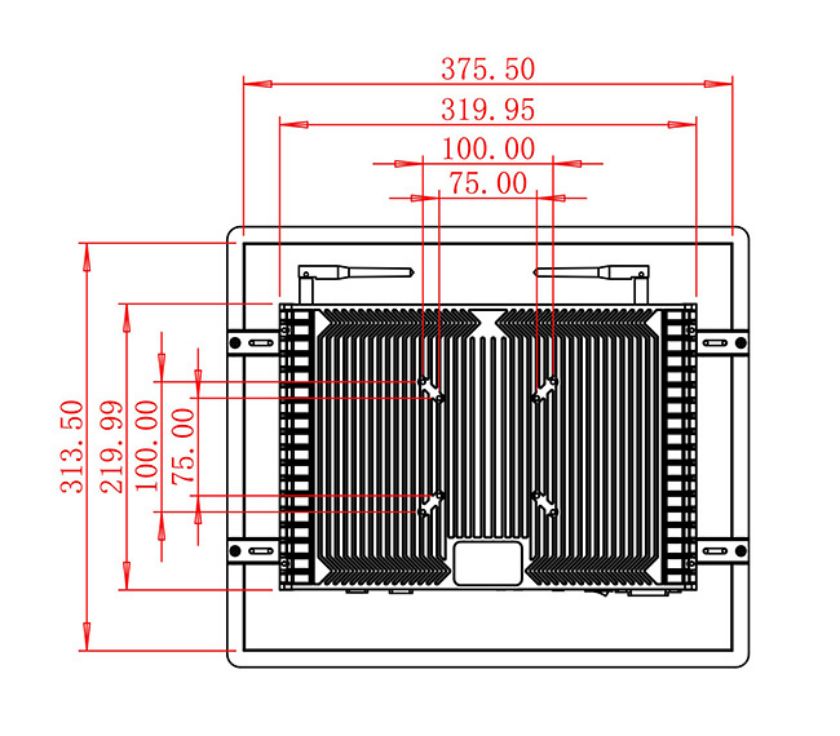
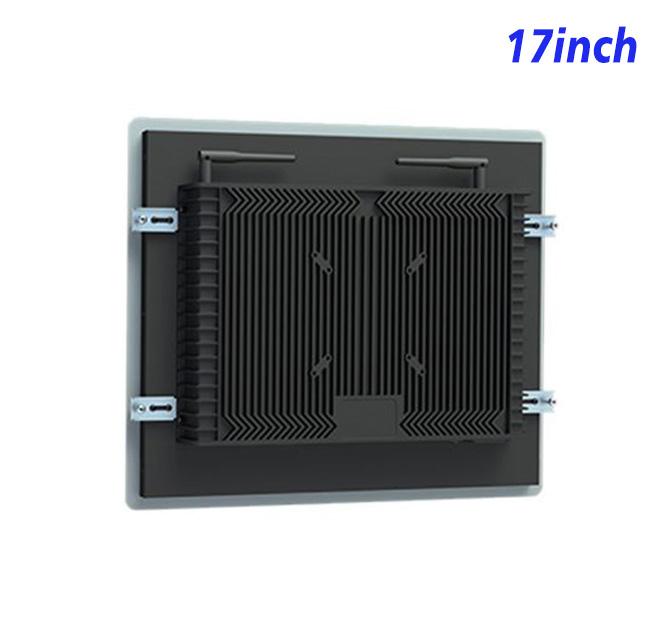
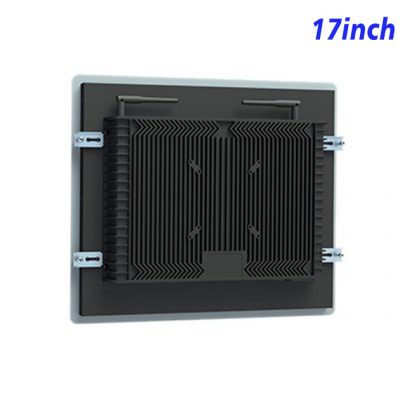
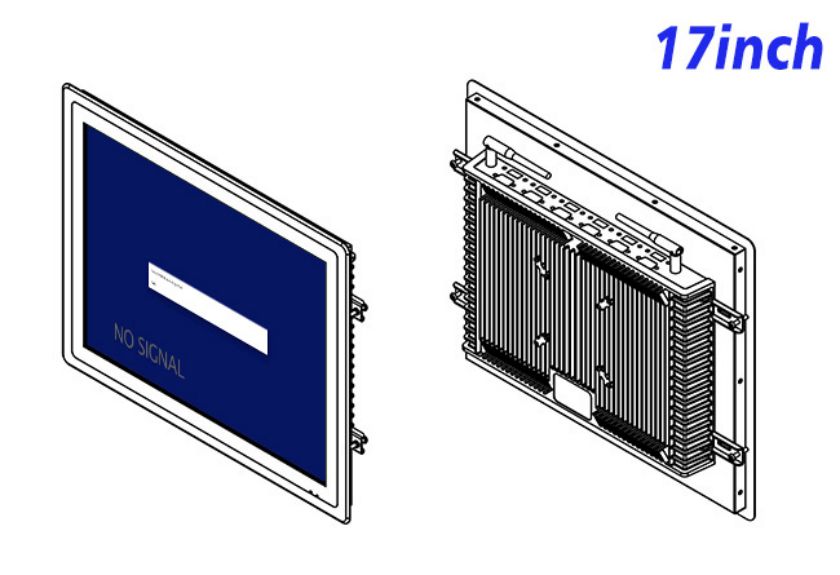
The unit measures 400.6 × 338.6 × 56.7 mm and weighs about 5.5 kg. A bench enclosure should keep cables away from sample handling, maintain rear service access and position the screen so technicians can read it without leaning across work materials. If cleaning chemicals are used nearby, the equipment designer must validate the front surface and sealing of the completed station.
Power input covers 100–240 V AC, maximum consumption is 30 W and standby use is below 1 W. The operating range is 0°C to 50°C. The cabinet must provide any required resistance to moisture, chemicals or contamination.
Sample Validation for Laboratory Equipment Builders
ZXTLCD can review the signal source, drawing and optional audio with laboratory equipment integrators. A pilot self service terminal can be connected to the actual application to check form readability, source recovery and cable layout. The agreed input and dimensions can then be recorded for repeat benches and future replacement planning.
Food Testing Integration FAQ
Keeping the approved source resolution and connection diagram with each workstation can also shorten service time and support consistent laboratory documentation.
Laboratory managers should define which information belongs on the local screen and which must remain in a controlled laboratory system. The self service terminal may show sample queues and approved instructions without exposing unrelated records. User authentication, audit trails and result approval are software responsibilities, but they should be tested on the actual workstation so the interface fits the laboratory’s procedures.
The pilot should include gloved operation if external input devices or a requested touch layer will be used. It should also simulate loss of the instrument source and a power restart. A clear disconnected state prevents technicians from mistaking an old image for current data. Recording the approved cable, resolution and startup behavior gives maintenance staff a useful reference for future service.
Is this a certified testing instrument? No. It is a display component for a larger system and does not perform or certify food analysis.
Is the screen waterproof? No waterproof rating is stated in the specification. Protection must be supplied by the finished enclosure.
Can it connect to an older VGA source? VGA is listed alongside HDMI and DVI, but the intended resolution and signal should be tested.
—