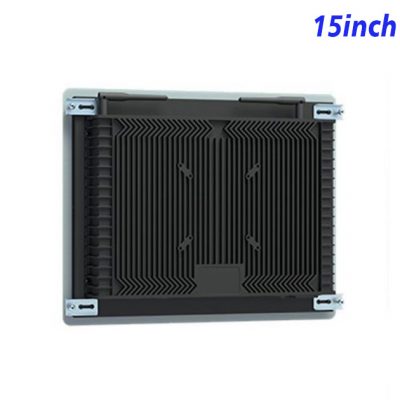
A Compact Screen for Guided Banking Steps
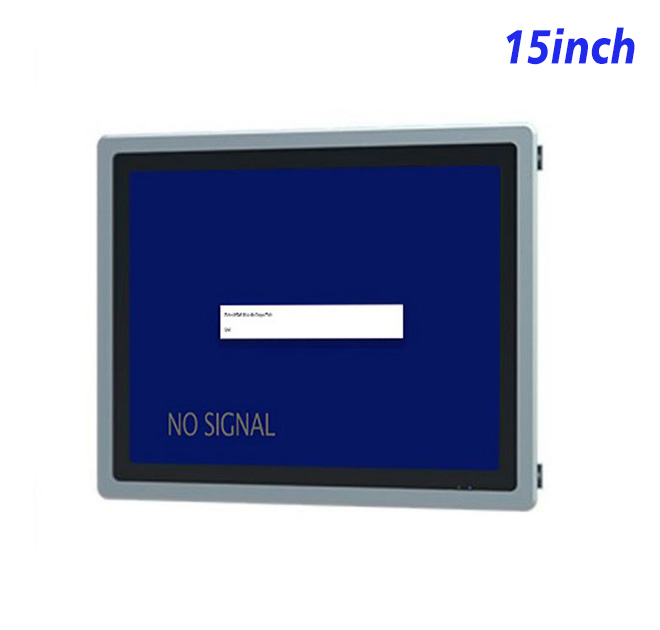
Many account-service tasks follow a clear sequence: identify the request, enter information, review details and confirm the next action. A 15-inch self service terminal display provides enough room for large fields and concise instructions while fitting into compact banking furniture. The 1024 × 768 resolution is useful for forms that need vertical space rather than media-heavy widescreen layouts.
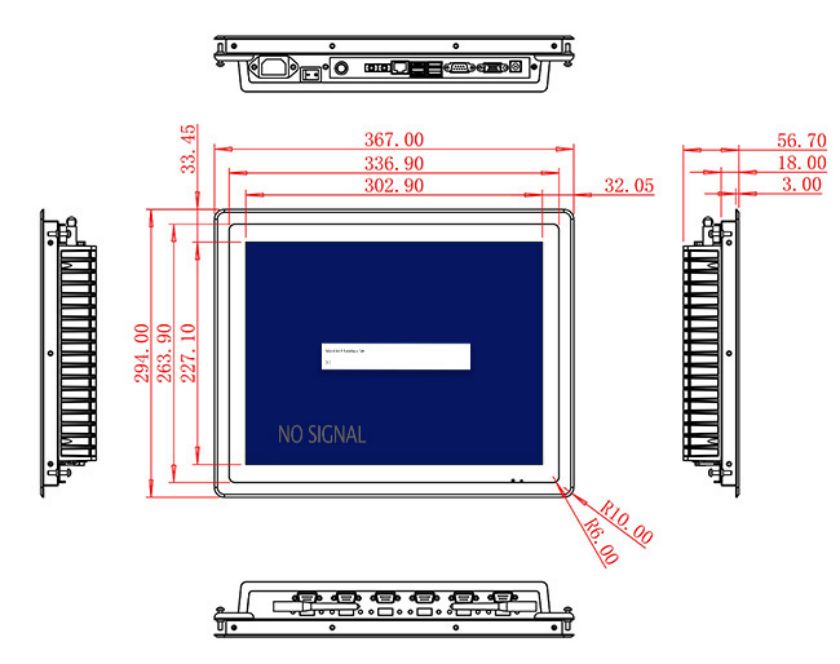
The active area measures 302.9 × 227.1 mm. A 1500:1 contrast ratio and wide viewing angles support clear indoor presentation. Brightness is specified at 300 cd/m², which suits bank branches and protected service areas. The original title mentions POE, but the table only states 100–240 V AC power and does not confirm Power over Ethernet, so POE is not promoted here.
Integrate the Required Computer and Peripherals
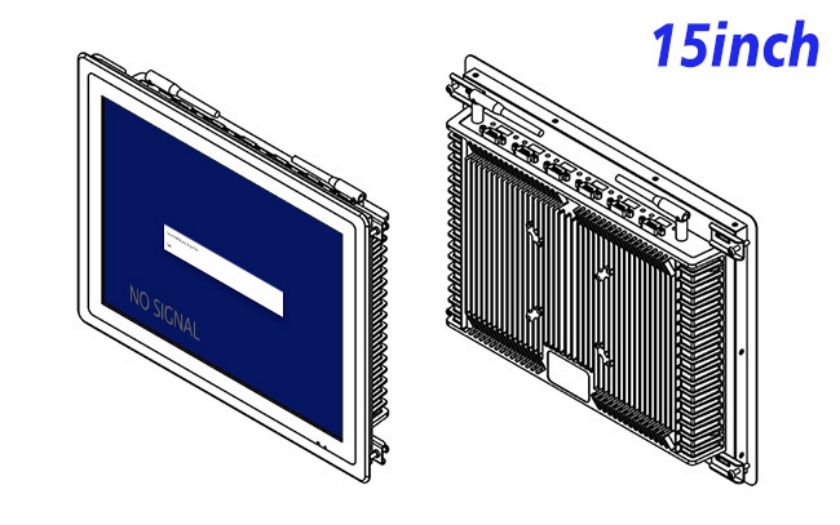
HDMI, VGA and DVI inputs allow connection to different external computers. This can help an ATM or banking equipment builder support both established and current system architectures. The self service terminal display does not include account software, payment devices, card readers or a defined touch panel. Those components must be specified and validated as part of the complete machine.
Optional external audio provides two 5 W channels for prompts or accessibility guidance. A USB Type-B or requested USB interface is listed, but the intended role should be confirmed before production.
| Specifications Document for 15-Inch External Embedded Industrial Display | ||||
| LCD Panel Parameters | Screen Size | 15 Inch | ||
| Display Area | 302.9 mm.(Height) X 227.1(Width)mm. | |||
| Aspect Ratio | 16 : 9 | |||
| LCD Type | a-Si TFT-LCD Monitor | |||
| Maximum Resolution | 1024 X 768 | |||
| Display Color | 262K/16.2M , 72% NTSC | |||
| Brightness | 300cd/m² | |||
| Contrast Ratio | 1500 : 1 | |||
| Viewing Angle (Up/Down/Left/Right) | 89°/89°/89°/89° (Type)(CR≥10) | |||
| Response Time | 15ms | |||
| LCD Panel Lifespan (Hours) | 60,000(Hour.) | |||
| Field Frequency | 60Hertz | |||
| Audio Parameters (External Speaker Option) |
Audio system | Stereo | ||
| Speaker size | ≈ 99 x 45 x 20 mm | |||
| Impedance | 8 Ohm | |||
| Power | 2 x 5 Watt | |||
| Loudness | > 80 Decibel | |||
| Interface | 4-pin connector | |||
| Onboard Interface | HDMI Input | 1 | ||
| VGA Input | 1 | |||
| DVI Input | 1 | |||
| USB Type B or any desired USB Type | 1 | |||
| Power | Power Supply | Alternating Current 100V~240V, 50/60Hz | ||
| Maximum Power Loss | ≤ 25 Watt | |||
| Standby Mode Power Loss | < 1 Watt | |||
| Features | Operating Temperature | 0℃ ~ 50℃ | ||
| Storage Temperature | Below 10℃ ~ +60℃ | |||
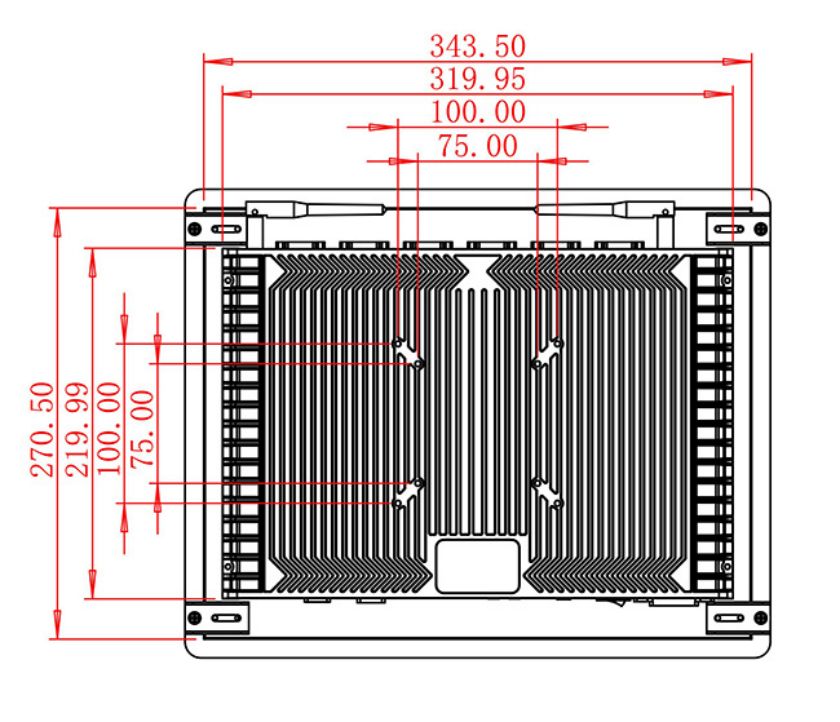
| Package Size | Device Dimensions | 367 X 294 X 56.7 mm. | ||
| Net Weight | 5 Kilogram | |||
| Package Size | 43 X 36 X 15 Centimeter | |||
| Gross Package Weight per Unit | 5.5 Kilogram | |||
Cabinet Planning for Secure Indoor Service
The monitor measures 367 × 294 × 56.7 mm and weighs around 5 kg. A banking enclosure should conceal cables, control service access and position the screen for privacy. Any payment or identity hardware needs its own secure mounting and software integration.
The display operates from 100–240 V AC, uses up to 25 W and consumes less than 1 W in standby. Its stated operating range is 0°C to 50°C. The finished kiosk remains responsible for tamper protection, privacy, cooling and regulatory compliance.
Support for Banking Equipment Integrators
ZXTLCD can review signal types, mounting drawings and requested interfaces before a sample is confirmed. Testing the actual banking application allows the buyer to evaluate field size, readability and source recovery. The approved self service terminal configuration can then support repeated cabinets and incoming inspection.
Banking Display FAQ
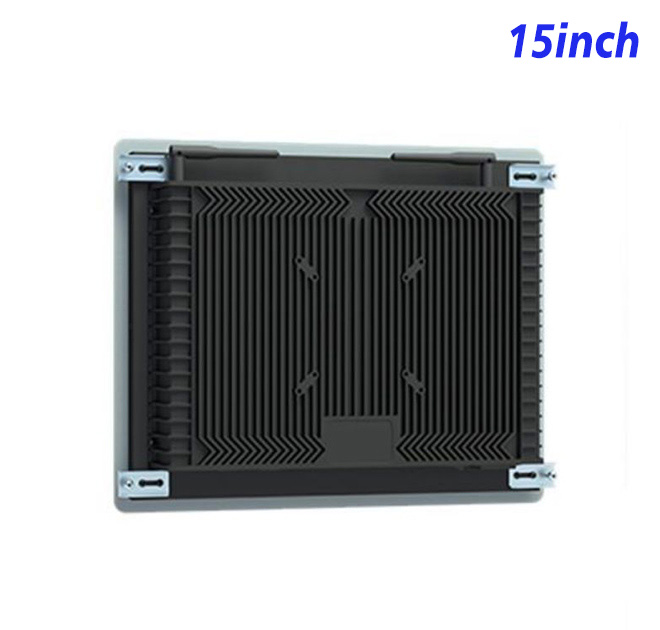
Procurement records should capture the approved input, mounting drawing, power arrangement and any requested USB function. A clearly labeled reference unit allows maintenance teams to compare future replacements without relying on the old marketing title. This is particularly useful when multiple branches use similar cabinets with different internal computers.
Banking equipment projects should separate the public workflow from technician access. The customer should see only the steps needed for the transaction, while service menus remain protected. The application should also clear personal information after completion or inactivity. These controls are not features of the standalone monitor, but they need to be verified with the chosen computer and complete cabinet.
During the sample stage, the integrator can simulate a lost video signal, unavailable peripheral and system restart. A clear out-of-service message is safer than a frozen transaction screen. The self service terminal should also provide a route to staffed support when a request cannot continue. Testing normal and exception workflows gives the buyer a more reliable basis for approving the final banking station.
Does the monitor include payment or banking software? No. It is a display component for a larger solution supplied by the system integrator.
Is POE included? POE is not stated in the specification table. Power is listed as 100–240 V AC.
Is a touch panel included? A defined touch technology is not listed and must be confirmed separately.
—