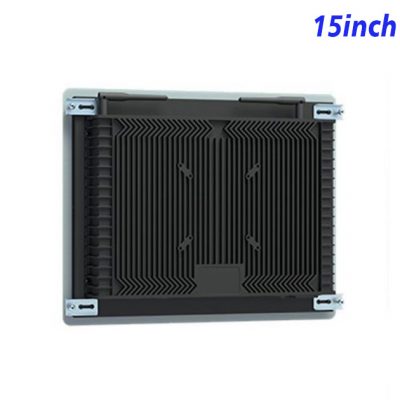
Make Validation Results Immediately Understandable
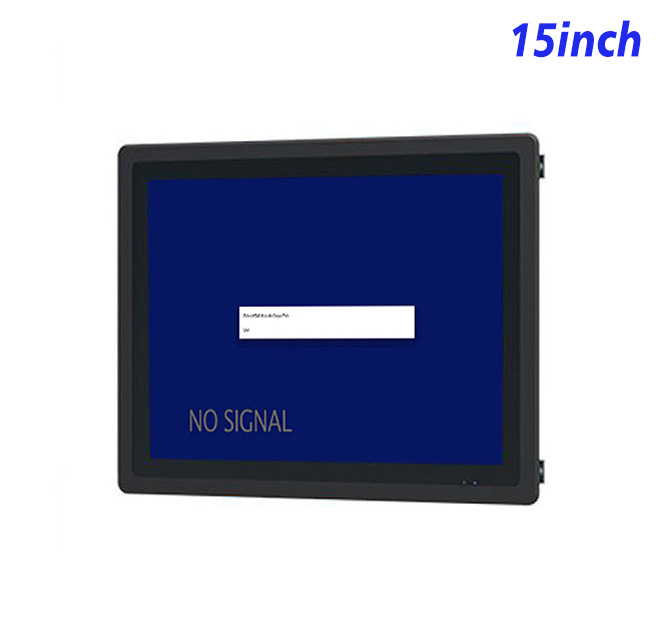
A ticket-validation point should tell the traveler what happened and what to do next. An information kiosk can display a successful validation, remaining value, route notice or a clear reason for referral to staff. The 15-inch screen keeps the fixture compact while giving the application enough space for large status messages and supporting instructions.
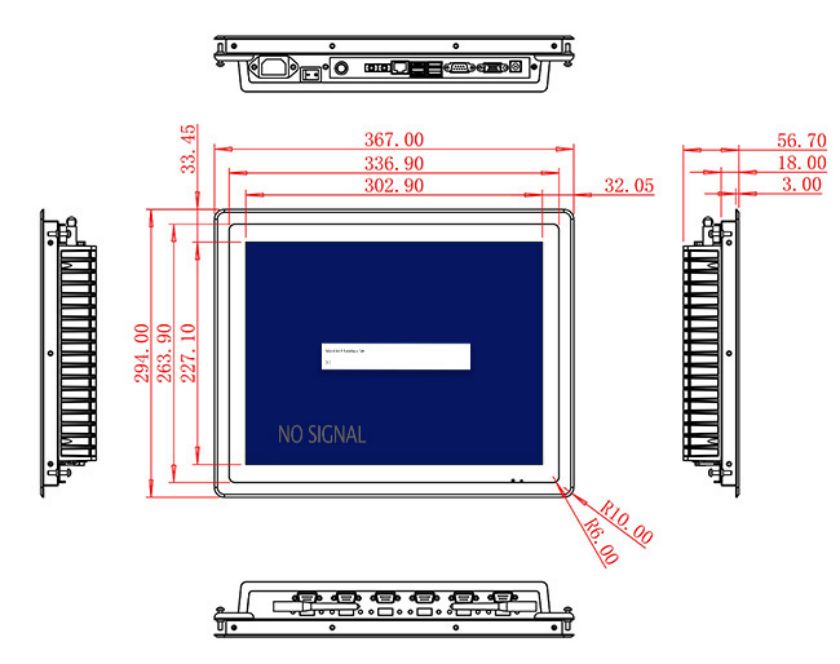
Resolution is 1024 × 768 across a 302.9 × 227.1 mm active area. A 1500:1 contrast ratio and broad viewing angles support use at indoor counters and protected gates. Brightness is 300 cd/m², so exposed outdoor or sunlit platform use requires a different environmental and brightness assessment.
Connect the Display to the Validation Computer
HDMI, VGA and DVI inputs give transport integrators options for current and older external computers. The information kiosk monitor does not contain ticketing software, a validator or a scanner. The application and peripherals belong to the completed system. A USB Type-B or requested USB connection is listed, but its role and any touch requirement must be confirmed.
Optional 2 × 5 W audio can provide confirmation tones or accessibility prompts. Visual messages should remain complete for noisy stations and travelers who cannot rely on sound.
| Specifications Document for 15-Inch External Embedded Industrial Display | ||||
| LCD Panel Parameters | Screen Size | 15 Inch | ||
| Display Area | 302.9 mm.(Height) X 227.1(Width)mm. | |||
| Aspect Ratio | 16 : 9 | |||
| LCD Type | a-Si TFT-LCD Monitor | |||
| Maximum Resolution | 1024 X 768 | |||
| Display Color | 262K/16.2M , 72% NTSC | |||
| Brightness | 300cd/m² | |||
| Contrast Ratio | 1500 : 1 | |||
| Viewing Angle (Up/Down/Left/Right) | 89°/89°/89°/89° (Type)(CR≥10) | |||
| Response Time | 15ms | |||
| LCD Panel Lifespan (Hours) | 60,000(Hour.) | |||
| Field Frequency | 60Hertz | |||
| Audio Parameters (External Speaker Option) |
Audio system | Stereo | ||
| Speaker size | ≈ 99 x 45 x 20 mm | |||
| Impedance | 8 Ohm | |||
| Power | 2 x 5 Watt | |||
| Loudness | > 80 Decibel | |||
| Interface | 4-pin connector | |||
| Onboard Interface | HDMI Input | 1 | ||
| VGA Input | 1 | |||
| DVI Input | 1 | |||
| USB Type B or any desired USB Type | 1 | |||
| Power | Power Supply | Alternating Current 100V~240V, 50/60Hz | ||
| Maximum Power Loss | ≤ 25 Watt | |||
| Standby Mode Power Loss | < 1 Watt | |||
| Features | Operating Temperature | 0℃ ~ 50℃ | ||
| Storage Temperature | Below 10℃ ~ +60℃ | |||
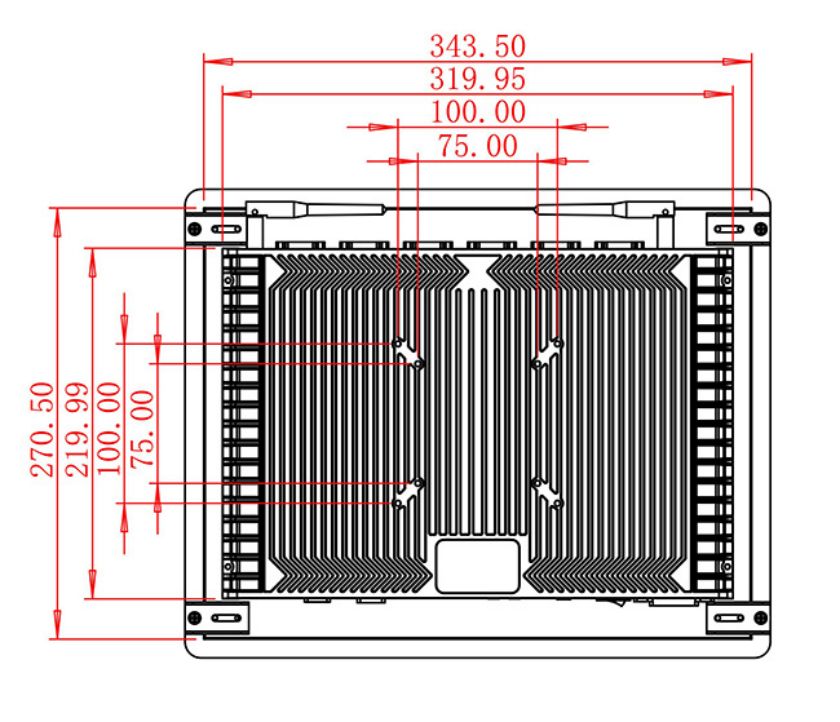
| Package Size | Device Dimensions | 367 X 294 X 56.7 mm. | ||
| Net Weight | 5 Kilogram | |||
| Package Size | 43 X 36 X 15 Centimeter | |||
| Gross Package Weight per Unit | 5.5 Kilogram | |||
Integration into Gates and Service Counters
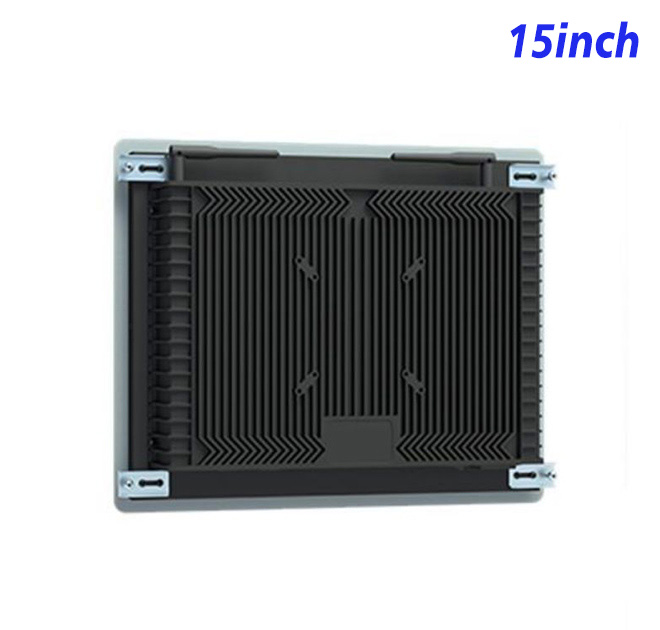
The unit measures 367 × 294 × 56.7 mm and weighs approximately 5 kg. A gate enclosure should protect cables and allow service access without blocking passenger flow. Screen angle, privacy and viewing distance should be tested with actual users during the pilot.
Power input is 100–240 V AC, maximum consumption is 25 W and standby use is below 1 W. The operating range is 0°C to 50°C. Weather, vibration and impact protection must be designed into the final installation.
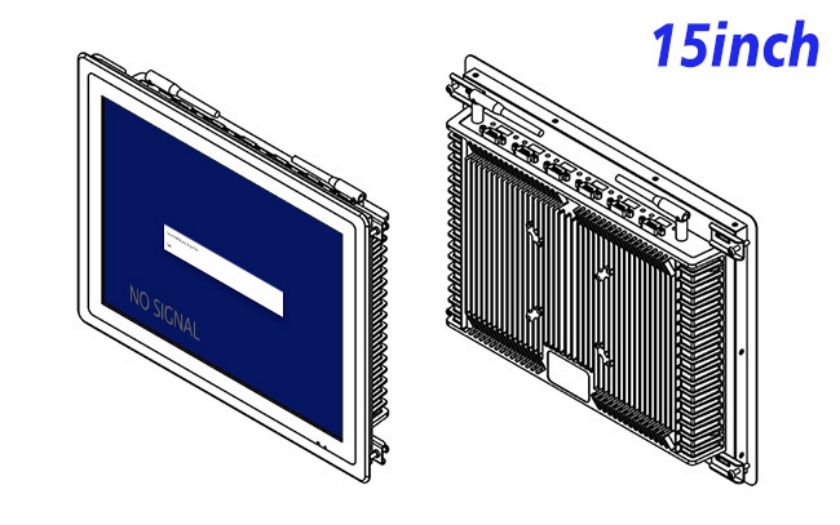
Repeatable Support for Transport Projects
ZXTLCD can review the source signal, drawing and optional audio before providing a sample. Transport operators can test validation messages, input recovery and mounting height with their own equipment. A documented information kiosk configuration supports consistent rollout across additional gates and simplifies spare planning.
Ticketing FAQ
These records are particularly valuable when service contractors change during the operating life of the transport system.
The transport operator should also document who supports the monitor, validation device, computer and application. Clear ownership prevents a single fault from being passed among several suppliers. A wiring diagram and approved spare strategy can reduce downtime during peak travel periods, while consistent on-screen assistance gives station staff a predictable response when automatic service is unavailable.
Transport operators should test the information kiosk with different ticket states: valid, expired, already used, unreadable and unsupported. Each state needs a short message and an obvious next step. A successful screen should not use the same color or wording as an error, and referrals to staff should identify where help is available. These decisions belong in the ticketing application but determine how effectively the display serves travelers.
The pilot can also include peak passenger flow and a temporary loss of the validation computer. The screen should clear the previous result quickly, protect personal journey information and show an honest offline state. Recording the approved source resolution, cable and normal startup image helps technicians restore service faster. It also creates a consistent reference when the information kiosk monitor is repeated at additional gates.
Does this product validate tickets by itself? No. It displays information from compatible external ticketing equipment and software.
Can a scanner be added? A scanner may be integrated by the system provider, subject to interface, power and software compatibility.
Can it be used on an exposed platform? No outdoor protection rating is stated. Exposed installations require a different enclosure and display assessment.
—