

Turn Routine Enquiries into Guided Self-Service
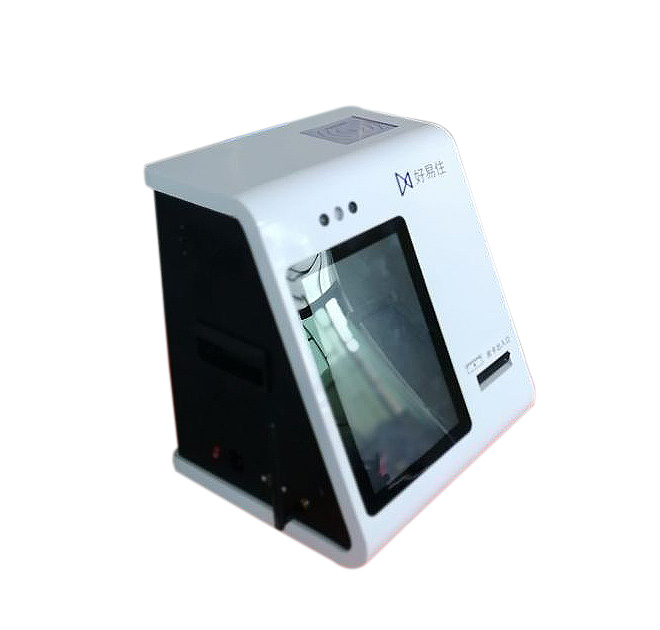
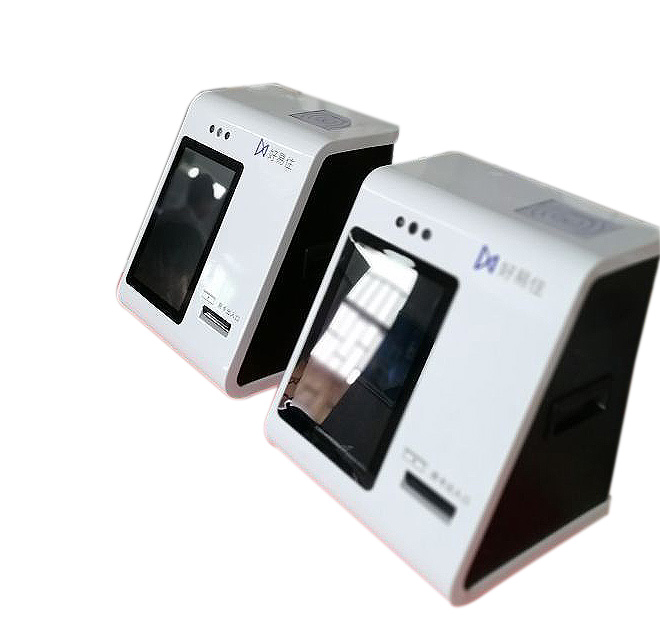
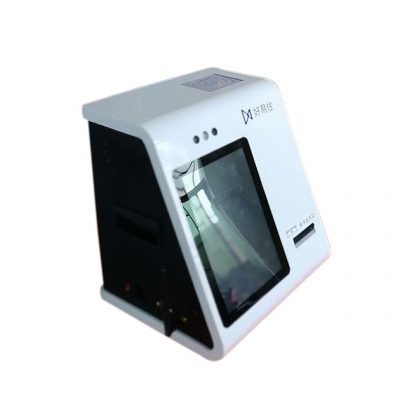
A customer service kiosk touch screen gives visitors a clear place to begin when they need information, account guidance or access to a digital service. Instead of asking every customer to find the correct counter, an organization can present approved service paths on one interactive interface. The terminal is intended for retail stores, service centers, reception areas, transport venues and other locations where customers frequently repeat the same questions.
The value is not simply a screen in a public area. A useful deployment connects the physical terminal with the organization’s existing digital channels. Customers can start a task at the kiosk, follow the same terminology used on the website or mobile service, and move to assisted support when the process requires a staff member. This creates a more consistent journey without promising that every case can or should be automated.
Design the Journey Around Real Customer Intent
Successful projects begin with a short list of high-volume tasks. These may include locating a service, checking general information, selecting an enquiry category, submitting basic details or requesting the next available form of assistance. The interface should use plain labels, short steps and obvious back or cancel controls. Multilingual content can be planned when the deployment serves an international or linguistically diverse audience.
A customer service kiosk touch screen can also help staff manage demand more predictably. Straightforward requests can be directed to self-service, while exceptional cases remain with trained employees. This separation allows teams to spend more time on situations that need judgement, privacy or empathy. It also gives project owners a defined set of interactions to test before rollout.
Omnichannel Integration Without a Closed Workflow
The terminal should be treated as one endpoint in a wider service environment. Depending on the buyer’s approved system design, it may link to web applications, ticketing workflows, customer databases or remote-support processes. Integration scope should be confirmed during the technical review, including authentication needs, data fields, language content, network policy and the handoff from self-service to an employee.
For privacy, screens should avoid retaining personal information after a session. Timeout behavior, session clearing and placement away from shoulder surfing should be included in the deployment plan. If the workflow handles sensitive records or payments, buyers should specify the required security controls before hardware and software are finalized.
Built for Procurement, Deployment and Ongoing Operation
For multi-site buyers, consistency matters as much as appearance. The enclosure finish, branding, screen orientation, mounting approach and peripheral requirements can be reviewed against the intended environment. Accessibility, reach range, floor space, power access and network availability should be checked at each site. A pilot unit can validate the user flow and installation assumptions before a larger production order.
Ongoing ownership also deserves attention. Content changes, remote monitoring expectations, cleaning procedures, spare-part planning and support responsibilities should be documented. These decisions reduce ambiguity between the hardware supplier, software provider, installer and end customer. They also make it easier to compare the cost of a single trial with a regional or enterprise rollout.
Buyers can improve quotation accuracy by separating mandatory functions from later options. A short requirements matrix should identify the application owner, expected daily sessions, site conditions, mandatory interfaces and acceptance tests. This gives every supplier the same basis for pricing and helps prevent a visually attractive concept from moving forward before the operational details are settled.
Request a Configuration Review
Share the intended use cases, installation drawings, branding files, required languages and integration outline with the project team. ZXT LCD can review the physical configuration and customization scope for a customer service kiosk touch screen, then prepare a quotation based on confirmed requirements. For distributors and solution integrators, volume, packaging, documentation and phased delivery can be discussed before production.