

Create a Consistent Arrival Process
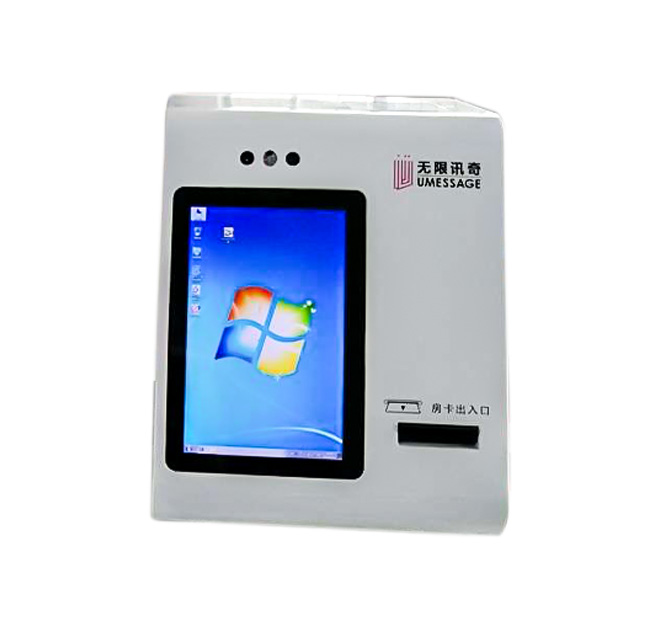
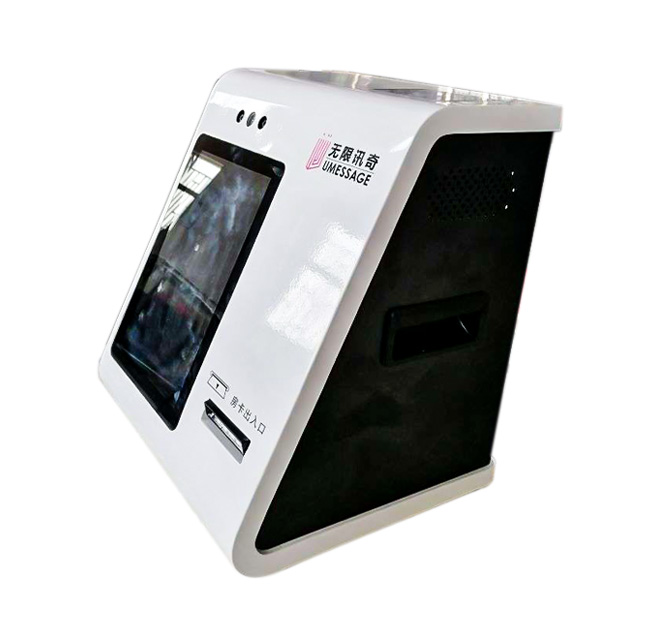
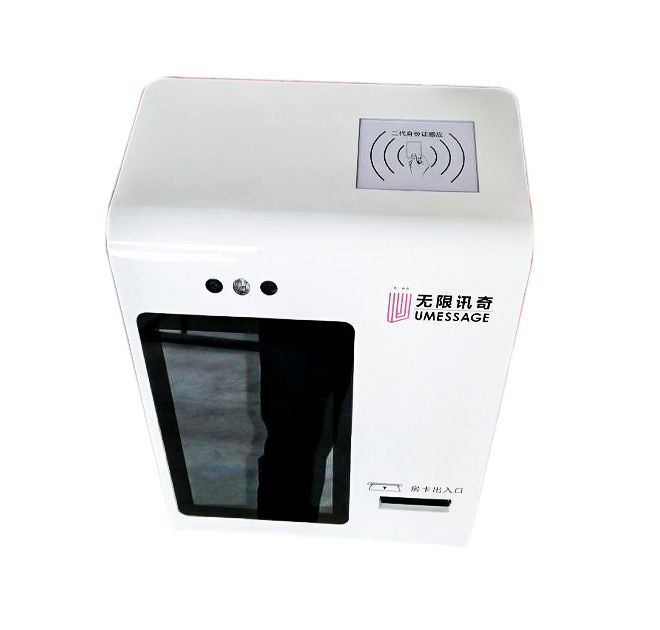
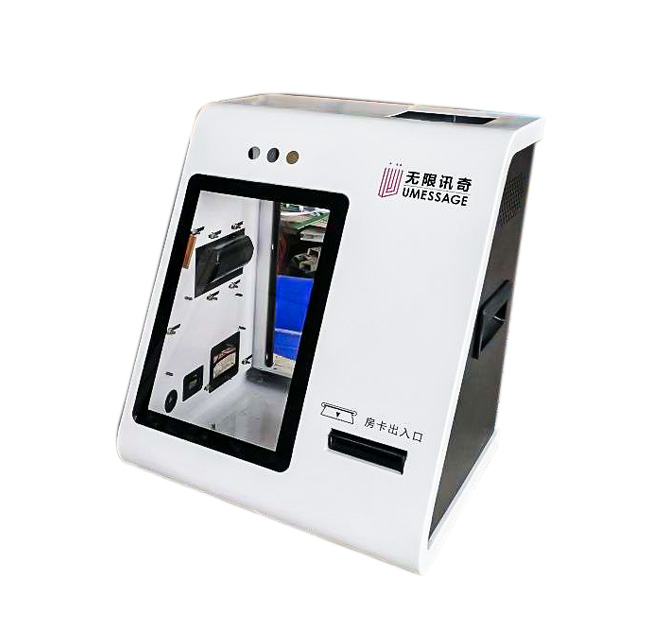
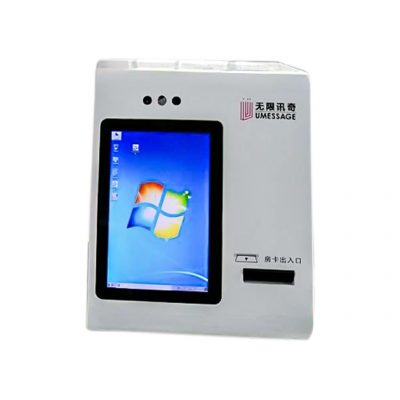
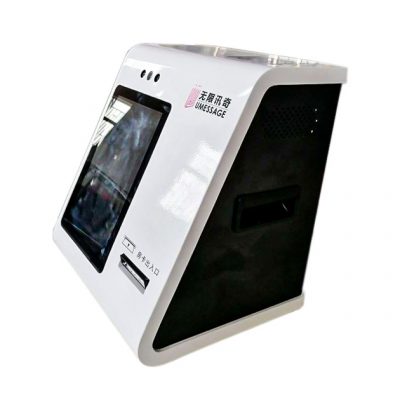
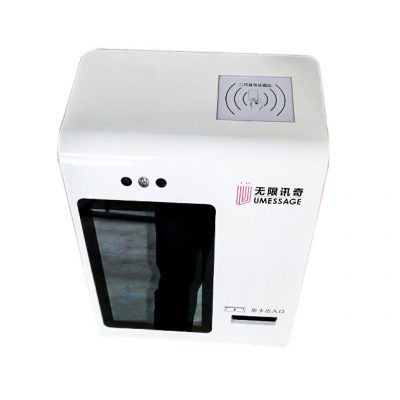
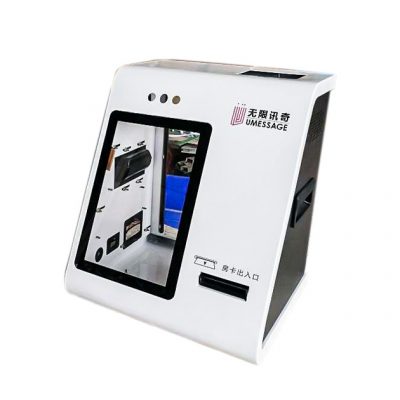
A registration kiosk helps visitors confirm their arrival without waiting for a receptionist to complete every routine entry. The wall-mounted product uses a portrait display with a lower scanning or output area, making it suitable for compact entrances where floor space is limited. It can support hotels, clinics, offices, campuses, events and service centers when paired with the correct check-in software.
Twenty-four-hour operation depends on the complete system, network and support plan. The enclosure does not automatically provide identity verification or access control. Appointment lookup, credential issuance and host-system communication must be supplied and approved by the project integrator.
Ask Only for Information the Service Needs
A visitor may begin with a booking code, phone number, QR code or approved identity document. The interface can confirm the reservation, request necessary information and show the next destination. If the process requires staff approval, the terminal should explain the waiting step rather than presenting an unclear error.
The registration kiosk should clear personal information after each session and return to the welcome screen after inactivity. Privacy screens, camera positions and document-reader placement may support the physical design, while consent, storage and retention rules belong to the software owner and site operator.
Select Modules for the Check-In Output
Some projects need only a touchscreen and scanner. Others require a card dispenser, badge printer, receipt printer, camera or payment terminal. Each device changes the enclosure layout and maintenance routine. Confirmed module drawings should be supplied before production.
For wall installation, buyers need to confirm mounting structure, cable entry, screen height and service clearance. If staff must replace badges or paper, the door should open safely without blocking circulation. The computer and network method should match the check-in application and local IT policy.
Test Day and Night Exceptions
A 24/7 registration kiosk must provide a recovery route when a booking cannot be found, a printer is empty or the network is unavailable. Sites should define an assistance method that remains available outside normal reception hours. Acceptance testing can include valid and invalid bookings, repeated scans, abandoned sessions and credential output.
Operators should define the handoff after successful check-in. A hotel may issue a key or direct the guest to reception, a clinic may add the patient to a waiting list, and an office may notify a host. Each result requires a different software connection and possibly a different output module. Installation drawings should show fixing points, cable routing and service-door clearance.
Send the visitor workflow, identification method, output requirement, software platform, mounting dimensions and expected daily volume. ZXTLCD can prepare the display and enclosure around confirmed requirements. Local staff should receive a daily inspection checklist, documented restart procedure and escalation contact.
Prepare an Assisted Route for Exceptions
Self check-in should reduce routine reception work without trapping visitors when a booking is unusual. The operator should define who handles early arrivals, expired reservations, duplicate check-ins, missing identification and accessibility requests. Outside normal hours, a phone, intercom or remote support option may be needed. If the kiosk produces a badge, key or ticket, staff should receive low-supply alerts and know how to replace consumables safely. A pilot can verify host notification, room or department directions and the removal of personal data after each session. These checks support reliable 24-hour operation more effectively than the enclosure alone.
For multi-site deployments, standard mounting, computer and scanner specifications simplify spares and technician training. Each location can still use its own booking rules, language and visitor instructions. The handover should record who updates software and who handles after-hours assistance.
Accessibility testing should include screen reach, text clarity and an assisted alternative.