

Give Customers a Clear Arrival Process
A registration kiosk can help a busy barber shop organize walk-ins, scheduled appointments and service selection from the moment a customer enters. Instead of forming an uncertain line near the counter, visitors can check availability, enter booking details and choose a service through a touchscreen workflow. Staff can focus on clients already in the chair while the shop maintains a consistent check-in process.
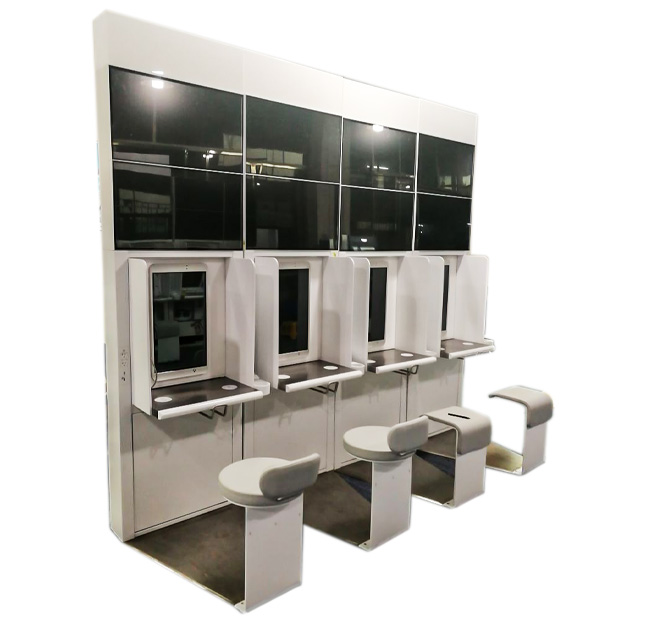
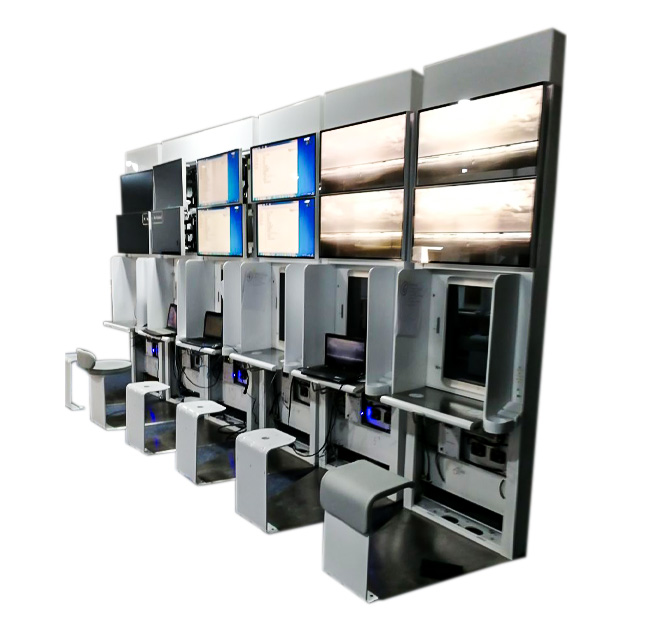
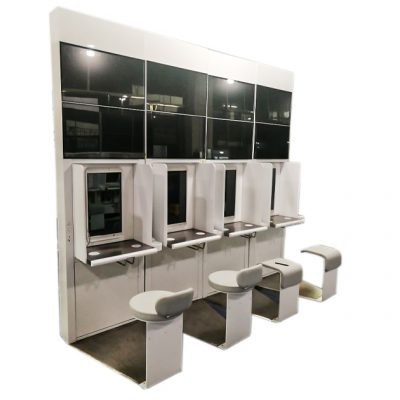
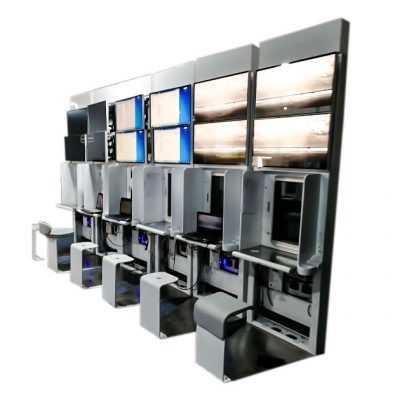
The product presents a multi-station arrangement with several seats and individual service positions. This suggests a solution designed for parallel interaction or consultation rather than a single narrow payment terminal. The exact number of displays, screen sizes and installed modules should be confirmed for the intended shop layout and operating process.
Support Booking Without Making the Experience Impersonal
The interface can introduce available services, estimated waiting time, barber selection and optional add-ons. Returning customers may retrieve a reservation through a phone number, QR code or booking reference when supported by the software. Walk-in visitors can join a digital queue and receive clear instructions about where to wait.
A registration kiosk may also present haircut examples, grooming packages, membership information or aftercare products while the customer completes check-in. This gives the business an opportunity to explain services consistently without forcing the user through an aggressive sales sequence. Content should remain short and easy to navigate, particularly during peak periods.
Payment and Booking Are Project Options
If payment is required at the terminal, the enclosure can be evaluated for a card reader, contactless device, QR scanner or receipt printer. These are optional integrations and depend on the customer payment provider and software. Appointment synchronization, queue management, loyalty accounts and notifications are software functions rather than automatic features of the kiosk hardware.
The physical design can be adapted to the brand colors and interior style. A compact salon may prefer a wall-mounted or single-station version, while larger chains can use several coordinated stations. Cable access, cleaning, screen height and the location of personal-data entry should be considered before production.
Measure the Check-In Experience
Store managers should decide how the kiosk behaves when the schedule changes. The software may close unavailable time slots, show current delays or route a customer to reception when a special request needs discussion. During a pilot, the business can measure check-in time, abandoned sessions and staff interventions, then adjust the interface before deployment across additional shops.
The same registration kiosk concept can serve hair salons, beauty clinics, nail studios, spas and other appointment-based businesses. Send the number of stations, installation dimensions, booking steps, payment method, software system and branding requirements. ZXTLCD can recommend an enclosure arrangement and confirm which openings or mounts are needed for the selected peripherals.
Design for Daily Store Operations
The best check-in process should fit the way the shop actually assigns clients. Some locations allow customers to choose a specific barber, while others use the next available chair. The software should show only choices the team can honor and explain delays in plain language. If the kiosk collects a phone number or profile information, the store operator must provide the appropriate privacy notice and decide how long the data is retained.
Daily cleaning and opening procedures should be simple enough for normal store staff. The screen, seat area and shared touchpoints need finishes compatible with the selected cleaning products. Managers should know how to restart the application, confirm network connection and route customers to a manual process when the kiosk is unavailable. For chains, consistent interface wording and branding help customers recognize the same check-in process at every branch, while local service menus can remain configurable.