

Let Buyers Explore Before Meeting an Agent
An information kiosk can give property buyers a structured way to browse developments, floor plans and availability inside a sales center. Instead of waiting for an agent to explain every project, visitors can filter by location, property type, price range or room count. The display can also introduce amenities, transport connections and development timelines supplied by the real estate company.
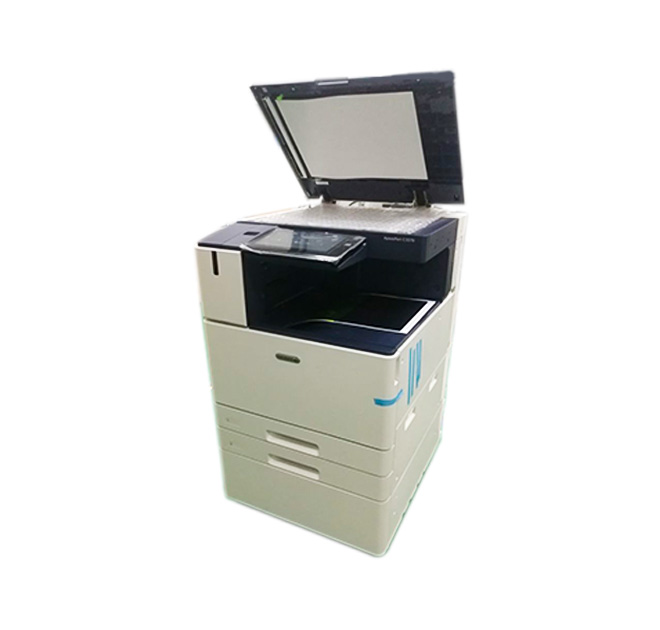
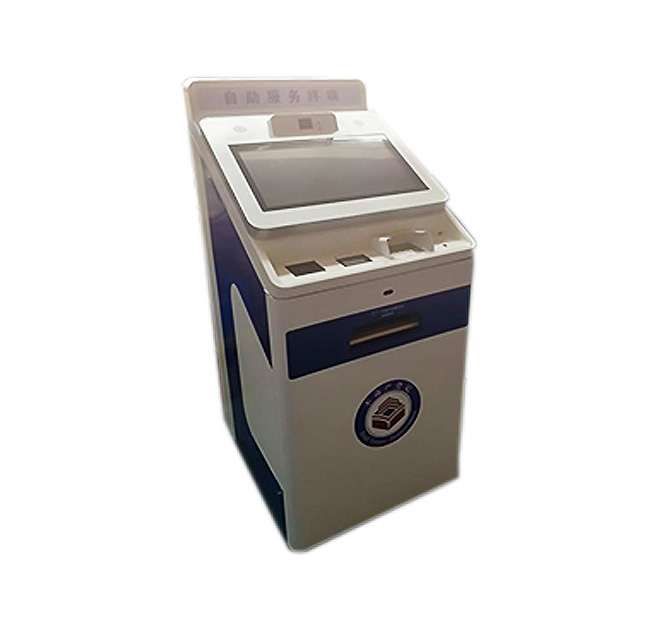
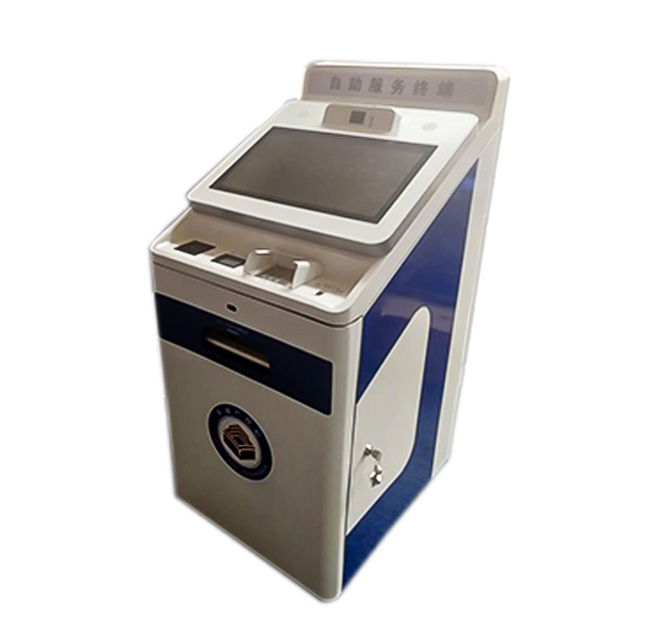
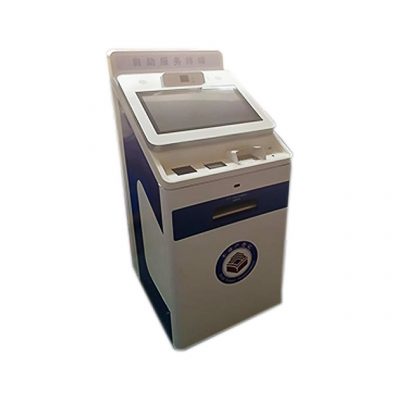
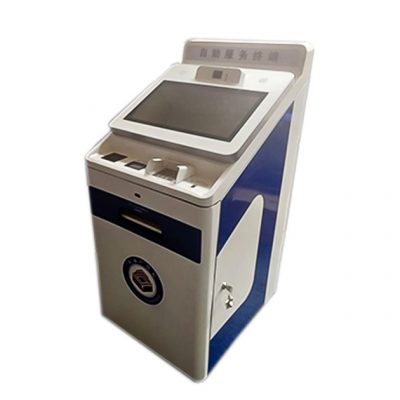
The compact integrated unit includes a display and output or scanning area. Its actual modules are not documented, so printing, card reading and document scanning should be treated as optional. Property data, virtual tours and inquiry routing depend on the customer content and software.
Organize Property Information for Comparison
Buyers often need to compare several units rather than view one advertisement. The interface can keep essential facts in consistent positions and allow visitors to save favorites or request more information. High-resolution images, maps and video can support the sales discussion without replacing the agent advice.
As an information kiosk, the machine may also collect an inquiry after the visitor reviews a property. The form should request only information needed for follow-up and display the appropriate privacy notice. A QR code can let the visitor transfer a brochure or property link to a phone without printing large quantities of paper.
Hardware for Showrooms and Temporary Sales Galleries
Real estate installations range from permanent experience centers to temporary galleries. A floor-standing design provides visibility, while a compact enclosure may fit a model-room entrance. Buyers should confirm screen orientation, available floor space, network access and how frequently content will change.
Optional printers, QR scanners, cameras or contactless readers can be integrated when supported by the application. The internal computer should handle intended image, video or 3D content smoothly. Virtual-tour performance depends on software and media complexity, so it must be tested with final content before hardware approval.
Maintain Accurate Availability
An information kiosk loses value if prices or unit status become outdated. The real estate operator should define who updates content and how changes reach every showroom. A pilot can test navigation, media loading, inquiry delivery and the time visitors spend on each screen.
Sales teams should prepare content specifically for kiosk viewing instead of copying a desktop website. Floor plans need readable labels, videos should load without long delays and inquiry forms should remain short enough for a public screen. If pricing differs by region, the workflow must prevent one showroom from displaying another market information.
Provide the property-search workflow, content format, screen requirement, software platform, peripheral list, branding references and installation schedule. ZXTLCD can configure the enclosure around the showroom experience. Test submissions should confirm that the selected property, language and contact details reach the correct sales team.
Connect Digital Interest to a Real Sales Process
The showroom should decide what happens after a visitor saves a property or submits an inquiry. Leads may be assigned by project, language or location, and test submissions should confirm that every field reaches the correct sales team. Response expectations also matter; collecting contact information has little value if follow-up is delayed. Content reviews should remove sold units, expired incentives and outdated construction milestones. For exhibitions or temporary galleries, the computer can store approved media locally when the network is unreliable. A standardized enclosure and software image allow the same property-search experience to be repeated while graphics and available developments change by venue.
The installed display should be checked under actual showroom lighting because reflections can reduce the value of detailed floor plans and renderings. Sales staff should also receive a simple method for reporting outdated content and verifying that corrected information appears on every connected kiosk.