

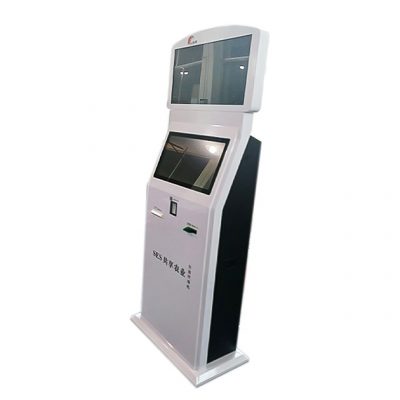
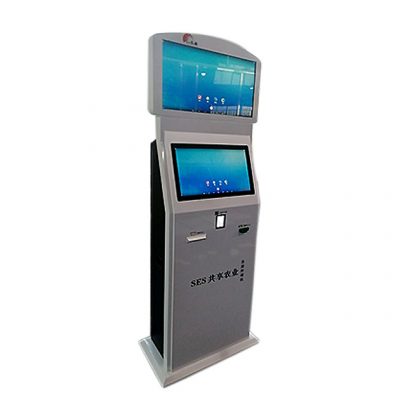
Put Farm Information Where Work Decisions Happen
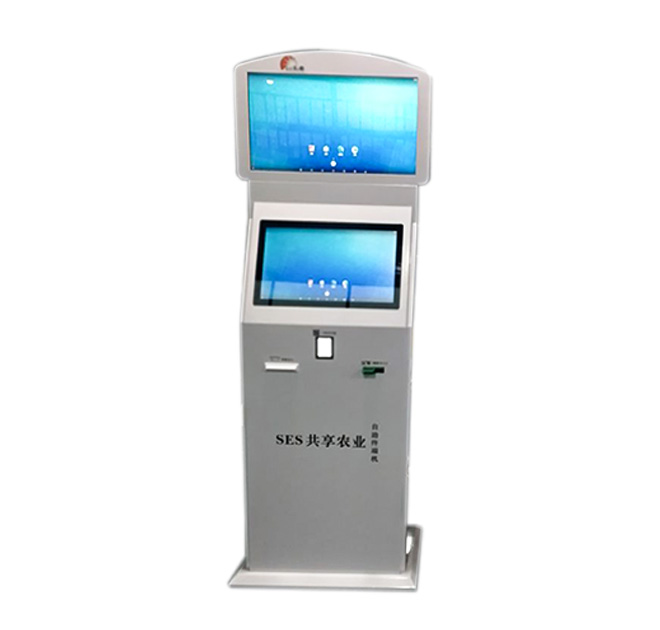
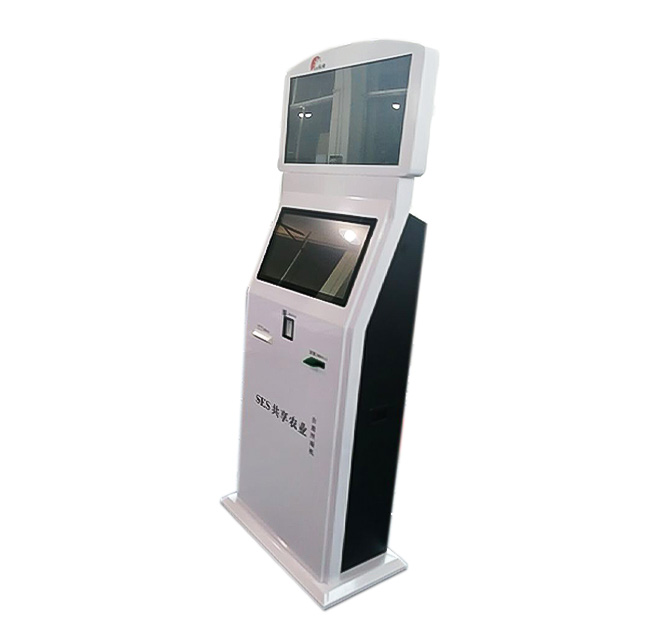
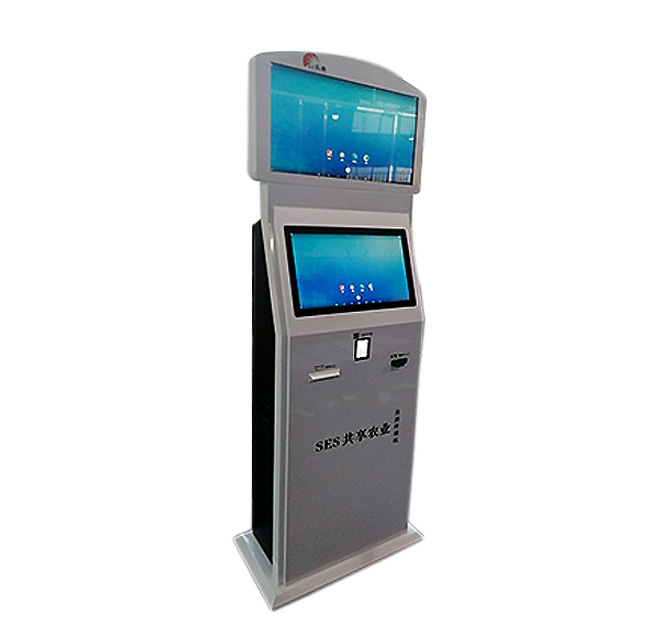
An agricultural information kiosk can provide a dedicated interface for approved crop data, operating guidance and farm-management applications. It may be placed in a farm office, processing facility, greenhouse support area, cooperative center or another protected location where workers need shared access to information. The terminal does not generate agronomic data by itself; it displays and interacts with the software and connected systems selected by the project owner.
This distinction matters for procurement. Sensors, weather services, irrigation controls and farm platforms vary widely. Buyers should first define the data source and the decisions users need to make, then specify the kiosk as a reliable access point for those workflows.
Prioritize Actionable Views Over Dense Dashboards
Farm users may need to review crop conditions, work instructions, alerts or equipment status. The interface should emphasize the small number of views needed at each location. Large controls, concise labels and clear status indicators can make the system easier to use when teams are moving between field and facility tasks.
An information kiosk can also present multilingual procedures or standardized training content for seasonal teams. Rather than placing every document on the home screen, the application can organize information by crop, zone, task or user role. The software provider should determine access permissions and whether users need to identify themselves before viewing or changing data.
Define IoT and Control Boundaries
Monitoring and control are not interchangeable. A dashboard may display sensor values without permitting equipment changes. If the kiosk is expected to issue irrigation, ventilation or other control commands, the project needs explicit authorization rules, confirmation steps and failure handling. Safety-critical controls should follow the responsible system provider’s standards and remain subject to human oversight.
Integration planning should cover network availability, application hosting, data refresh, offline behavior and cybersecurity. Remote agricultural locations may have inconsistent connectivity, so the buyer should state what the terminal must do during an interruption. These requirements influence the computing and network configuration and should be resolved before production.
Select a Suitable Installation Location
The title describes a smart-agriculture use case, but environmental exposure must still be confirmed. Buyers should provide temperature, humidity, dust, sunlight and cleaning conditions for the actual site. An indoor office installation differs from a semi-protected facility or field-edge location. No outdoor or ingress-protection rating should be assumed unless it appears in the final approved specification.
Power, mounting space, viewing height and service access also need review. Branding can identify the farm, cooperative, equipment provider or government program. For distributed projects, consistent enclosure design can be paired with localized applications and languages.
Plan a Pilot Around One Measurable Workflow
A useful pilot might focus on a single greenhouse dashboard, a crop-monitoring view or a set of work instructions. Testing one defined workflow helps the buyer assess screen readability, network reliability and employee adoption. It also reveals whether the selected location is convenient during normal operations.
Evaluation should include the people who will use and maintain the terminal. Operators can test whether alerts are understandable, supervisors can verify permissions, and technicians can confirm access for service. Their feedback may change the mounting position, menu order or network plan before the project is standardized across farms or facilities.
The final deployment guide should capture those decisions so seasonal employees and local contractors do not need to recreate the setup independently.
Send the intended application, data sources, user roles, installation conditions, required connectivity and quantity to ZXT LCD. The team can review the hardware and customization scope for an agricultural information kiosk and quote the confirmed configuration. Agricultural software providers, IoT integrators and project contractors can also discuss samples, packaging, documentation and staged deployment.