Inventory Questions Should Not Stop the Sales Floor
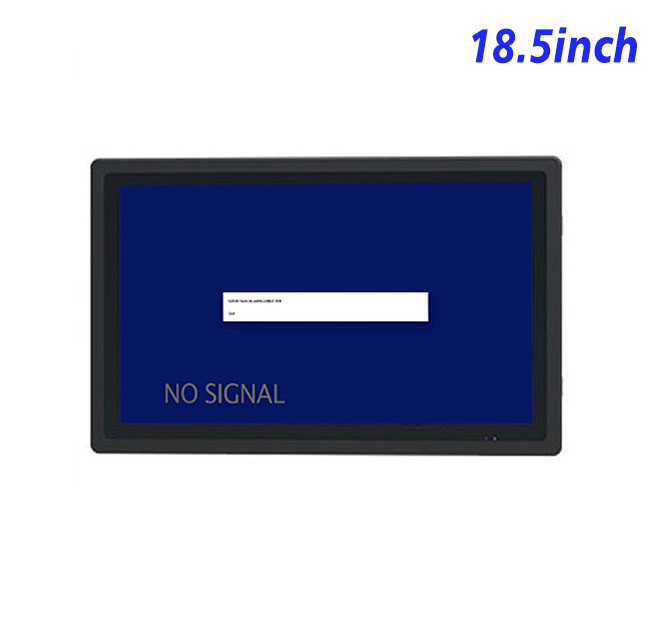
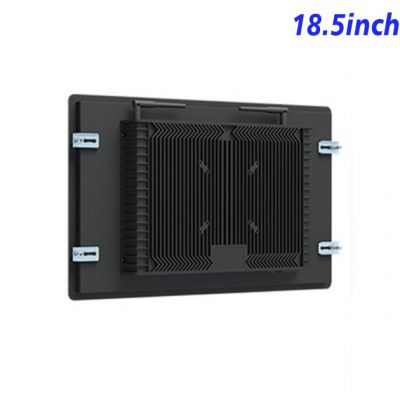
When a customer asks whether another size or color is available, staff should not need to leave the department and search a back-office computer. An information kiosk placed near the sales floor or stockroom entrance can display product availability, shelf locations, replenishment queues and approved substitution options. The 18.5-inch Full HD screen provides enough space for a search panel and detailed results without taking over the counter.
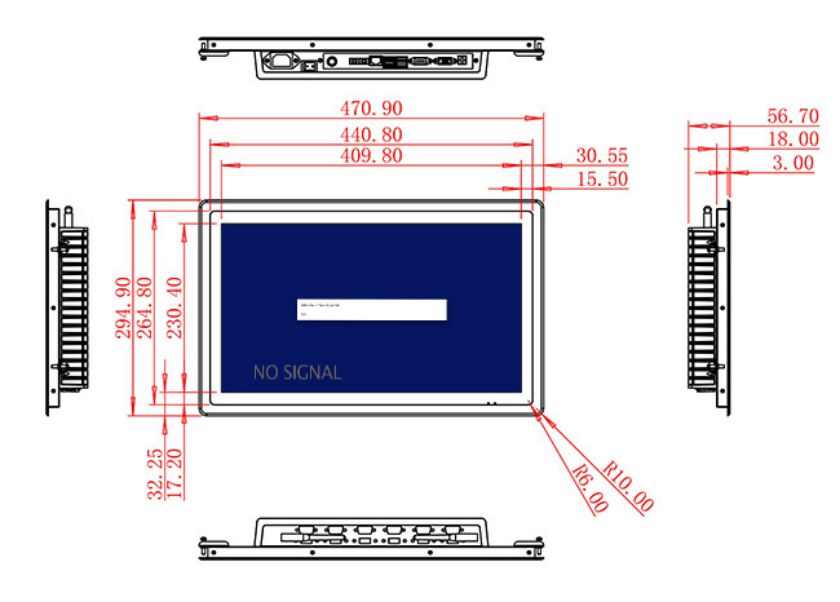
The display area measures 409.8 × 230.4 mm. Wide 89-degree viewing angles let two employees review the same result, while the 1200:1 contrast ratio supports clear indoor presentation. Brightness is listed at 250 cd/m², which suits controlled retail lighting and protected stockrooms. It is not intended for a sun-facing window or outdoor collection point.
Connect the Store Computer Already in Use
HDMI, VGA and DVI inputs allow the information kiosk monitor to receive output from current or legacy retail computers. This flexibility can help a chain upgrade display furniture while keeping a proven inventory application. A USB Type-B or requested USB interface is mentioned in the table, but a defined touch technology is not included and must be confirmed separately if interaction is required.
Optional external stereo audio uses two 5 W channels. Sound could support alerts or accessibility prompts, although a busy store should keep the visual workflow complete without relying on audio. Barcode scanners, printers and stock software are not included in the display specification.
| Specifications Document for 18.5-Inch External Embedded Industrial Display | ||||
| LCD Panel Parameters | Screen Size | 18.5 Inch | ||
| Display Area | 409.8 mm.(Height) X 230.4(Width)mm. | |||
| Aspect Ratio | 16 : 9 | |||
| LCD Type | a-Si TFT-LCD Monitor | |||
| Maximum Resolution | 1920 X 1080 | |||
| Display Color | 16.7m , 72% NTSC | |||
| Brightness | 250cd/m² | |||
| Contrast Ratio | 1200 : 1 | |||
| Viewing Angle (Up/Down/Left/Right) | 89°/89°/89°/89° (Type)(CR≥10) | |||
| Response Time | 14ms | |||
| LCD Panel Lifespan (Hours) | 60,000(Hour.) | |||
| Field Frequency | 60Hertz | |||
| Audio Parameters (External Speaker Option) |
Audio system | Stereo | ||
| Speaker size | ≈ 99 x 45 x 20 mm | |||
| Impedance | 8 Ohm | |||
| Power | 2 x 5 Watt | |||
| Loudness | > 80 Decibel | |||
| Interface | 4-pin connector | |||
| Onboard Interface | HDMI Input | 1 | ||
| VGA Input | 1 | |||
| DVI Input | 1 | |||
| USB Type B or any desired USB Type | 1 | |||
| Power | Power Supply | Alternating Current 100V~240V, 50/60Hz | ||
| Maximum Power Loss | ≤ 30 Watt | |||
| Standby Mode Power Loss | < 1 Watt | |||
| Features | Operating Temperature | 0℃ ~ 50℃ | ||
| Storage Temperature | Below 10℃ ~ +60℃ | |||
| Package Size | Device Dimensions | 470.9 X 294.9 X 56.7 mm | ||
| Net Weight | 6.5 Kilogram | |||
| Package Size | 55 X 38 X 17Centimeter | |||
| Gross Package Weight per Unit | 7 Kilogram | |||
Fit the Monitor into Daily Retail Operations
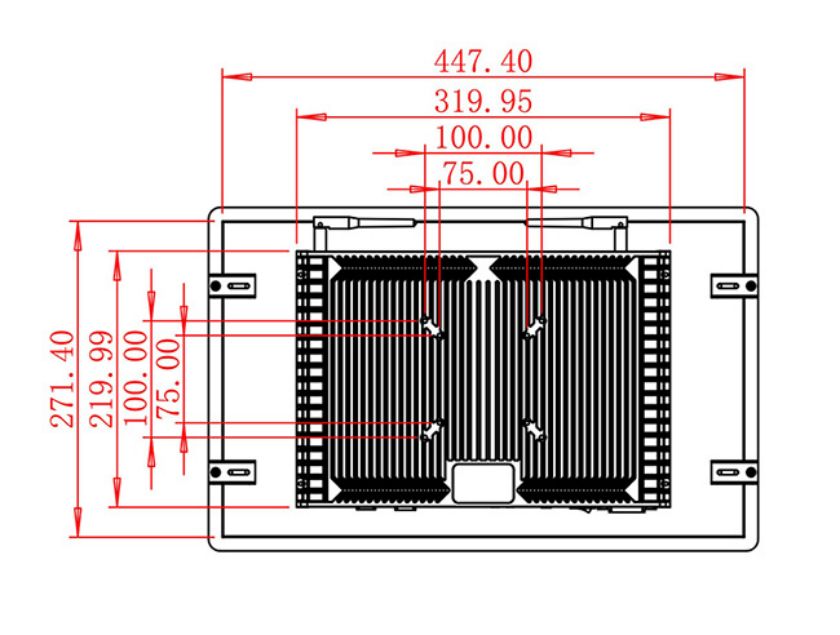
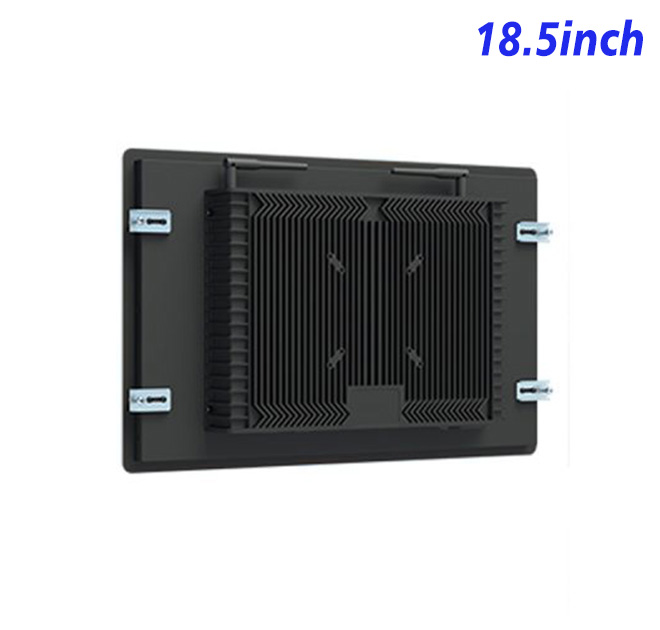
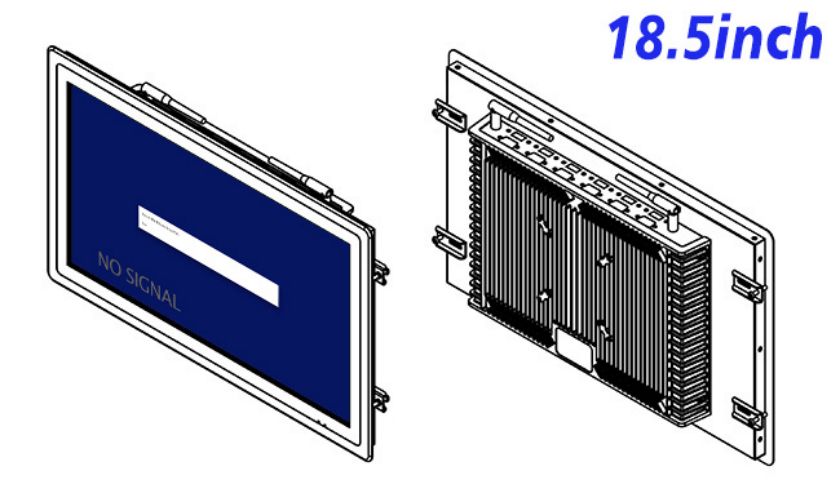
The unit measures 470.9 × 294.9 × 56.7 mm and weighs approximately 6.5 kg. A counter or wall fixture should conceal cables, keep the screen at a readable height and allow technicians to reach the inputs without removing unrelated furniture. Cleaning materials and any public-facing cover glass must be validated as part of the finished enclosure.
Power input is 100–240 V AC, maximum use is 30 W and standby consumption is below 1 W. The specified operating range is 0°C to 50°C. Retail sites that expose the unit to dust, spills or impact need suitable protection around the display.
A Consistent Hardware Reference for Store Networks
ZXTLCD can review the source signal, mounting drawing, requested USB arrangement and optional audio before a sample is prepared. Store staff can test real searches, text size and screen position during the pilot. Once approved, the information kiosk configuration gives purchasing and maintenance teams a consistent reference for additional branches and spare units.
Retail Inventory FAQ
The pilot should include the busiest product categories rather than a small demonstration database. Staff can then judge whether search results, shelf locations and substitution information are clear under real working pressure. It is also important to test what the screen shows when a product has no stock, a network request fails or an employee lacks permission to view detailed inventory. A useful information kiosk should explain the next available action instead of leaving an empty result page.
For store networks, the project team can define a common welcome screen and maintenance procedure while allowing each branch to use local departments and language. The terminal should return to a neutral page after inactivity and clear the previous search. These behaviors protect operational information and make the station ready for the next employee. They are controlled by the application but should be included in acceptance testing with the selected display.
Does the monitor include inventory software? No. The buyer supplies the external computer, database connection and compatible application.
Is touch included? A specific touch panel is not stated in the table. Touch technology and controller requirements must be confirmed separately.
Can the display face a storefront window? The 250 cd/m² brightness may be affected by strong daylight, so placement should be tested under actual store lighting.
—